Spritesheet Maker

Spritesheet Maker

ダウンロード: App Store
ロゴ: Spritesheet Maker

ドット絵・スプライトシートメーカー:インディー開発者向けピクセルアート&アニメーション

移動中でも、すぐに使える2DスプライトとGIFを作成。レトロゲームデザインの精度を追求するために作られた、驚くほど高速で、邪魔なものがなく、オフラインファーストなツール。

ダウンロード: App Store

開発元

devin sewell

カテゴリ

Graphics & Design

ダウンロード

100

ユーザー評価

1.0/5

評価数

0

対応言語

1

グリッドを実際に使う

このインターフェースを利用する 100 人のユーザー.

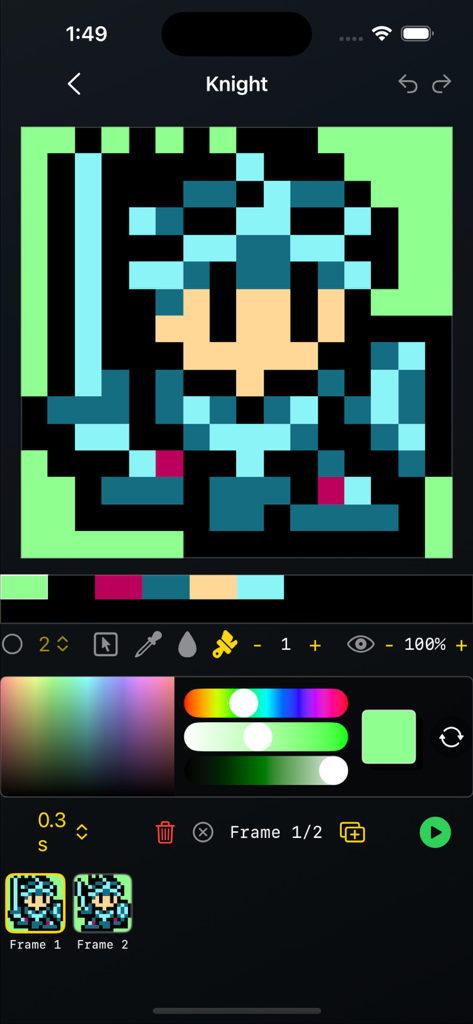
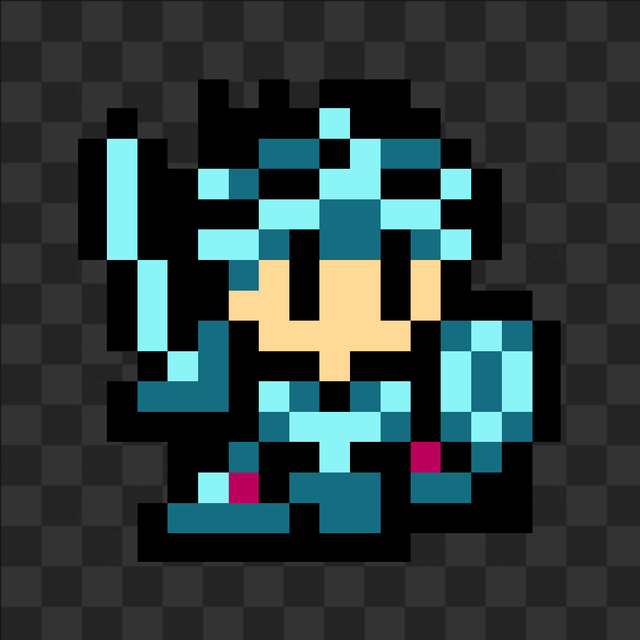
騎士キャラクターとアニメーションフレームを表示するピクセルアートエディタのインターフェース

騎士キャラクターとアニメーションフレームを表示するピクセルアートエディタのインターフェース

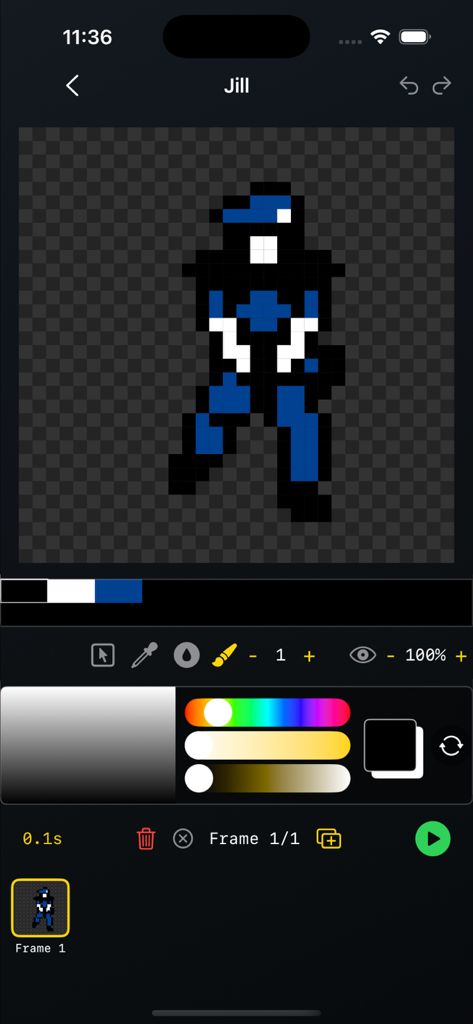
スプライトシートメーカーアプリのユーザーインターフェース。ピクセルアートのキャラクターとアニメーションフレームが表示されています。

スプライトシートメーカーアプリのユーザーインターフェース。ピクセルアートのキャラクターとアニメーションフレームが表示されています。

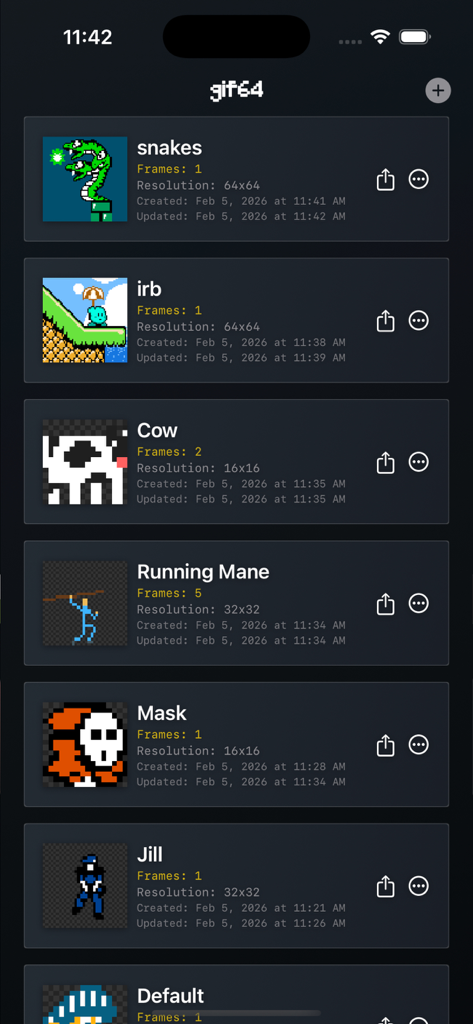
スプライトシートメーカーアプリのピクセルアートプロジェクトのギャラリービュー。解像度とフレーム数が表示された様々なスプライトが表示されています。

スプライトシートメーカーアプリのピクセルアートプロジェクトのギャラリービュー。解像度とフレーム数が表示された様々なスプライトが表示されています。

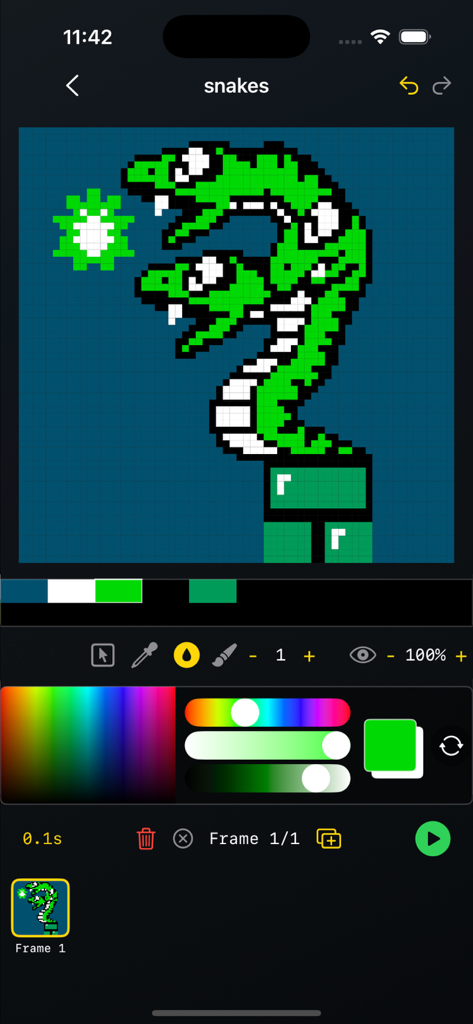
カラーパレットと編集ツールと共に、2つの頭を持つ緑色のヘビのピクセルアートの描画を表示する、スプライトシートメーカーアプリのモバイルインターフェース。

カラーパレットと編集ツールと共に、2つの頭を持つ緑色のヘビのピクセルアートの描画を表示する、スプライトシートメーカーアプリのモバイルインターフェース。

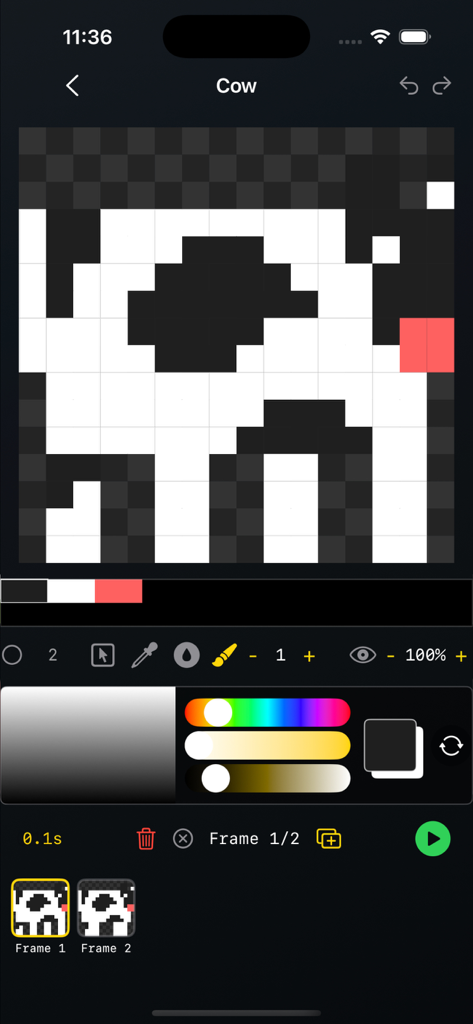
牛のスプライトとタイムラインが表示されたピクセルアートアニメーションエディタのインターフェース

牛のスプライトとタイムラインが表示されたピクセルアートアニメーションエディタのインターフェース

プロ品質のピクセル制作

このアプリを際立たせるツール、 100 人のユーザーが選択.

📦

すぐに使えるエクスポート

Godot、Unity、GameMakerのワークフローに最適化された、クリーンなPNGスプライトシートとアニメーションGIFを生成。

🧅

フレーム単位の精度

オニオンスキン、専用アニメーショントゥイン、ドラッグ&ドロップによるフレーム管理で、動きをマスターしましょう。

摩擦ゼロのワークフロー

アカウント不要、トラッキングなし、完全オフライン。移動中に素早くスケッチやアニメーション制作をしたい「通勤クリエイター」のために作られました。

アプリについて

について知っておくべきこと Spritesheet Maker.

説明

GIF64 — Pixel Art & Spritesheet Maker GIF64 is a lightning-fast, simple, and powerful tool for creating pixel art, 2D spritesheets, and animated GIFs. Design frame-by-frame animations on fixed-size canvases (8×8 to 64×64), perfect for retro games, game jams, indie dev, and classic pixel workflows — right on your phone or tablet. Choose a canvas size, draw with pixel-perfect tools, animate using onion skinning, rearrange frames with drag-and-drop, and export clean GIFs or PNG spritesheets. Works fully offline — no sign-in, no tracking, no analytics. Built for Pixel Artists & Game Developers GIF64 is designed around the core mechanics of pixel animation, not bloated features. It stays fast, precise, and predictable — ideal for low-resolution art, retro aesthetics, and production-ready assets. Whether you’re sketching an idea, animating a character, or exporting sprites for a game engine, GIF64 keeps the workflow tight and efficient. Features - Fixed canvas sizes: 8×8, 16×16, 32×32, 64×64 - Animation timeline with playback controls and per-frame duration - Drag & drop frame reordering - Onion skinning for smooth frame-to-frame animation - Import gif animations and edit Pixel tools: - Brush (size & opacity) - Bucket fill (opacity) - Select - Move - Eyedropper - Eraser (tap Brush to toggle) - Auto-generated color palette from your pixels - True pixel-perfect rendering (no smoothing, no interpolation) - GIF export with transparency - PNG spritesheet export for game engines and tools - Offline-first — no account, no cloud, no data collectionImport/Export- Import .gifs (up to 64x64 canvas size)- Export animated .gif- Export .png spritesheet Perfect For - Pixel art animation - Retro & low-res game assets - Indie game development - Game jams & rapid prototyping - Sprite sheets for Godot, Unity, GameMaker, Love2D, Pico-8-style workflows - Learning pixel art fundamentals “Constraints breed creativity.” GIF64 embraces that philosophy — small canvases, fast tools, zero distractions.

最新バージョン

1.6

サイズ

0.7 MB

リリース日

2025年11月4日

アイデアをゲームアセットに

サインアップやトラッキングなしで、邪魔されないワークフローを体験。いつでも、どこでも、Godot、Unity、その他のゲームエンジンで使えるピクセルパーフェクトなGIFとスプライトシートをエクスポート。

ダウンロード: App Store

App information, icons, screenshots, and descriptions displayed on this page are sourced from the Apple App Store and are the property of their respective developers. Download estimates and rankings are based on MWM's proprietary models and may not reflect actual figures. This page is provided for informational and analytical purposes only.

Believe this page infringes your intellectual property? File a dispute