Stream HTTP Sniffer

Stream HTTP Sniffer

ダウンロード: App Store
ロゴ: Stream HTTP Sniffer

Stream HTTP Sniffer: プロフェッショナルなネットワークデバッグとパケットキャプチャを外出先で

デスクトッププロキシはもう不要です。開発者およびQAエンジニアのために設計された究極のモバイルツールキットで、デバイス上で直接HTTP/HTTPSトラフィックを検査、書き換え、スクリプト化できます。

開発元

Xiamen Yidong Network Technology Company Limited

カテゴリ

Developer Tools

ダウンロード

36K+

ユーザー評価

1.7/5

評価数

0

対応言語

1

完全なネットワーク可視性

このインターフェースを利用する 36K+ 人のユーザー.

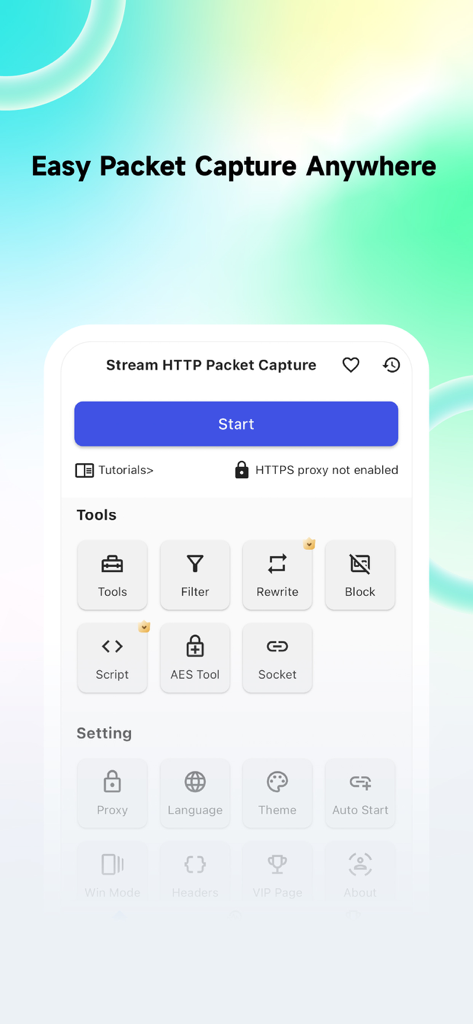
Stream HTTP Snifferアプリのメインインターフェース。ネットワークデバッグツールとパケットキャプチャオプションが表示されています。

Stream HTTP Snifferアプリのメインインターフェース。ネットワークデバッグツールとパケットキャプチャオプションが表示されています。

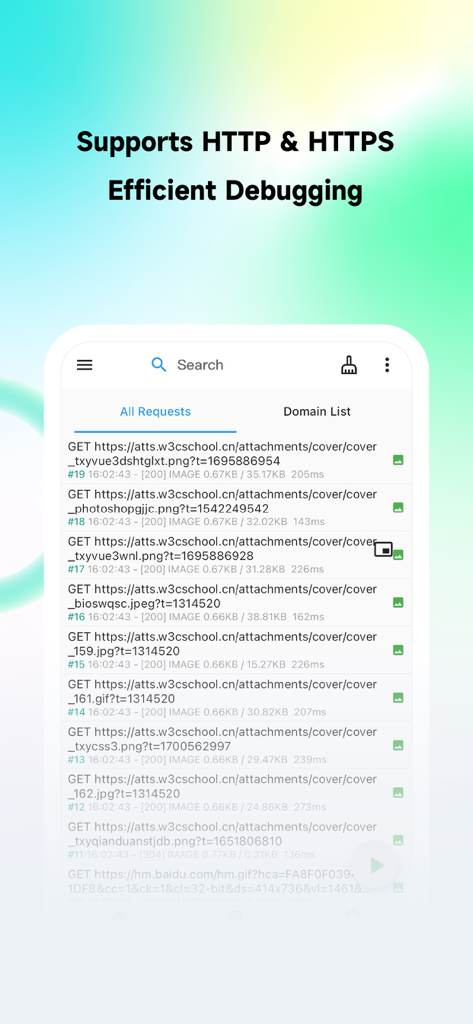
Stream HTTP Snifferのインターフェース。モバイルデバイス上の傍受されたHTTPおよびHTTPSネットワークリクエストのリストが表示されています。

Stream HTTP Snifferのインターフェース。モバイルデバイス上の傍受されたHTTPおよびHTTPSネットワークリクエストのリストが表示されています。

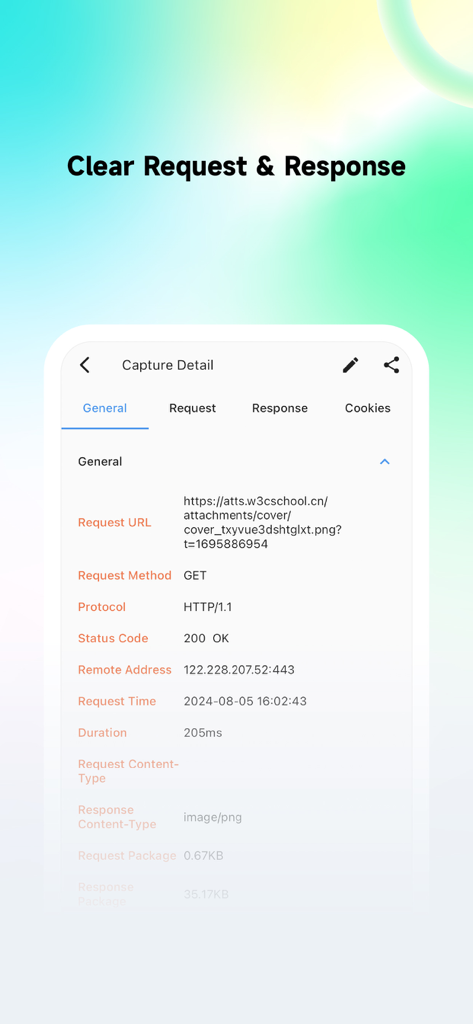
Stream HTTP Snifferモバイルアプリのインターフェース。URL、メソッド、ステータスコードを含む詳細なネットワークリクエスト情報が表示されています。

Stream HTTP Snifferモバイルアプリのインターフェース。URL、メソッド、ステータスコードを含む詳細なネットワークリクエスト情報が表示されています。

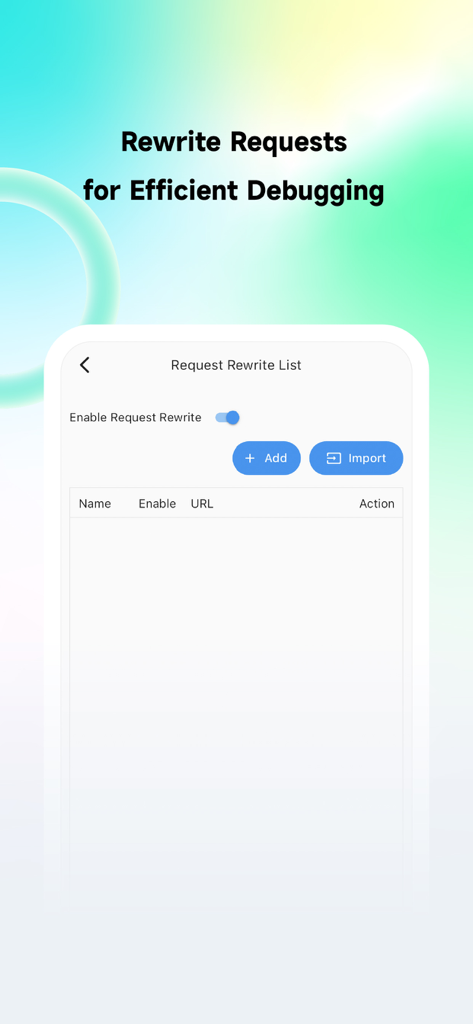
Stream HTTP Snifferのリクエスト書き換えリスト機能が表示されているインターフェース。

Stream HTTP Snifferのリクエスト書き換えリスト機能が表示されているインターフェース。

Stream HTTP Snifferアプリのドメインフィルタリング画面。ホワイトリストとブラックリストのオプションが表示されています。

Stream HTTP Snifferアプリのドメインフィルタリング画面。ホワイトリストとブラックリストのオプションが表示されています。

プロフェッショナルなネットワークデバッグを、分離して

このアプリを際立たせるツール、 36K+ 人のユーザーが選択.

📱

オンデバイスのトラフィック検査

コンピュータ上のCharles ProxyやFiddlerなしで、5Gや公衆Wi-Fiでも、どこでもライブHTTP/HTTPSパケットを分析できます。

🛠️

動的なリクエスト書き換え

JavaScriptまたは正規表現を使用して、サーバー障害をシミュレートしたり、ペイロードをリアルタイムで変更したりして、APIレスポンスをモックし、エッジケースをその場でテストできます。

🎯

正確なドメインフィルタリング

必要なトラフィックのみをターゲットにすることで、システムノイズを排除し、デバッグセッションが集中して効率的であることを保証します。

アプリについて

について知っておくべきこと Stream HTTP Sniffer.

説明

Stream HTTP Packet Capture Tool is a mobile HTTP/HTTPS packet capture and network debugging tool. It is used for local packet capture on the client side, intended solely for local network debugging by QA and development teams. You can capture and view all HTTP/HTTPS requests and responses on your device without connecting to a computer, making it easy to debug application network issues. 1. Capture HTTP & HTTPS requests, with HTTPS requests requiring the configuration of a CA certificate. 2. Access capture history to preview request bodies and response bodies, currently supporting text, JSON, files, and forms. 3. Domain Filtering: Intercept only the traffic you need, avoiding interference with other applications. 4. Request Rewriting: Supports redirection and replacement of request or response messages, and modifications based on regular expressions. 5. Request Blocking: Block requests based on URLs to prevent them from being sent to the server. 6. Scripting: Write JavaScript scripts to handle requests or responses. 7. Search: Search requests based on keywords, response types, and various conditions. Before you start using the tool, please read the following: 1. The target audience for Stream HTTP Packet Capture Tool includes front-end developers, client developers, back-end developers, DevOps engineers, QA engineers, and general users with some network analysis skills. 2. The sole purpose of Stream HTTP Packet Capture Tool is network debugging, and it has no other intended purposes. Additionally, enabling Stream requires your authorization for VPN permissions. 3. Stream HTTP Packet Capture Tool does not upload any user data. Please use it with confidence, and we hope our trusted users will share it with industry professionals. If you do not agree with the above purposes, lack network analysis skills, or inherently distrust third-party apps with sensitive data, we recommend you carefully consider before downloading.

最新バージョン

1.9.0

サイズ

43.1 MB

リリース日

2024年4月23日

テザリングをやめて、スニッフィングを開始しましょう。

36,000人以上のエンジニアが外出先でデバッグに参加しています。Streamをダウンロードして、コンピュータなしでデバイス上で直接HTTP/HTTPSトラフィックをキャプチャ、検査、書き換えましょう。

ダウンロード: App Store

App information, icons, screenshots, and descriptions displayed on this page are sourced from the Apple App Store and are the property of their respective developers. Download estimates and rankings are based on MWM's proprietary models and may not reflect actual figures. This page is provided for informational and analytical purposes only.

Believe this page infringes your intellectual property? File a dispute