Summary: AI Meeting Note Taker

Summary: AI Meeting Note Taker

ダウンロード: App Store
ロゴ: Summary: AI Meeting Note Taker

Summary: AI議事録作成ツール — 会議に集中、メモに追われるな

AI を活用して、100万人以上のプロフェッショナルに加わり、リアルタイムで会話を記録、文字起こし、要約しましょう。ワンタップで、あらゆる議論を実用的なインサイトに変えられます。

開発元

Labhouse Mobile SL

カテゴリ

Productivity

ダウンロード

1M+

ユーザー評価

4.7/5

評価数

53K+

対応言語

1

あなたのワークスペースを再考する

このインターフェースを利用する 1M+ 人のユーザー.

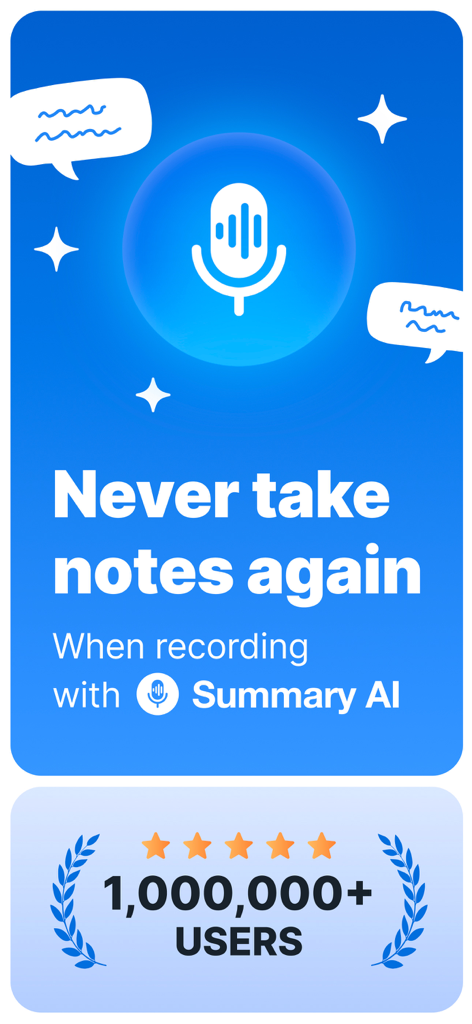
「もうメモを取らない」というテキストと100万ユーザー達成マイルストーンをフィーチャーしたSummary AIアプリのプロモーションバナー。

「もうメモを取らない」というテキストと100万ユーザー達成マイルストーンをフィーチャーしたSummary AIアプリのプロモーションバナー。

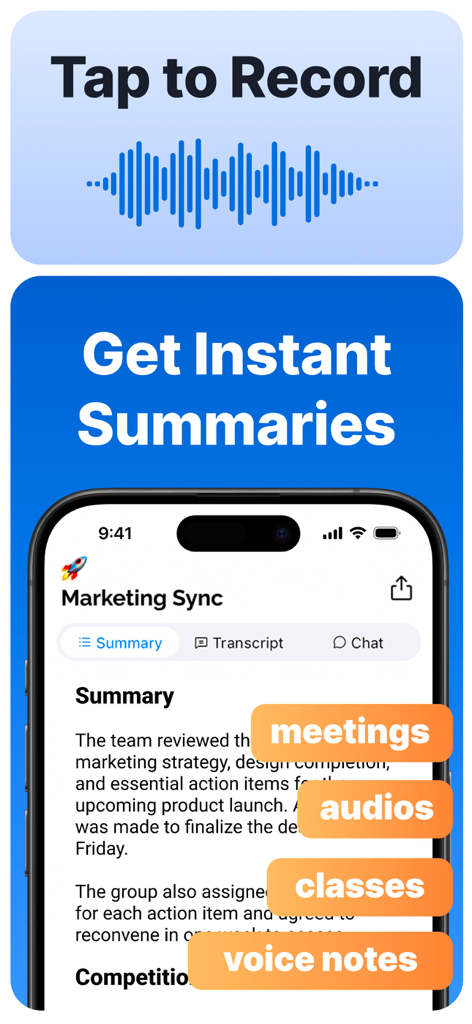
Summary AIアプリのインターフェースに、録画された会議やクラスの即時要約が表示されている様子。

Summary AIアプリのインターフェースに、録画された会議やクラスの即時要約が表示されている様子。

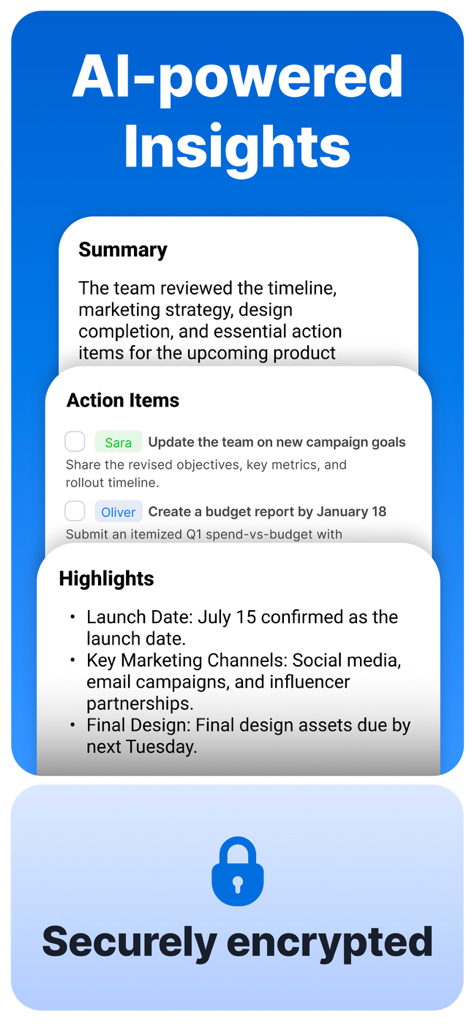
AI生成の会議要約、アクションアイテム、安全な暗号化を表示するインターフェース

AI生成の会議要約、アクションアイテム、安全な暗号化を表示するインターフェース

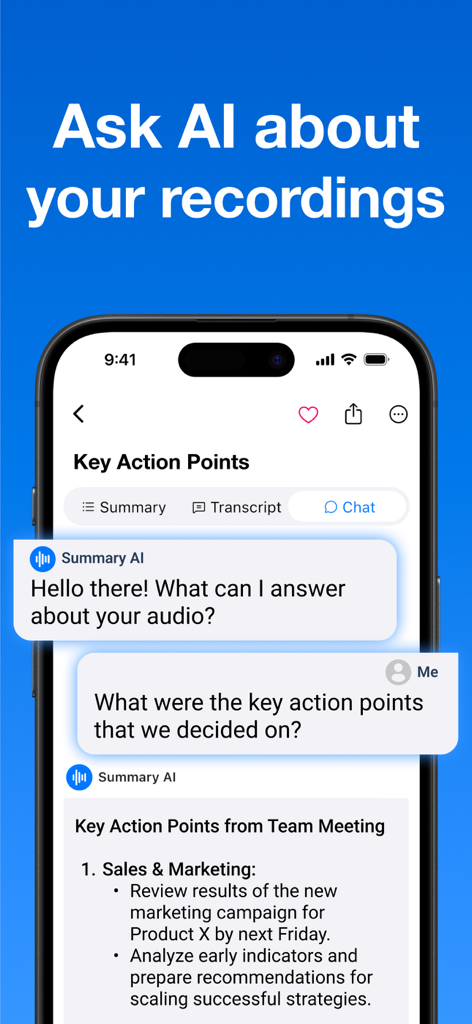
SummaryアプリのAIチャットインターフェースに、ユーザーが録画されたチーム会議の主要なアクションポイントを求めている様子が表示されている。

SummaryアプリのAIチャットインターフェースに、ユーザーが録画されたチーム会議の主要なアクションポイントを求めている様子が表示されている。

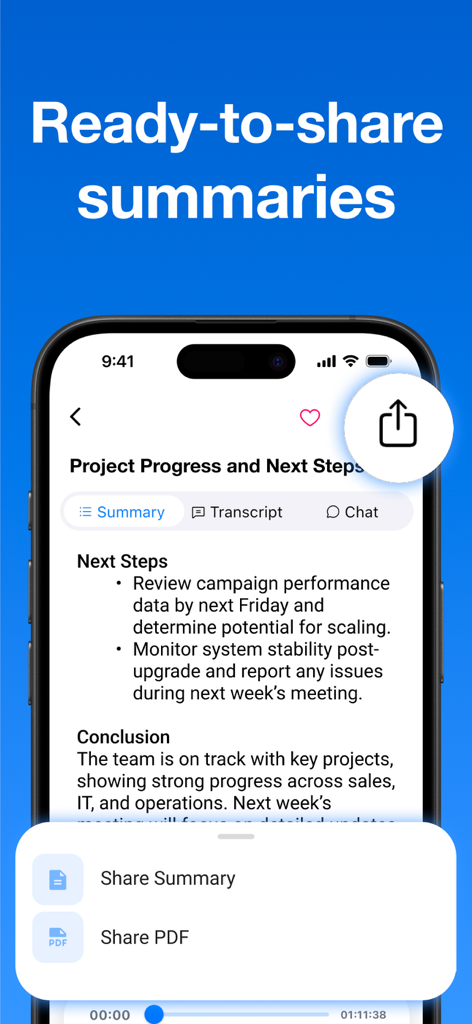
アクションアイテムと共有オプションを備えたAI生成会議要約を表示するスマートフォンの画面。

アクションアイテムと共有オプションを備えたAI生成会議要約を表示するスマートフォンの画面。

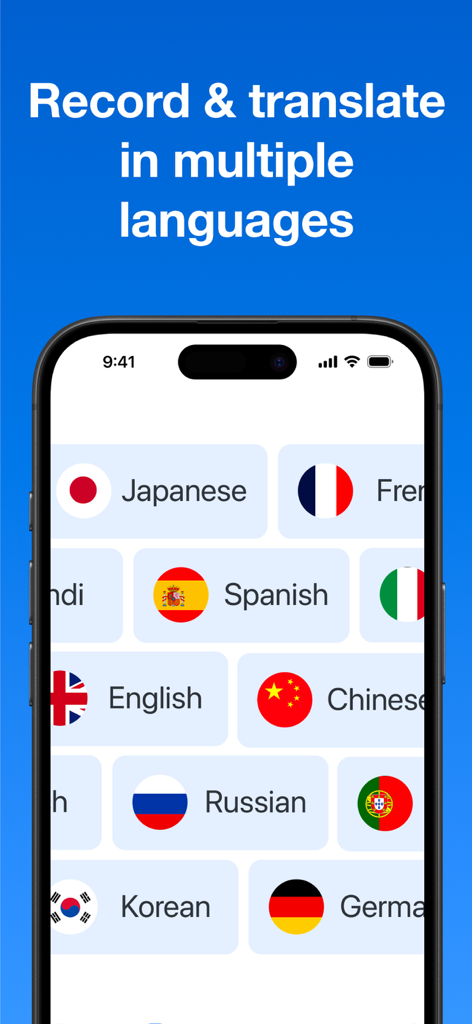
英語、スペイン語、中国語など、複数の言語の録音および翻訳オプションを表示するSummary AIアプリのインターフェース

英語、スペイン語、中国語など、複数の言語の録音および翻訳オプションを表示するSummary AIアプリのインターフェース

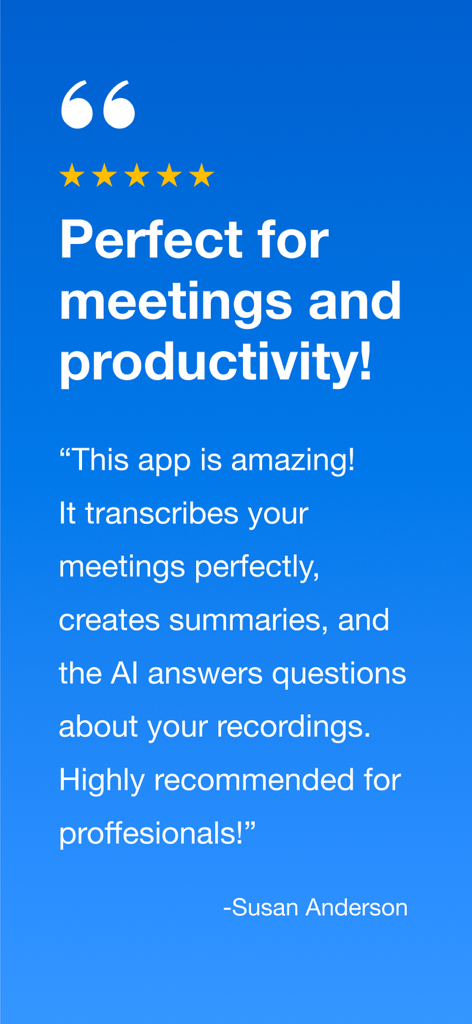
Susan Andersonからの、Summary AIの会議文字起こしと要約を称賛する5つ星評価のユーザーレビュー。

Susan Andersonからの、Summary AIの会議文字起こしと要約を称賛する5つ星評価のユーザーレビュー。

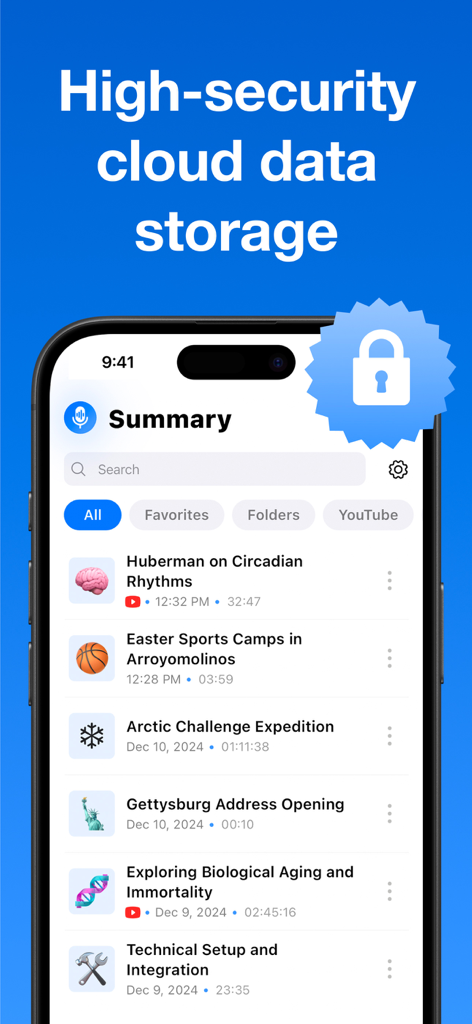
記録されたノートのリストと安全なクラウドデータストレージを表す大きなセキュリティロックアイコンが表示されたSummary AIアプリのインターフェースを示すiPhone。

記録されたノートのリストと安全なクラウドデータストレージを表す大きなセキュリティロックアイコンが表示されたSummary AIアプリのインターフェースを示すiPhone。

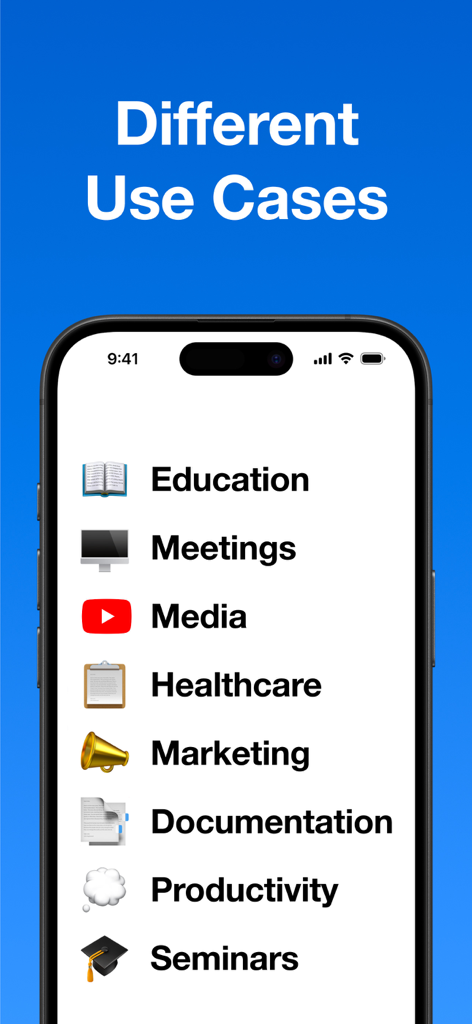
教育、会議、マーケティングなど、Summary AIアプリのさまざまなユースケースのリスト

教育、会議、マーケティングなど、Summary AIアプリのさまざまなユースケースのリスト

会話に集中、メモに追われるな

このアプリを際立たせるツール、 1M+ 人のユーザーが選択.

AIによる即時要約

セッションごとに自動抽出された箇条書きの主要ポイントと明確なアクションアイテムで、全体像を把握し、すぐにフォローアップできます。

📱

シームレスなバックグラウンド録音

ワンタップで、画面がロックされていても、他のアプリを使用していても、すべての言葉をキャプチャできます。目立たず、邪魔にならない体験を保証します。

💬

会議とチャット

再生はスキップ。内蔵AIに「次のステップは何でしたか?」のような具体的な質問をして、必要な情報を数秒で見つけましょう。

アプリについて

について知っておくべきこと Summary: AI Meeting Note Taker.

説明

Summary AI makes meetings more productive by automatically recording, transcribing, and summarizing conversations. Whether it’s a business meeting, interview, classroom lecture, or podcast, Summary AI captures everything clearly so you can stay present and focus. With one tap, the app records audio, generates accurate transcripts with speaker labels, and creates easy-to-read summaries. You can even ask questions like, “What were the key action items from the marketing strategy session?” and get instant answers, thanks to built-in AI. Why Use Summary AI? Take and share professional meeting notes effortlessly Record and transcribe interviews, lectures, webinars, and podcasts Generate captions for people with hearing impairments or quiet audio environments Who Uses Summary AI? Professionals: Capture meeting notes, action items, and client discussions Students: Record and review lectures, study groups, and seminars Journalists & Researchers: Transcribe interviews with precision Everyone: From voice memos to webinars, it handles it all Key Features One-Tap Recording Start recording instantly and stay focused. Summary AI takes care of the rest. Unlimited Recording Time Record as much as you need, no time limits, no interruptions. Records in the Background or with Screen Locked Keep recording while your phone is locked or you're using other apps. Perfect for discreet, uninterrupted sessions. Accurate Transcription with Speaker Labels Transcripts that make sense, clearly labeled, searchable, and easy to review. AI-Powered Summaries & Key Points Don’t just get a transcript, get the big picture with bullet-pointed summaries. Smart Search & Timestamp Jumping Type a keyword, jump straight to that moment in the recording. Ask Questions About the Conversation Get instant answers from the AI like “Who was assigned the budget review?” Automatic Punctuation, Capitalization & Line Breaks Clean, easy-to-read transcripts without any manual formatting. Boost Your Productivity Save time reviewing meetings, just skim the summary Stay present in conversations, not distracted by note-taking Export notes to PDF, share with teams, or save for personal reference Never lose a detail, everything is searchable Your recordings and notes are private, always. Summary AI prioritizes security, and your data is never shared with third parties. Privacy Policy: https://summaryai.app/privacy Terms of Use: https://summaryai.app/terms

最新バージョン

2.9.4

サイズ

198.2 MB

リリース日

2024年12月19日

書き留めるのをやめ、リードしよう

Summary AI を利用して、その瞬間に集中しながらすべての詳細を捉えている100万人以上のプロフェッショナルに加わろう。

ダウンロード: App Store
FAQ

よくある質問

について知っておくべきこと Summary: AI Meeting Note Taker

Summary AIとは何ですか?

Summary AIは、会話を自動的に記録、文字起こし、要約するアプリケーションです。会議、講義、インタビューの正確な文字起こし(話者ラベル付き)とAIによる要約を提供します。

Summary AIはバックグラウンドで会話を録音できますか?

はい、Summary AIは電話がロックされているときや、他のアプリケーションが使用されているときでも録音します。これにより、中断のない連続的かつ目立たない録音セッションが保証されます。

Summary AIには録音時間に制限がありますか?

いいえ、Summary AIは無制限の録音時間を提供します。ユーザーは時間制限や中断なしに、任意の長さで録音できます。

Summary AIで録音内容について質問できますか?

はい、Summary AIには、ユーザーが録音された会話について直接質問できる組み込みAIが搭載されています。これにより、重要なアクションアイテムなどのインスタントで関連性の高い回答が得られます。

Summary AIで私のデータは安全ですか?

はい、Summary AIはセキュリティを最優先します。すべての録音とメモはプライベートに保たれ、第三者と共有されることはありません。また、高セキュリティのクラウドデータストレージも使用しています。

Summary AIは話者識別付きの正確な文字起こしを提供しますか?

はい、Summary AIは話者ラベルを含む正確な文字起こしを生成します。これにより、文字起こしは明確で検索可能になり、包括的な理解のためにレビューしやすくなります。

Summary AIの要約はエクスポートできますか?

はい、Summary AIでは、メモや要約をエクスポートできます。チームと共有したり、個人の参照用に保存したりでき、PDF形式でのエクスポートも含まれます。

Summary AIはどのような種類の会話を録音・要約できますか?

Summary AIは、ビジネス会議、インタビュー、教室の講義、ポッドキャスト、ウェビナー、ボイスメモなど、さまざまな種類の会話に対応します。

Summary AIは録音の翻訳サービスを提供していますか?

はい、Summary AIは複数の言語での録音と翻訳をサポートしています。この機能は、ユーザーがさまざまな言語的文脈のコンテンツを理解するのに役立ちます。

App information, icons, screenshots, and descriptions displayed on this page are sourced from the Apple App Store and are the property of their respective developers. Download estimates and rankings are based on MWM's proprietary models and may not reflect actual figures. This page is provided for informational and analytical purposes only.

Believe this page infringes your intellectual property? File a dispute