Tape Measure・Ruler & Level

Tape Measure・Ruler & Level

ダウンロード: App Store
ロゴ: Tape Measure・Ruler & Level

Tape Measure・Ruler & Level:ポケットにプロの精度を

iPhoneを高精度のマルチツールに変えましょう。高度なARとLiDARテクノロジーを使用して、距離を測定し、フロアプランを作成し、表面を瞬時に整列させます。

ダウンロード: App Store

開発元

Approsta LTD

カテゴリ

Utilities

ダウンロード

900

ユーザー評価

4.6/5

評価数

200

対応言語

1

一目でわかる精度

このインターフェースを利用する 900 人のユーザー.

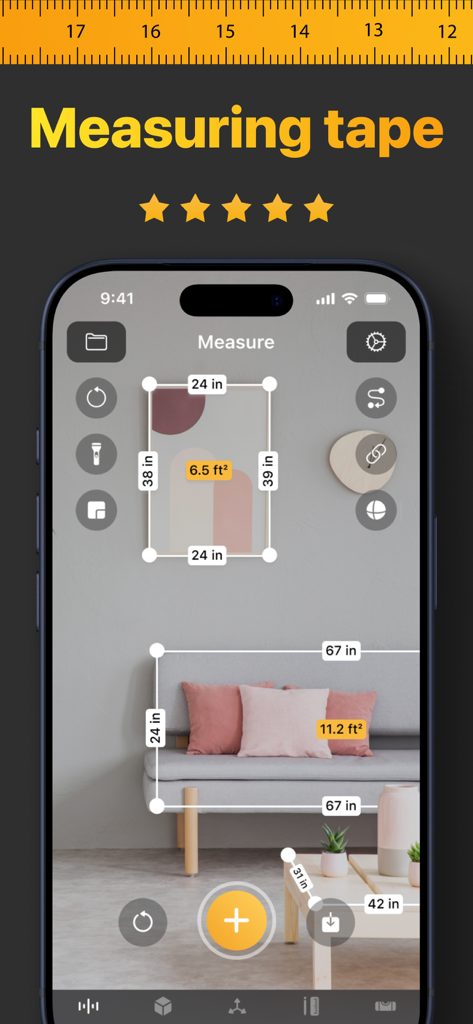
家具や壁のアートの拡張現実測定を示すiPhoneアプリ

家具や壁のアートの拡張現実測定を示すiPhoneアプリ

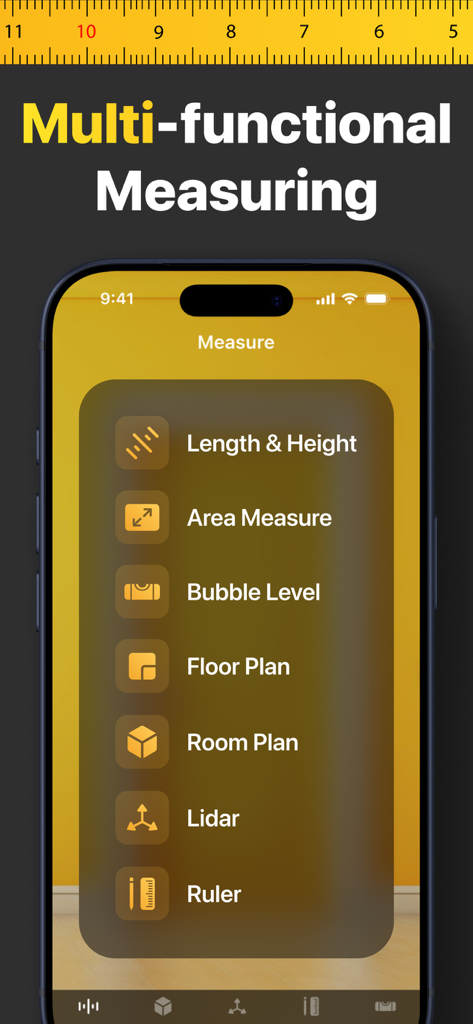
iPhone上のTape Measureアプリのメインメニュー。長さ、面積、フロアプラン、水準器のツールが表示されます。

iPhone上のTape Measureアプリのメインメニュー。長さ、面積、フロアプラン、水準器のツールが表示されます。

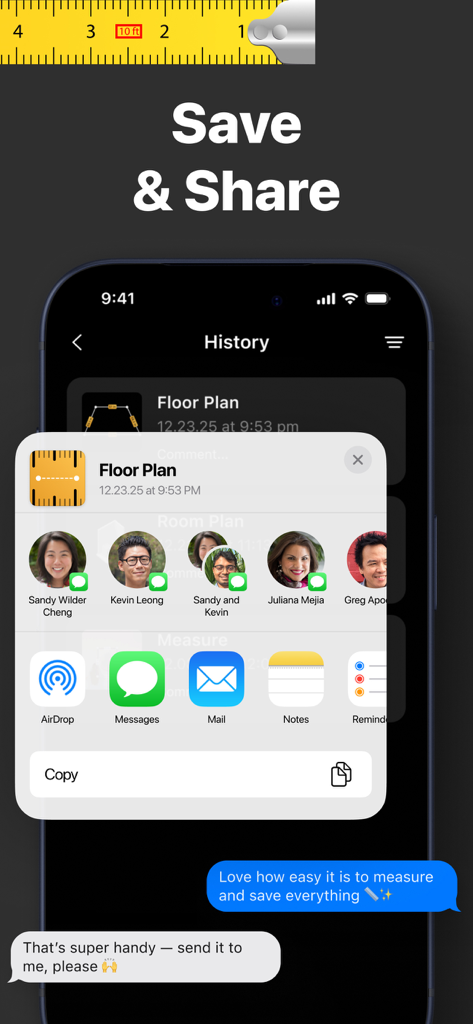
保存されたフロアプランと測定値を連絡先に送信するための共有メニューを表示するスマートフォン。

保存されたフロアプランと測定値を連絡先に送信するための共有メニューを表示するスマートフォン。

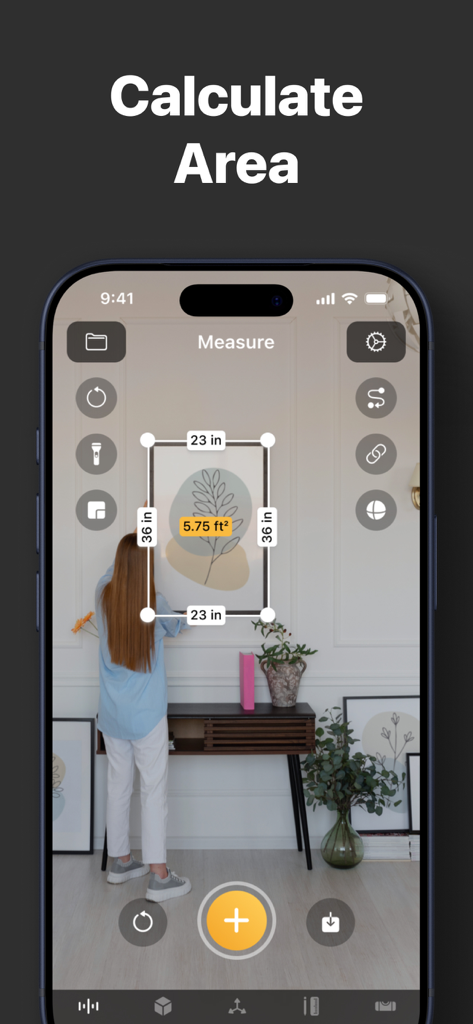
Tape MeasureアプリのAR面積計算機能を示すiPhone画面

Tape MeasureアプリのAR面積計算機能を示すiPhone画面

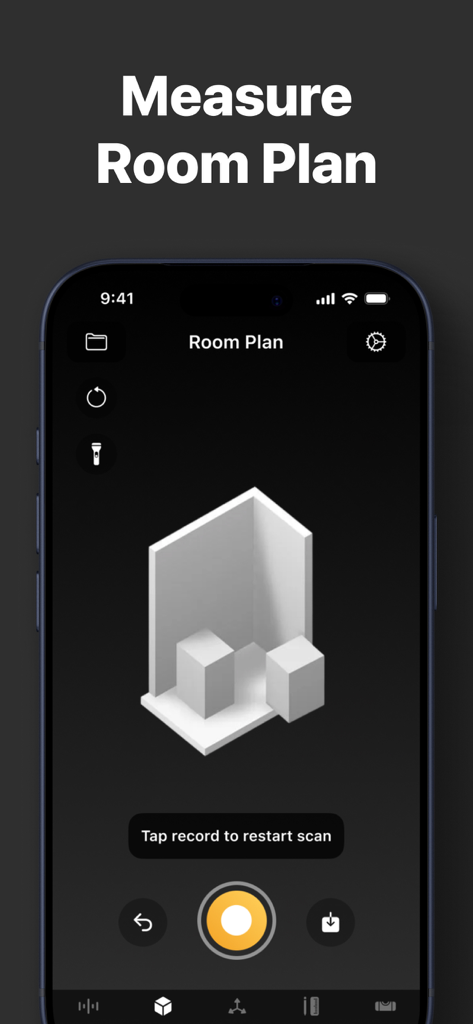
3D部屋のフロアプラン測定機能を表示するモバイルアプリのインターフェイス

3D部屋のフロアプラン測定機能を表示するモバイルアプリのインターフェイス

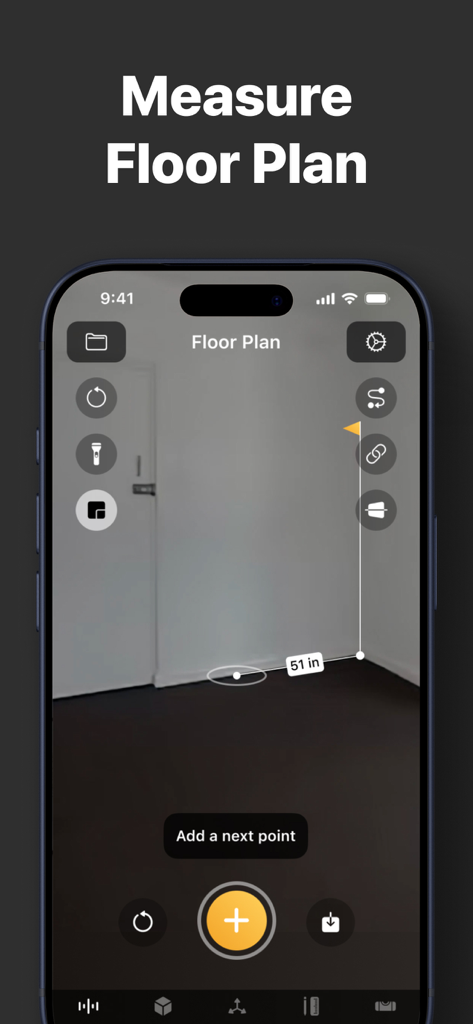
拡張現実技術を使用したフロアプラン測定を表示するiPhone画面

拡張現実技術を使用したフロアプラン測定を表示するiPhone画面

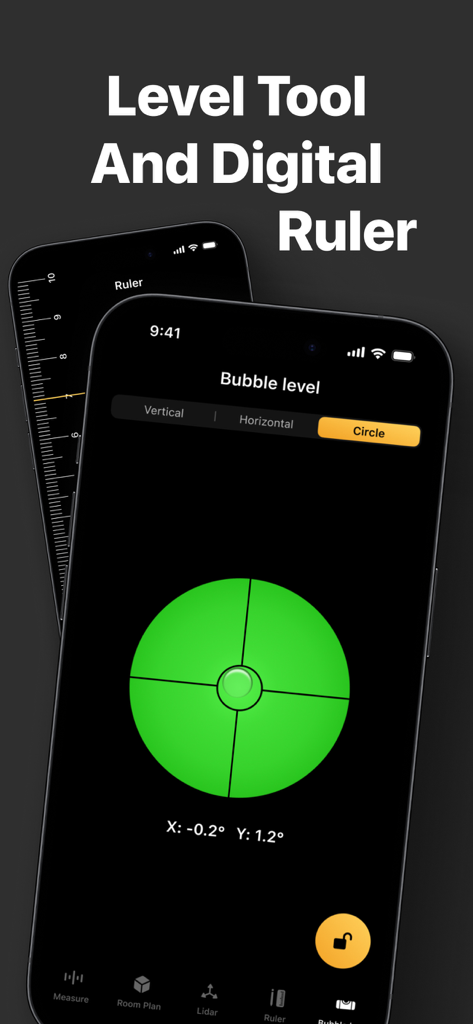
Tape Measureアプリのデジタル水準器ツールと垂直定規インターフェイスを表示するiPhone

Tape Measureアプリのデジタル水準器ツールと垂直定規インターフェイスを表示するiPhone

プロ仕様の測定ツールキットを再考

このアプリを際立たせるツール、 900 人のユーザーが選択.

📏

ARによる高精度測定

ポイントしてタップするだけで、長さ、高さ、距離を瞬時に測定できます。かさばるメジャーテープをプログレードのAR精度に置き換えましょう。

📐

瞬時のフロアプラン作成

部屋全体をマッピングし、平方フィートを数秒で計算します。改築、家具の配置、不動産のウォークスルーの計画に最適です。

⚖️

デジタル水準器

すべての棚がまっすぐで、すべてのフレームが完璧であることを確認します。統合された水準器を使用して、水平および垂直の両方の表面で完璧な整列を実現します。

アプリについて

について知っておくべきこと Tape Measure・Ruler & Level.

説明

Turn your iPhone into a powerful multi-tool measuring kit. Forget about bulky physical tape measures or spirit levels—now you have everything you need right in your pocket. Using advanced Augmented Reality (AR) and LiDAR technology, this app allows you to measure distances, heights, and areas with professional accuracy. Whether you are an architect, a contractor, a DIY enthusiast, or just need to measure a room for new furniture, our tool is designed for you. KEY FEATURES: ◉ AR Tape Measure & Ruler Measure linear sizes in cm, m, mm, inches, or feet. Simply point your camera and tap to measure length, width, and height of any object in the real world. ◉ Distance & Height Tool Instantly measure the distance from your device’s camera to a specific point. Easily determine the height of walls, doors, or people. ◉ Area & Floor Plan Need to calculate square footage? Select the corners of a room or surface to instantly get the area measurement. Perfect for flooring, painting, and construction estimates. ◉ Bubble Level Tool Ensure your paintings hang straight and your shelves are perfectly aligned. Our precise digital level works on both vertical and horizontal surfaces. ◉ LiDAR Scanner Support Utilize the power of the LiDAR sensor (on supported devices) for faster, more accurate scanning and room mapping. ◉ Save & Share Save your measurements and floor plans directly in the app. Share them with clients or family members in a few taps. WHY CHOOSE US? - User-friendly interface: clean and intuitive. - High precision: powered by Apple’s latest ARKit. - All-in-one utility: Ruler, Tape Measure, Level, and Plan Maker. SUBSCRIPTION INFORMATION: Subscribe to get unlimited access to all Pro features, including Area Tool, Floor Plan export, and Ad-free experience. - Payment will be charged to your iTunes Account at confirmation of purchase. - Subscription automatically renews unless auto-renew is turned off at least 24-hours before the end of the current period. - You can manage your subscriptions and turn off auto-renewal by going to your Account Settings after purchase. Terms of Use: https://measureapp.biz/Terms.html Privacy Policy: https://measureapp.biz/Privacy-Policy.html

最新バージョン

6.3

サイズ

56.5 MB

リリース日

2024年2月20日

プロの精度で測定する準備はできましたか?

かさばるツールを捨て、究極のiPhone ARキットを選んだ何千人ものDIY愛好家やプロフェッショナルに加わりましょう。正確で、持ち運び可能で、あらゆるプロジェクトに対応します。

ダウンロード: App Store

App information, icons, screenshots, and descriptions displayed on this page are sourced from the Apple App Store and are the property of their respective developers. Download estimates and rankings are based on MWM's proprietary models and may not reflect actual figures. This page is provided for informational and analytical purposes only.

Believe this page infringes your intellectual property? File a dispute