Tarbo PDF Creator

Tarbo PDF Creator

ダウンロード: App Store
ロゴ: Tarbo PDF Creator

Tarbo PDF Creator: あなたのプロフェッショナルモバイルドキュメントスタジオ

画像を高画質のPDFに簡単にスキャン、結合、変換できます。シームレスでペーパーレスなワークフローを求める学生やプロフェッショナルにとって究極の生産性向上ツールです。

開発元

MINER (HK) CO., LIMITED

カテゴリ

Reference

ダウンロード

131K+

ユーザー評価

4.4/5

評価数

0

対応言語

1

生産性を可視化

このインターフェースを利用する 131K+ 人のユーザー.

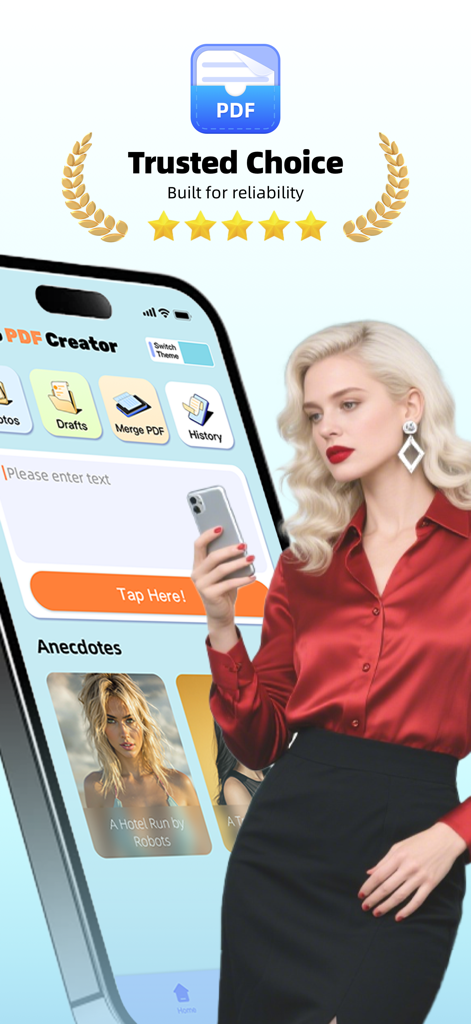
信頼できる選択の証とプロフェッショナルな女性を特徴とする、スマートフォンのTarbo PDF Creatorアプリインターフェース。

信頼できる選択の証とプロフェッショナルな女性を特徴とする、スマートフォンのTarbo PDF Creatorアプリインターフェース。

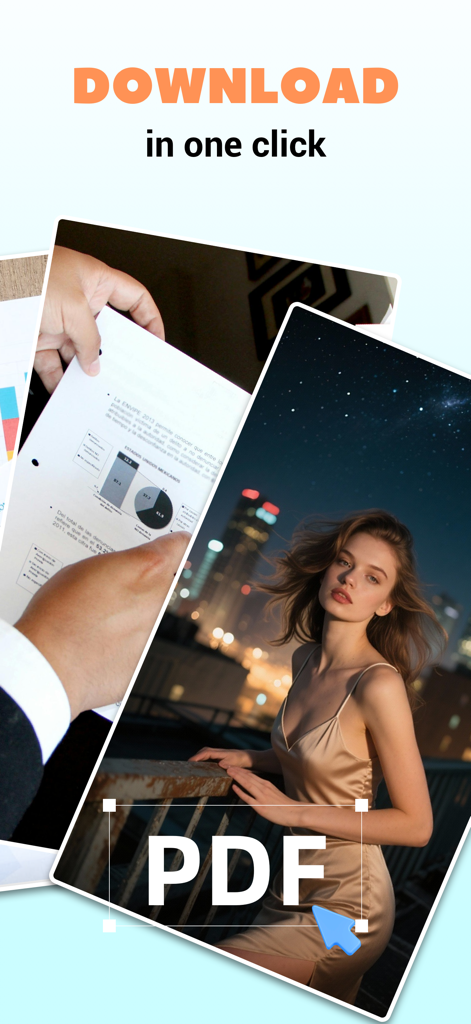
Tarbo PDF Creatorインターフェースに、瞬時のPDF生成のための写真選択が表示されています。

Tarbo PDF Creatorインターフェースに、瞬時のPDF生成のための写真選択が表示されています。

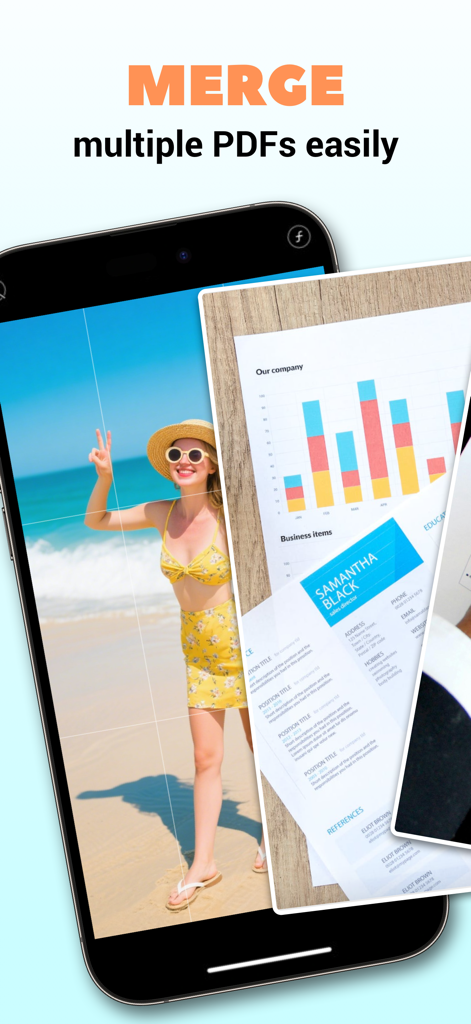
Tarbo PDF Creatorアプリで複数のPDFを結合する機能が表示されているスマートフォンの画面。

Tarbo PDF Creatorアプリで複数のPDFを結合する機能が表示されているスマートフォンの画面。

ドキュメントスキャンと画像からPDFへの変換機能を備えたTarbo PDF Creatorインターフェース。

ドキュメントスキャンと画像からPDFへの変換機能を備えたTarbo PDF Creatorインターフェース。

ペーパーレスな生活に必要なすべて

このアプリを際立たせるツール、 131K+ 人のユーザーが選択.

📸

瞬時デジタル化

写真、メモ、紙の書類をワンタップで高画質のPDFに変換—忙しい学生やプロフェッショナルに最適です。

🖇️

シームレスなPDF結合

複数のファイルを数秒で1つの洗練されたドキュメントに結合します。学校のプロジェクトやビジネス契約を完璧に整理しましょう。

📂

スマートドキュメント追跡

作成履歴をすべて記録し、整理された状態を保ちます。デジタル的な煩雑さをなくし、重要なファイルを素早く取得・共有できます。

アプリについて

について知っておくべきこと Tarbo PDF Creator.

説明

Tarbo PDF Creator helps you manage and create professional-quality PDFs with ease. Whether you're organizing personal materials or working on school projects, this app provides an intuitive experience for creating, organizing, and sharing your content. Key Functions: 1. Scan, Text, and Image to PDF: Effortlessly convert text and images into high-quality PDFs. Ideal for digitizing and storing important materials from your daily life or studies with just a few taps. 2. PDF Merge: Combine multiple PDFs into one file easily. Perfect for organizing documents and keeping your files in order. 3. History: Track all your created PDFs in one place. This feature helps you access your PDF creation history for easy retrieval. Download Tarbo PDF Creator today and discover how easy it is to streamline your workflow. —— SUBSCRIPTION TERMS—— ● Week Subscription: $12.99/ Week Payment will be charged to iTunes Account at confirmation of purchase. Subscription automatically renews unless auto-renew is turned off at least 24 hours before the end of the current period. Account will be charged for renewal within 24 hours prior to the end of the current period, and identify the cost of the renewal. Subscriptions may be managed by the user and auto-renewal may be turned off by going to the user's Account Settings after purchase. Any unused portion of a free trial period, if offered, will be forfeited when the user purchases a subscription to that publication, where applicable. You can cancel a free trial or subscription anytime by turning off auto-renewal through your iTunes account settings. This must be done 24 hours before the end of a free trial or subscription period to avoid being charged. The cancellation will take effect the day after the last day of the current subscription period, and you will be downgraded to the free service. If you have any issues, feedback, suggestions, or just wanna say hi, please contact at mail to: yangzhangfeng6587@163.com so that we can offer you the best experience. Contact Us: yangzhangfeng6587@163.com Privacy Policy: https://nqsk.fizzpdfaeo.com/privacyPolicy.html Terms of Use: https://www.apple.com/legal/internet-services/itunes/dev/stdeula

最新バージョン

1.0.9

サイズ

97.4 MB

リリース日

2024年10月17日

あなたのスマホをプロフェッショナルオフィスに変える準備はできましたか?

131,000人以上の学生やプロフェッショナルがワークフローを効率化するために利用しています。iOSで簡単に書類をスキャン、結合、整理しましょう。

ダウンロード: App Store

App information, icons, screenshots, and descriptions displayed on this page are sourced from the Apple App Store and are the property of their respective developers. Download estimates and rankings are based on MWM's proprietary models and may not reflect actual figures. This page is provided for informational and analytical purposes only.

Believe this page infringes your intellectual property? File a dispute