THX tune-up™

THX tune-up™

ダウンロード: App Store
ロゴ: THX tune-up™

THX tune-up™: ホームシアターのためのプロフェッショナルシネマキャリブレーション

ディレクターの意図を達成しましょう。インタラクティブなチュートリアル、テクニカルテストパターン、そして伝説のTHX Deep Noteを、すべてモバイルデバイスから使用して、ディスプレイとスピーカーをキャリブレーションします。

ダウンロード: App Store

開発元

THX Ltd.

カテゴリ

Utilities

ダウンロード

2K+

ユーザー評価

3.1/5

評価数

100

対応言語

1

シネマティックな完璧さを視覚化する

このインターフェースを利用する 2K+ 人のユーザー.

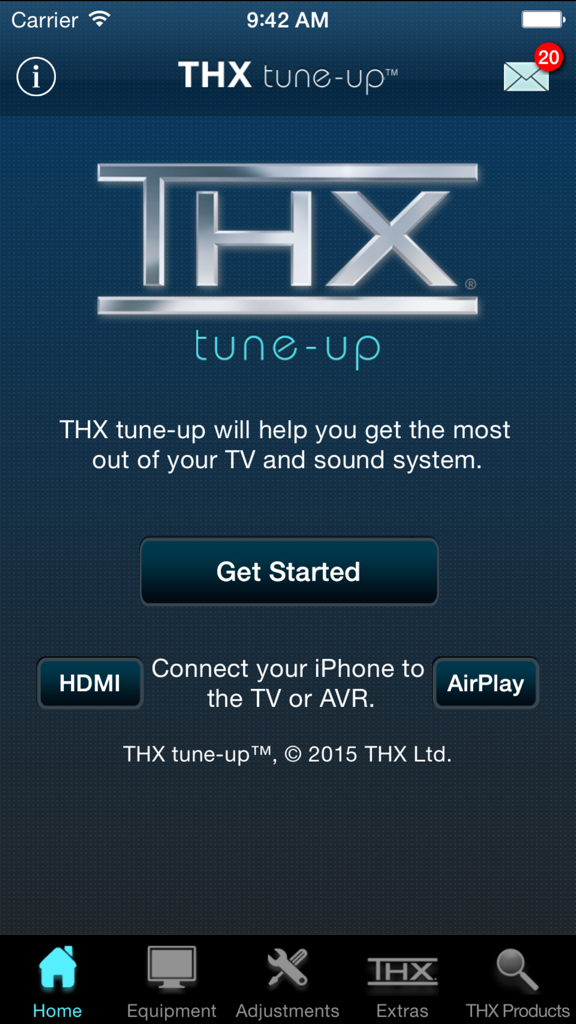
ホームシアターキャリブレーション用のTHX tune-upアプリのホーム画面。ロゴと開始ボタンが表示されています。

ホームシアターキャリブレーション用のTHX tune-upアプリのホーム画面。ロゴと開始ボタンが表示されています。

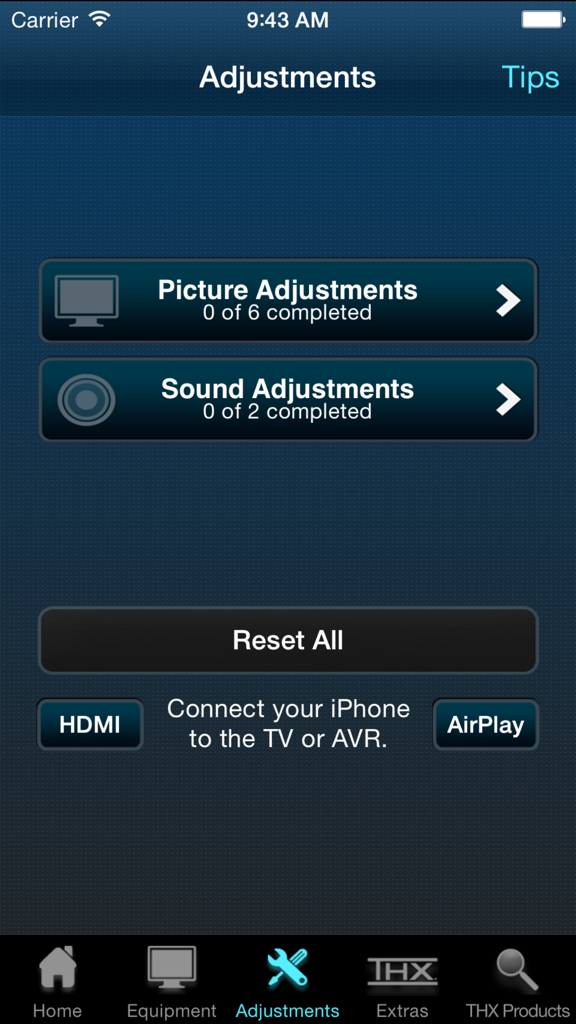
映像とサウンド調整のためのTHX tune-upアプリのメニュー

映像とサウンド調整のためのTHX tune-upアプリのメニュー

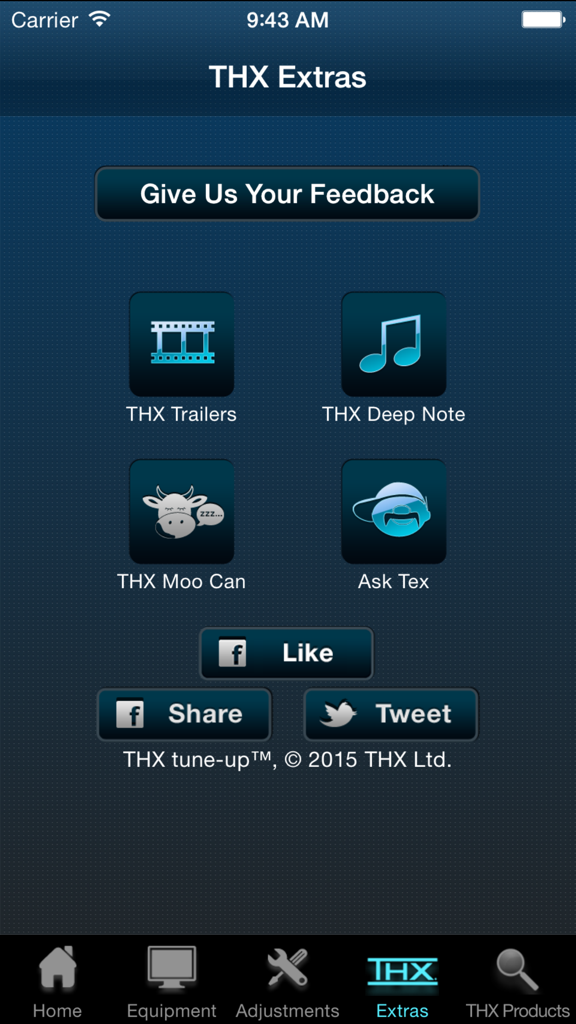
THX tune-upアプリのエクストラ画面。トレーラーとオーディオテスト機能が表示されています。

THX tune-upアプリのエクストラ画面。トレーラーとオーディオテスト機能が表示されています。

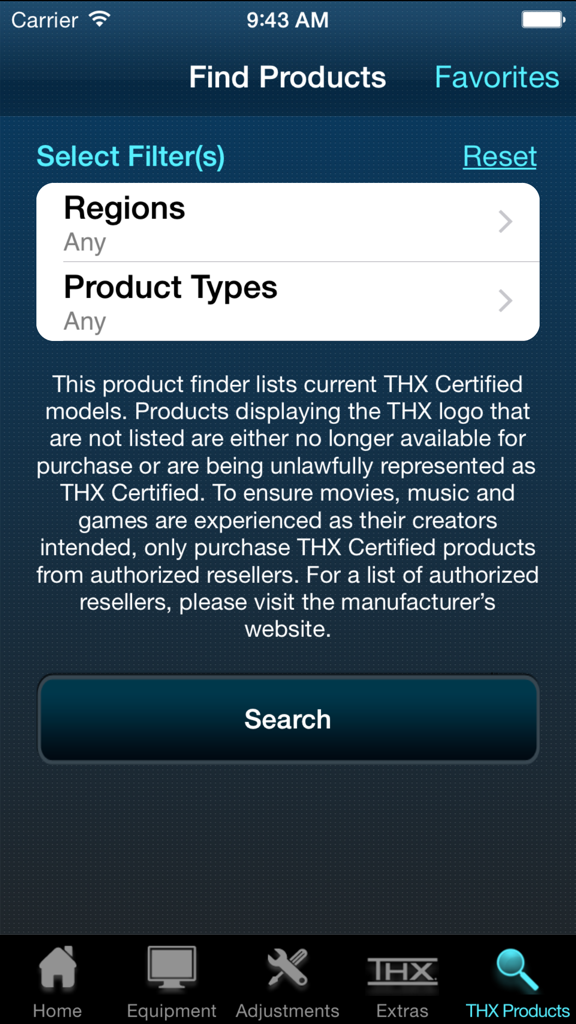
THX tune-upアプリの製品検索画面。地域と製品タイプのフィルターが表示され、認定機器を見つけることができます。

THX tune-upアプリの製品検索画面。地域と製品タイプのフィルターが表示され、認定機器を見つけることができます。

リビングルームでディレクターの意図を解き放つ

このアプリを際立たせるツール、 2K+ 人のユーザーが選択.

🎨

精密な映像チューニング

iPhoneカメラをデジタルフィルターとして使用し、色、色合い、コントラストを微調整して、すべてのフレームが映画製作者の意図した通りに見えるようにします。

🔊

完璧なサラウンドサウンド

シームレスな5.1またはステレオオーディオのために、スピーカーの位相と配置を確認し、デッドゾーンを排除して、アクションの中心にあなたを配置します。

🎬

究極のデモスイート

伝説のTHX Deep Noteと、機器の可能性を最大限に引き出すように設計されたシネマトレーラーで、システムのパワーを披露しましょう。

アプリについて

について知っておくべきこと THX tune-up™.

説明

THX tune-up (TM) allows you to properly adjust your TV, projector and speakers, helping you get the most out of your entertainment system. NOTE: Before you download and get started, please read the "Additional Requirements" & "Connection to TV/AVR" sections below to ensure enjoyment and proper use. For a video preview of the THX tune-up app, check out the THX YouTube http://bit.ly/X9h5rbchannel at YouTube.com/THXVids.   Additional Requirements • Supported iOS devices: iPhone 4, 4S, 5; iPad, 2, 3, 4 & Mini; iPod Touch 4 & 5; iOS 7.1 or later • If using Apple TV, must be 3rd gen version or later • iPhone 4 & iPod Touch 4 are not supported by Apple TV; must use AV adapter & HDMI cable connection to TV or AVR for picture adjustment (720p only) • For 5.1 audio tests, iOS device must be directly connected to AVR with adapter & HDMI cable (5.1 audio tests are not supported on Apple TV) • App is optimized for iOS 7.1 or later for 4S & 5, iPad 2, 3, 4 & Mini, & iPod Touch 5 with an HDMI adapter & cable directly connected to TV or AVR  Connection to TV/AVR • HDMI cable at least 2 meters (6 ft) & Cat 2-certified • 30-pin Apple Digital AV Adapter for iPad 2 & 3, iPhone 4 & 4S, & iPod Touch 4 • Lightning Digital AV Adapter for iPhone 5, iPad 4 & Mini, & iPod Touch 5 • Apple TV (3 gen) for picture adjustments is compatible with iPhone 4S & 5, iPad 2, 3, 4 & Mini, & iPod Touch 5 • Connect iOS device via Airplay to your Apple TV (3rd gen) & turn Mirroring ON THX tune-up features custom video test patterns, carefully selected photos and tutorials to help adjust and confirm the best picture settings on your display based on room lighting. Using special audio tests, THX tune-up also lets you check external speakers to make sure they are working in phase and are connected properly for 2-channel stereo or 5.1 sound systems.    THX tune-up is completely interactive — go through it at your own pace, in any order. Connect a supported iOS device to the display or sound system with an HDMI adapter & cable, or via AirPlay with Apple TV (3rd gen).   Locate the adjustment buttons on your TV and AVR remote controls and then follow the THX app tutorials which walk you through your “THX tune-up.” The app offers tips about your remote control, room lighting, viewing distance and other helpful advice.    Video adjustments • Aspect ratio – ensure your TV displays shapes & sizes correctly • Brightness – make certain shadow details & night scenes are clearly visible • Contrast – confirm white detail is distinct on your television • Color – make sure colors are bright & vibrant but not cartoonish • Tint – check skin tones look natural & are not too green or red   THX tune-up uses your iOS device’s camera to set color and tint with a special built in color filter. Point the device camera at the TV screen and see if the color or tint is adjusted correctly.   Audio adjustments • Speaker assignment – ensure speakers are connected to the correct AVR output & intended sound is coming from the correct speaker • Speaker phase – confirm that positive & negative speaker wires are connected correctly and all speakers are in phase   Extras • Turn “moo can” on & tilt your device to hear it “moo” • Play extraordinary THX trailers (just like in THX Certified cinemas) to show off your newly tuned TV & sound system to friends and family • Show off your audio system by playing “THX Deep Note” in 5.1 surround sound, just like in the theater • Have a question for THX or just want to provide feedback? Ask Tex! This app is not a professional calibration tool and is not intended to replace an in-home professional calibration.

最新バージョン

1.3.1

サイズ

137.6 MB

リリース日

2013年1月29日

ホームシネマの可能性を最大限に引き出す

映画をディレクターが意図した通りに体験しましょう。今すぐTHX tune-up™をダウンロードして、プロフェッショナルグレードの精度でシステムをキャリブレーションしてください。

ダウンロード: App Store

App information, icons, screenshots, and descriptions displayed on this page are sourced from the Apple App Store and are the property of their respective developers. Download estimates and rankings are based on MWM's proprietary models and may not reflect actual figures. This page is provided for informational and analytical purposes only.

Believe this page infringes your intellectual property? File a dispute