Toolbox for MS PowerPoint

Toolbox for MS PowerPoint


ダウンロード: App Store
ロゴ: Toolbox for MS PowerPoint

MS PowerPoint用ツールボックス:数分でプロフェッショナルなプレゼンテーションを作成

ゼロから始めるのはもうやめましょう。デザイナーが作成した数千ものテンプレート、図、インフォグラフィックにアクセスして、すべてのAppleデバイスでアイデアを洗練されたインパクトのあるビジュアルに変換しましょう。

開発元

Jumsoft

カテゴリ

Graphics & Design

ダウンロード

171K+

ユーザー評価

4.1/5

評価数

100

対応言語

1

あなたのビジョンを、洗練させる

このインターフェースを利用する 171K+ 人のユーザー.

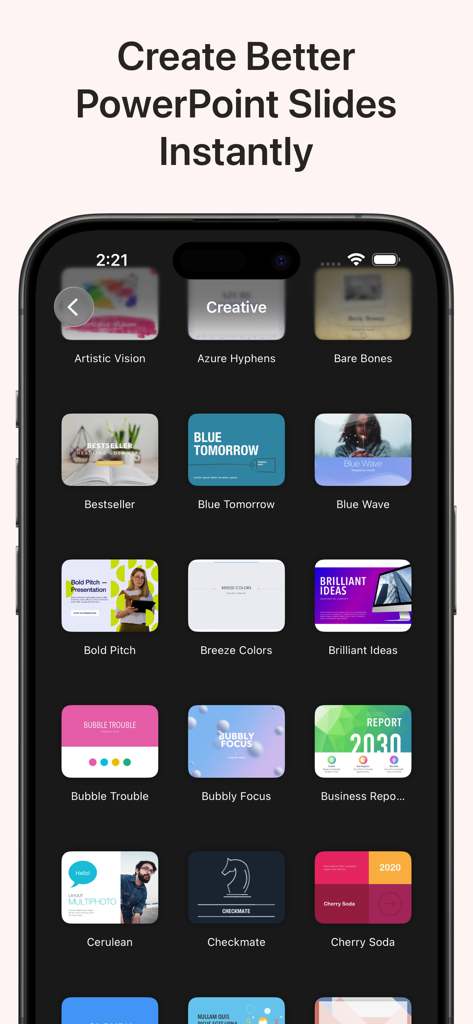
モダンなPowerPointプレゼンテーションテンプレートのコレクションを表示するモバイルアプリのインターフェイス。

モダンなPowerPointプレゼンテーションテンプレートのコレクションを表示するモバイルアプリのインターフェイス。

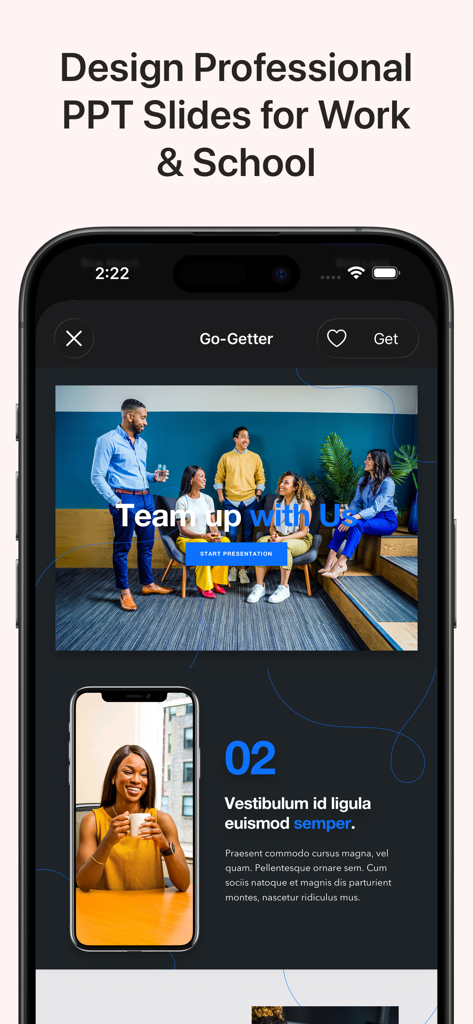
仕事や学校向けのプロフェッショナルなPowerPointスライドテンプレートを表示するモバイルアプリのインターフェイス。

仕事や学校向けのプロフェッショナルなPowerPointスライドテンプレートを表示するモバイルアプリのインターフェイス。

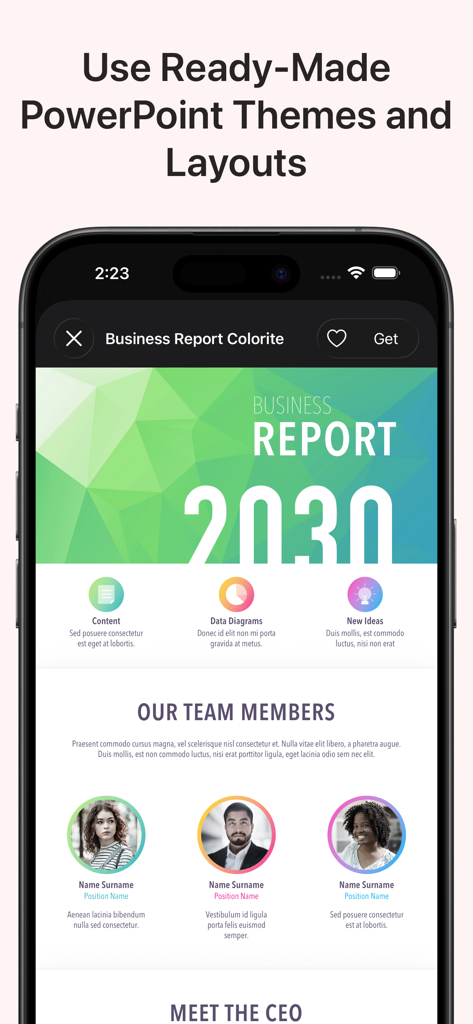
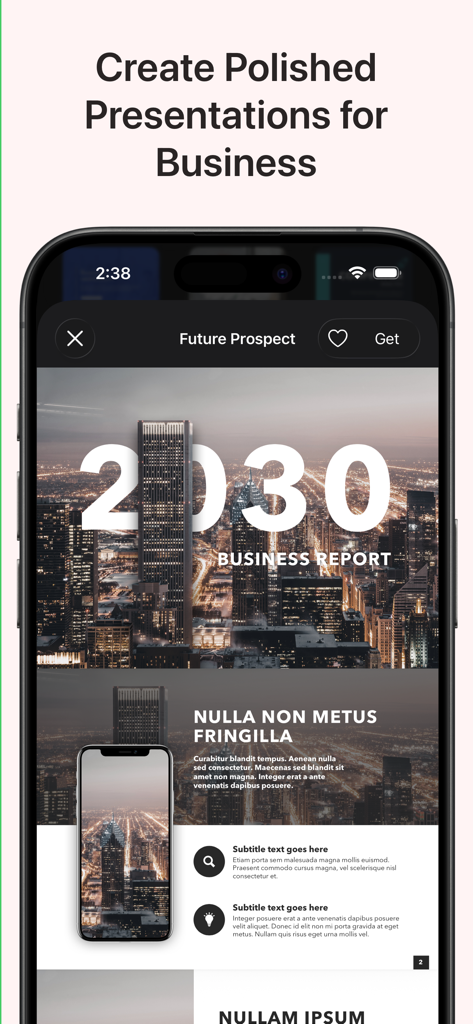
モバイルデバイス上のMicrosoft PowerPoint向けのプロフェッショナルなビジネスレポートプレゼンテーションテーマとレイアウトのプレビュー。

モバイルデバイス上のMicrosoft PowerPoint向けのプロフェッショナルなビジネスレポートプレゼンテーションテーマとレイアウトのプレビュー。

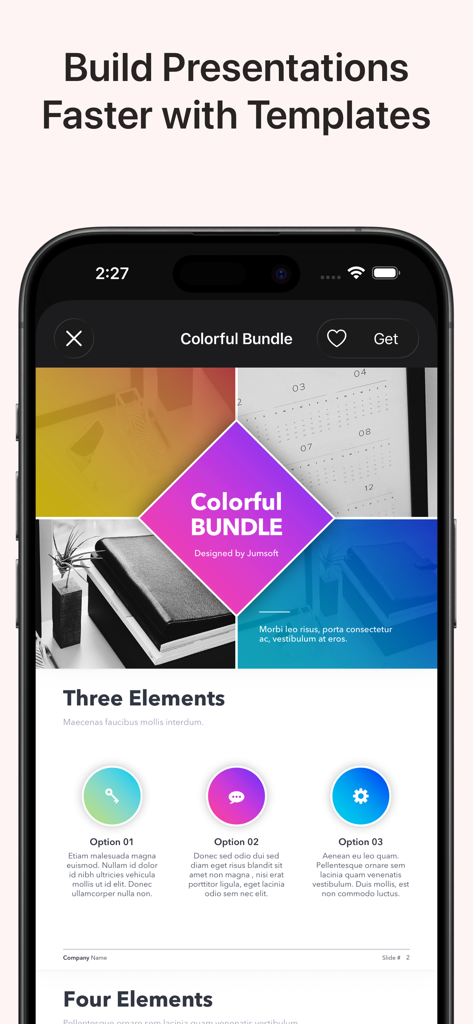
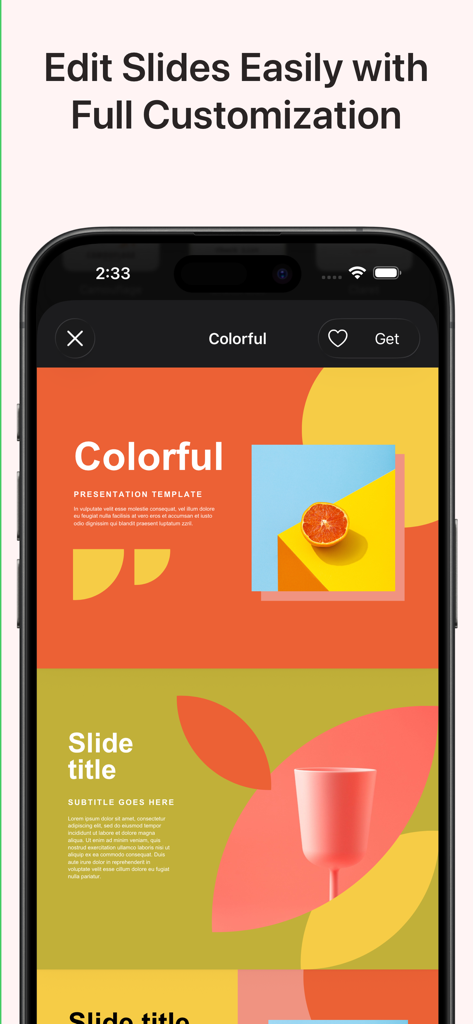
Microsoft PowerPoint向けのカラフルなプレゼンテーションテンプレートを表示するモバイルアプリのインターフェイス。

Microsoft PowerPoint向けのカラフルなプレゼンテーションテンプレートを表示するモバイルアプリのインターフェイス。

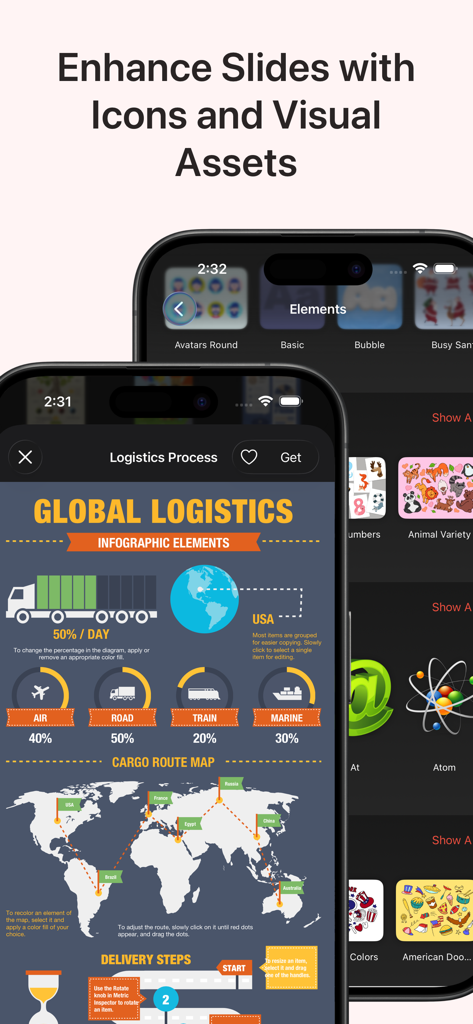
PowerPointプレゼンテーション向けのロジスティクスインフォグラフィックテンプレートとグラフィックアイコンの表示。

PowerPointプレゼンテーション向けのロジスティクスインフォグラフィックテンプレートとグラフィックアイコンの表示。

iPhone画面に、鮮やかでカスタマイズ可能なPowerPointプレゼンテーションテンプレートが表示されています。

iPhone画面に、鮮やかでカスタマイズ可能なPowerPointプレゼンテーションテンプレートが表示されています。

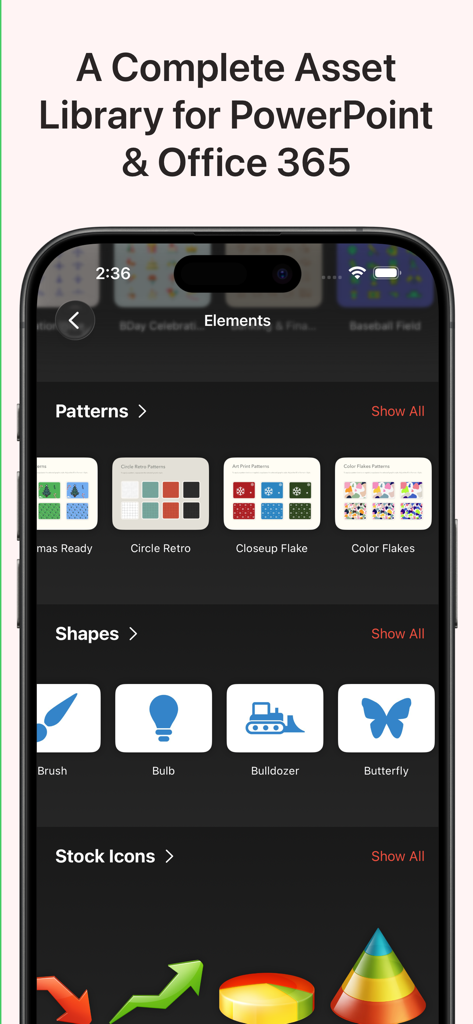
PowerPointプレゼンテーション用のパターン、形状、アイコンなどのデザインアセットを表示するモバイルアプリのインターフェイス。

PowerPointプレゼンテーション用のパターン、形状、アイコンなどのデザインアセットを表示するモバイルアプリのインターフェイス。

スマートフォン画面に表示されたビジネスレポートプレゼンテーションテンプレート。

スマートフォン画面に表示されたビジネスレポートプレゼンテーションテンプレート。

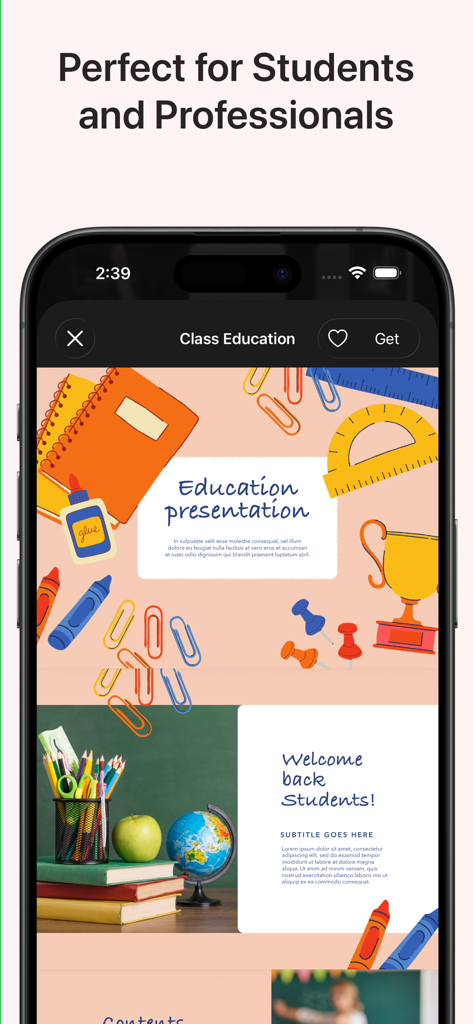
学校用品のイラストを表示する、学生や教師向けの教育テーマのPowerPointテンプレートのモバイルビュー。

学校用品のイラストを表示する、学生や教師向けの教育テーマのPowerPointテンプレートのモバイルビュー。

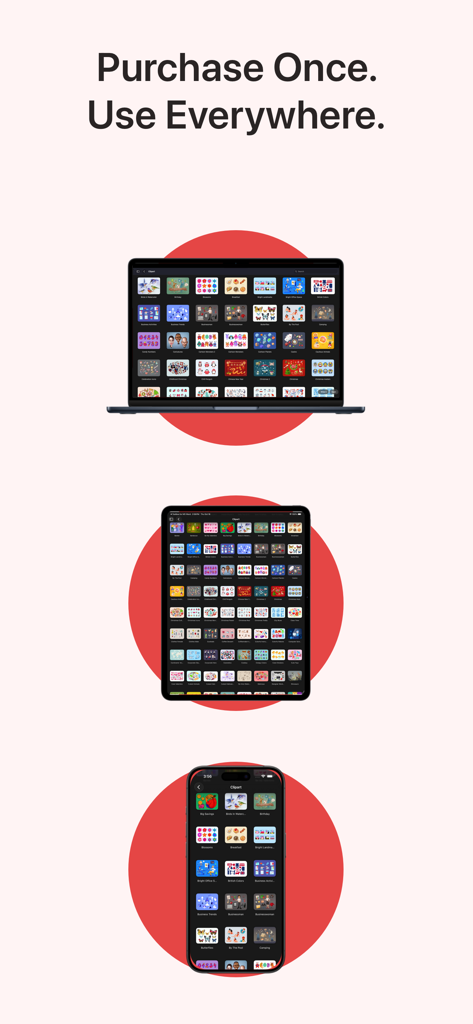
MacBook、iPad、iPhoneに表示されたToolbox for MS PowerPointアプリ。

MacBook、iPad、iPhoneに表示されたToolbox for MS PowerPointアプリ。

数分でハイステークスなプレゼンテーションをデザイン

このアプリを際立たせるツール、 171K+ 人のユーザーが選択.

🎨

デザイナー品質のテンプレート

デザインスキルがなくても、競争優位性を与える洗練されたピッチデッキやビジネスレポートにアクセスできます。

📊

スマートなデータビジュアライゼーション

複雑な分析を直感的なインフォグラフィックやフローチャートに変換し、Cレベルの担当者にあなたの洞察を際立たせましょう。

📲

スムーズなクロスデバイスワークフロー

macOSとiOSに最適化されており、オフィスのMacとモバイルデバイス間でプレゼンテーションをシームレスに調整できます。

アプリについて

について知っておくべきこと Toolbox for MS PowerPoint.

説明

Toolbox for MS PowerPoint is a complete design toolkit for creating polished, professional, and engaging presentations quickly and easily. With thousands of ready-made slides, templates, diagrams, charts, infographics, themes, icons, and graphics, the app gives you everything you need to upgrade your PowerPoint projects in minutes. Whether you are preparing a business pitch, marketing deck, educational presentation, company report, strategy overview, workshop slides, or promotional visuals, Toolbox for MS PowerPoint provides a fast, efficient, and visually impressive solution. Why it’s great: Thousands of professionally designed slides, layouts, diagrams, and infographics Perfect for business, education, marketing, creative work, and training presentations Fresh content is added regularly by our design team One subscription across all your devices 3-day free trial to explore the full library What’s inside (detailed highlights): Presentation Templates and Slide Layouts: Pitch decks, business reports, analytics, strategy slides Marketing presentations, product overviews, campaign materials Educational slides, lessons, class materials, workshops Title slides, section dividers, quote slides, photo layouts Tables, lists, comparison layouts, dashboards Event slides, announcement pages, promo visuals Diagrams and Infographics: Bar, line, and pie charts Flowcharts, mind maps, decision diagrams Process charts, funnels, cycles, pyramids, hierarchies Timelines, milestones, roadmaps Geographic maps with countries, cities, and regions Visual elements for data analysis and corporate storytelling Graphics and Creative Elements: Icons, shapes, pictograms, symbols Backgrounds, gradients, textures Badges, labels, frames, decorative elements Clipart for business, tech, education, lifestyle topics Themes and Style Packs: Full presentation themes with consistent fonts and colors Coordinated styles for complete, unified slide decks Matching slide collections for larger presentations Perfect for: Business professionals preparing reports, pitches, and analytics Teachers and students creating lessons and classroom presentations Marketing teams designing product and campaign slides Trainers, speakers, and workshop facilitators Anyone who wants better-looking PowerPoint presentations in less time Fast and simple workflow: Download the app Browse categories or search Open a slide or theme in PowerPoint Customize text, colors, images, and layout Export or present immediately Always up to date: Our design team continually adds new slides, diagrams, graphics, and themes to ensure Toolbox for MS PowerPoint stays modern and complete. Support and feedback: If you experience issues or have suggestions, contact support@jumsoft.com. If you enjoy Toolbox for MS PowerPoint, please consider leaving a review. Your feedback helps others discover the app. Compatibility: Requires Microsoft PowerPoint. Optimized for macOS and iOS for seamless cross-device use.

最新バージョン

9.0.3

サイズ

13.7 MB

リリース日

2020年5月15日

次のプレゼンテーションを変革する準備はできましたか?

171,000人以上のプロフェッショナルに加わり、本日3日間の無料トライアルを開始しましょう。Mac、iPad、iPhoneで数千ものプレミアムテンプレートやインフォグラフィックにシームレスにアクセスできます。

ダウンロード: App Store
FAQ

よくある質問

について知っておくべきこと Toolbox for MS PowerPoint

MS PowerPoint用ツールボックスとは何ですか?

MS PowerPoint用ツールボックスは、何千もの既製のスライド、テンプレート、図、グラフ、インフォグラフィック、テーマ、アイコン、グラフィックを提供する完全なデザインツールキットです。ユーザーが洗練されたプロフェッショナルなプレゼンテーションを迅速かつ簡単作成するのに役立ちます。

MS PowerPoint用ツールボックスはどのような種類のテンプレートを提供していますか?

MS PowerPoint用ツールボックスは、ピッチデッキ、ビジネスレポート、マーケティングプレゼンテーション、教育用スライド、およびテーブル、リスト、比較、ダッシュボード、イベント告知用のレイアウトなど、多様なテンプレートを提供しています。

MS PowerPoint用ツールボックスのテンプレートはカスタマイズできますか?

はい、ユーザーはPowerPointで開いた後、MS PowerPoint用ツールボックス内のテンプレートやスライドのテキスト、色、画像、レイアウトを簡単にカスタマイズできます。

MS PowerPoint用ツールボックスの無料トライアルはありますか?

はい、MS PowerPoint用ツールボックスでは、サブスクリプションを契約する前に、デザインアセットと機能の全ライブラリを探索するための3日間の無料トライアルを提供しています。

MS PowerPoint用ツールボックスにはどのようなビジュアルアセットが含まれていますか?

MS PowerPoint用ツールボックスには、図、インフォグラフィック、グラフィック(アイコン、形状、ピクトグラム、背景、バッジ)、および統一されたスライドデッキのための念したフォントと色を持つ完全なプレゼンテーションテーマが含まれています。

MS PowerPoint用ツールボックスは定期的にコンテンツが更新されますか?

はい、MS PowerPoint用ツールボックスのデザインチームは、コンテンツが最新かつ包括的であることを保証するために、新しいスライド、図、グラフィック、テーマを継続的に追加しています。

MS PowerPoint用ツールボックスは複数のデバイスに対応していますか?

はい、MS PowerPoint用ツールボックスは、すべてのデバイスで1つのサブスクリプションをサポートし、macOSおよびiOSでのシームレスなクロスデバイス使用に最適化されています。

MS PowerPoint用ツールボックスの対象ユーザーは誰ですか?

MS PowerPoint用ツールボックスは、ビジネスプロフェッショナル、教師、学生、マーケティングチーム、トレーナー、スピーカー、およびプロフェッショナルなPowerPointプレゼンテーションをより速く作成する必要があるすべての人を対象としています。

App information, icons, screenshots, and descriptions displayed on this page are sourced from the Apple App Store and are the property of their respective developers. Download estimates and rankings are based on MWM's proprietary models and may not reflect actual figures. This page is provided for informational and analytical purposes only.

Believe this page infringes your intellectual property? File a dispute