TV Control – Universal Remote

TV Control – Universal Remote

ダウンロード: App Storeダウンロード: Google Play
ロゴ: TV Control – Universal Remote

TV Control – ユニバーサルリモコン:スマートなオールインワンホームハブ

失くしたリモコンを探すのはもうやめましょう。WiFi経由で、iPhoneからあらゆるテレビを操作し、キーボードで入力し、お気に入りの思い出をキャストできます。

ダウンロード: App Store

開発元

BSOFT VIET NAM JOINT STOCK COMPANY

カテゴリ

Utilities

ダウンロード

1K+

ユーザー評価

4.6/5

評価数

0

対応言語

23

指先でコントロール

このインターフェースを利用する 1K+ 人のユーザー.

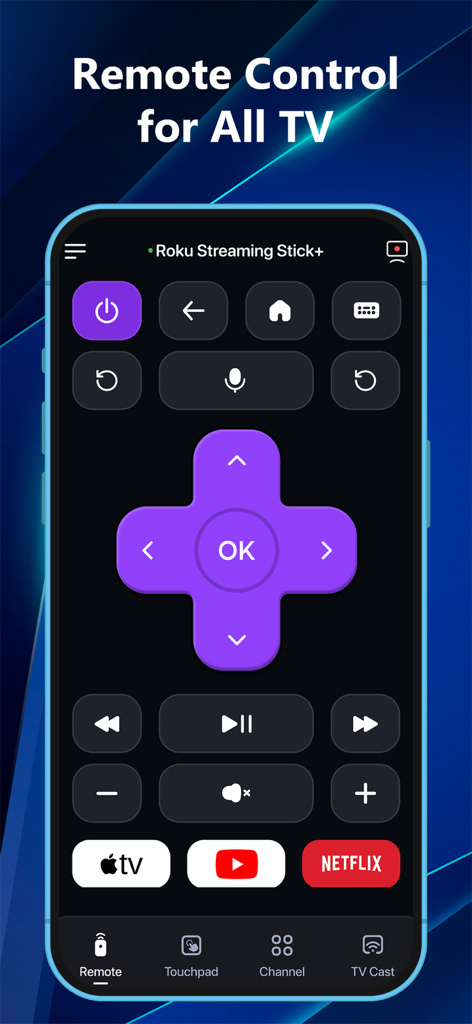
ユニバーサルTVリモートアプリのインターフェース、Rokuコントロールボタンとストリーミングショートカットを表示

ユニバーサルTVリモートアプリのインターフェース、Rokuコントロールボタンとストリーミングショートカットを表示

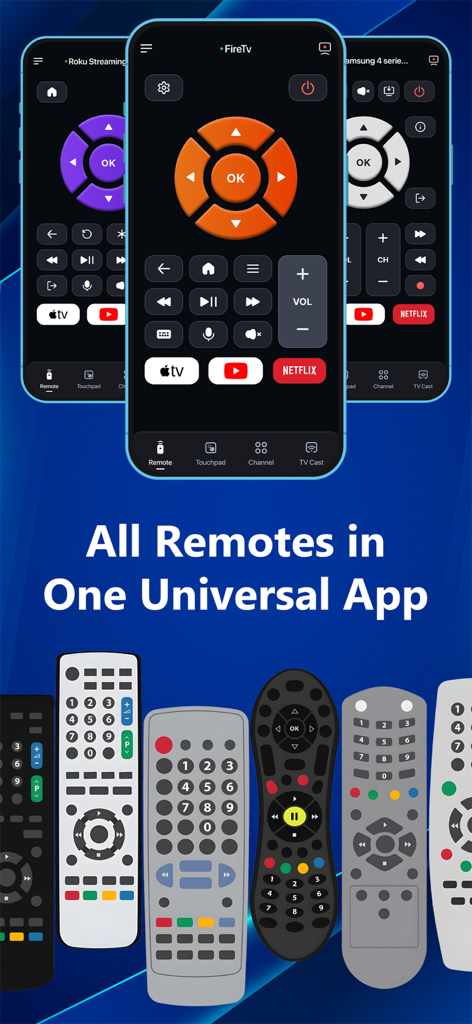
ユニバーサルTVリモートアプリのインターフェース、複数の物理リモコンをスマートフォンに置き換える

ユニバーサルTVリモートアプリのインターフェース、複数の物理リモコンをスマートフォンに置き換える

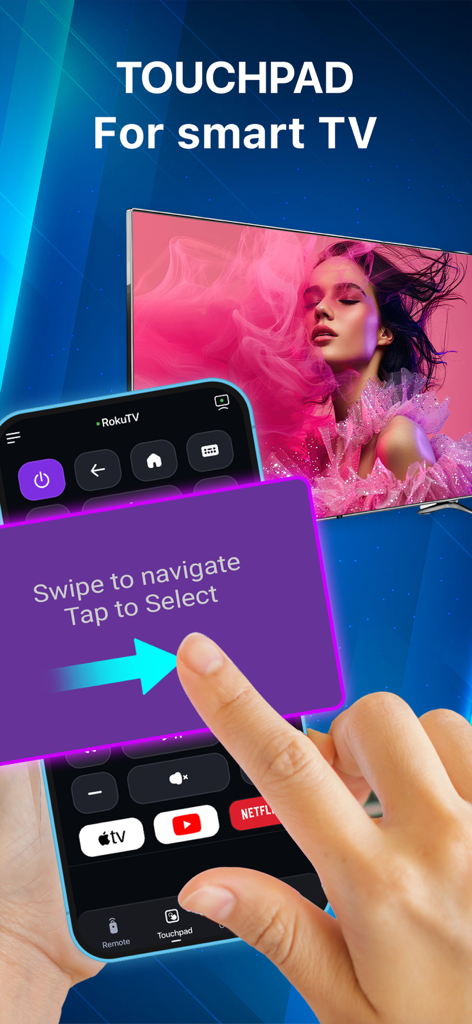
スマートテレビを操作するためにスマートフォンでタッチパッドナビゲーション機能を使用している手

スマートテレビを操作するためにスマートフォンでタッチパッドナビゲーション機能を使用している手

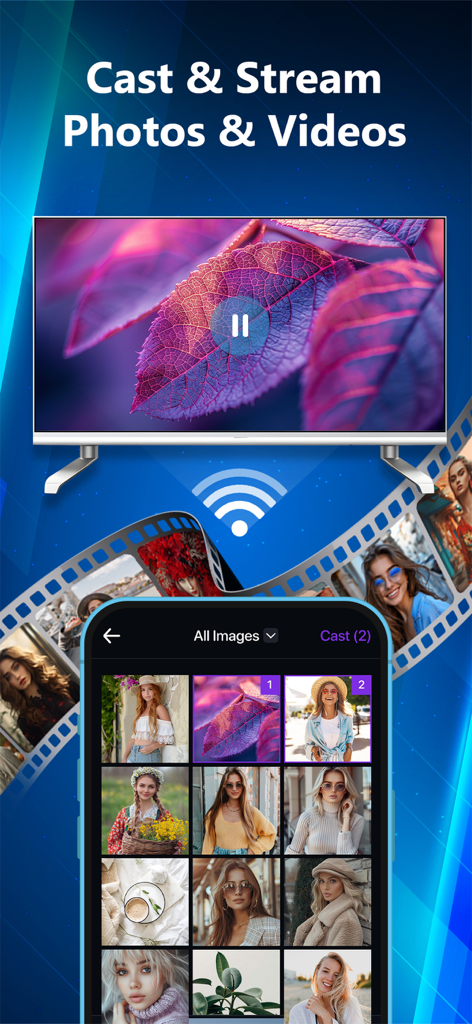
ユニバーサルリモートアプリを使用して、iPhoneがフォトギャラリーをキャストし、スマートテレビに動画をストリーミング

ユニバーサルリモートアプリを使用して、iPhoneがフォトギャラリーをキャストし、スマートテレビに動画をストリーミング

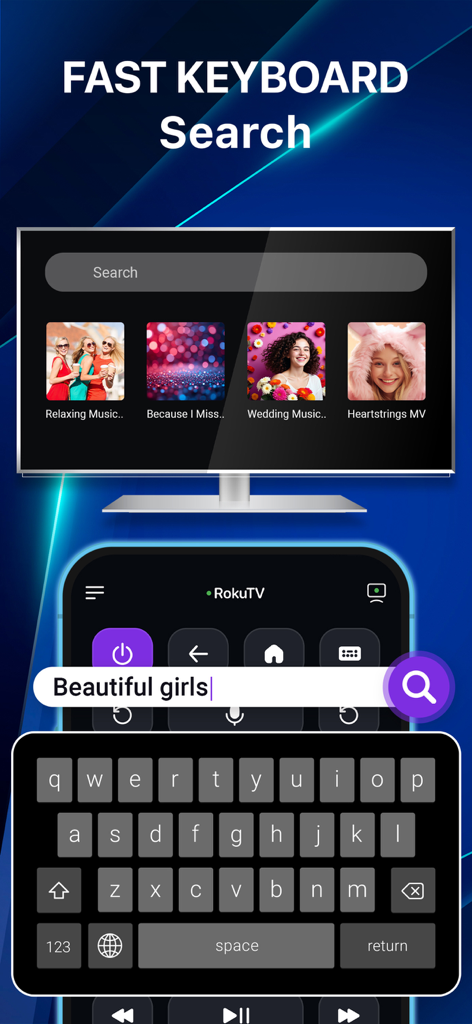
ユニバーサルリモートアプリを介してスマートテレビ画面でコンテンツをすばやく検索するために使用されているスマートフォンのキーボード

ユニバーサルリモートアプリを介してスマートテレビ画面でコンテンツをすばやく検索するために使用されているスマートフォンのキーボード

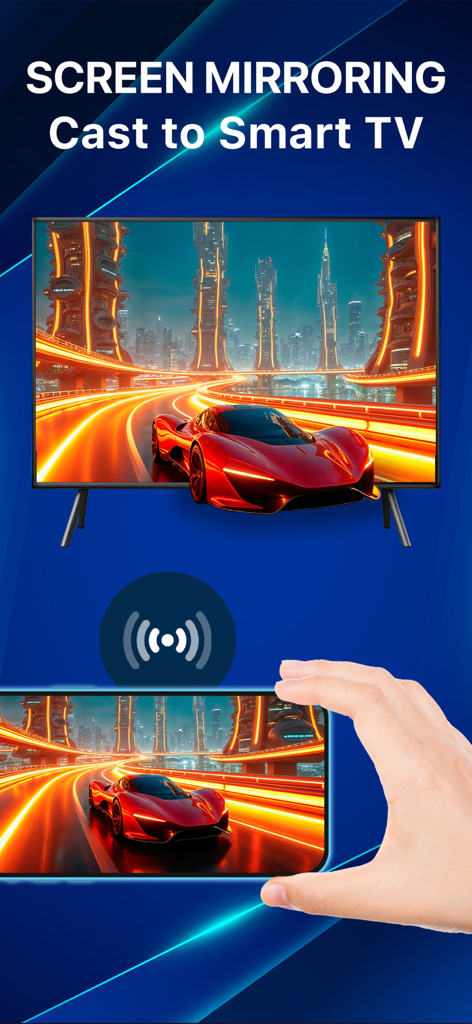
ユニバーサルリモートアプリを使用して、スマートテレビに画面コンテンツをミラーリングしているスマートフォンを持っている手

ユニバーサルリモートアプリを使用して、スマートテレビに画面コンテンツをミラーリングしているスマートフォンを持っている手

1つのアプリでホームエンターテイメントをマスター

このアプリを際立たせるツール、 1K+ 人のユーザーが選択.

📺

ユニバーサルブランド接続

Samsung、LG、Roku、Fire TVなどをシームレスに操作。物理的なリモコンの散らかりなしに、家中のあらゆる画面を管理できる統一インターフェース。

🖱️

直感的なタッチパッドとキーボード

矢印キーでの入力のイライラを解消。iPhoneキーボードで素早く検索し、スムーズなタッチパッドで正確にナビゲート。

📲

インスタントワイヤレスキャスト

思い出を大画面に。ケーブル不要で、カメラロールの写真や動画を数秒でテレビに簡単にストリーミング。

アプリについて

について知っておくべきこと TV Control – Universal Remote.

説明

TV Remote – Smart Control for All TVs. Turn your iPhone or iPad into a powerful universal TV remote! Control Samsung, LG, Roku, Fire TV, Android TV, Hisense, Sony, TCL & more — all from one smart app. No more juggling remotes. Cast, control, and mirror – effortlessly. Key Features • Universal Remote for Smart TVs Control power, volume, channels, input, and settings on Samsung, LG, Roku, Fire TV, and Android TVs. • Quick App Access Launch Netflix, YouTube, Prime Video, Hulu, TED, and CNN instantly with one tap. • Smart Touchpad Navigation Swipe and tap like a laptop trackpad — intuitive and fast. • Cast Photos & Videos Stream photos and videos from your iPhone/iPad camera roll to your TV. No cables. No setup. • Voice Control Use voice commands to search, play, pause, adjust volume, and more — hands-free. • Stable WiFi Remote Control TVs via WiFi — no line-of-sight needed. Instant response & ultra-reliable connection. • All-in-One Convenience Consolidate all your remotes into one smart app available on both iPhone and iPad. • Screen Mirroring (Coming Soon) Mirror your iPhone/iPad screen to any compatible smart TV — great for presentations, videos, or mobile games. * Works Great With: Smart TVs, streaming devices, and more. Perfect for home entertainment, travel, and presentations. * How to connect to TV Control – Universal Remote : 1. Make sure your Smart TV and your iPhone/iPad are connected to the same Wi-Fi network. 2. Open the TV Control – Universal Remote app. 3. Tap the “Tap to Connect” button at the top of the screen. 4. Choose your TV from the list of available devices. 5. Once connected, explore the available features: Remote, Touchpad, Cast, Channel, Setting Why Choose TV Remote – Smart Control? • Works with almost smart TVs & streaming devices • Seamless connection setup in seconds • All-in-one remote for your home, travel, or office • Clean, simple interface that anyone can use Download TV Control – Universal Remote now on your iPhone or iPad and take control of your viewing experience! *This app is not affiliated with or endorsed by Samsung, Roku, or any of the mentioned brands. Links to our Terms of Service and Privacy Policy can be found below: Privacy Policy: https://sites.google.com/view/btb-ios-group/ Terms of Service: https://sites.google.com/view/btb-ios-group-tos/

最新バージョン

1.1.9

サイズ

116.0 MB

リリース日

2025年7月10日

今日からリモコンの散らかりにさよなら

散らかったコーヒーテーブルをスマートアプリ1つに替えた数千人のユーザーに加わりましょう。iPhoneからSamsung、LG、Roku、Fire TVを即座にコントロール。

ダウンロード: App Storeダウンロード: Google Play
FAQ

よくある質問

について知っておくべきこと TV Control – Universal Remote

TV Control – Universal Remoteとは何ですか?

TV Control – Universal Remote は、iPhoneまたはiPadを様々なテレビ用のスマートリモコンに変えます。Samsung、LG、Roku、Fire TV、Android TV、Hisense、Sony、TCLを操作でき、複数の物理リモコンを1つのアプリに統合します。

TV Control – Universal Remote アプリをテレビに接続するにはどうすればよいですか?

iPhone/iPadとテレビを同じWi-Fiネットワークに接続します。アプリを開き、「接続するにはタップ」をタップしてから、利用可能なデバイスリストからテレビを選択します。接続は数秒で確立されます。

TV Control – Universal Remote アプリはどのテレビブランドに対応していますか?

TV Control – Universal Remote アプリは、Samsung、LG、Roku、Fire TV、Android TV、Hisense、Sony、TCLに対応しています。ほとんどのスマートテレビやストリーミングデバイスで動作します。

TV Control – Universal Remote アプリは音声操作機能を提供していますか?

はい、TV Control – Universal Remote には音声操作機能が含まれています。ユーザーは、アプリを介してハンズフリーで検索、再生、一時停止、音量調整を行うために音声コマンドを使用できます。

TV Control – Universal Remote アプリにはナビゲーション用のタッチパッド機能がありますか?

はい、TV Control – Universal Remote アプリにはスマートタッチパッドナビゲーション機能があります。これにより、ユーザーはラップトップのトラックパッドのようにスワイプしてタップでき、直感的かつ高速な操作が可能です。

TV Control – Universal Remote を使用して、デバイスからテレビに写真や動画をキャストできますか?

はい、TV Control – Universal Remote を使用すると、ユーザーはiPhone/iPadのカメラロールからテレビに写真や動画をストリーミングできます。この機能にはケーブルや特別な設定は不要です。

TV Control – Universal Remote アプリは画面ミラーリングに対応していますか?

画面ミラーリングは、TV Control – Universal Remote で近日提供予定の機能です。これにより、iPhone/iPadの画面を互換性のあるスマートテレビにミラーリングして、様々な用途に使用できるようになります。

TV Control – Universal Remote アプリはWi-Fi接続を使用して動作しますか?

はい、TV Control – Universal Remote は安定したWiFiリモートとして機能します。Wi-Fi経由でテレビを操作するため、視線は不要で、非常に信頼性の高い接続を提供します。

TV Control – Universal Remote アプリを使用して、どのようなアプリケーションに素早くアクセスできますか?

TV Control – Universal Remote アプリは、Netflix、YouTube、Prime Video、Hulu、TED、CNNに素早くアクセスできます。これらはワンタップで即座に起動できます。

TV Control – Universal Remote はSamsungやRokuのようなブランドの公式アプリですか?

いいえ、TV Control – Universal Remote は、Samsung、Roku、またはその他の言及されているブランドと提携または承認されていません。サードパーティ製のユニバーサルリモートアプリケーションです。

App information, icons, screenshots, and descriptions displayed on this page are sourced from the Apple App Store and are the property of their respective developers. Download estimates and rankings are based on MWM's proprietary models and may not reflect actual figures. This page is provided for informational and analytical purposes only.

Believe this page infringes your intellectual property? File a dispute