TV Plus: Smart TV Remote

TV Plus: Smart TV Remote

ダウンロード: App Store
ロゴ: TV Plus: Smart TV Remote

TV Plus: スマートテレビリモコン — もう二度と失くさない唯一のリモコン

ホームシアター体験をアップグレードした200万人以上のユーザーに加わりましょう。Smart ThinQ TVを即座に操作し、お気に入りのアプリを起動し、iPhoneからシームレスなナビゲーションのために設計された洗練されたダークモードインターフェイスをお楽しみください。

開発元

TV Cast Pte. Ltd.

カテゴリ

Utilities

ダウンロード

2M+

ユーザー評価

4.3/5

評価数

28K+

対応言語

1

指先で操作

このインターフェースを利用する 2M+ 人のユーザー.

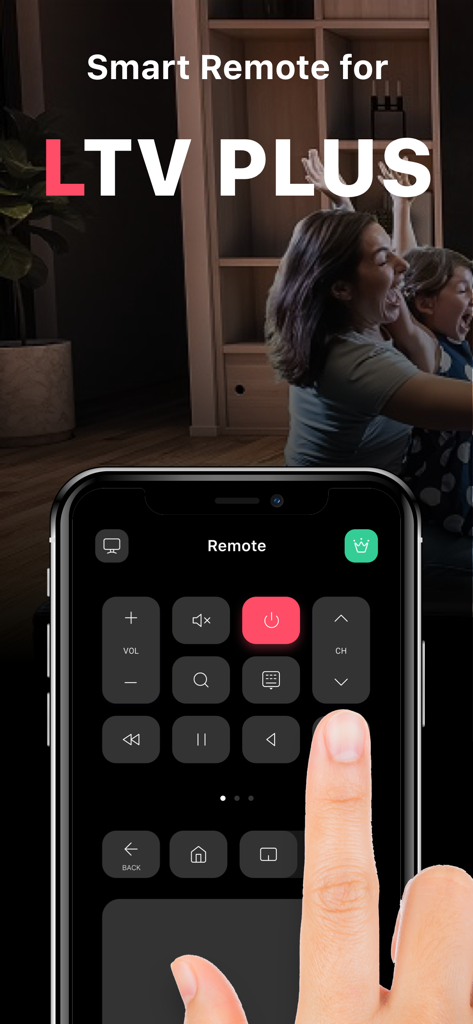
テレビを操作するためにiPhoneでTV Plusスマートリモートアプリを使用している人

テレビを操作するためにiPhoneでTV Plusスマートリモートアプリを使用している人

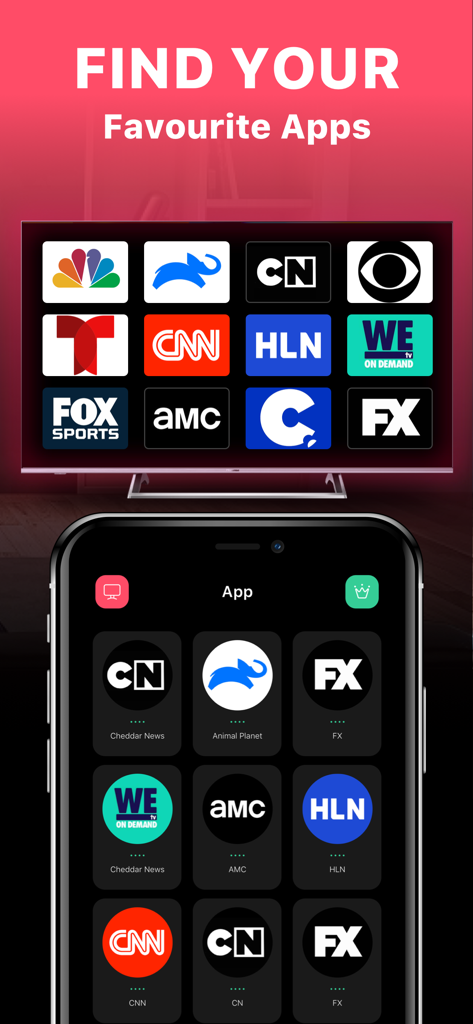
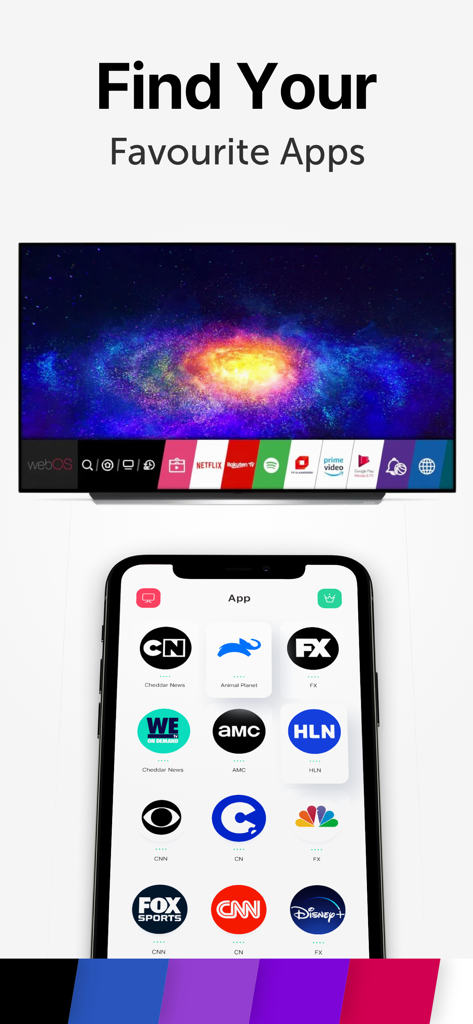
スマートフォンとテレビ画面にストリーミングチャンネルアイコンの選択を表示するTV Plusアプリのインターフェイス

スマートフォンとテレビ画面にストリーミングチャンネルアイコンの選択を表示するTV Plusアプリのインターフェイス

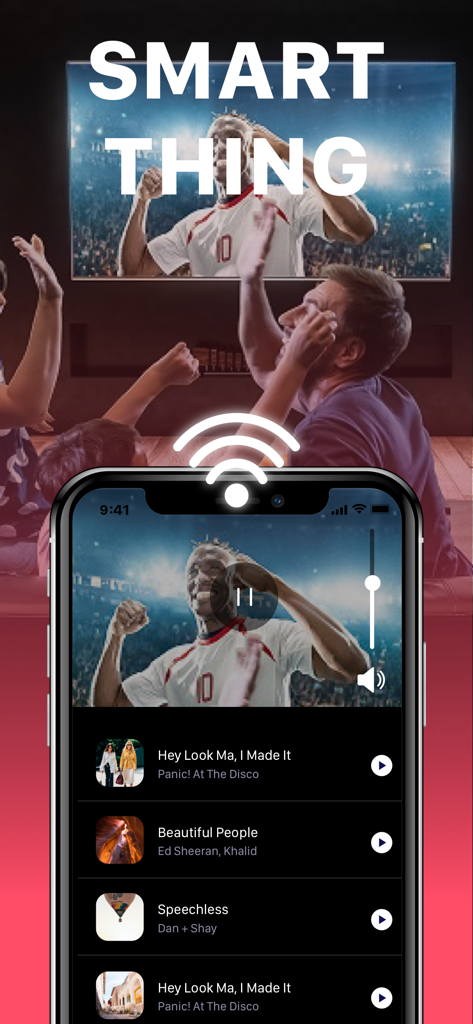
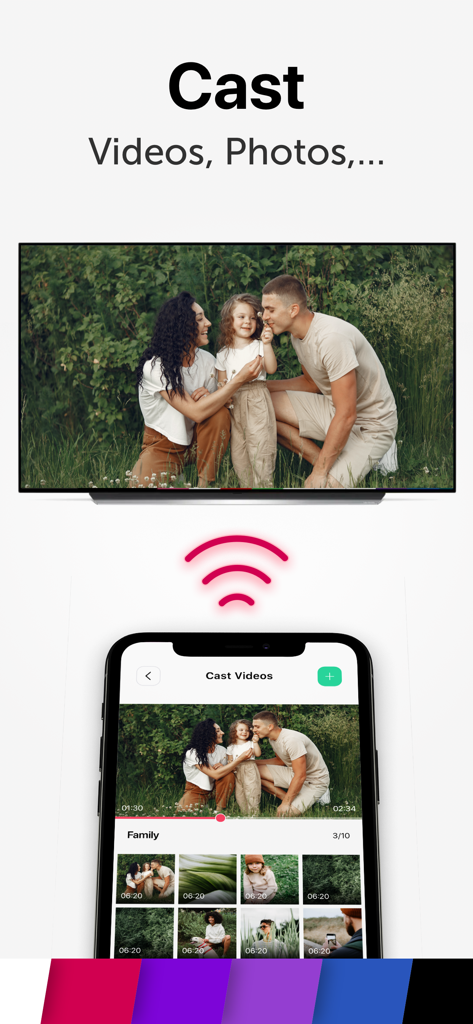
ワイヤレス接続経由でスマートテレビを制御するTV PlusアプリのiPhoneインターフェイス

ワイヤレス接続経由でスマートテレビを制御するTV PlusアプリのiPhoneインターフェイス

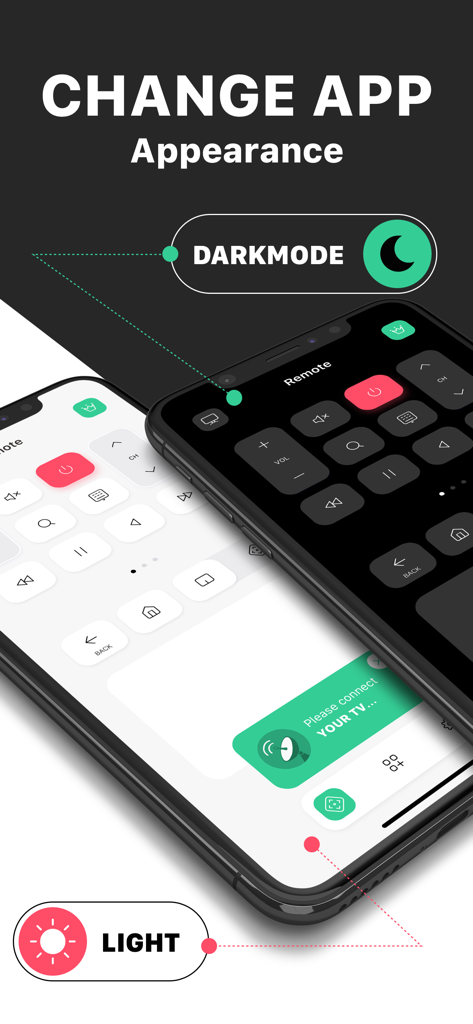
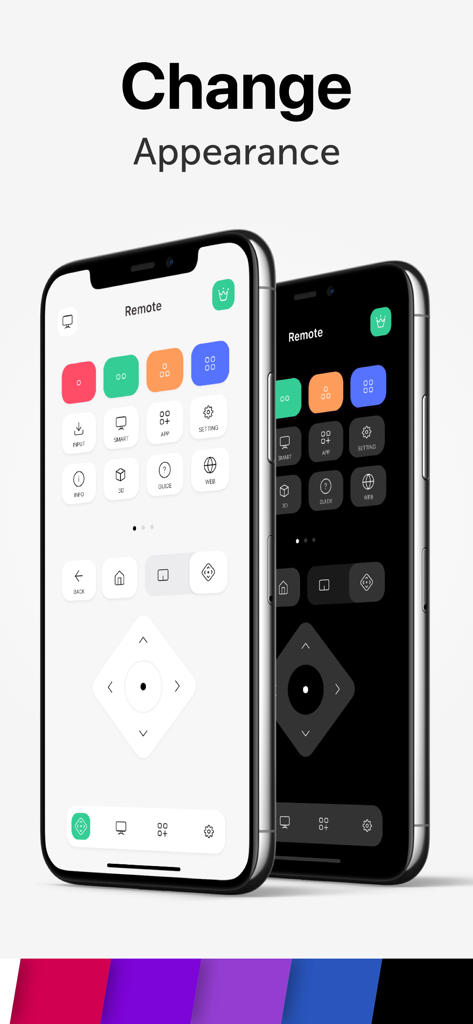
スマートテレビリモコンアプリのインターフェイスに表示されるライトモードとダークモードの外観オプション

スマートテレビリモコンアプリのインターフェイスに表示されるライトモードとダークモードの外観オプション

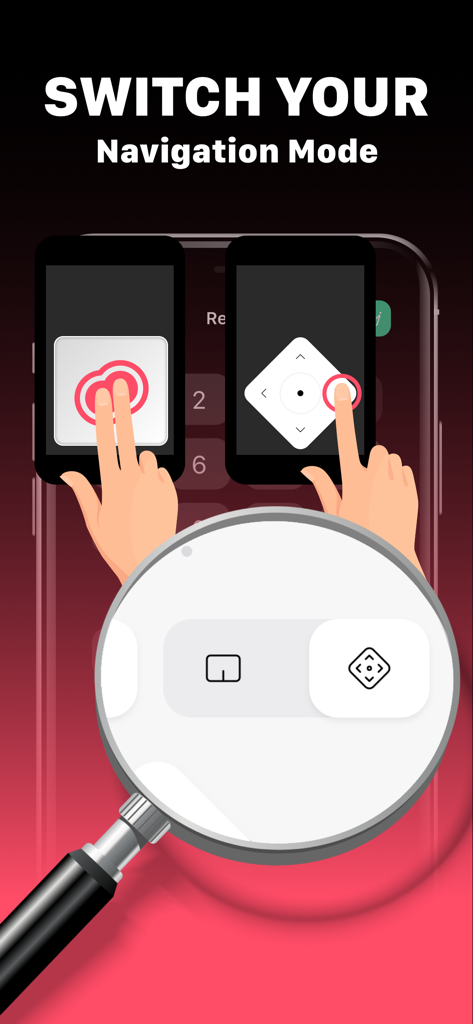
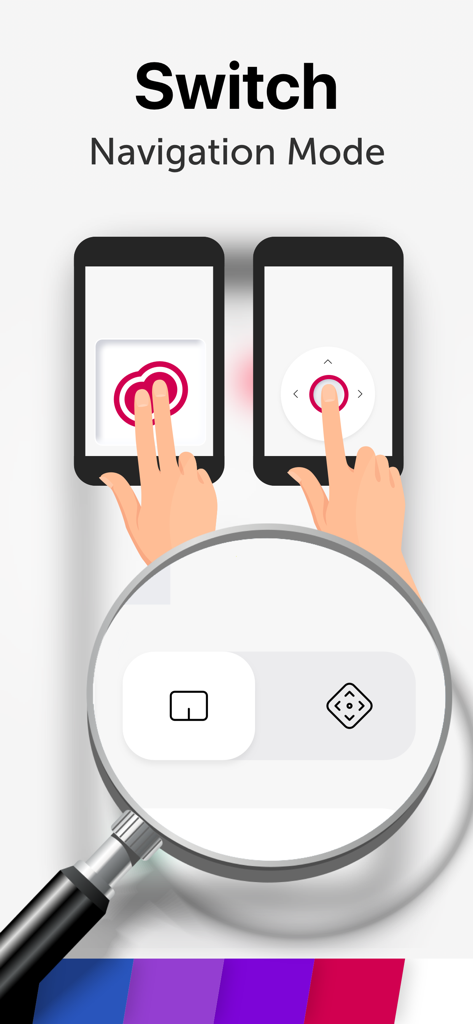
TV Plusアプリのスクリーンショット。タッチパッドナビゲーションモードと方向パッドナビゲーションモードの切り替えを表示。

TV Plusアプリのスクリーンショット。タッチパッドナビゲーションモードと方向パッドナビゲーションモードの切り替えを表示。

スマートテレビで操作するDisney PlusやCNNなどのストリーミングアプリのグリッドを表示するスマートフォンの画面。

スマートテレビで操作するDisney PlusやCNNなどのストリーミングアプリのグリッドを表示するスマートフォンの画面。

スマートテレビに家族の写真の写真をキャストしている写真ギャラリーを表示するiPhone画面

スマートテレビに家族の写真の写真をキャストしている写真ギャラリーを表示するiPhone画面

2台のiPhoneにライトモードとダークモードのテーマを紹介するTV Plusアプリのインターフェイス。

2台のiPhoneにライトモードとダークモードのテーマを紹介するTV Plusアプリのインターフェイス。

スマートフォンのトラックパッドナビゲーションモードと方向ナビゲーションモード間の切り替え。

スマートフォンのトラックパッドナビゲーションモードと方向ナビゲーションモード間の切り替え。

iPhoneからテレビをマスターしましょう

このアプリを際立たせるツール、 2M+ 人のユーザーが選択.

超高速セットアップ

Wi-Fi経由で即座に接続し、リモコンの紛失やバッテリー切れのイライラを解消します。

📺

直接アプリにアクセス

複雑なテレビメニューをナビゲートすることなく、NetflixやYouTubeなどのお気に入りのストリーミングプラットフォームをすばやく見つけて起動できます。

🌙

最適化されたダークモード

夜遅くまで一気見する際の目の疲れを軽減し、見た目も優れた洗練されたダークインターフェイスに切り替えます。

アプリについて

について知っておくべきこと TV Plus: Smart TV Remote.

説明

Lost the remote? Control your TV from your smartphone. Remote for Smart ThinQ TV is a remote control app that lets you control your Smart ThinQG TV. Features: - Fast remote for your Smart ThinQ TV - Easily find your favourite apps - Change app appearance with light & dark mode - Flexible navigation Control Panel How to set up: Connect the app and the TV with the same wifi and then enter the PIN code shown on the TV screen into the app Premium Subscription: TV Cast includes an optional auto-renewable subscription to access current and future premium categories (price may vary depending on location): - Subscription starts from USD 2.99. - a 1-week subscription - a 1-month subscription - a 1-year subscription • Check in app for exact pricing in your region • Payment will be charged to your iTunes account at confirmation of purchase and will automatically renew (at the duration/price selected) unless auto-renew is turned off at least 24 hours before the end of the current period. • Account will be charged for renewal within 24-hours prior to the end of the current period, and identify the cost of the renewal. • You can manage your subscription and/or turn off auto-renewal by going to your iTunes Account Settings, but refunds will not be given for any unused portion of the term. Terms of Service: https://www.tvcast.in/policies/#terms Privacy: https://www.tvcast.in/policies/#terms
 Please leave a review on the App Store if you love using the app. We cannot wait to hear from you and we always appreciate your support. Your 5-star rating for each version will keep the updates coming. Thanks in advance. DISCLAIMER: TV Cast’s app is neither an official LG product, nor we are affiliated with the LG company.

最新バージョン

2.0

サイズ

84.2 MB

リリース日

2020年10月31日

リモコンを探すのはもうやめましょう

iPhoneを究極のスマートテレビハブに変えた200万人以上のユーザーに加わりましょう。数秒で接続し、手のひらからシームレスな操作をお楽しみください。

ダウンロード: App Store

App information, icons, screenshots, and descriptions displayed on this page are sourced from the Apple App Store and are the property of their respective developers. Download estimates and rankings are based on MWM's proprietary models and may not reflect actual figures. This page is provided for informational and analytical purposes only.

Believe this page infringes your intellectual property? File a dispute