Video Merger - Video Combiner

Video Merger - Video Combiner


ダウンロード: App Store
ロゴ: Video Merger - Video Combiner

ビデオマージャー - ビデオコンバイナー:クリップを結合&編集する最も簡単な方法

複数のビデオを数秒で1つの洗練されたストーリーに変えましょう。数回タップするだけで音楽、エフェクト、テキストを追加できます。ソーシャルメディア、家族の思い出、簡単な共有に最適です。

ダウンロード: App Store

開発元

out thinking private limited

カテゴリ

Photo & Video

ダウンロード

518K+

ユーザー評価

4.1/5

評価数

44K+

対応言語

31

動きの中のシンプルさ

このインターフェースを利用する 518K+ 人のユーザー.

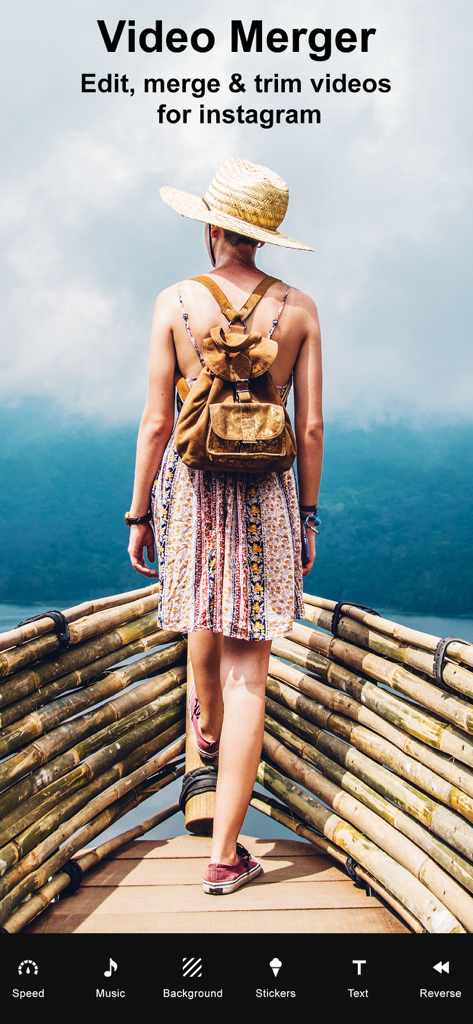
Instagram用にビデオを編集・マージするオプションを表示するビデオマージャーアプリの画面

Instagram用にビデオを編集・マージするオプションを表示するビデオマージャーアプリの画面

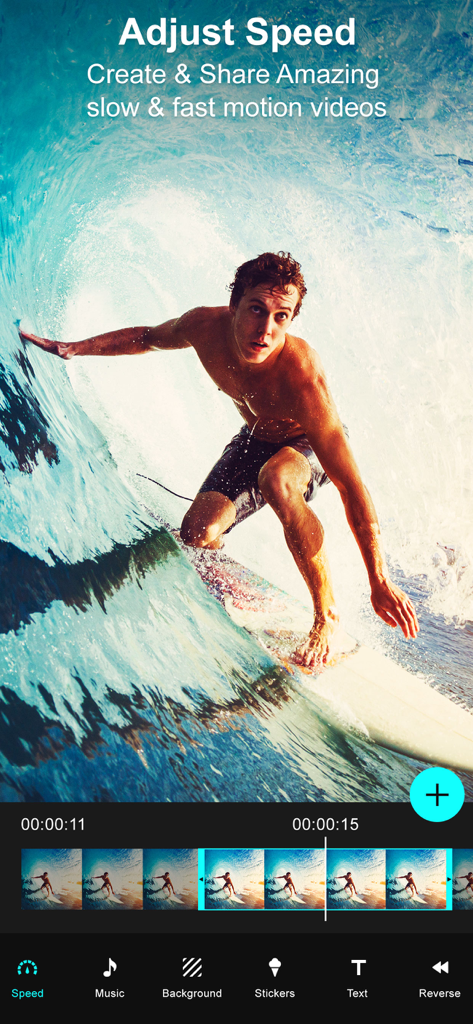
サーファーのビデオで速度調整機能を表示するビデオマージャーアプリのインターフェイス

サーファーのビデオで速度調整機能を表示するビデオマージャーアプリのインターフェイス

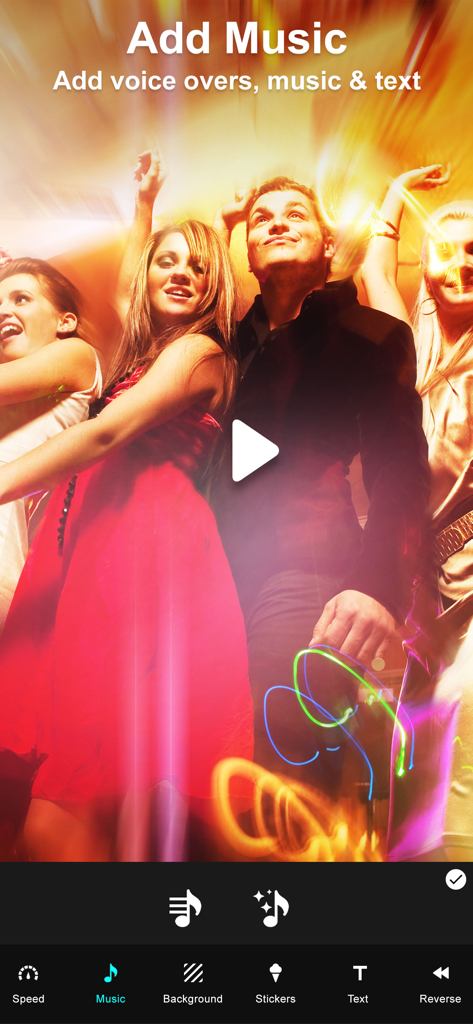
ビデオに音楽、ボイスオーバー、テキストを追加するオプションを表示するビデオマージャーアプリのインターフェイス

ビデオに音楽、ボイスオーバー、テキストを追加するオプションを表示するビデオマージャーアプリのインターフェイス

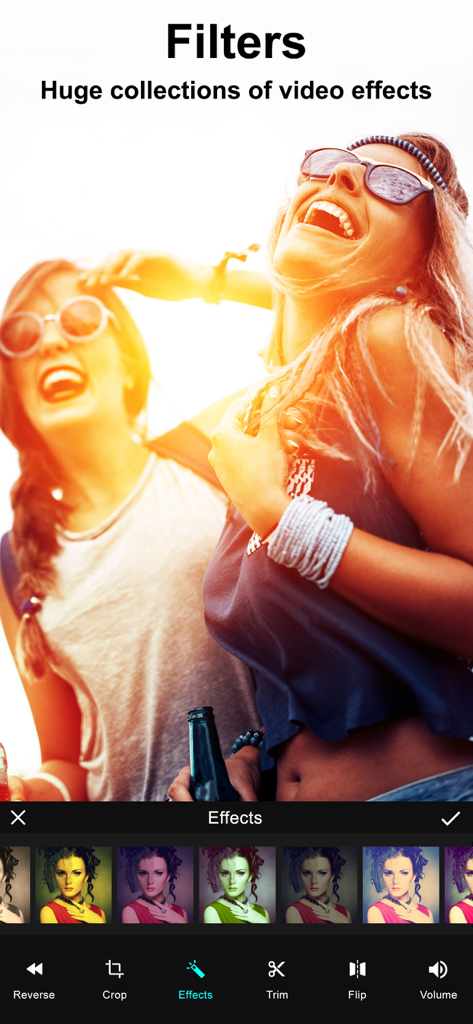
ビデオクリップに適用されたカラーフィルターとエフェクトのコレクションを表示するビデオ編集画面

ビデオクリップに適用されたカラーフィルターとエフェクトのコレクションを表示するビデオ編集画面

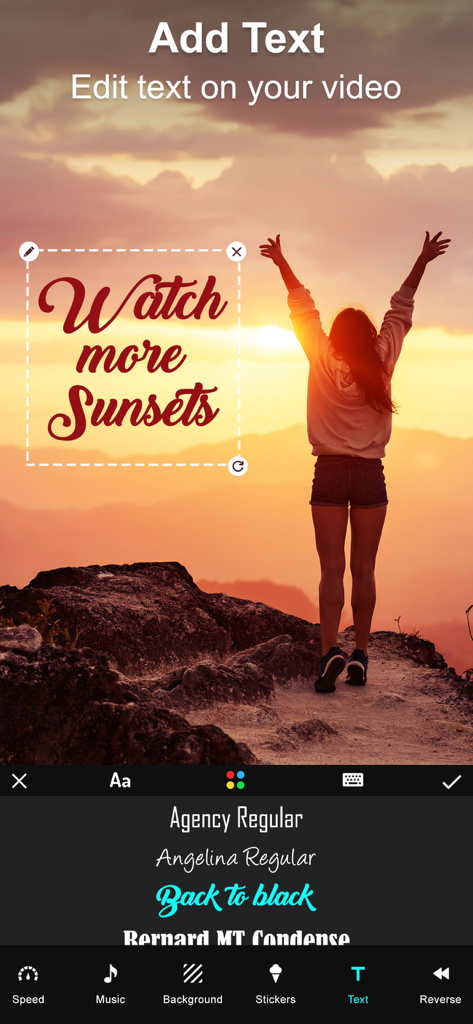
夕日のビデオにカスタムフォントオーバーレイを特徴とするビデオマージャーアプリのテキスト編集インターフェイス

夕日のビデオにカスタムフォントオーバーレイを特徴とするビデオマージャーアプリのテキスト編集インターフェイス

2人の友人とのビデオフレームにさまざまなカラフルなステッカーが適用されているビデオ編集インターフェイス

2人の友人とのビデオフレームにさまざまなカラフルなステッカーが適用されているビデオ編集インターフェイス

クリップをストーリーに変える

このアプリを際立たせるツール、 518K+ 人のユーザーが選択.

🎞️

シームレスなビデオマージ

お気に入りのクリップを選択して、即座に結合します。数回タップするだけで、家族の思い出やフィットネスの進捗状況の美しいシーケンスを作成できます。

📱

あらゆるプラットフォームに対応

ポートレート、ランドスケープ、スクエアの向きを簡単に切り替え、Instagram、TikTok、YouTubeに最適なコンテンツ表示を保証します。

🎵

カスタム音楽&エフェクト

独自のサウンドトラック、スタイリッシュなステッカー、テキストオーバーレイを追加して、ビデオに命を吹き込み、視聴者にぴったりのムードを捉えましょう。

レビュー分析

ユーザーレビューの分析.

感情スコア

11%
ネガティブ

概要

This app receives overwhelmingly negative feedback from users, primarily due to severe stability issues, with many reports of frequent crashes, freezing, and the app being entirely non-functional, sometimes even deleting user projects. A significant number of users also express strong dissatisfaction with the monetization model, citing unexpected charges, deceptive free trial practices, and essential features being locked behind paywalls, often after making purchases that still don't resolve issues. Furthermore, the app is criticized for limited core functionality, such as inability to merge multiple videos, poor output quality, and restrictive editing options. These issues have led many users to label the app as a scam, recommending others to avoid downloading it.

主なテーマ

App Stability(25)
Monetization Practices(15)
Core Functionality(10)
Deceptive Claims(6)
Output Quality(2)
User Experience(2)

アプリについて

について知っておくべきこと Video Merger - Video Combiner.

説明

Want to Merge Videos? then Download our Video Merger app to your iPhone, iPod or iPad, and easily merge videos on your device.You can use this app to combine multiple videos into one video. Key Features of our Video Merger App * Combine multiple videos right on your device * Easily add lot of different Effects to videos with our “Effects” option on this app * Very simple user interface, easy to understand * Supports Portrait, Landscape and Square orientation Video output * Add music to your video. * You can change the background color of the video * You can also add Patterns to your video * Save the combined video to your device or share it on any Social networking sites * Crop: Now we added crop option to our VideoMerger app. You can now crop your video easily. We also provided aspect ratio as well. * Add audio to a particular portion of a video. * Trim, cut, reverse and flip the video. * Add text, stickers to a selected portion of a video. * Set the video speed and adjust the volume of the video. Steps to Merge videos by adding effects with our Video Merger App: 1. Select orientation of your output video( Portrait , Landscape , Square) 2. Click on 'Add' button to select videos 3. Select your music from music library by clicking on 'Music' button 4. Select a video fit option for the video. 5. Set the speed and volume for the video. 6. Choose an audio for a selected portion of a video. 7. Trim, cut, reverse and flip the video. 8. Select stickers and add text to a selected portion of a video. 9. To watch the preview click on 'Play' button 10. Share your merged video by clicking on 'Share' button Merging video with video merger app is very easy, fast. This is the best app to combine multiple videos into single video or best app for joining videos together on your iPhone, iPod or iPad. Subscription Terms - Subscribe to get unlimited video collage app access to all features. - Upon confirmation of purchase, the payment will be charged to the iTunes account. - Until you turn off the auto-renew at least 24 hours before the end of the current. period it will be automatically renewed. - If you decide to turn off auto-renewal, you can turn it off maybe by going to account settings after purchase. -The renewal amount will be charged from the account within 24 hours before the end of the current period. -As per the policy, cancellation of the current subscription is not allowed during the active subscription period. Once purchased, refunds will not be returned for any unused portion of the subscription period. Terms of use - https://www.outthinkingindia.com/terms-of-use/ Privacy policy - https://www.outthinkingindia.com/privacy-policy/

最新バージョン

3.71

サイズ

74.9 MB

リリース日

2014年6月11日

クリップを1つの完璧なストーリーに変える準備はできましたか?

数秒で好きな瞬間をマージ、編集、共有する50万人以上のユーザーに加わりましょう。今日、iPhoneとiPad向けの最もシンプルなビデオコンバイナーをダウンロードしてください。

ダウンロード: App Store
FAQ

よくある質問

について知っておくべきこと Video Merger - Video Combiner

Video Merger - Video Combinerアプリとは何ですか?

Video Merger - Video Combinerアプリは、iPhone、iPod、またはiPadデバイスで複数のビデオを1つのビデオに結合できるアプリです。また、エフェクト、音楽、テキスト、速度調整などのさまざまな編集機能も提供し、ビデオをカスタマイズできます。

Video Mergerアプリで複数のビデオを結合できますか?

はい、Video Mergerアプリを使用すると、複数のビデオをデバイス上で直接1つのビデオに結合できます。これは、アプリの主な機能として詳細に説明されています。

Video Merger - Video Combinerはビデオにエフェクトを追加することをサポートしていますか?

はい、Video Merger - Video Combinerアプリでは、さまざまなエフェクトをビデオに追加できます。アプリには、「エフェクト」という専用のオプションがあり、膨大なビデオフィルターコレクションが用意されています。

Video Mergerアプリでビデオに音楽を追加できますか?

はい、Video Mergerアプリでは、ビデオに音楽を追加できます。ユーザーは音楽ライブラリから音楽を選択し、ビデオの特定の部分にオーディオを追加できます。

Video Mergerはどのようなビデオ向きをサポートしていますか?

Video Mergerアプリは、ビデオ出力の向きとして、縦向き、横向き、正方形をサポートしています。ユーザーはビデオを結合する際の最初のステップとして、希望する向きを選択します。

Video Merger - Video Combinerでビデオをトリミングおよびクロップできますか?

はい、Video Merger - Video Combinerアプリには、ビデオをトリミングおよびクロップするためのオプションが含まれています。クロップにはアスペクト比の選択機能があり、トリミング、カット、反転、フリップなどの機能も備えています。

Video Mergerアプリでビデオの速度を調整するにはどうすればよいですか?

Video Mergerアプリでは、ビデオの速度を調整できます。この機能はビデオ編集ツールキットの一部であり、スローモーションまたはファストモーションエフェクトの作成を可能にします。

Video Mergerでビデオにテキストやステッカーを追加できますか?

はい、Video Mergerアプリでは、選択したビデオの部分にテキストやステッカーを追加できます。クリエイティブな強化のために、アプリ内にテキストとステッカー専用のインターフェースが用意されています。

Video Merger - Video Combinerのサブスクリプションはどのように機能しますか?

Video Merger - Video Combinerアプリは、すべての機能への無制限アクセスを提供するためのサブスクリプションを提供しています。購入が確認されると、支払いはユーザーのiTunesアカウントに請求されます。

Video Mergerアプリのサブスクリプションをキャンセルするにはどうすればよいですか?

ユーザーは、購入後、アカウント設定を通じて自動更新をオフにすることで、Video Mergerアプリのサブスクリプションをキャンセルできます。この操作は、現在のサブスクリプション期間が終了する少なくとも24時間前に行う必要があります。

Video Mergerアプリのサブスクリプションに返金はありますか?

いいえ、Video Mergerアプリのポリシーでは、アクティブな期間中の現在のサブスクリプションのキャンセルは許可されていません。購入したサブスクリプション期間の未使用部分に対する返金はありません。

App information, icons, screenshots, and descriptions displayed on this page are sourced from the Apple App Store and are the property of their respective developers. Download estimates and rankings are based on MWM's proprietary models and may not reflect actual figures. This page is provided for informational and analytical purposes only.

Believe this page infringes your intellectual property? File a dispute