vrBox - VR Player

vrBox - VR Player

ダウンロード: App Store
ロゴ: vrBox - VR Player

vrBox - VR Player: あなたの究極のプライベート3Dシネマ

iPhoneを没入感あふれるシアターに変えましょう。高度なフォーマットサポート、LAN共有、完璧なVR体験のための精密な光学調整で、3D、360°、2Dの映画を再生します。

ダウンロード: App Store

開発元

Guangzhou Jichuang Technology Co., Ltd.

カテゴリ

Utilities

ダウンロード

8K+

ユーザー評価

3.5/5

評価数

0

対応言語

15

没入ゾーンに入る

このインターフェースを利用する 8K+ 人のユーザー.

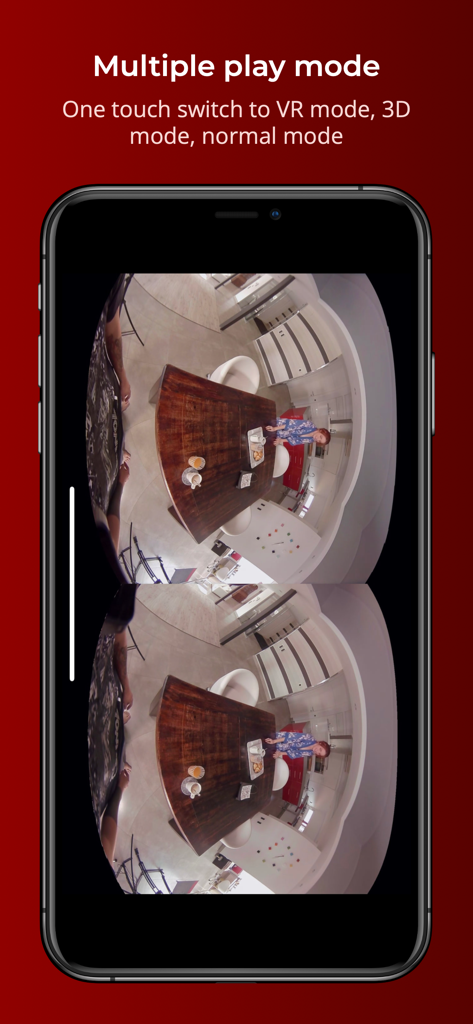
vrBoxアプリがiPhoneでサイドバイサイドVR再生を表示している様子

vrBoxアプリがiPhoneでサイドバイサイドVR再生を表示している様子

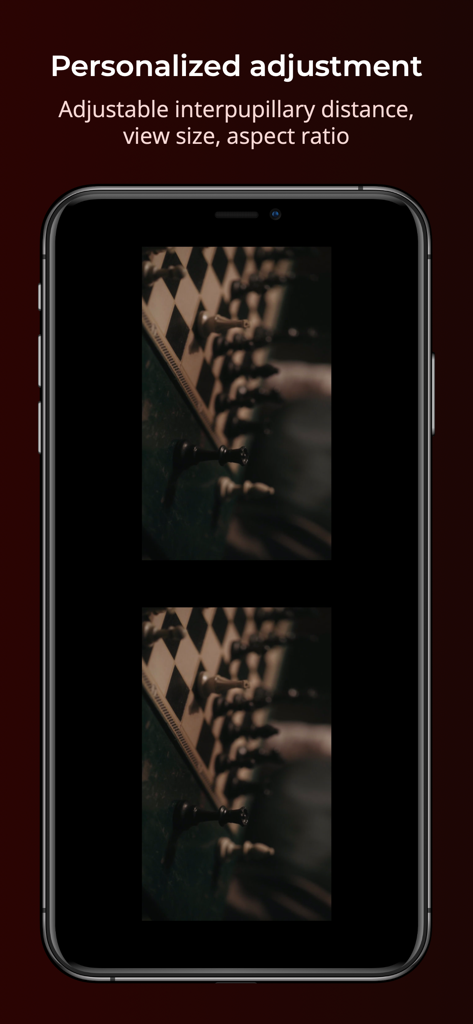
vrBoxアプリがiPhoneでのVR再生用に調整可能な瞳孔間距離とアスペクト比設定を表示している様子

vrBoxアプリがiPhoneでのVR再生用に調整可能な瞳孔間距離とアスペクト比設定を表示している様子

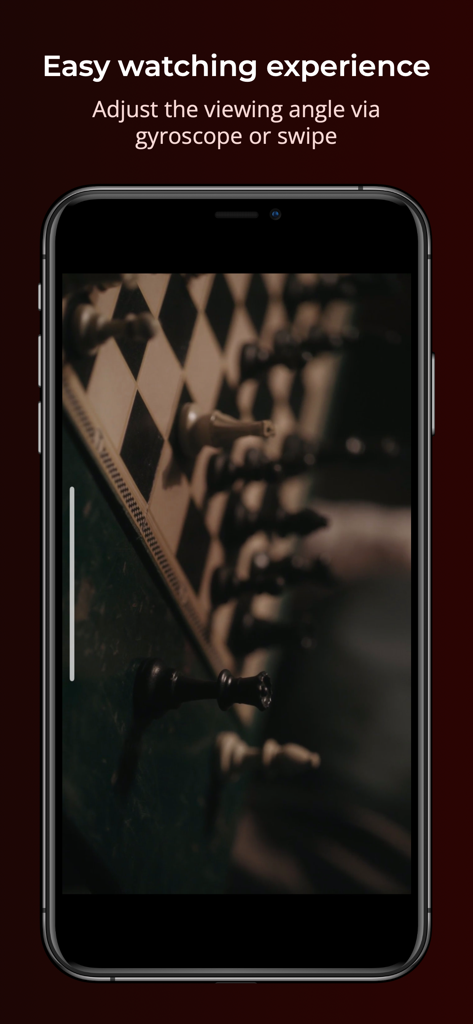
vrBoxアプリのインターフェースと、ジャイロスコープまたはスワイプによる視野角調整機能を示すスマートフォンの画面

vrBoxアプリのインターフェースと、ジャイロスコープまたはスワイプによる視野角調整機能を示すスマートフォンの画面

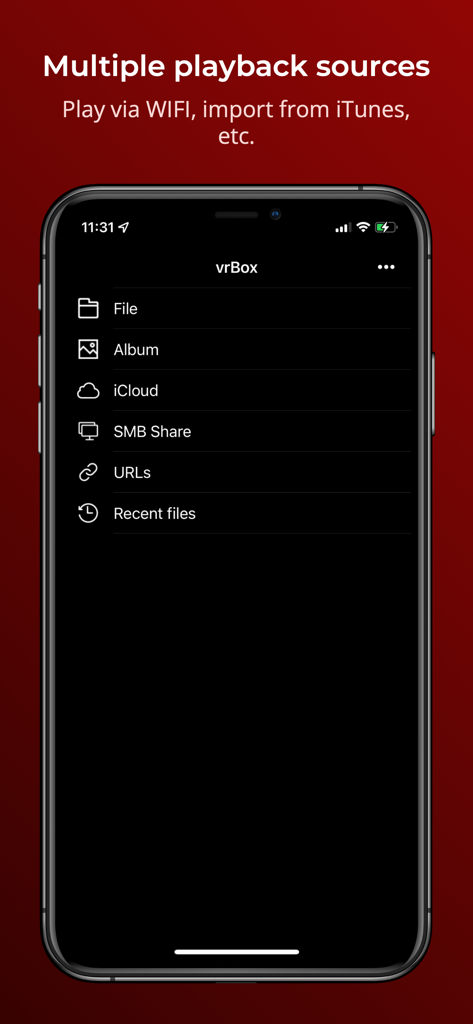
vrBox VR Playerアプリの複数の再生ソース(ローカルファイルやSMB共有を含む)を示すiPhone画面

vrBox VR Playerアプリの複数の再生ソース(ローカルファイルやSMB共有を含む)を示すiPhone画面

VRヘッドセットの可能性を最大限に引き出す

このアプリを際立たせるツール、 8K+ 人のユーザーが選択.

📽️

ユニバーサルシネマサポート

あらゆるビデオフォーマット、3D映画、VR体験を簡単に視聴できます。標準の2D映画をプライベートな大画面シアターに変えましょう。

🛠️

精密キャリブレーション

究極の調整ツール。瞳孔間距離、ディスプレイサイズ、視野角を調整して、完璧にクリアで頭痛のない視覚体験を実現します。

🏠

シームレスなLANストリーミング

スマートフォンのストレージを節約します。ローカルWi-Fi経由でPCやメディアサーバーから直接、プライベートムービーコレクションにアクセスしてストリーミングします。

アプリについて

について知っておくべきこと vrBox - VR Player.

説明

**vrBox Player is a fully functional VR player** 1. Support most of video formats 2. Support 3D movies and VR movies 3. Support wearing VR glasses to watch 2D movies 4. Support access to local LAN sharing 5. Rotated playback 6. Display scale can be changed 7. In VR mode, you can change the viewing angle by tilting your iphone or swiping the screen 8. Support to adjust pupil distance 9.Please use the app with VR glasses 10.Support for some formats is incomplete and we will continue to improve **In-app purchase and subscription terms** vrBox Player is a free app, but you can subscribe to unlock all features. Once you confirm your purchase, you will be charged to your Apple ID account. If purchase the auto-renewing subscription, unless you cancel the order at least 24 hours before the end of the current billing cycle, the subscription will automatically renew, and your account will charge the renewal fee within 24 hours before the end of the current billing cycle. You can manage or turn off auto-renewal in your Apple ID account settings at any time after you make a purchase. Privacy policy -- https://www.pddy.site/privacy_policy.html Terms of Use -- http://pddy.site/user_agreement.html **Manage your subscription from iPhone** Manage automatic renewal subscriptions with the following steps 1. Open Settings , [Your Name] , iTunes and the App Store. 2. Tap the Apple ID at the top of the screen. 3. Tap View Apple ID. You may need to verify your Apple ID. 4. Tap Subscribe. 5. Tap the subscription you want to manage. 6. Use these options to manage your subscription. You can choose from a different subscription option, or tap Unsubscribe to cancel your subscription. If cancelled, your subscription will stop at the end of the current payment period. Question Feedback: help@pddy.site

最新バージョン

3.0

サイズ

21.6 MB

リリース日

2021年8月24日

プライベート3Dシネマのロックを解除する準備はできましたか?

8,000人以上のテクノロジー愛好家に加わり、iPhoneをハイエンドVRシアターに変えましょう。ローカルライブラリをストリーミングし、完璧な快適さのために調整し、今日、没入感のある3Dであらゆるビデオフォーマットを体験してください。

ダウンロード: App Store

App information, icons, screenshots, and descriptions displayed on this page are sourced from the Apple App Store and are the property of their respective developers. Download estimates and rankings are based on MWM's proprietary models and may not reflect actual figures. This page is provided for informational and analytical purposes only.

Believe this page infringes your intellectual property? File a dispute