Wolow - Wake on LAN

Wolow - Wake on LAN

ダウンロード: App Storeダウンロード: Google Play
ロゴ: Wolow - Wake on LAN

Wolow - ワンタップでPCをリモート起動

ゲーマー、ITプロフェッショナル、パワーユーザーのために設計されたモダンなWake on LANユーティリティ。iPhoneまたはiPadから、いつでも、どこでも、デスクトップ、サーバー、ホームラボを簡単に起動できます。

開発元

Jack Baker

カテゴリ

Utilities

ダウンロード

121K+

ユーザー評価

4.4/5

評価数

8K+

対応言語

4

あなただけのリモートダッシュボード

このインターフェースを利用する 121K+ 人のユーザー.

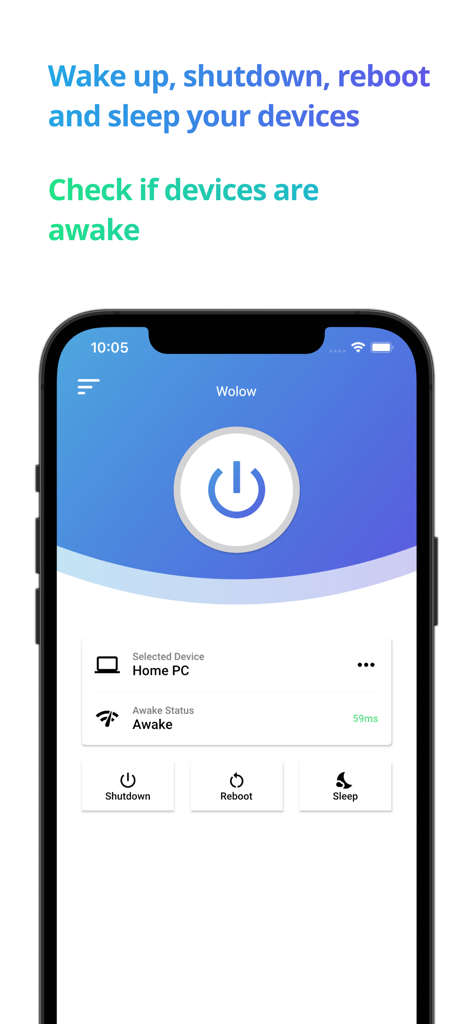
WolowアプリのiPhoneインターフェース。PCのリモートシャットダウン、再起動、スリープコントロールを表示。

WolowアプリのiPhoneインターフェース。PCのリモートシャットダウン、再起動、スリープコントロールを表示。

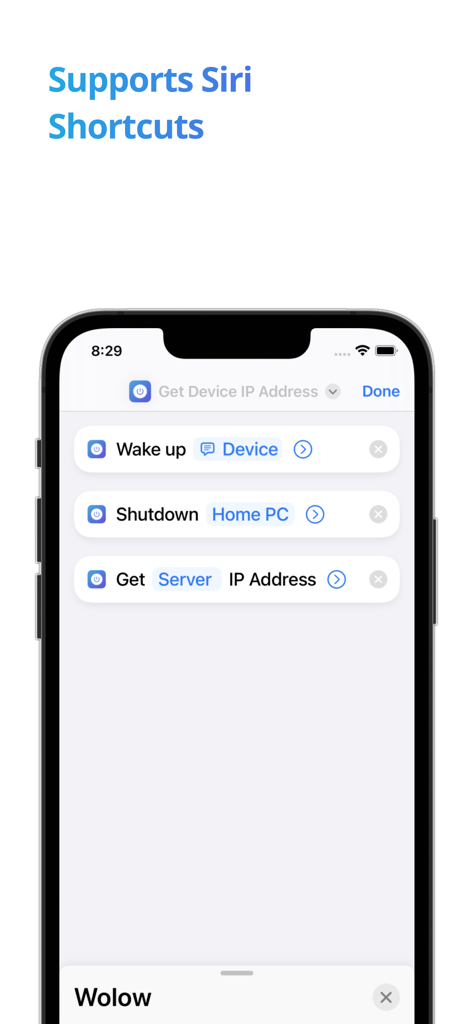
Wolowアプリのインターフェース。リモートPC電源コントロール用のSiriショートカットを表示。

Wolowアプリのインターフェース。リモートPC電源コントロール用のSiriショートカットを表示。

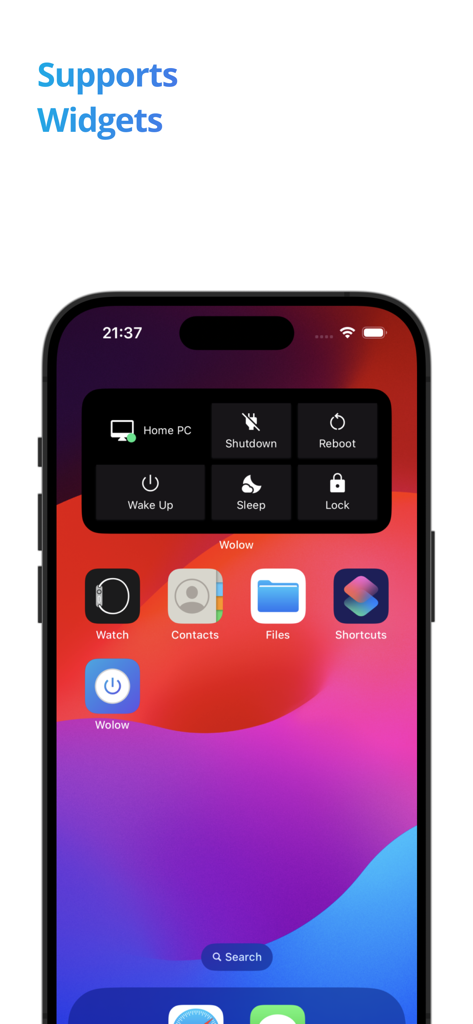
iPhoneホーム画面上のWolow iOSウィジェット。Wake Up、Shutdown、RebootなどのリモートPC電源コントロールを表示。

iPhoneホーム画面上のWolow iOSウィジェット。Wake Up、Shutdown、RebootなどのリモートPC電源コントロールを表示。

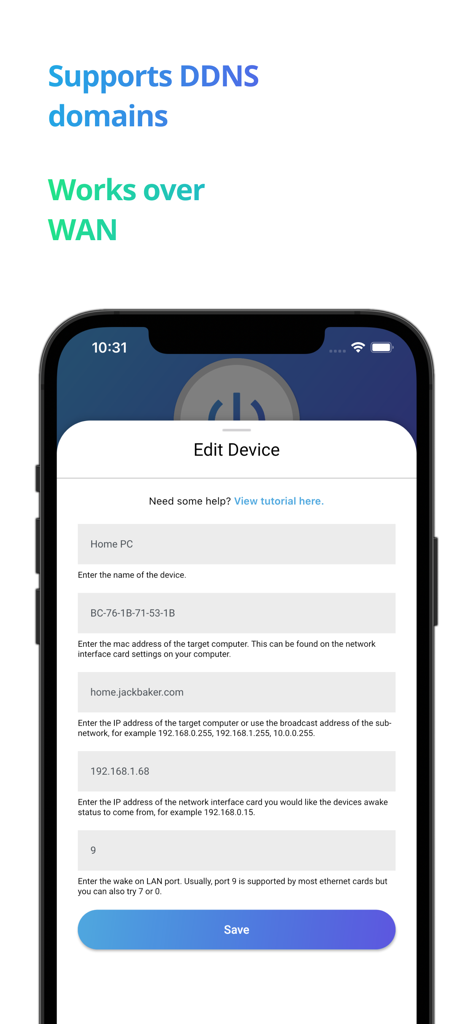
Wolowアプリのデバイス編集画面。DDNSおよびWANサポートを含む。

Wolowアプリのデバイス編集画面。DDNSおよびWANサポートを含む。

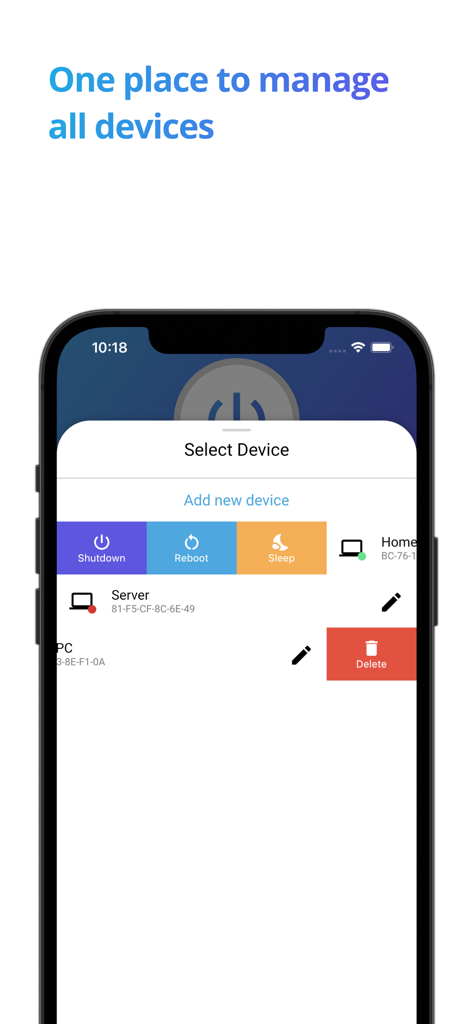
Wolowアプリの画面。シャットダウン、再起動、スリープコマンドを使用して複数のデバイスを管理するオプションを表示。

Wolowアプリの画面。シャットダウン、再起動、スリープコマンドを使用して複数のデバイスを管理するオプションを表示。

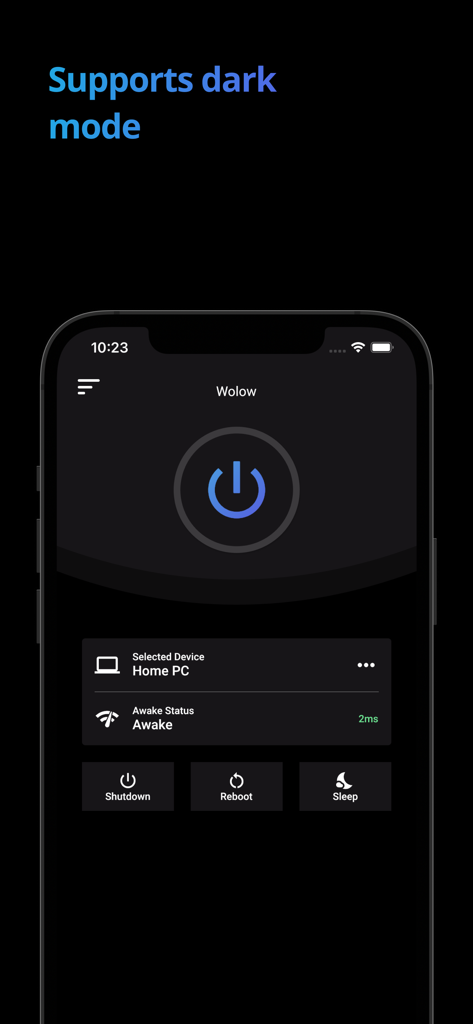
Wolowアプリのダークモードのスクリーンショット。シャットダウン、再起動、スリープボタンを含むリモートPC電源コントロールを表示。

Wolowアプリのダークモードのスクリーンショット。シャットダウン、再起動、スリープボタンを含むリモートPC電源コントロールを表示。

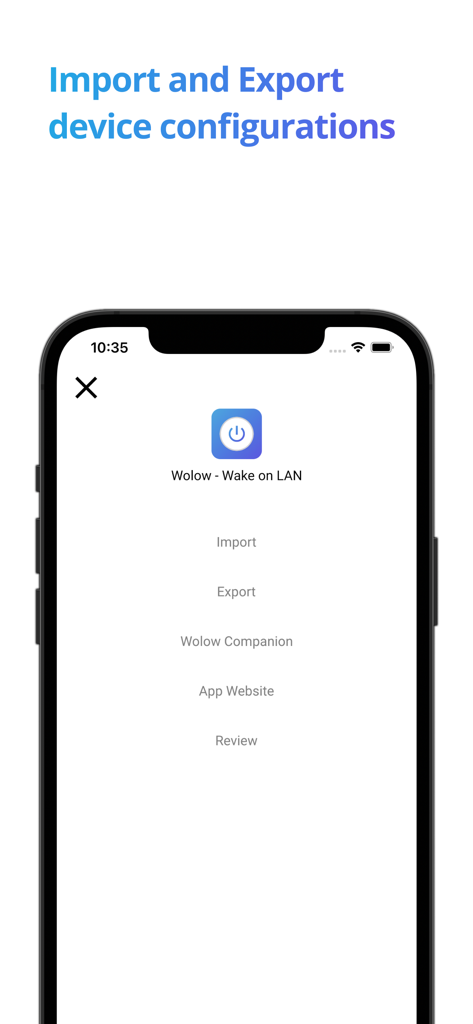
Wolowアプリの画面。デバイス設定のインポートとエクスポートのオプションを表示。

Wolowアプリの画面。デバイス設定のインポートとエクスポートのオプションを表示。

リモートテックスタックをマスターする

このアプリを際立たせるツール、 121K+ 人のユーザーが選択.

ワンタップのリモートイグニッション

消費電力の高いPCを24時間365日稼働させるのはやめましょう。必要な時にだけ、ワンタップでコンピューターを起動することで、電気代とハードウェアの摩耗を節約できます。

🎮

究極のリモートプレイリンク

Steam Link、Moonlight、またはRDPに最適なコンパニオンです。ソファに座っていても、外出先でも、iPadからデスクトップを起動して、すぐにストリーミングを開始できます。

🛠️

簡単なセットアップガイド

BIOSとネットワークの設定を理解するのは、頭痛の種であるべきではありません。統合されたガイドが設定をナビゲートし、「マジックパケット」を手間なく配信できるようにします。

アプリについて

について知っておくべきこと Wolow - Wake on LAN.

説明

Wolow is a wake on LAN app that allows you to remotely start up a computer by sending a "magic packet" request. Simply add a device configuration inside the app, select the device you would like to start up and then press the power button and as long as your configuration is correct you can watch your computer startup. Wake on LAN is a network protocol that is supported by the majority of Ethernet cards available. Before using the app ensure your computer is fully configured to work with the wake on LAN protocol. A guide on how to set up your computer can be found within the app at the bottom.

最新バージョン

2.13.6

サイズ

37.6 MB

リリース日

2020年3月1日

PCの電源ボタンが、あなたのポケットに

ワークフローを最適化した121,000人以上のパワーユーザーに加わりましょう。今すぐWolowをダウンロードして、ワークステーションやゲーミングリグの究極のリモートイグニッションスイッチを体験してください。

ダウンロード: App Storeダウンロード: Google Play

App information, icons, screenshots, and descriptions displayed on this page are sourced from the Apple App Store and are the property of their respective developers. Download estimates and rankings are based on MWM's proprietary models and may not reflect actual figures. This page is provided for informational and analytical purposes only.

Believe this page infringes your intellectual property? File a dispute