ZooZip: AI Storage Cleaner

ZooZip: AI Storage Cleaner

ダウンロード: App Store
ロゴ: ZooZip: AI Storage Cleaner

ZooZip:AIストレージクリーナー&かわいいペットコレクター

iCloudにお金を払うのはやめて、ストレージ整理をゲームに変えよう!AIを使って重複写真、ぼやけた写真、かさばるスクリーンショットを瞬時に削除し、コレクションのために愛らしい動物のスキンをアンロックしましょう。

開発元

SINGATOP PTE. LTD.

カテゴリ

Utilities

ダウンロード

1K+

ユーザー評価

1.0/5

評価数

0

対応言語

3

動物園の中

このインターフェースを利用する 1K+ 人のユーザー.

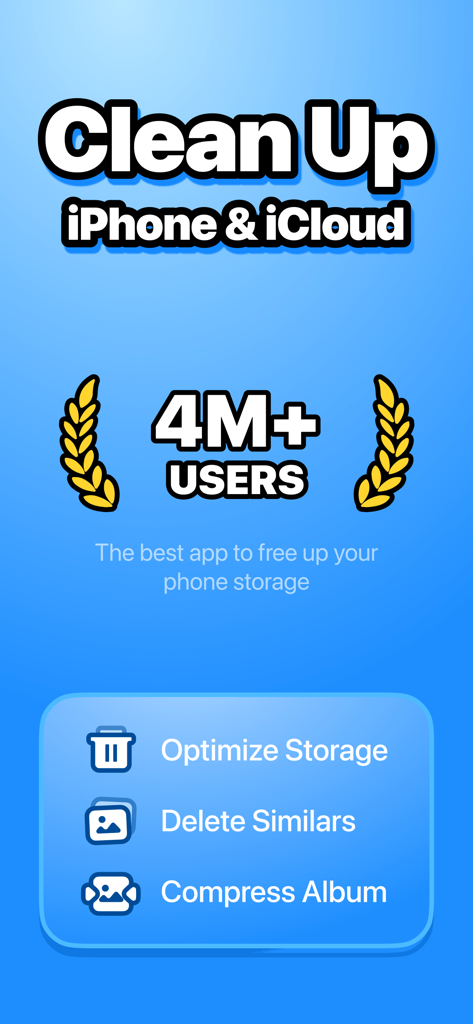
iPhoneとiCloudのストレージ最適化とクリーンアップ機能に焦点を当てたZooZipアプリの画面

iPhoneとiCloudのストレージ最適化とクリーンアップ機能に焦点を当てたZooZipアプリの画面

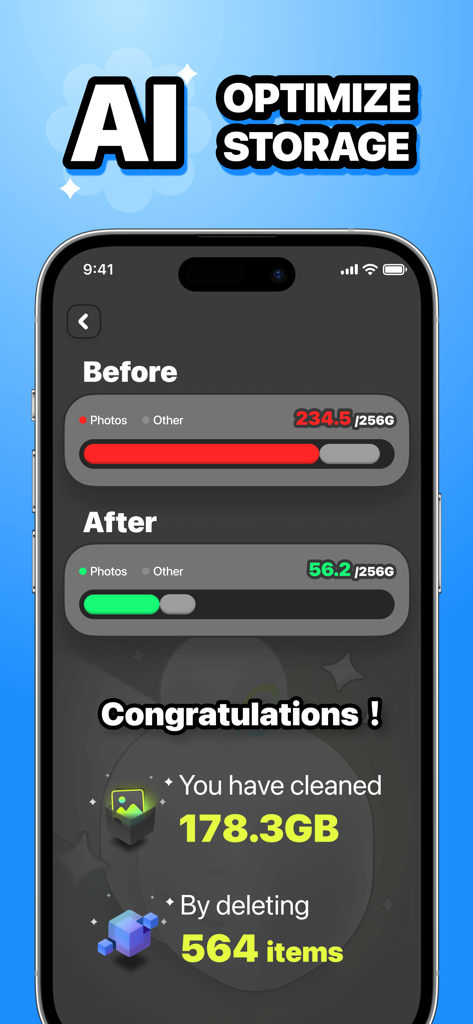
178GBの容量を解放してクリーンアップした後のiPhoneストレージの比較画面

178GBの容量を解放してクリーンアップした後のiPhoneストレージの比較画面

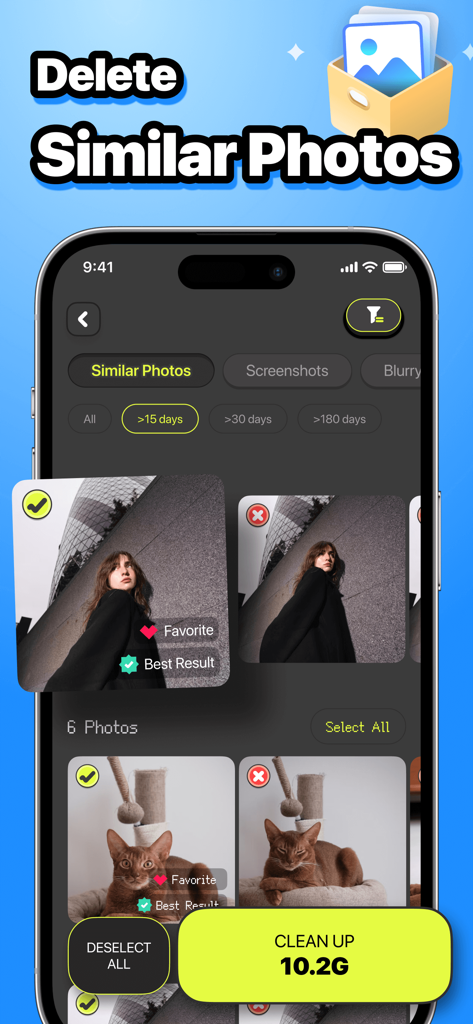
似た写真の検出とストレージをクリーンアップするための大きなボタンを表示するZooZip AIストレージクリーナーアプリのインターフェース

似た写真の検出とストレージをクリーンアップするための大きなボタンを表示するZooZip AIストレージクリーナーアプリのインターフェース

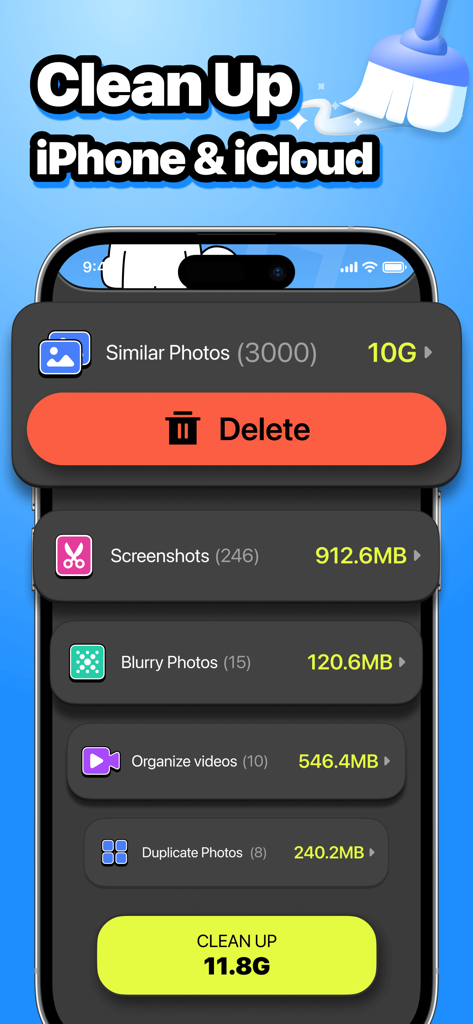
iPhoneの類似写真、スクリーンショット、ぼやけた画像をクリーンアップするためのカテゴリを表示するZooZipアプリのダッシュボード

iPhoneの類似写真、スクリーンショット、ぼやけた画像をクリーンアップするためのカテゴリを表示するZooZipアプリのダッシュボード

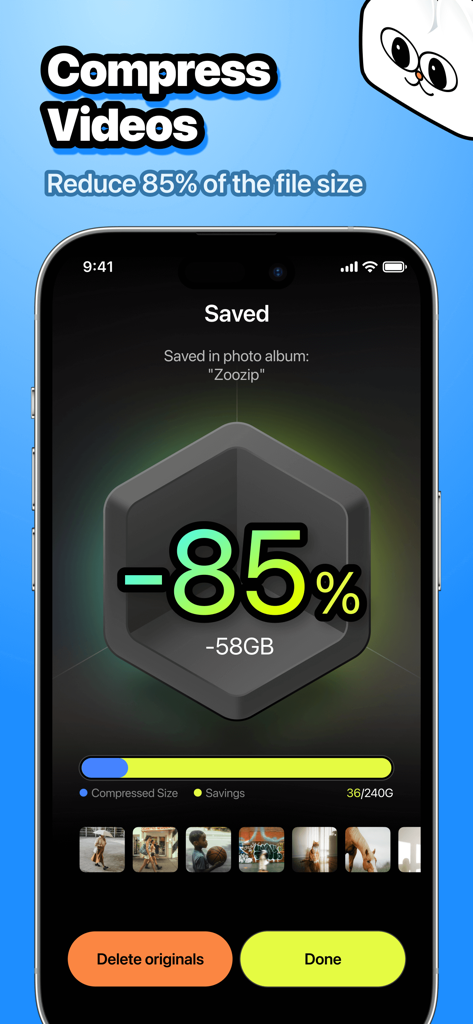
ファイルサイズを85%削減し、58GBのストレージを節約した動画圧縮結果を表示するZooZipアプリのインターフェース

ファイルサイズを85%削減し、58GBのストレージを節約した動画圧縮結果を表示するZooZipアプリのインターフェース

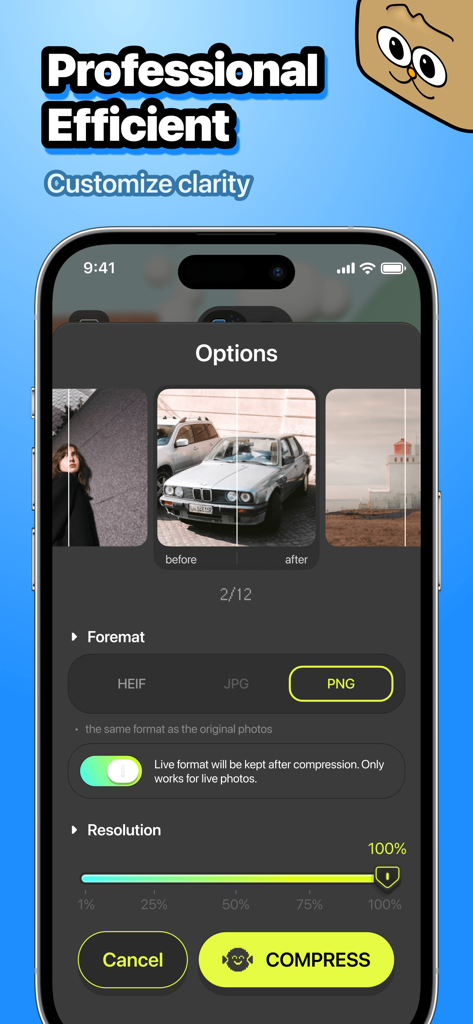
フォーマット選択と解像度スライダーを含む写真圧縮設定を表示するZooZipアプリのインターフェース

フォーマット選択と解像度スライダーを含む写真圧縮設定を表示するZooZipアプリのインターフェース

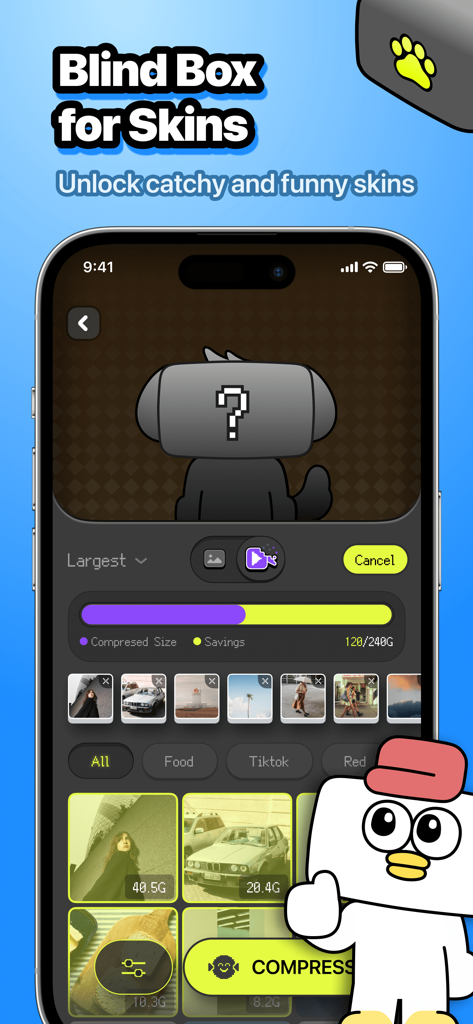
ストレージをクリーンアップしながらペットスキンをアンロックするためのブラインドボックス機能を表示するiPhone画面

ストレージをクリーンアップしながらペットスキンをアンロックするためのブラインドボックス機能を表示するiPhone画面

スマホをきれいに、動物園を作ろう

このアプリを際立たせるツール、 1K+ 人のユーザーが選択.

AI搭載スマートクリーンアップ

もう決断疲れは不要です。AIがベストショットを識別し、似たような写真をグループ化するので、残りはワンタップで削除できます。

🪄

高品質圧縮

雰囲気を保ちながら、最大の動画や写真を圧縮します。お気に入りの鮮明な品質を犠牲にすることなく、容量を節約しましょう。

🐱

レアなペットスキンをアンロック

退屈な作業をゲームに変えましょう。ストレージ節約目標を達成するごとに、ブラインドボックスを開けて限定の動物スキンを集めましょう。

アプリについて

について知っておくべきこと ZooZip: AI Storage Cleaner.

説明

Free up space easily, shrink photos & unlock cute pets! Clean up your photo library with similar shots, duplicate photos, blurry photos and screenshots, plus organize videos. Compress photos & videos without quality loss, and collect adorable animal skins! *One-Tap Cleanup: Free up iPhone storage in seconds. Delete similar photos, duplicate photos, blurry shots, screenshots, and junk with a single tap — no manual browsing needed. *Smart Similar Photo Removal: Auto-detect similar and duplicate photos. Smart grouping for similar-style shots, with "Best" marked for quick, hassle-free selection. *Exact Duplicate Handling: Auto-select exact duplicates for one-click deletion to save you time on manual checks. *Blurry Photo Detection: Identify and filter out blurry photos automatically. Keep only clear, high-quality shots in your gallery. *Screenshot Cleanup: Spot and delete redundant screenshots in bulk. Reduce clutter from unwanted screen captures with ease. *Video Organization: Tidy up your video library. Easily sort and manage videos to free up storage and keep your gallery organized. *Effortless Compression: Reduce photo and video sizes without sacrificing quality. Maintain sharp, high-resolution results. *Batch Compression: Save time by compressing multiple photos/videos at once. Perfect for users with large media collections needing quick optimization. *Multi-Format Support: Shrink images from JPEG, PNG, HEIC and more. Ensure compatibility across all your devices and platforms with ease. *Custom Clarity: Take control of file sizes with adjustable compression ratios. Balance size and quality based on your personal preferences. *Surprise Skins: Unlock exclusive animal skins through fun blind boxes as you complete tasks. Collect them all and personalize your experience with themed designs. Subscription: 1.After confirming the purchase, the payment will be deducted from the payment method you set. 2.If it is an auto-renewal subscription, auto-renewal will be canceled if it is turned off 24 hours before the end of the current subscription period. 3.If you renew or cancel during the free trial period, we will not take back the free trial, and you can continue to try until the end of the trial period. Privacy Policy: https://policy.singatop.com/zoozip/privacy_en.html User Agreement: https://agreement.singatop.com/zoozip/terms_en.html

最新バージョン

2.0.1

サイズ

95.8 MB

リリース日

2025年1月14日

「ストレージがいっぱいです」にさよなら、かわいいペットにこんにちは!

ワンタップで写真の散らかりを片付け、限定のブラインドボックス報酬をアンロックしましょう。今日からスペースを節約し、愛らしいスキンを集めるコミュニティに参加しましょう!

ダウンロード: App Store
FAQ

よくある質問

について知っておくべきこと ZooZip: AI Storage Cleaner

ZooZip: AIストレージクリーナーとは何ですか?

ZooZipは、iPhoneとiCloud向けのAIストレージクリーナーアプリです。類似、重複、ぼやけた写真、スクリーンショット、ジャンクファイルを検出・削除して容量を解放します。メディアの圧縮も行います。

ZooZipはどのようにiPhoneのストレージをクリーンアップしますか?

ZooZipは、類似、重複、ぼやけた、不要なスクリーンショットを自動的に特定して削除することでストレージをクリーンアップします。また、ビデオを整理し、写真とビデオを効率的に圧縮します。

ZooZipは写真とビデオを圧縮できますか?

はい、ZooZipは画質を損なうことなく写真とビデオの両方を圧縮します。JPEG、PNG、HEICなどの形式をサポートし、カスタマイズされた明瞭さのために調整可能な圧縮率を提供します。

ZooZipは重複写真を検出しますか?

はい、ZooZipは完全に一致する重複写真を検出し、ワンクリック削除のために自動選択します。また、類似スタイルのショットをスマートにグループ化し、ユーザーの利便性のために最適なものをマークします。

ZooZipはどのような種類のファイルをクリーンアップできますか?

ZooZipは、類似写真、完全に一致する重複写真、ぼやけた写真、スクリーンショットなど、さまざまなファイルをクリーンアップします。また、ライブラリ内のビデオの整理にも役立ちます。

ZooZipはサブスクリプションの無料トライアルを提供していますか?

はい、ZooZipはサブスクリプションで無料トライアルを提供しています。トライアル期間中にキャンセルまたは更新が行われた場合でも、トライアル期間終了まで引き続き利用できます。

ZooZipサブスクリプションの自動更新をキャンセルするにはどうすればよいですか?

ZooZipサブスクリプションの自動更新をキャンセルするには、現在のサブスクリプション期間が終了する少なくとも24時間前にオフにしてください。これにより、自動支払い請求を防ぐことができます。

ZooZipは画質を損なわずにビデオファイルのサイズを縮小しますか?

はい、ZooZipはビデオファイルのサイズを大幅に(最大85%)縮小しながら、シャープで高解像度の結果を維持します。圧縮中に画質が低下しないことを保証します。

ZooZipの「サプライズスキン」とは何ですか?

サプライズスキンはZooZip限定の動物スキンです。ユーザーは、アプリのタスクを完了することで、楽しいブラインドボックスを通じてこれらのパーソナライズされたテーマデザインのロックを解除し、体験を向上させます。

ZooZip: AIストレージクリーナーのユーザー数は何人ですか?

ZooZip: AIストレージクリーナーは400万人以上のユーザーを獲得しています。これは、iPhoneとiCloudストレージの最適化のための効果的なソリューションとしての人気を示しています。

App information, icons, screenshots, and descriptions displayed on this page are sourced from the Apple App Store and are the property of their respective developers. Download estimates and rankings are based on MWM's proprietary models and may not reflect actual figures. This page is provided for informational and analytical purposes only.

Believe this page infringes your intellectual property? File a dispute