Zulu Time

Zulu Time

ダウンロード: App Store
ロゴ: Zulu Time

Zulu Time: パイロットとプロフェッショナル向けの正確なUTC連携

一目でわかるZuluタイムとローカルタイムのオフセットで暗算をなくしましょう。フライトプランニング、アマチュア無線ログ、ミッションクリティカルな精度に特化して設計された、不可欠なウィジェットとApple Watchの文字盤。

開発元

DEREK SPEARS

カテゴリ

Utilities

ダウンロード

81K+

ユーザー評価

4.8/5

評価数

2K+

対応言語

2

一目でわかる精度

このインターフェースを利用する 81K+ 人のユーザー.

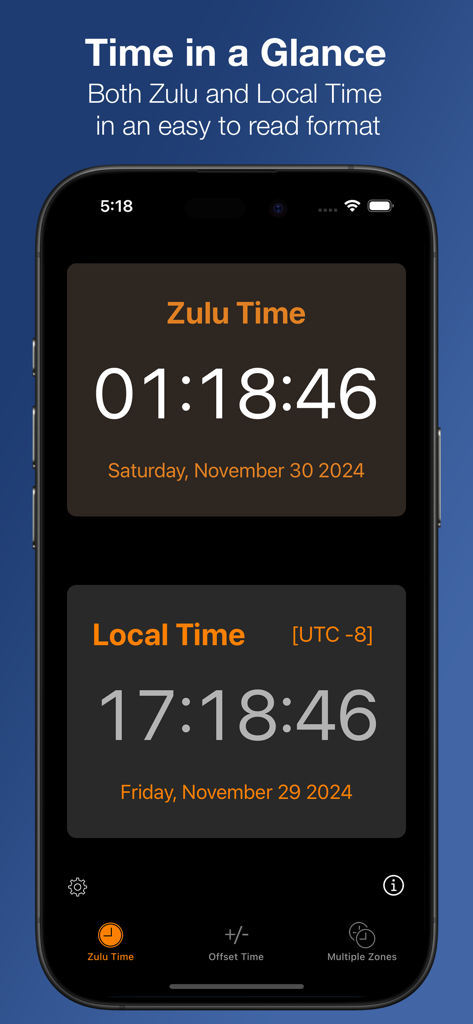
クリーンなインターフェースでZuluタイムとローカルタイムを同時に表示するiPhone画面

クリーンなインターフェースでZuluタイムとローカルタイムを同時に表示するiPhone画面

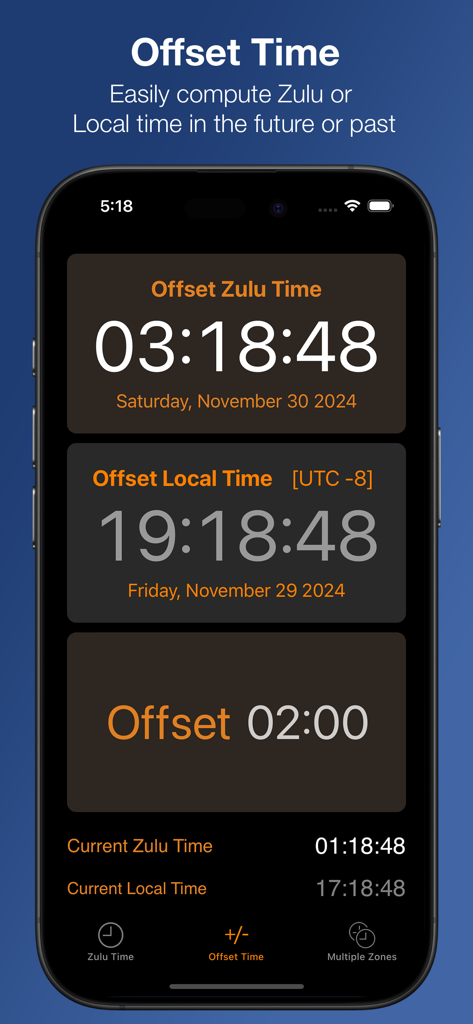
Zulu Timeアプリのインターフェースで、将来または過去のUTCとローカルタイムを計算するためのオフセットタイム機能を表示

Zulu Timeアプリのインターフェースで、将来または過去のUTCとローカルタイムを計算するためのオフセットタイム機能を表示

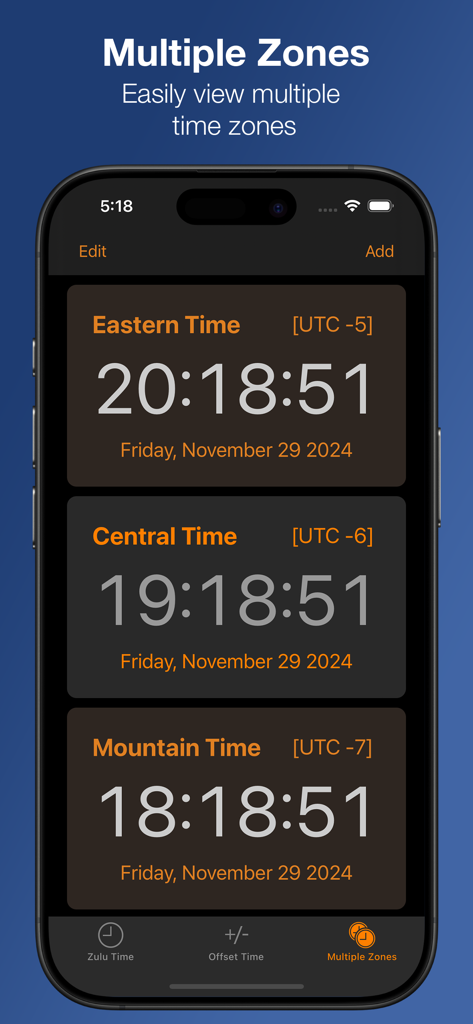
複数の米国タイムゾーンとUTCオフセット、現在の時刻を表示するZulu Timeアプリのスクリーンショット

複数の米国タイムゾーンとUTCオフセット、現在の時刻を表示するZulu Timeアプリのスクリーンショット

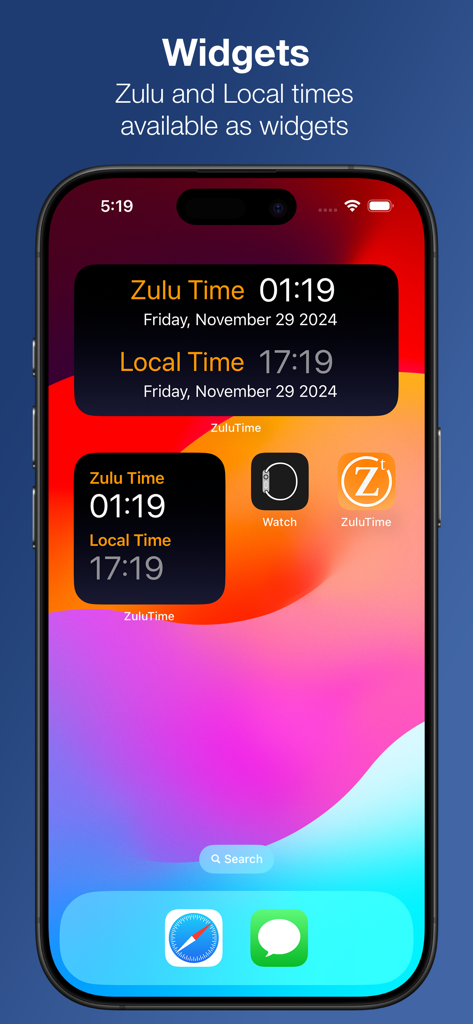
Zuluタイムとローカルタイムを一目で表示する2つのZulu Timeアプリウィジェットを表示するiPhoneホーム画面

Zuluタイムとローカルタイムを一目で表示する2つのZulu Timeアプリウィジェットを表示するiPhoneホーム画面

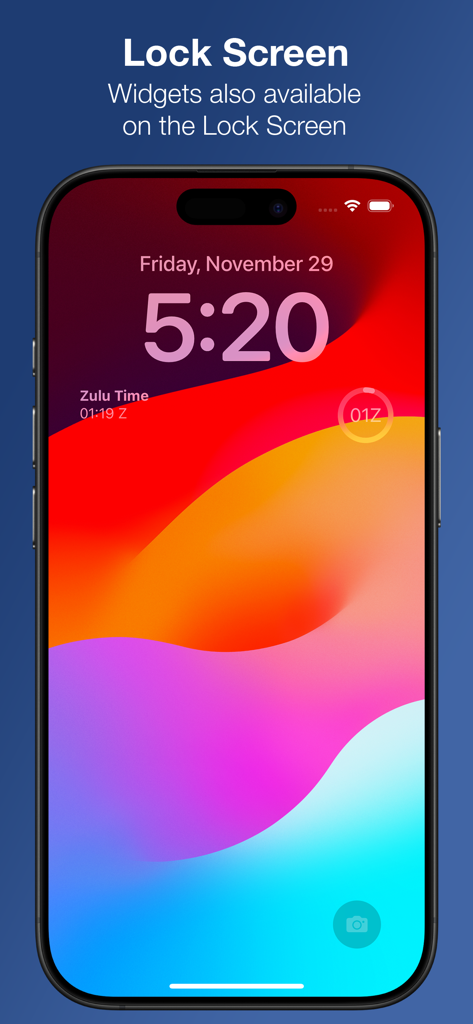
Zulu Time UTCクロックウィジェットを搭載したiPhoneロック画面

Zulu Time UTCクロックウィジェットを搭載したiPhoneロック画面

あらゆるミッションのための精密タイミング

このアプリを際立たせるツール、 81K+ 人のユーザーが選択.

一目でわかるウォッチコンプリケーション

手首にZuluタイムを。プレッシャーの高い環境で、Apple WatchのコンプリケーションとiPhoneウィジェットを通じて瞬時にUTCにアクセスできます。

✈️

スマートオフセットプランニング

将来のフライトプランを計算したり、過去の無線交信を簡単に記録したりできます。任意のタイムオフセットを調整して、ローカルタイムとZuluタイムを完璧に同期させます。

🌐

グローバルマルチゾーン追跡

無制限のタイムゾーンを1つのビューで監視できます。夏時間の心配なしに、国際的なオペレーションの調整に最適です。

アプリについて

について知っておくべきこと Zulu Time.

説明

An iPhone, Apple Watch and iPad app to see Local and Zulu time (GMT) or multiple time zones in a single glance. Includes Widgets for both the iPhone and Apple Watch. Useful for pilots in getting weather briefings and filing flight plans, or Ham radio operators to do timezone conversions. No more worrying about getting the timezone offset correct or Daylight Savings Time conversions. Easily convert from different time zones, including times in the future or past. On the iPhone: - Home and Lock Screen widgets - The Zulu Time page gives a quick view of both Zulu and Local times - The Offset Time page allows you to see Zulu and local time either in the future or past by entering an offset via the Offset button. Tapping either Zulu or Local times will allow you to enter a time in the future or past, synchronizing both Local and Zulu times with that offset. The offset only applies to this view (except on the iPad the offset applies to everything on the page) - The Multiple Zones page allows you to add as many time zones as you wish in a scrolling view. Clicking on any Time Zone will allow you to change it. on iPad: All information is combined on one screen. You have user customizable time zones on the right hand side. On the left, you have Zulu and Local time and one customizable time zone. The offset to see future or past time can be done via the Offset button or tapping any of either the Zulu, Local or Custom time buttons on the left. On the Watch: Complications available in all watch faces making for glanceable ZuluTime and access to the app, which gives offset able time computation.

最新バージョン

3.7.0

サイズ

15.4 MB

リリース日

2010年6月19日

フライトプランや無線交信をもう二度と見逃さない

ミッションクリティカルな精度を頼る81,000人以上のプロフェッショナルに加わりましょう。iPhone、iPad、Apple Watch向けの究極のZuluタイムユーティリティを今すぐ入手してください。

ダウンロード: App Store

App information, icons, screenshots, and descriptions displayed on this page are sourced from the Apple App Store and are the property of their respective developers. Download estimates and rankings are based on MWM's proprietary models and may not reflect actual figures. This page is provided for informational and analytical purposes only.

Believe this page infringes your intellectual property? File a dispute