2FA - Authenticator, Verify ID

2FA - Authenticator, Verify ID

다운로드: App Store
로고: 2FA - Authenticator, Verify ID

2FA - 인증기, ID 확인: 온라인 보안을 위한 궁극적인 개인 정보 우선 금고

암호화된 2FA 코드, FaceID 액세스 및 내장된 개인 브라우저로 계정을 보호하세요. 광고 없고 추적 없는 원활하고 안전한 인증으로 디지털 생활을 관리하세요.

다운로드: App Store

개발사

Thao Tran

카테고리

Utilities

다운로드

300

사용자 평점

1.0/5

총 평가 수

0

지원 언어

1

보안에 집중

이 인터페이스를 사용하는 300 명의 사용자.

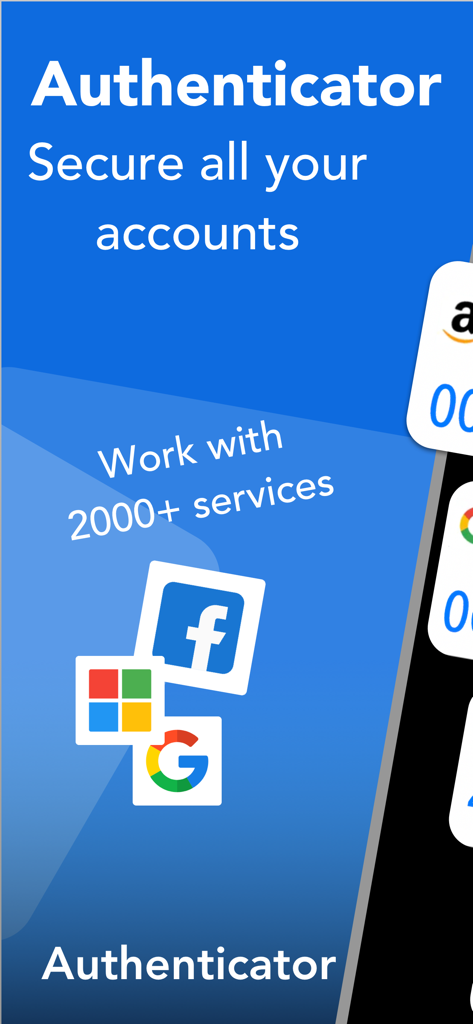
Google Facebook 및 Microsoft를 포함한 다양한 온라인 계정에 대한 보안을 보여주는 인증기 앱 화면

Google Facebook 및 Microsoft를 포함한 다양한 온라인 계정에 대한 보안을 보여주는 인증기 앱 화면

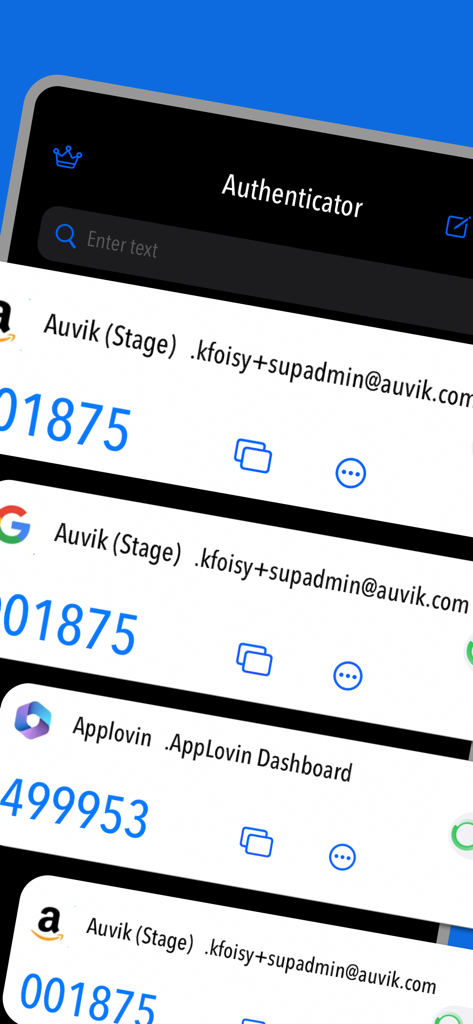
사용자 지정 아이콘이 있는 여러 보안 계정 확인 코드를 보여주는 2FA 인증기 앱 인터페이스

사용자 지정 아이콘이 있는 여러 보안 계정 확인 코드를 보여주는 2FA 인증기 앱 인터페이스

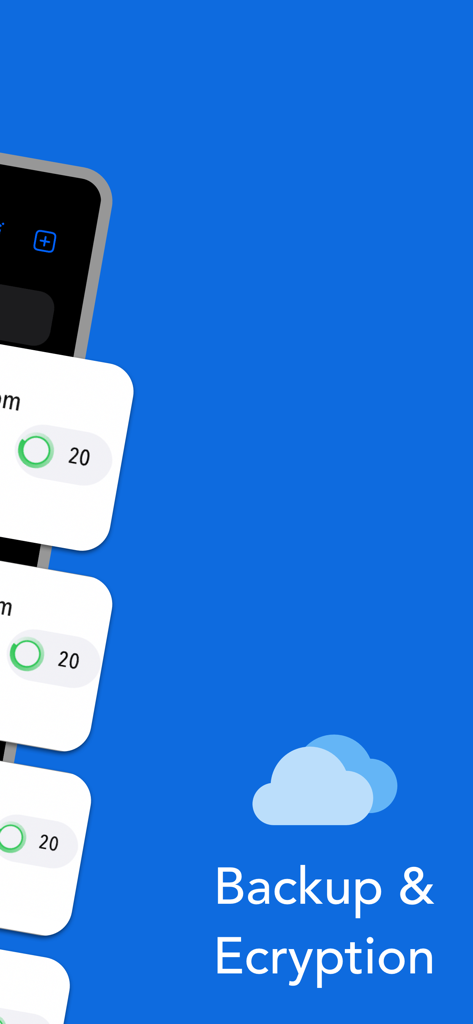
클라우드 백업 및 암호화 기능을 보여주는 인증기 앱 화면

클라우드 백업 및 암호화 기능을 보여주는 인증기 앱 화면

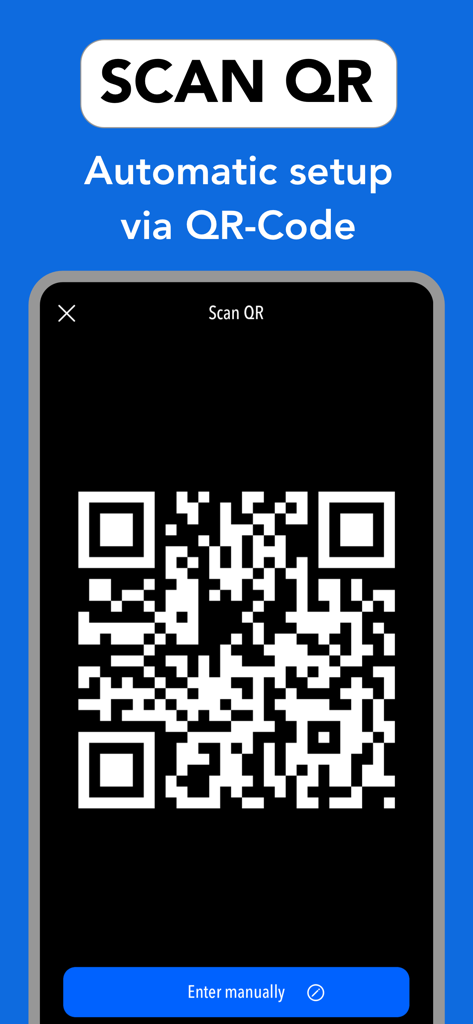
QR 코드 스캔을 통한 2FA 계정 자동 설정 표시 인터페이스

QR 코드 스캔을 통한 2FA 계정 자동 설정 표시 인터페이스

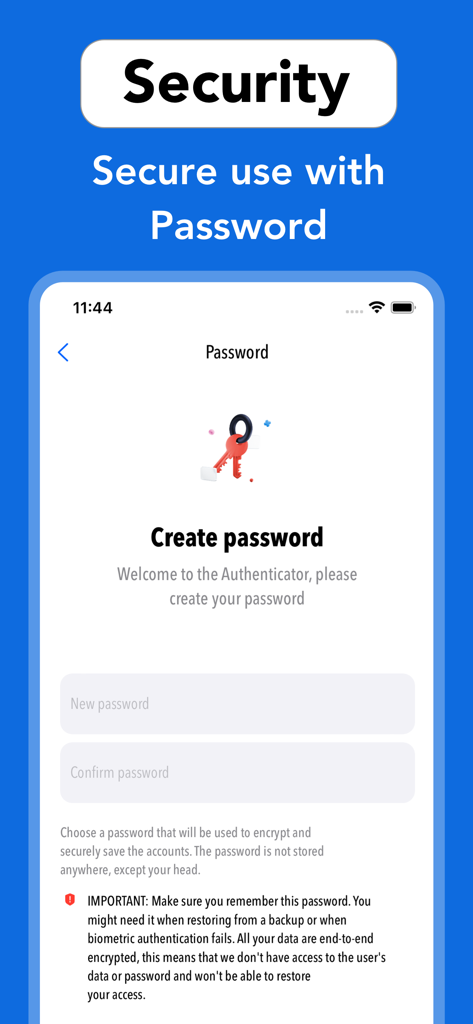
사용자 계정을 암호화하고 보호하는 데 사용되는 2FA 인증기 앱의 암호 생성 화면.

사용자 계정을 암호화하고 보호하는 데 사용되는 2FA 인증기 앱의 암호 생성 화면.

최대 보안, 최소 노력

이 앱을 돋보이게 하는 도구, 300 명의 사용자가 선택.

🛡️

로컬 우선 암호화

귀하의 비밀은 귀하의 것입니다. 모든 데이터는 장치 및 iCloud에서 로컬로 암호화되어 민감한 인증 코드에 대한 외부 액세스를 전혀 허용하지 않습니다.

🎨

스마트 시각적 구성

사용자 지정 아이콘으로 보안 허브를 개인화하세요. Coinbase, GitHub 및 소셜 계정을 한눈에 쉽게 관리하고 구분하세요.

🕵️

통합 개인 금고

흔적을 남기지 않고 브라우징하고 로그인하세요. 내장된 개인 브라우저는 모든 기록 및 쿠키를 자동으로 삭제하여 디지털 발자국을 보이지 않게 유지합니다.

앱 소개

에 대해 알아야 할 모든 것 2FA - Authenticator, Verify ID.

설명

Secure & Private: All data stored in Authenticator is always encrypted, even when it's stored in iCloud, to ensure that you are the only one who can access your data. 2FA Authenticator is a secure application for two-factor authentication (2FA) that stores and generates time-based codes (OTP) to protect your online accounts by adding an additional layer of security when signing in. 2FA Authenticator is a highly recommended free 2FA app used for securing your accounts on different platforms such as Instagram, Google, Facebook, Github, Twitter and many more. We support 1000+ apps for authentication! The 6-digit code will update to a new one every 30 seconds. This timer is so you never have to use the same time-based one-time password (TOTP) more than once and you don’t have to remember the number since it will change all the time. Once our code generator app is configured, you can get verification codes without the need for a network or cellular connection. ***MAIN FEATURE*** - Enter Code Manually: Enter a secret key to the app for secure authentication. - Super Safe & Secure: Your passwords are safe and sound as the app has no data exchange with the internet, so no one can get to know it except you. - Scan QR Code: Just one tap QR scan for easy access and hassle-free registration. - Custom Icons: Add custom or system icons to any of your 2FA codes to better recognize them on the list with many codes. The application automatically recognizes the service icon (favicon). - Easy and user friendly:No account setup is required, just scan the 2FA QR-Code and the Authenticator app is automatically ready to use. - Unlock with Password or FaceID: To add an extra layer of security you can setup FaceID or a password in the app so you are the only one who can read your codes and for a faster access. - 100% Ad-Free: Enjoy a completely Ad Free mobile two factor authentication experience for IOS and compatible with all Apple devices. - Supports All Popular Accounts: Authenticator app supports the most popular services including Facebook, Coinbase, Amazon, Google, Instagram, Roblox and thousands of other providers. - Private browser: Fast and secure browser with no history, logs or cookies, allowing you to browse the web without leaving any traces. It also includes bookmarking and tabbed browsing for a convenient and personalized browsing experience Subscription terms: Payment will be charged to the credit card connected to your iTunes Account when you confirm the initial subscription purchase. Subscriptions automatically renew unless auto-renew is turned off at least 24 hours before the end of the current subscription period. Your account will be charged for renewal within 24 hours prior to the end of the current period, and the cost of the renewal will be identified. You may manage your subscription and auto-renewal may be turned off by going to your Account Settings after the purchase. Any unused portion of a free trial period, if offered, will be forfeited when you purchase a subscription, where applicable. Privacy policy: https://sites.google.com/view/thaotran2022dev/privacy Terms of use: https://sites.google.com/view/thaotran2022dev/term

최신 버전

1.0.4

크기

35.5 MB

출시일

2023년 6월 6일

디지털 생활에 걸맞은 보안으로 업그레이드하세요

개인 정보 보호 우선 운동에 참여하세요. 암호화된 백업, FaceID 액세스 및 개인 브라우저로 계정을 보호하세요. 이 모든 것을 하나의 세련되고 광고 없는 iOS 경험으로 제공합니다.

다운로드: App Store

App information, icons, screenshots, and descriptions displayed on this page are sourced from the Apple App Store and are the property of their respective developers. Download estimates and rankings are based on MWM's proprietary models and may not reflect actual figures. This page is provided for informational and analytical purposes only.

Believe this page infringes your intellectual property? File a dispute