
이 페이지는 앱이나 개발자의 공식 페이지가 아니며, 정보 제공 및 논평을 목적으로 작성된 독립 편집 간행물입니다. 명시적으로 달리 언급되지 않는 한, 해당 앱이나 개발자는 MWM, Apple, Google Play, 앱 퍼블리셔 또는 앱 개발자와 제휴, 보증, 후원, 승인 또는 공식적으로 연결되어 있지 않으며, 이 페이지의 어떤 내용도 해당 앱이 MWM의 서비스를 사용하여 개발되었음을 의미하지 않습니다. 모든 상표, 로고, 스크린샷 및 기타 콘텐츠는 해당 소유자의 자산입니다.


다운로드
100M+사용자 평점
총 평가 수
4.3M개발사
카테고리
Utilities지원 언어
32최신 버전
5.0.0크기
37.6 MB출시일
2010년 9월 20일Google Authenticator 앱 심층 분석
디지털 자산 보호를 위한 핵심 기능 평가
강력한 2단계 인증
이 앱은 로그인 시 비밀번호 외에 추가적인 확인 단계를 요구함으로써 온라인 계정에 강력한 보안 계층을 추가합니다.
계정 동기화 및 복구
사용자는 Authenticator 코드를 Google 계정에 동기화하여 여러 기기에서 접근할 수 있습니다. 이를 통해 휴대폰을 분실하더라도 계정 접근성을 유지할 수 있습니다.
오프라인 코드 생성
이 도구는 네트워크 또는 모바일 데이터 연결 없이도 인증 코드를 생성할 수 있어, 인터넷 연결이 불안정한 환경에서도 보안을 유지합니다.
QR 코드 간편 설정
이 앱은 QR 코드를 통해 Authenticator 계정을 자동으로 설정할 수 있도록 지원하며, 빠르고 쉽게 정확한 설정이 가능합니다.
다중 계정 관리
사용자는 이 앱을 통해 여러 온라인 서비스의 인증 코드를 한곳에서 관리할 수 있어, 로그인할 때마다 다른 앱을 전환할 필요가 없습니다.
기기 간 계정 전송
사용자는 QR 코드를 활용하여 기존 Authenticator 계정을 새 기기로 편리하게 이동시킬 수 있으며, 이는 기기 변경 시 유용합니다.
자주 묻는 질문
에 대해 알아야 할 모든 것 Google Authenticator
What is Google Authenticator?
Google Authenticator adds an extra layer of security to online accounts. It generates a unique verification code on your phone, which you enter in addition to your password during sign-in for 2-Step Verification.
Does Google Authenticator work offline?
Yes, Google Authenticator generates verification codes on your phone even if you do not have a network or cellular connection. This ensures continuous access to your codes.
Can I sync my Google Authenticator codes across devices?
Yes, Google Authenticator syncs your verification codes to your Google Account. This feature allows you to access your codes across all your devices, even if you lose your phone.
How do I set up Google Authenticator for a new account?
You can set up Google Authenticator accounts automatically by scanning a QR code with your camera. This method is quick, easy, and ensures correct setup within your 2-Step Verification settings.
Does Google Authenticator support multiple accounts?
Yes, Google Authenticator supports multiple accounts. You can manage several accounts within the app, eliminating the need to switch between different applications for sign-ins.
Can I transfer my Google Authenticator accounts to a new phone?
Yes, Google Authenticator allows you to transfer accounts between devices. You can use a QR code for this process, which provides a convenient way to move your accounts to a new device.
Is Google Authenticator secure?
Yes, Google Authenticator provides stronger security by adding a second step of verification to your online accounts. It requires a unique code generated by the app in addition to your password.
다음 스크린샷과 설명은 앱의 공식 스토어 목록에서 직접 가져온 것이며 앱 개발자의 자산입니다.
앱 스토어
스크린샷
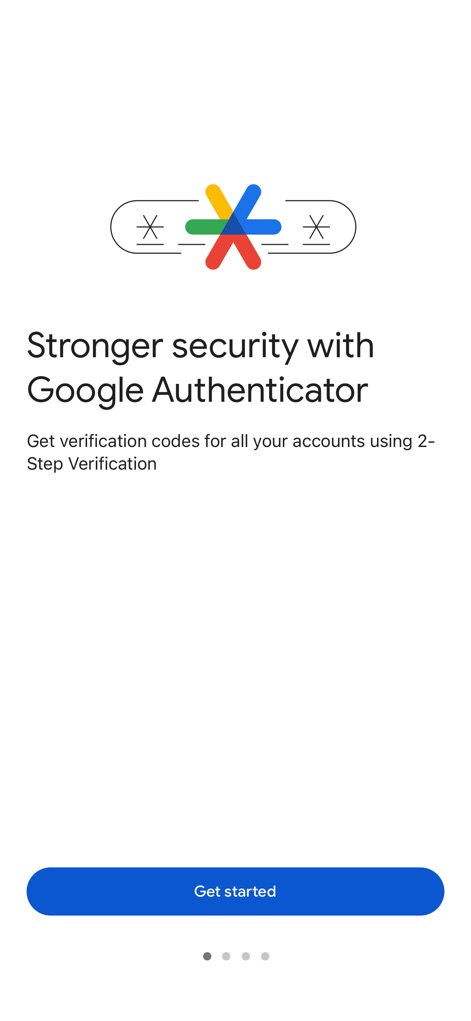
강화된 보안 시작
이 앱은 Google Authenticator 로고와 2단계 인증의 중요성을 설명하는 도입 문구를 통해 강화된 보안 기능을 소개합니다.
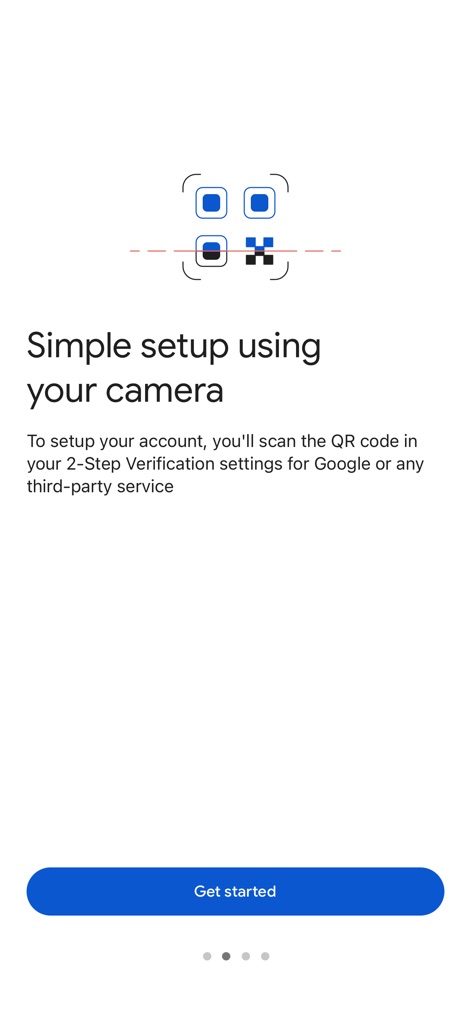
간편한 QR 설정
사용자는 카메라 스캔 그래픽과 QR 코드 스캔을 통한 계정 설정 안내 문구를 통해 빠르고 쉬운 초기 설정을 경험할 수 있습니다.
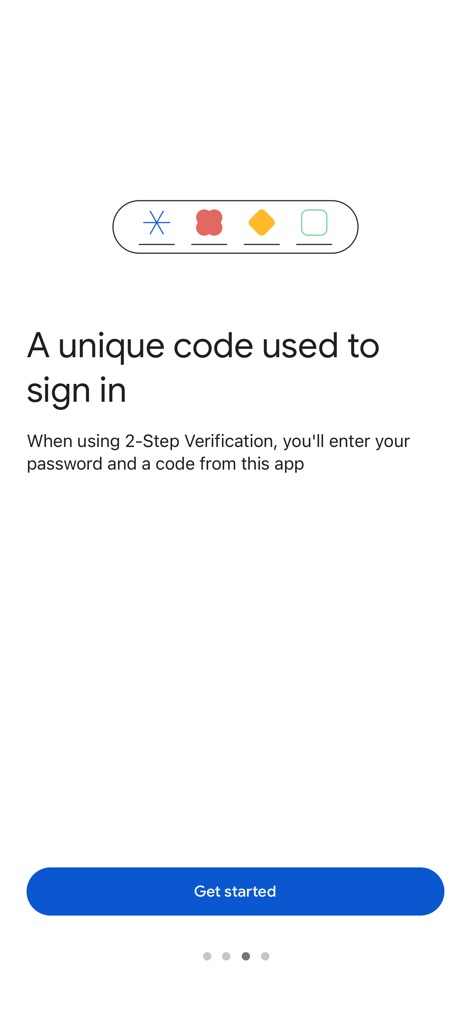
고유한 로그인 코드
이 화면은 시각적으로 표현된 고유 코드와 함께 2단계 인증 시 비밀번호와 앱 코드 입력의 필요성을 설명합니다.
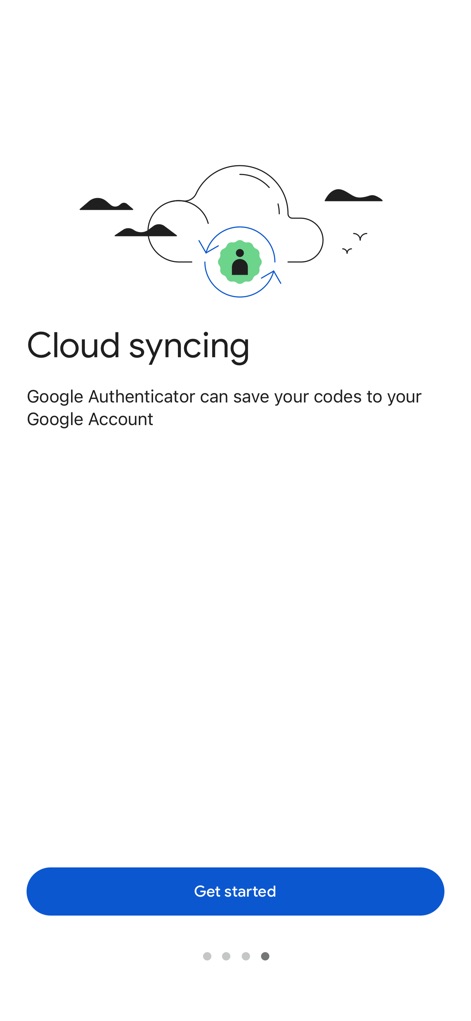
안전한 클라우드 동기화
사용자는 클라우드 동기화 아이콘과 Google 계정으로 인증 코드를 저장할 수 있다는 안내 문구를 통해 데이터 손실 걱정 없이 보안 코드를 관리할 수 있습니다.
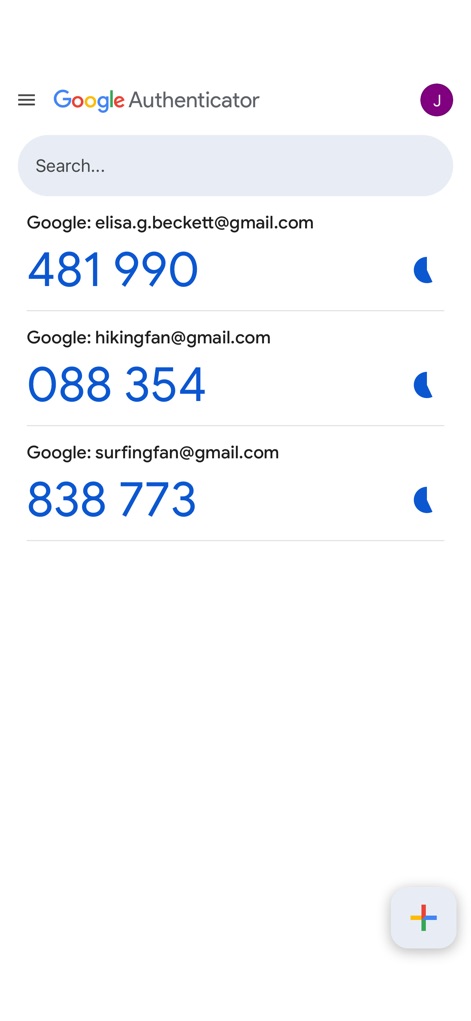
다중 계정 관리
이 스크린샷은 여러 Google 계정 목록과 각 계정에 할당된 실시간 6자리 인증 코드를 보여주며, 사용자에게 편리한 다중 계정 관리를 제공합니다.
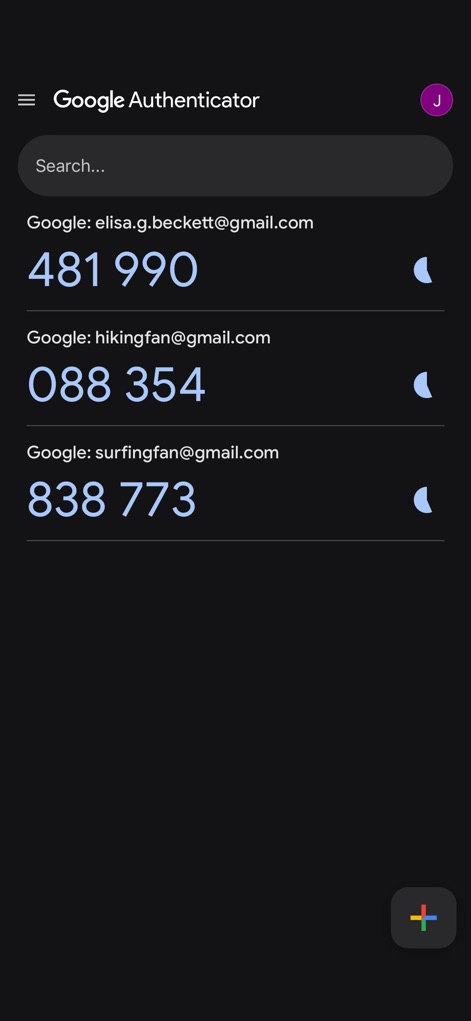
어두운 모드 지원
이 화면은 앱의 어두운 모드 인터페이스와 함께, 사용자의 시각적 편안함을 위해 각 계정의 인증 코드가 일정 주기로 새로고침되는 모습을 명확히 보여줍니다.
설명
Download
비슷한 앱
유사한 기능과 사용자 경험을 가진 앱

Duo Mobile
Duo Security LLC

Authenticator App - 2FA &. MFA
APPLY DIJITAL HIZMETLER TICARET LIMITED SIRKETI

authenticator . app
Mustafa Uz

SafeNet MobilePASS+
Thales DIS (Singapore) Pte Ltd

Čítačka
Tatra banka, a.s.

Authenticator App - SafeAuth
Brilliant App Limited

Authenticator App - 2FA Auth
UNIVERSE DIJITAL HIZMETLER LIMITED SIRKETI

Authenticator App : Scan & 2FA
XSOFT GLOBAL LIMITED
Authenticator: Secure 2FA, MFA
Stefan Philipsen
이 페이지는 앱이나 개발자의 공식 페이지가 아니며, 정보 제공 및 논평을 목적으로 작성된 독립 편집 간행물입니다. 명시적으로 달리 언급되지 않는 한, 해당 앱이나 개발자는 MWM, Apple, Google Play, 앱 퍼블리셔 또는 앱 개발자와 제휴, 보증, 후원, 승인 또는 공식적으로 연결되어 있지 않으며, 이 페이지의 어떤 내용도 해당 앱이 MWM의 서비스를 사용하여 개발되었음을 의미하지 않습니다. 모든 상표, 로고, 스크린샷 및 기타 콘텐츠는 해당 소유자의 자산입니다.