ApowerMirror- Screen Mirroring

ApowerMirror- Screen Mirroring


다운로드: App Store다운로드: Google Play
로고: ApowerMirror- Screen Mirroring
ApowerMirror: 모든 기기에서 모바일 화면 미러링 및 제어

iOS와 Windows 사이의 간격을 연결합니다. 고품질 모바일 게임 플레이를 스트리밍하고, 마우스와 키보드로 앱을 관리하며, 다양한 네트워크에서 쉽게 화면을 공유하세요.

개발사

Apowersoft Limited

카테고리

Utilities

다운로드

16M+

사용자 평점

3.0/5

총 평가 수

11K+

지원 언어

18

한눈에 보는 강력함

이 인터페이스를 사용하는 16M+ 명의 사용자.

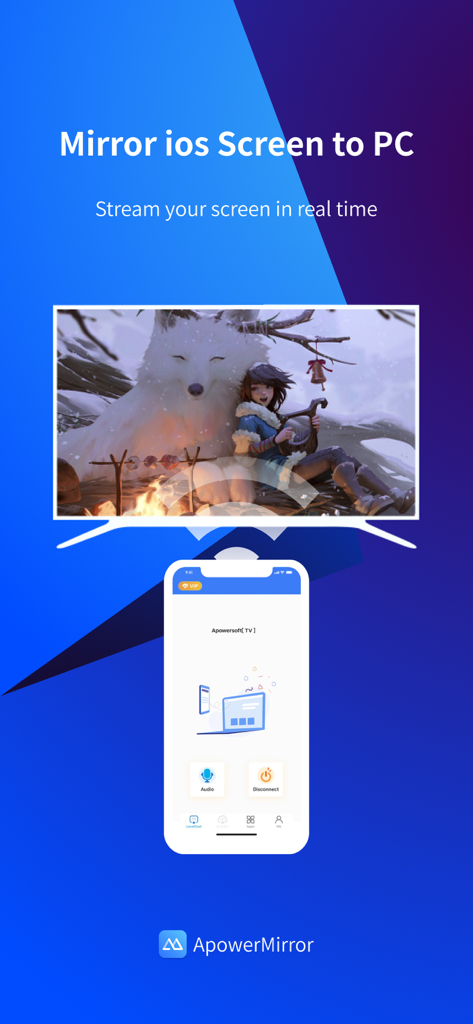
iOS에서 PC 모니터로 실시간 화면 미러링을 보여주는 ApowerMirror 앱 인터페이스

iOS에서 PC 모니터로 실시간 화면 미러링을 보여주는 ApowerMirror 앱 인터페이스

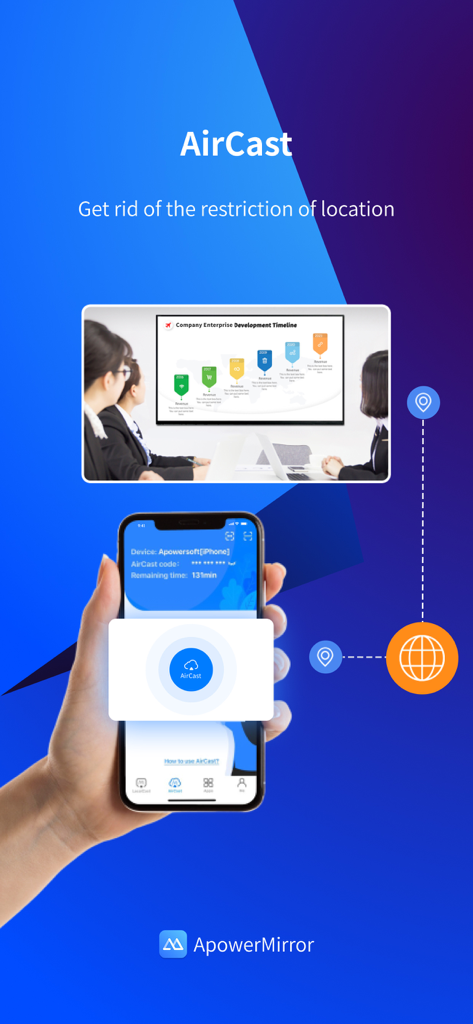
서로 다른 네트워크를 통해 스마트폰과 회의실 프레젠테이션 화면 간의 원격 화면 공유를 보여주는 ApowerMirror AirCast 기능.

서로 다른 네트워크를 통해 스마트폰과 회의실 프레젠테이션 화면 간의 원격 화면 공유를 보여주는 ApowerMirror AirCast 기능.

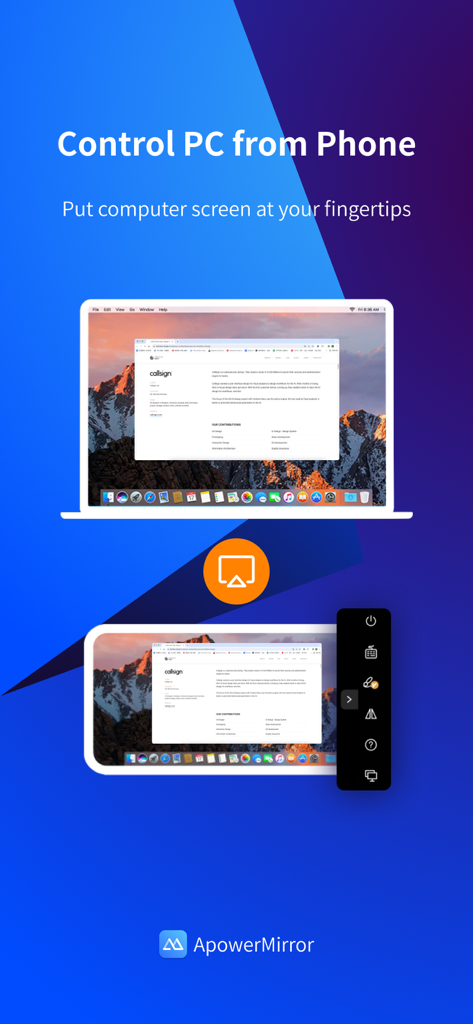
모바일 기기에서 원격 PC 화면 제어를 시연하는 ApowerMirror 앱 인터페이스.

모바일 기기에서 원격 PC 화면 제어를 시연하는 ApowerMirror 앱 인터페이스.

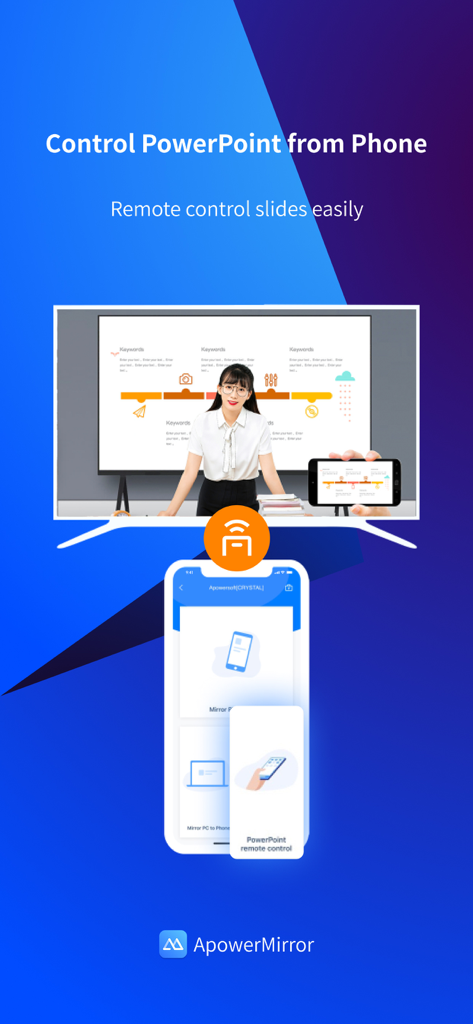
스마트폰을 대형 화면의 PowerPoint 슬라이드 리모컨으로 사용하는 방법을 보여주는 ApowerMirror 앱 인터페이스.

스마트폰을 대형 화면의 PowerPoint 슬라이드 리모컨으로 사용하는 방법을 보여주는 ApowerMirror 앱 인터페이스.

모든 시나리오를 위한 강력한 화면 미러링

이 앱을 돋보이게 하는 도구, 16M+ 명의 사용자가 선택.

⌨️

완벽한 데스크톱 제어

작은 화면에서 벗어나 마우스와 키보드를 사용하여 PC 또는 Mac에서 iPhone 또는 iPad를 직접 제어하여 생산성을 극대화하세요.

🎮

전문가 수준의 게임 및 스트리밍

고강도 모바일 게임 플레이를 모니터로 지연 없이 전송하여 Twitch, Discord 또는 YouTube에서 스트리밍 설정을 한 단계 업그레이드하세요.

🌐

AirCast를 이용한 원격 미러링

로컬 Wi-Fi의 한계를 넘어 다양한 네트워크에서 화면을 공유하여 원격 협업 및 기술 지원을 그 어느 때보다 쉽게 만드세요.

앱 소개

에 대해 알아야 할 모든 것 ApowerMirror- Screen Mirroring.

설명

ApowerMirror is a screen mirroring app that can be used to cast phone to computer or Smart TV (TV box) with audio. It allows you to mirror&control phone from another phone freely, and you can remotely control iPhone&iPad from computer with your mouse and keyboard. Moreover, 4 devices can be streamed simultaneously without delay. ApowerMirror also performs well when streaming videos, photos and documents saved on your phone in a business meeting. ==Key Features== • Mirror Phone to computer and Vice Versa Screen sharing on the computer makes it possible to get a better video experience by watching movies from YouTube and Netflix on a bigger screen. Whether you’re playing PUBG Mobile, Call of Duty Mobile, Free Fire, Clash Royale, Pokemon GO, or any other mobile game, the app makes it easy to share gameplay with your fans during live streaming. Besides, controlling PC from phone is no longer a difficult thing. • Cast Phone to TV ApowerMirror supports screen mirroring or casting a variety of file types (including videos, pictures, and music) from phone to TV or other DLNA device. Save your eyes from the small phone screen and enjoy big screen TV series shows in the family area now. • Mirror&Control Phone from Phone ApowerMirror is also a good screen mirroring app to mirror phone to phone. You can also control the phone from another phone using ApowerMirror to watch videos and movies with your friends and share your files with your audience more efficiently. For classroom set-up, the wireless screen mirroring can introduce new ways for instructors, students, teams, and meeting groups to communicate their ideas and collaborate on projects. • Control iPhone/iPad from PC You can take full control of your iPhone/iPad device, without cables, just need to connect to PC via Bluetooth, to do whatever you want to do on your iPhone/iPad freely, ex, play games, open an app, check the phone status and send messages from WhatsApp. • Screen Sharing Between Different Networks This advanced feature is AirCast! It allows screen mirroring between devices that cannot be connected to the same network. If you use AirCast, even if you are located in different places and on different network connections, you can share the screen with each other. This can be used to mirror phone to phone, cast phone to PC, and stream PC to phone. ==Suitable for Various Screen Mirroring Occasions== * Personal use * Business meeting * Online class /Education * Live streaming from Youtube, Twitch, Facebook, Instagram, TikTok etc * Movies/Sports video mirroring * Presentation * Work from home ...... ==Quick Guide== 1. Connect your phone and computer/TV to the same WiFi network. 2. Install and run this screen casting app( ApowerMirror) on your phone and computer/TV. 3. On your iPhone, open the Control Center and then tap "Screen Mirroring". Select the name of "Apowersoft + your device" and then your phone screen will successfully be mirrored. If you want to mirror the devices from different networks, you can try the USB connection or AirCast. ==Supported Devices== 1. Windows & Mac 2. iPhone & iPad 3. Smart TV: Sony, Sharp, Philips, Hisense, Skyworth, Xiaomi, LG etc. 4. Devices with built-in DLNA or AirPlay protocol. Some projectors and car screens. Start using your favorite mouse and keyboard to take full control of phone from the computer right now! Feedback: 1. Contact us at support@apowersoft.com 2. Send feedback from "Settings" > "Feedback" on the ApowerMirror desktop program. 3. Discord: https://discord.gg/dK7y8Sf3Re

최신 버전

1.6.0

크기

123.1 MB

출시일

2017년 6월 28일

기기 간의 간격을 연결할 준비가 되셨나요?

1,600만 명 이상의 사용자와 함께 PC 또는 TV에서 iPhone을 완벽하게 제어하세요. 오늘 ApowerMirror를 다운로드하여 지연 없이 미러링, 게임 및 스트리밍을 시작하세요.

다운로드: App Store다운로드: Google Play
FAQ

자주 묻는 질문

에 대해 알아야 할 모든 것 ApowerMirror- Screen Mirroring

ApowerMirror는 무엇에 사용되나요?

ApowerMirror는 오디오와 함께 휴대폰 화면을 컴퓨터나 스마트 TV로 전송하는 화면 미러링 앱입니다. 또한 휴대폰 간의 미러링 및 제어를 허용하고, 컴퓨터에서 iPhone/iPad를 제어할 수도 있습니다.

ApowerMirror는 한 번에 여러 장치를 스트리밍할 수 있나요?

예, ApowerMirror는 지연 없이 최대 4개의 장치를 동시에 스트리밍할 수 있습니다. 이 기능은 다양한 용도로 여러 화면에서 공유 및 협업을 향상시킵니다.

ApowerMirror는 다른 네트워크 간의 화면 공유를 지원하나요?

예, ApowerMirror는 동일한 네트워크에 연결되지 않은 장치 간의 화면 미러링을 가능하게 하는 AirCast 기능을 제공합니다. 이는 휴대폰 간, 휴대폰-PC 간, PC-휴대폰 간 스트리밍에 작동합니다.

ApowerMirror를 사용하여 컴퓨터에서 iPhone 또는 iPad를 제어할 수 있나요?

예, ApowerMirror를 사용하면 마우스와 키보드를 사용하여 컴퓨터에서 iPhone 또는 iPad를 원격으로 제어할 수 있습니다. 이 기능은 Bluetooth를 통해 연결되어 무선으로 작동합니다.

ApowerMirror는 휴대폰에서 컴퓨터를 제어할 수 있나요?

예, ApowerMirror를 사용하면 휴대폰에서 PC를 제어할 수 있습니다. 이 기능은 프레젠테이션 관리 또는 원격 컴퓨터 탐색과 같은 작업에 유용합니다.

ApowerMirror는 화면 미러링을 위해 어떤 장치와 운영 체제를 지원하나요?

ApowerMirror는 Windows, Mac, iPhone, iPad 및 Sony, Sharp, Philips, Hisense, Skyworth, Xiaomi, LG를 포함한 다양한 스마트 TV를 지원합니다. 또한 DLNA/AirPlay 장치, 프로젝터 및 차량용 화면과도 작동합니다.

ApowerMirror는 모바일 게임 플레이를 더 큰 화면으로 미러링하기에 적합한가요?

예, ApowerMirror는 PUBG Mobile, Call of Duty Mobile, Free Fire와 같은 모바일 게임의 게임 플레이를 공유하는 데 이상적입니다. 사용자는 라이브 스트리밍 세션 중에 이러한 게임을 더 큰 화면으로 미러링할 수 있습니다.

화면 미러링을 위해 ApowerMirror를 사용하여 휴대폰과 컴퓨터를 어떻게 연결하나요?

먼저 두 장치를 동일한 WiFi 네트워크에 연결하고 양쪽에 ApowerMirror를 설치합니다. iPhone에서는 제어 센터를 열고 "Screen Mirroring"을 탭한 다음 "Apowersoft + 기기"를 선택합니다.

App information, icons, screenshots, and descriptions displayed on this page are sourced from the Apple App Store and are the property of their respective developers. Download estimates and rankings are based on MWM's proprietary models and may not reflect actual figures. This page is provided for informational and analytical purposes only.

Believe this page infringes your intellectual property? File a dispute