
이 페이지는 앱이나 개발자의 공식 페이지가 아니며, 정보 제공 및 논평을 목적으로 작성된 독립 편집 간행물입니다. 명시적으로 달리 언급되지 않는 한, 해당 앱이나 개발자는 MWM, Apple, Google Play, 앱 퍼블리셔 또는 앱 개발자와 제휴, 보증, 후원, 승인 또는 공식적으로 연결되어 있지 않으며, 이 페이지의 어떤 내용도 해당 앱이 MWM의 서비스를 사용하여 개발되었음을 의미하지 않습니다. 모든 상표, 로고, 스크린샷 및 기타 콘텐츠는 해당 소유자의 자산입니다.

Miracast: Screen Mirroring TV
Seamlessly stream web videos, photos, and IPTV from your iPhone or Apple Watch to any Smart TV in HD quality—no expensive hardware required.
다운로드
333K+사용자 평점
총 평가 수
4K+개발사
카테고리
Utilities지원 언어
8최신 버전
1.5.5크기
160.6 MB출시일
2024년 10월 21일Unlock the Full Potential of Your Smart TV
Experience seamless screen sharing that bridges the gap between your iOS devices and any Smart TV. Stream, present, and play without the need for expensive hardware or adapters.
Universal Smart TV Compatibility
Effortlessly mirror your iPhone or iPad to Roku, Fire TV, Samsung, and more. Enjoy high-quality screen sharing without the $150 Apple TV price tag.
Web Video & IPTV Casting
Cast your favorite web videos, live streams, and IPTV playlists directly to the big screen. Perfect for cord-cutters looking for a cinematic HD experience.
자주 묻는 질문
에 대해 알아야 할 모든 것 Miracast: Screen Mirroring TV
Miracast: Screen Mirroring TV란 무엇인가요?
Miracast: Screen Mirroring TV는 iPhone/iPad/Apple Watch에서 웹 비디오, 온라인 영화, 라이브 스트림, IPTV 및 로컬 미디어를 스마트 TV 화면으로 무선으로 미러링하고 캐스팅할 수 있는 앱입니다.
Miracast: Screen Mirroring TV는 TV와 어떻게 연결되나요?
Miracast: Screen Mirroring TV는 앱과 스마트 TV가 동일한 Wi-Fi 네트워크에 연결되어 있어야 연결됩니다. 이를 통해 실시간 고품질 화면 공유가 가능합니다.
Miracast: Screen Mirroring TV를 사용하여 사진과 동영상을 화면 미러링할 수 있나요?
네, Miracast: Screen Mirroring TV를 사용하면 사진 보관함에서 사진과 동영상을 TV 화면으로 직접 캐스팅할 수 있습니다. 웹 비디오 캐스팅도 지원합니다.
Miracast: Screen Mirroring TV는 IPTV 콘텐츠를 지원하나요?
네, Miracast: Screen Mirroring TV는 IPTV m3u/m3u8 재생 목록을 스마트 TV 화면으로 가져올 수 있도록 하여 IPTV 콘텐츠를 스크린 캐스팅하는 것을 지원합니다.
Miracast: Screen Mirroring TV로 Apple Watch에서 스트리밍할 수 있나요?
네, Miracast: Screen Mirroring TV는 Apple Watch에서도 작동합니다. 사용자는 Apple Watch의 콘텐츠를 호환되는 TV로 직접 미러링하고 캐스팅할 수 있습니다.
Miracast: Screen Mirroring TV는 Fire TV 또는 Roku TV와 작동하나요?
네, Miracast: Screen Mirroring TV는 Fire TV 및 Roku TV와 작동합니다. 사용자는 이러한 장치에서 더 원활한 미러링을 위해 특정 'Screen Mirroring Receiver' 앱을 다운로드해야 합니다.
Miracast: Screen Mirroring TV로 저작권이 있는 콘텐츠를 미러링할 수 있나요?
아니요, Miracast: Screen Mirroring TV는 허가 없이 저작권이 있는 콘텐츠를 미러링하는 것을 지원하지 않습니다. 시도하면 검은 화면이나 소리 없는 비디오가 표시됩니다.
Miracast: Screen Mirroring TV는 Dynamic Island에서 라이브 활동을 표시하나요?
네, Miracast: Screen Mirroring TV는 iPhone의 Dynamic Island에서 라이브 활동을 표시합니다. 앱이 백그라운드에서 실행될 때 현재 작업을 보여줍니다.
다음 스크린샷과 설명은 앱의 공식 스토어 목록에서 직접 가져온 것이며 앱 개발자의 자산입니다.
앱 스토어
스크린샷
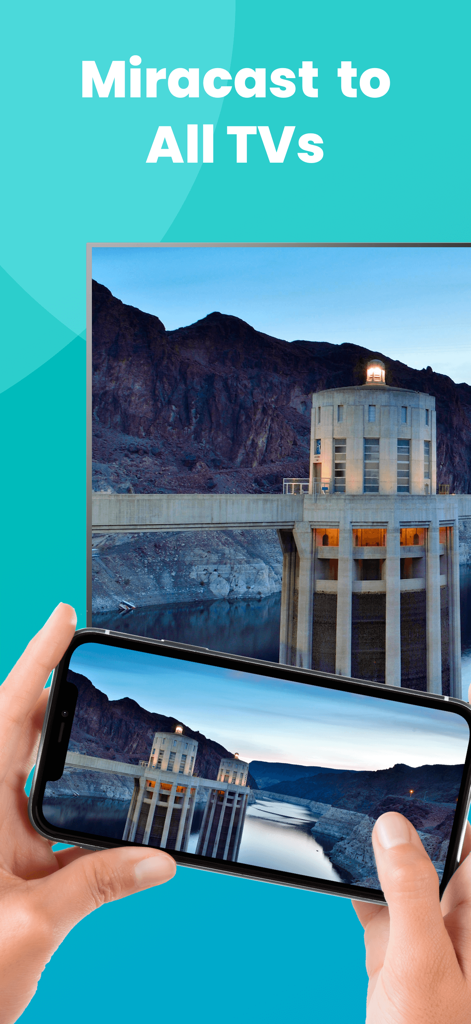
An iPhone screen mirroring a landscape photo to a large smart TV using the Miracast app.
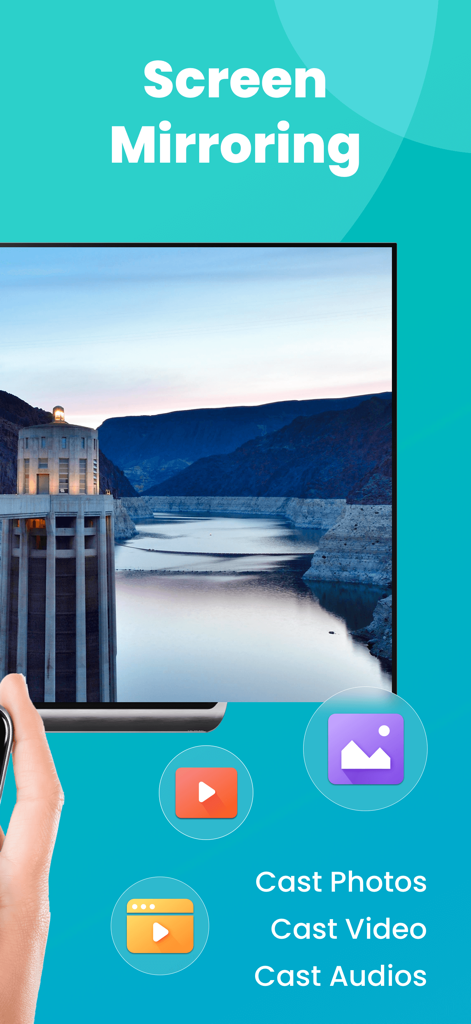
Miracast app interface showing screen mirroring and options to cast photos videos and audio to a smart TV
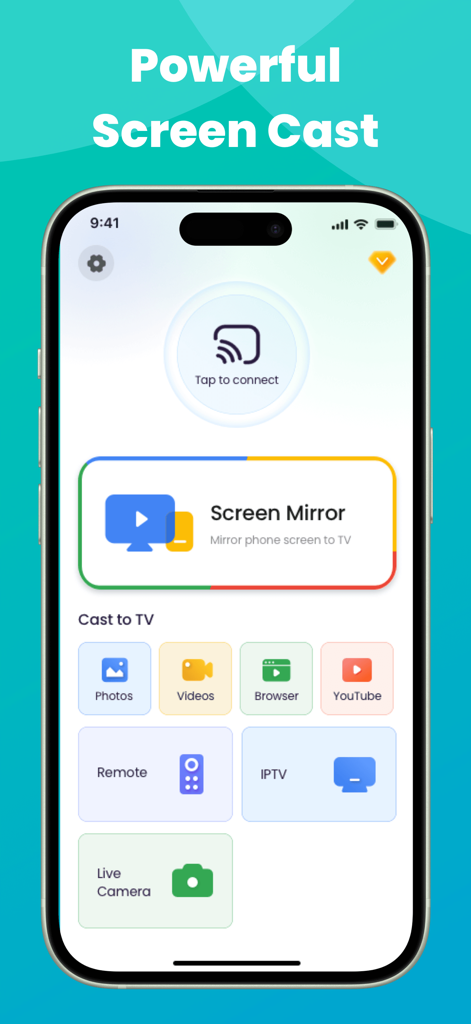
Miracast app interface on iPhone showing screen mirroring and casting options for photos, videos, and IPTV
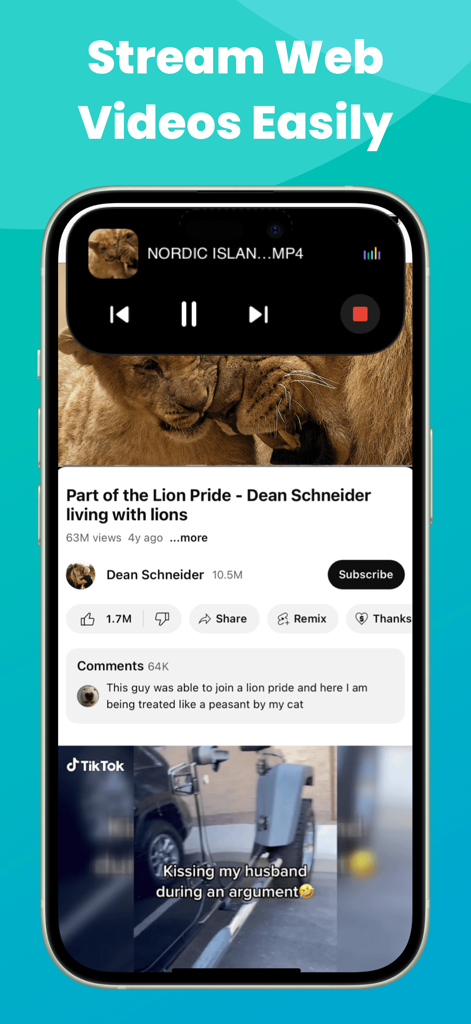
iPhone displaying web video streaming with Dynamic Island media controls for Miracast app
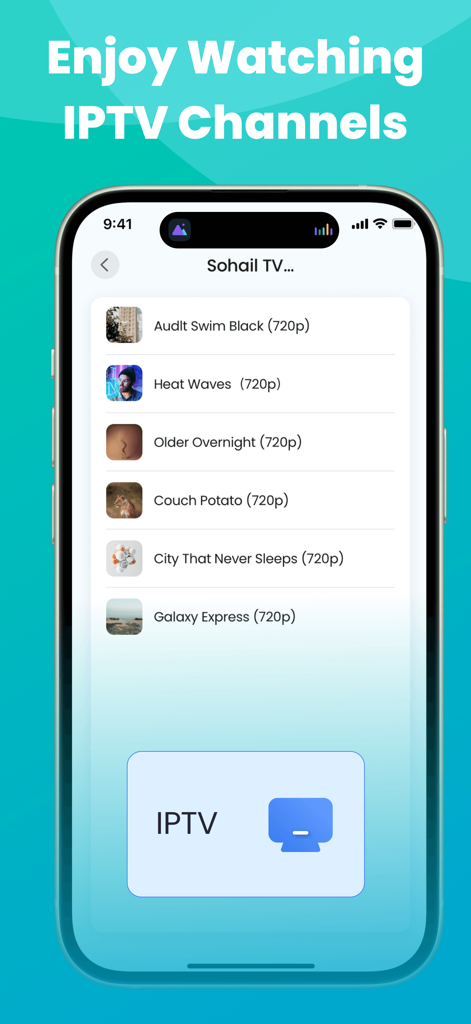
Miracast app interface showing a list of IPTV channels available for screen mirroring to a TV
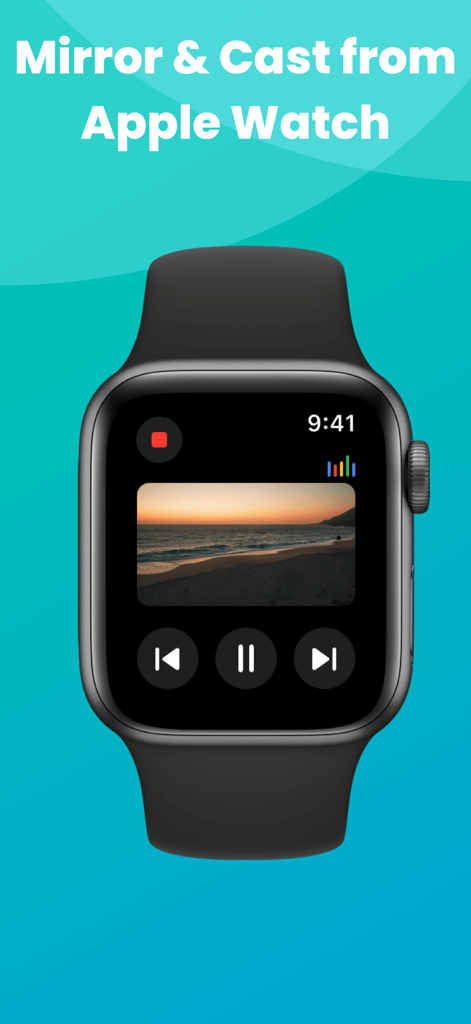
An Apple Watch displaying media controls and a beach video being mirrored from the Miracast app.
설명
Download
비슷한 앱
유사한 기능과 사용자 경험을 가진 앱

Web Video Cast | Browser to TV
InstantBits Inc

PigeonCast:Send by Google Cast
Sichuan FalconAI Technology Co., Ltd.

Screen Mirroring • Smart TV
Mihkel Pikk

Screen Mirroring | Cast to TV
Ozuna Limited

Screen Mirroring・Smart View TV
TOGGLE APPS SP Z O O

UbeCast: Music Streamer & PiP
AER SOFTWARE COMPANY LIMITED

AirDroid Cast-screen mirroring
SAND STUDIO CORPORATION LIMITED

Screen Mirroring・Air Cast TV
Dalma Innovation Solutions d.o.o.

投屏助手-手机投屏电视&睿宸手机快速投屏助手
梦 孟
이 페이지는 앱이나 개발자의 공식 페이지가 아니며, 정보 제공 및 논평을 목적으로 작성된 독립 편집 간행물입니다. 명시적으로 달리 언급되지 않는 한, 해당 앱이나 개발자는 MWM, Apple, Google Play, 앱 퍼블리셔 또는 앱 개발자와 제휴, 보증, 후원, 승인 또는 공식적으로 연결되어 있지 않으며, 이 페이지의 어떤 내용도 해당 앱이 MWM의 서비스를 사용하여 개발되었음을 의미하지 않습니다. 모든 상표, 로고, 스크린샷 및 기타 콘텐츠는 해당 소유자의 자산입니다.