ApowerREC: Record Screen

ApowerREC: Record Screen

다운로드: App Store
로고: ApowerREC: Record Screen

ApowerREC: 올인원 화면 녹화기 & AI 동영상 편집기

HD 게임 플레이, 온라인 수업 또는 전문 회의를 캡처하세요. AI 자막, PIP(Picture-in-Picture) 리액션, 즉시 공유를 위해 설계된 전문가 수준의 편집 도구로 콘텐츠의 수준을 높이세요.

다운로드: App Store

개발사

Apowersoft Limited

카테고리

Utilities

다운로드

1M+

사용자 평점

2.9/5

총 평가 수

1K+

지원 언어

9

강력한 성능을 경험하세요

이 인터페이스를 사용하는 1M+ 명의 사용자.

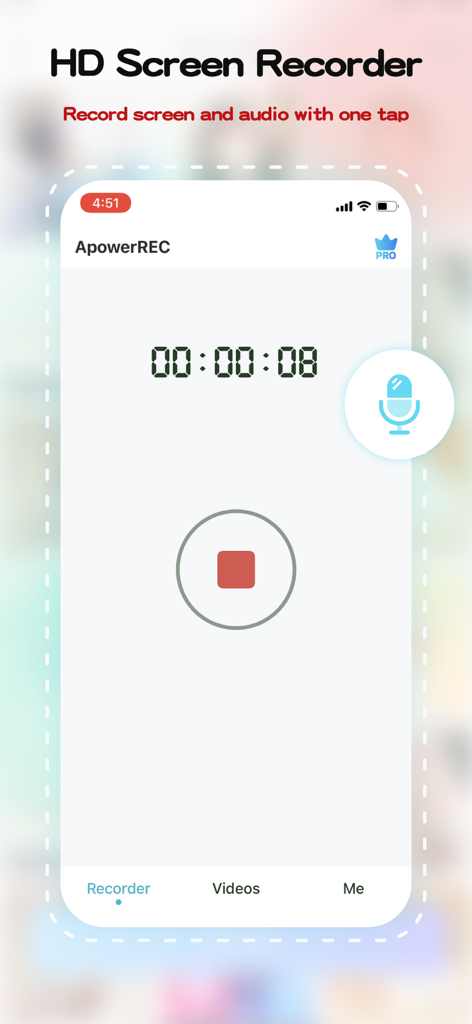
타이머와 정지 버튼이 있는 화면 녹화 세션이 진행 중인 ApowerREC 모바일 앱 인터페이스

타이머와 정지 버튼이 있는 화면 녹화 세션이 진행 중인 ApowerREC 모바일 앱 인터페이스

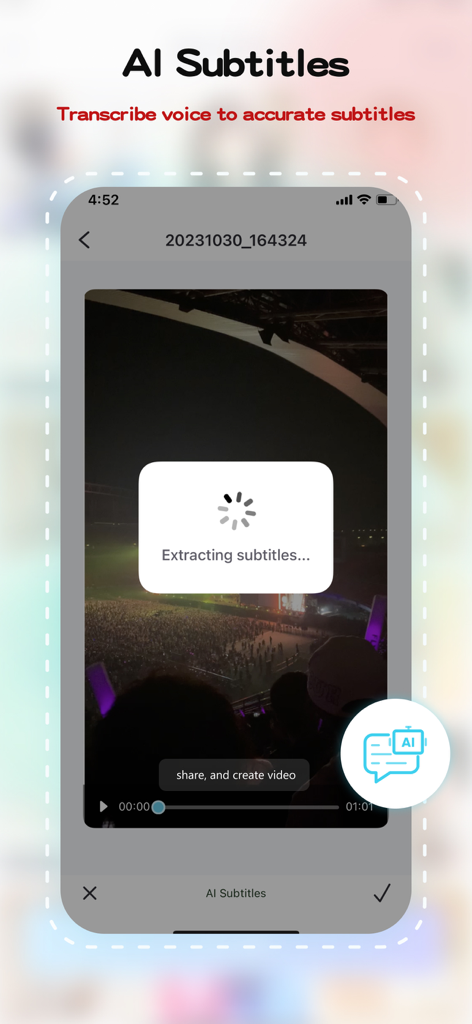
모바일 동영상에서 텍스트를 추출하는 AI 자막 기능을 보여주는 ApowerREC 앱 인터페이스

모바일 동영상에서 텍스트를 추출하는 AI 자막 기능을 보여주는 ApowerREC 앱 인터페이스

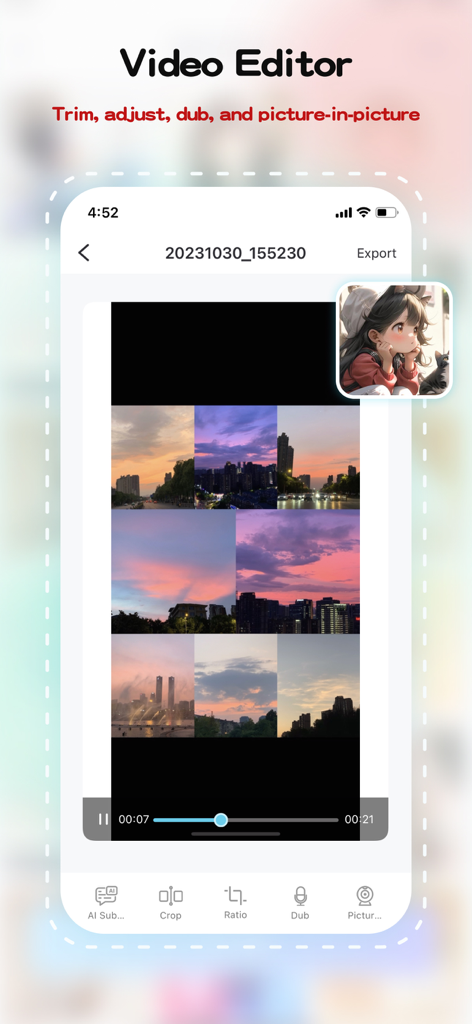
PIP(Picture-in-Picture) 및 편집 도구를 보여주는 ApowerREC 모바일 동영상 편집기

PIP(Picture-in-Picture) 및 편집 도구를 보여주는 ApowerREC 모바일 동영상 편집기

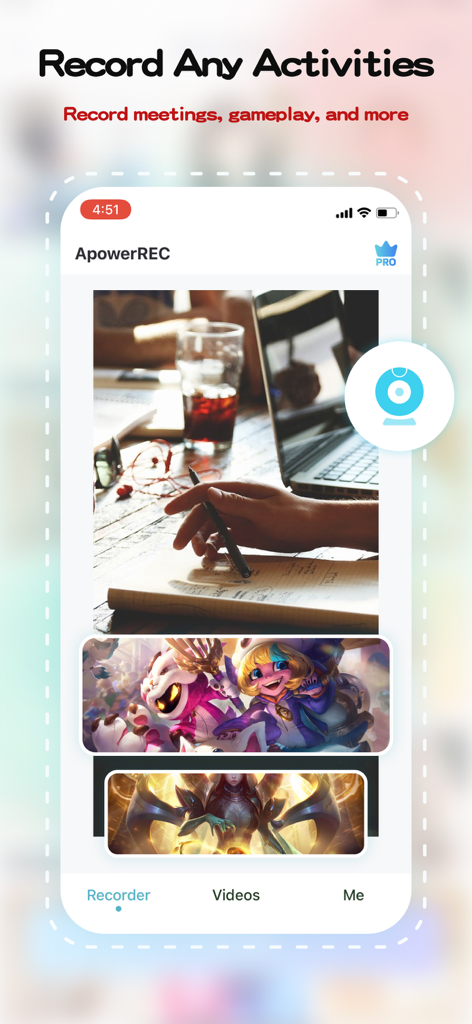
회의 및 게임 플레이를 위한 화면 녹화 옵션을 보여주는 ApowerREC 모바일 앱 인터페이스

회의 및 게임 플레이를 위한 화면 녹화 옵션을 보여주는 ApowerREC 모바일 앱 인터페이스

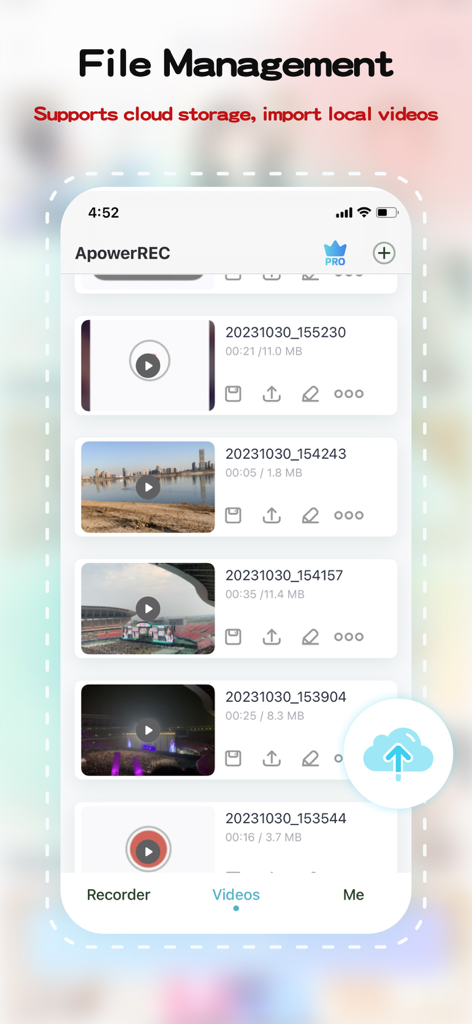
녹화된 동영상 목록과 파일 관리 옵션을 보여주는 ApowerREC 모바일 앱 화면

녹화된 동영상 목록과 파일 관리 옵션을 보여주는 ApowerREC 모바일 앱 화면

캡처하고, 만들고, 정복하세요

이 앱을 돋보이게 하는 도구, 1M+ 명의 사용자가 선택.

🎮

전문가 수준의 HD 녹화

가장 격렬한 게임 세션이나 중요한 원격 회의를 울트라 HD로 녹화하세요. 원탭 시작과 완벽한 오디오 동기화로 속도를 위해 품질을 희생할 필요가 없습니다.

🪄

즉석 AI 자막

소셜 미디어 도달 범위를 극대화하세요. 저희 AI는 대화를 자동으로 자막으로 변환하여 동영상을 접근성 있게 만들고 음소거 상태로 스크롤하는 시청자에게 완벽하게 만듭니다.

🤳

PIP(Picture-in-Picture) 및 더빙

리액션 스타일 동영상으로 브랜드를 구축하세요. PiP 모드를 사용하여 얼굴과 화면을 동시에 녹화한 다음, 개인적인 느낌을 더하기 위해 사용자 지정 보이스오버를 추가하세요.

앱 소개

에 대해 알아야 할 모든 것 ApowerREC: Record Screen.

설명

ApowerREC is not merely a free screen recorder - it's your one-stop solution for intuitive and versatile screen recording coupled with powerful video editing capabilities. Be it HD videos, live games, online classes, or remote meetings, a single click is all it takes to start recording. Save your recording instantaneously or generate a quick link for seamless sharing. Unleash the power of video editing with ApowerREC. Trim your videos, customize your content. Use our AI Subtitle feature for automatic subtitle generation. This not only enhances the viewer experience, it also increases your productivity. Our picture-in-picture feature adds layers to your videos, making them more dynamic and engaging. Add dubbing to your videos directly to make them more lively. With a single click, export your edited videos, share them with friends, or post them on popular social platforms. ApowerREC redefines professional screen recording, combining simplicity and professionalism in every recording. Advantages: HD screen recording: We provide ultra-high-definition screen recording services, ensuring your content is clear and detailed. Flexible settings: Personalize your recording with customizable resolution, bitrate, and frame rate options. One-click operation: Starting and stopping recording has never been easier - it takes just one click. Professional video editing features: Our comprehensive video editing suite offers AI subtitle generation, aspect ratio cropping, video editing, voiceover, and picture-in-picture features. Features: 1. Screen recording function: ● One-click start/stop recording ● Freely set resolution, bitrate, frame rate ● Supports automatic, horizontal, and vertical recording directions ● HD recording quality ● Perfect audio and video synchronized recording 2. Video editing features: ● AI Subtitle: Intelligently recognizes dialogue and automatically generates subtitles ● Aspect ratio cropping: Offers a variety of aspect ratio choices, including original, 1:1, 4:3, 16:9, 9:16 ● Video trimming: Accurately edit video content to optimize for sharing ● Dubbing: Personalize your video with voiceover features ● Picture-in-picture: Record your screen activity and live camera feed simultaneously, thereby creating an engaging and comprehensive viewing experience. ApowerREC is dedicated to offering you an efficient, simple, and professional screen recording experience. Regardless of whether you're working, studying, or seeking entertainment, you'll find the features and services you need right here. Let's use ApowerREC together to record every brilliant moment in life. If you find our software helpful, a positive review would be greatly appreciated! If you have any issues or suggestions, feel free to contact us at support@apowersoft.com - we're always here to help!

최신 버전

1.1.7

크기

112.1 MB

출시일

2018년 2월 7일

다음 중요한 순간을 기록할 준비가 되셨나요?

ApowerREC을 사용하여 HD 화면 녹화를 즉시 캡처, 편집 및 공유하는 1백만 명 이상의 크리에이터 및 전문가와 함께하세요. 지금 다운로드하고 시작하세요.

다운로드: App Store

App information, icons, screenshots, and descriptions displayed on this page are sourced from the Apple App Store and are the property of their respective developers. Download estimates and rankings are based on MWM's proprietary models and may not reflect actual figures. This page is provided for informational and analytical purposes only.

Believe this page infringes your intellectual property? File a dispute