Authenticator App : 2FA & MFA

Authenticator App : 2FA & MFA


다운로드: App Store
로고: Authenticator App : 2FA & MFA

인증 앱: 2FA 및 MFA — 디지털 생활을 위한 안전하고 독립적인 방패

전문가 수준의 TOTP 인증으로 디지털 보안을 관리하세요. Big Tech로부터의 독립을 중시하는 사람들을 위해 설계된 개인 정보 보호 우선, 오프라인 지원 솔루션으로 계정을 보호하세요.

다운로드: App Store

개발사

Ahmad Zohaib

카테고리

Utilities

다운로드

0

사용자 평점

1.0/5

총 평가 수

0

지원 언어

1

작동 중인 보안

이 인터페이스를 사용하는 0 명의 사용자.

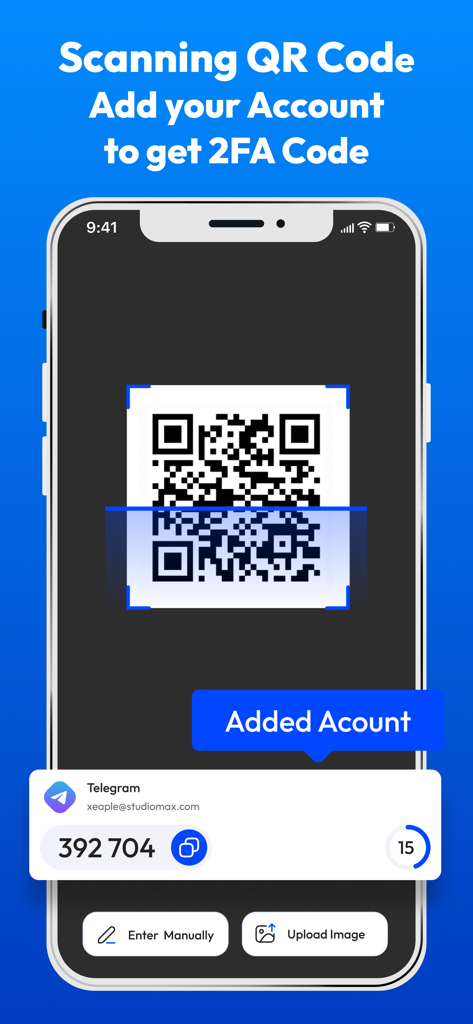
인증 앱 인터페이스가 QR 코드를 스캔하여 계정을 추가하고 2FA 보안 코드를 생성합니다.

인증 앱 인터페이스가 QR 코드를 스캔하여 계정을 추가하고 2FA 보안 코드를 생성합니다.

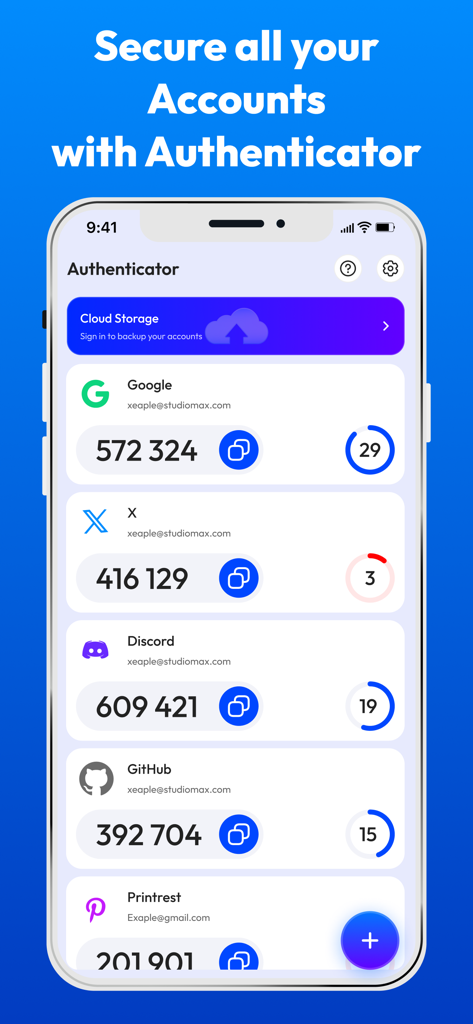
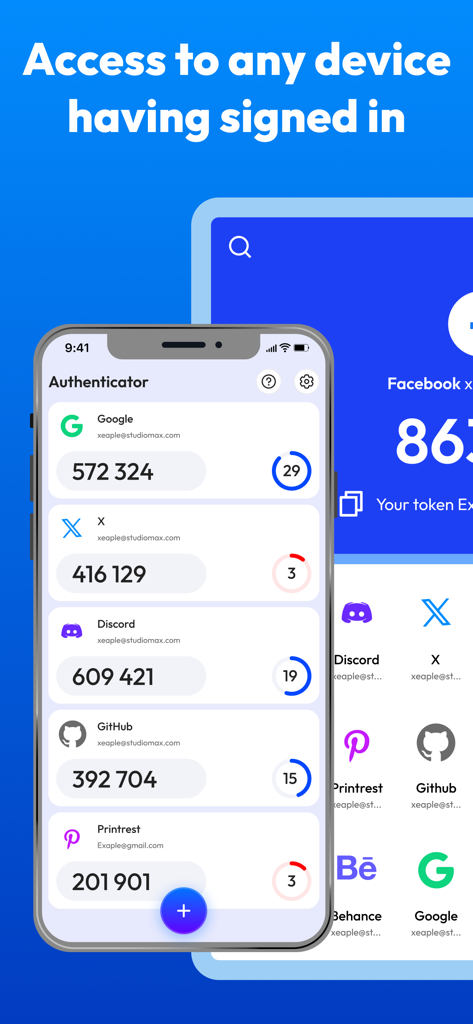
Google, X, Discord, GitHub와 같은 계정에 대한 여러 2FA 코드가 있는 인증 앱 인터페이스를 보여주는 스마트폰 화면.

Google, X, Discord, GitHub와 같은 계정에 대한 여러 2FA 코드가 있는 인증 앱 인터페이스를 보여주는 스마트폰 화면.

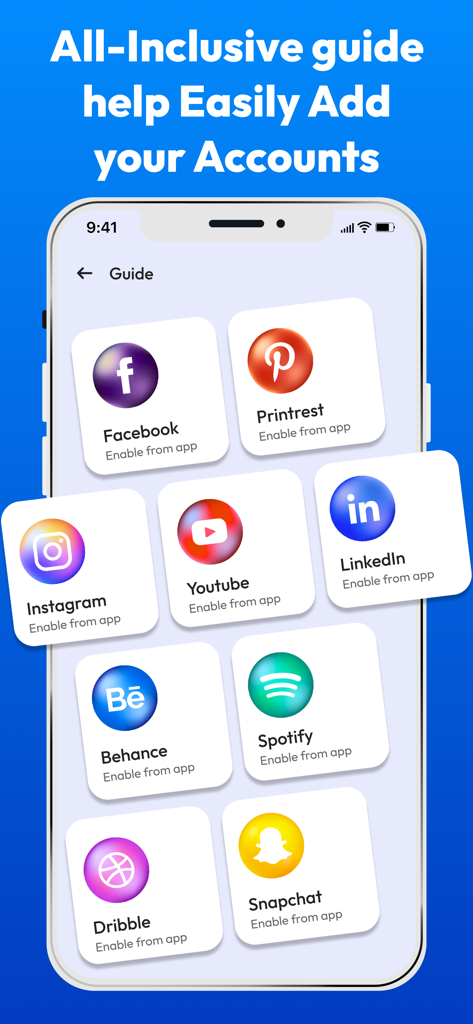
Facebook Instagram 및 LinkedIn과 같은 인기 계정에 대한 2FA를 쉽게 추가하는 방법에 대한 포괄적인 가이드를 보여주는 모바일 인터페이스.

Facebook Instagram 및 LinkedIn과 같은 인기 계정에 대한 2FA를 쉽게 추가하는 방법에 대한 포괄적인 가이드를 보여주는 모바일 인터페이스.

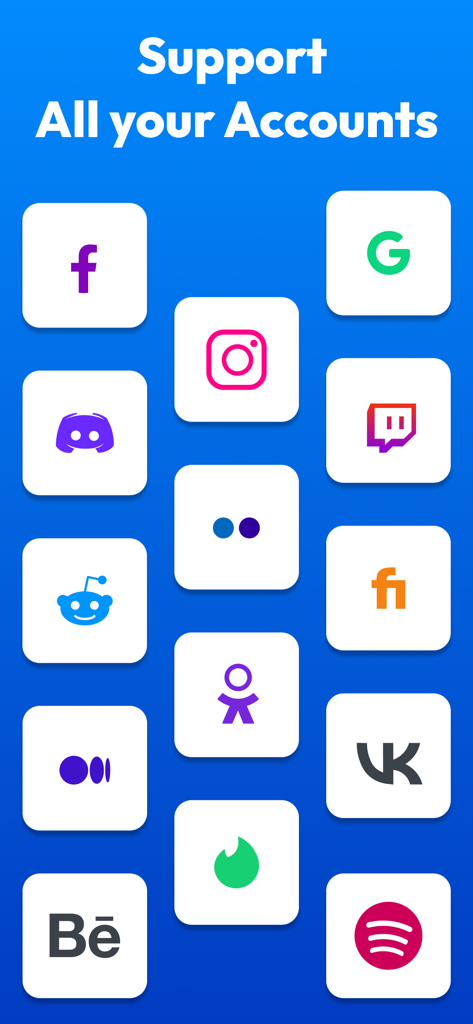
Google Facebook Instagram 및 Discord와 같은 다양한 계정에 대한 이중 인증 지원을 보여주는 인증 앱 인터페이스

Google Facebook Instagram 및 Discord와 같은 다양한 계정에 대한 이중 인증 지원을 보여주는 인증 앱 인터페이스

Google Discord 및 GitHub를 포함한 다양한 계정에 대한 2FA 인증 코드 목록을 보여주는 스마트폰 화면

Google Discord 및 GitHub를 포함한 다양한 계정에 대한 2FA 인증 코드 목록을 보여주는 스마트폰 화면

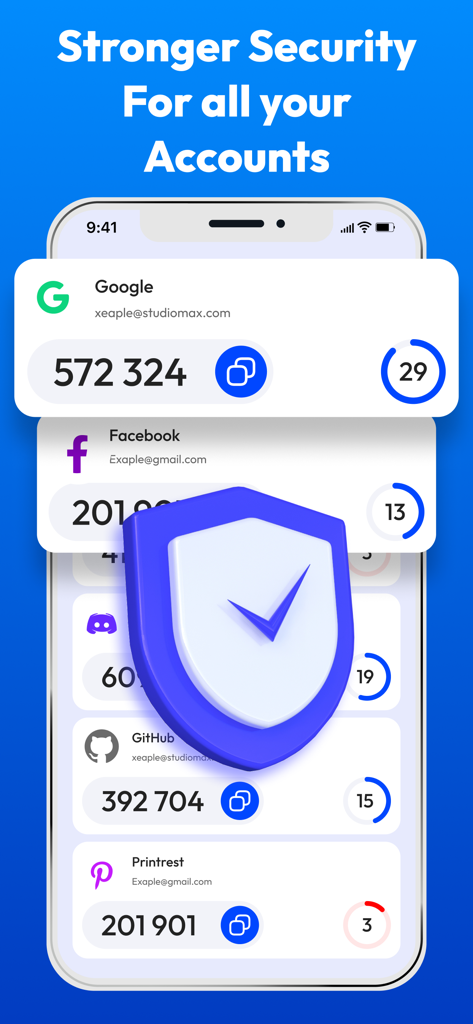
Google 및 Facebook과 같은 여러 계정에 대한 2FA 코드를 보안 방패 아이콘과 함께 보여주는 인증 앱 화면.

Google 및 Facebook과 같은 여러 계정에 대한 2FA 코드를 보안 방패 아이콘과 함께 보여주는 인증 앱 화면.

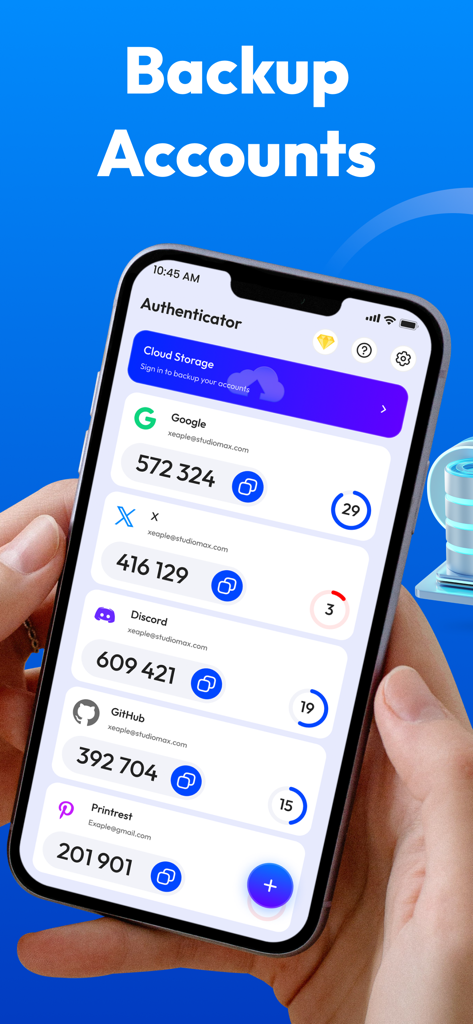
백업 기능과 함께 여러 계정에 대한 2FA 코드가 있는 인증 앱 인터페이스를 보여주는 스마트폰을 들고 있는 사람.

백업 기능과 함께 여러 계정에 대한 2FA 코드가 있는 인증 앱 인터페이스를 보여주는 스마트폰을 들고 있는 사람.

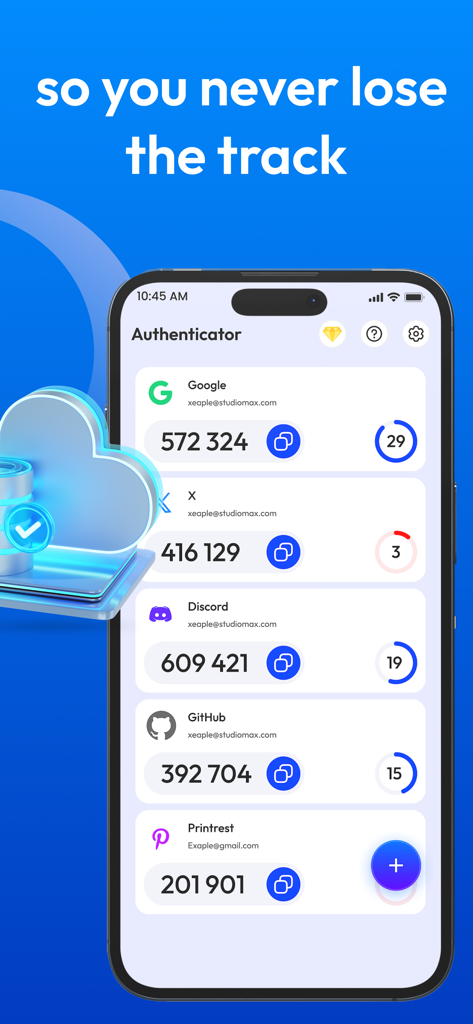
다양한 온라인 계정에 대한 2FA 보안 코드를 보여주는 인증 앱의 사용자 인터페이스

다양한 온라인 계정에 대한 2FA 보안 코드를 보여주는 인증 앱의 사용자 인터페이스

간단하게 완성하는 디지털 보호

이 앱을 돋보이게 하는 도구, 0 명의 사용자가 선택.

🛡️

개인 정보 보호 우선 보안

대형 기술 대안과 달리 당사는 귀하의 데이터를 수집하거나 추적하지 않습니다. 인증 코드는 기기에 로컬로 안전하게 보관됩니다.

✈️

항상 오프라인에서 작동

전 세계 어디에서나 안전한 TOTP 코드를 생성하세요. 인터넷 연결이나 셀룰러 신호 없이 계정에 액세스하세요.

원탭 계정 설정

원활한 보안 경험을 위해 고속 QR 스캐너를 사용하여 전문, 금융 및 암호화폐 계정을 즉시 연결하세요.

앱 소개

에 대해 알아야 할 모든 것 Authenticator App : 2FA & MFA.

설명

Protect Your Digital Security with Conclusive MFA 2FA Authenticator App! In an era of increasing cyber threats, protecting your online accounts is paramount. Introducing two factor Authentication App, your shield against unauthorized access. This 2FA Authenticator App empowers you with robust two factor authentication 2FA,MFA,OTP, TOTP ensuring your digital life remains secure and private. Why Choose Our 2FA Authenticator App? Authenticator App is designed to provide seamless and reliable multi factor authentication (MFA), leveraging industry standard protocols like TOTP (Time-based One-Time Password). With mfa app, you can effortlessly generate secure OTP (One-Time Password) codes, adding an essential layer of protection to your accounts. Key Features of Authenticator App: 2FA Two Factor Authenticator: Experience unparalleled security with our dedicated 2FA authenticator functionality to safeguard your sensitive accounts. Multi Factor Authentication (MFA): Enhance your security with comprehensive MFA multi factor authentication capabilities. QR Code Scanner: Scan QR codes to add accounts quickly with authentication app using qr code scanner. Manual Code Entry: Select code manually as well as select qr code from gallery. 2 Step Verification: Easily implement 2 step verification for added security. TOTP Support: Leverage the widely recognized TOTP protocol for seamless integration with various services. OTP Generation: Generate secure OTP codes with a single tap using authentication. 2FA Codes: Easily access and manage your 2FA codes within the app. How mfa 2fa Authenticator App Works: Download and Install: Download the mfa 2fa Authenticator App from the App Store. Scan QR Codes: Effortlessly add accounts by scanning QR codes provided by your online services with authentication. Generate OTPs: The app automatically generates time based OTP codes. Enter Codes: Use the generated 2FA codes during login to complete the verification process. Benefits of Using MFA 2FA Authenticator App: Enhanced Security: Protect your accounts from unauthorized access with strong 2FA codes and MFA. User Friendly Interface: Enjoy a seamless and intuitive user experience. Offline Access: Generate OTP codes even without an internet connection. Multiple Account Support: Manage all your 2FA accounts in one centralized location using authentication. Why is 2FA Authenticator App Essential? Protection Against Phishing: Even if your password is compromised, 2FA codes adds an extra layer of security. Account Security: Prevent unauthorized access to your email, social media, and financial accounts. Data Protection: Safeguard your sensitive data from potential breaches. Download the 2FA Authenticator App today and take control of your digital security! Disclaimer: This app is an independent Authenticator App designed to provide secure two-factor authentication (2FA) for your accounts. It is not affiliated with Google, Microsoft, Facebook, or any other company providing authentication services. This app does not collect, store, or share any of your personal data, authentication codes, or account credentials. Privacy Poilicy: https://docs.google.com/document/d/e/2PACX-1vQTSOAWmRxrGCp8OsH5giv1d940zKXFgvAD_Wb8cRUKOTQiR5U_fAtbSps0bldEFRtaJAuEd-KzNtZz/pub Terms of Use: https://docs.google.com/document/d/e/2PACX-1vSIGU4kwvsIelRB94DH4RX_HCgn1ebRg1KB7C2RsSB0QV8kW6sHVmZztO6WFr3L-KJ6jz6D7eQNHrtl/pub

최신 버전

1.0.3

크기

111.9 MB

출시일

2025년 3월 7일

오늘 디지털 보안을 관리하세요

독립적이고 오프라인 지원이 가능한 2FA 인증기로 계정을 보호하는 수천 명의 개인 정보 보호 전문가들과 함께하세요. 귀하의 데이터, 귀하의 키, 귀하의 마음의 평화.

다운로드: App Store

App information, icons, screenshots, and descriptions displayed on this page are sourced from the Apple App Store and are the property of their respective developers. Download estimates and rankings are based on MWM's proprietary models and may not reflect actual figures. This page is provided for informational and analytical purposes only.

Believe this page infringes your intellectual property? File a dispute