Authenticator App -2FA Secure

Authenticator App -2FA Secure

다운로드: App Store
로고: Authenticator App -2FA Secure

Authenticator App - 2FA 보안: 계정 및 개인 정보 보호를 위한 올인원 금고

클라우드 동기화 2FA 코드, 암호화된 사진 저장소, 고급 앱 잠금 기능으로 디지털 신원을 보호하세요. 간단하고 안전하며 완벽한 마음의 평화를 위해 설계되었습니다.

다운로드: App Store

개발사

Authenticator Technology Limited

카테고리

Utilities

다운로드

468K+

사용자 평점

3.2/5

총 평가 수

1K+

지원 언어

9

당신의 개인 정보, 시각화되다

이 인터페이스를 사용하는 468K+ 명의 사용자.

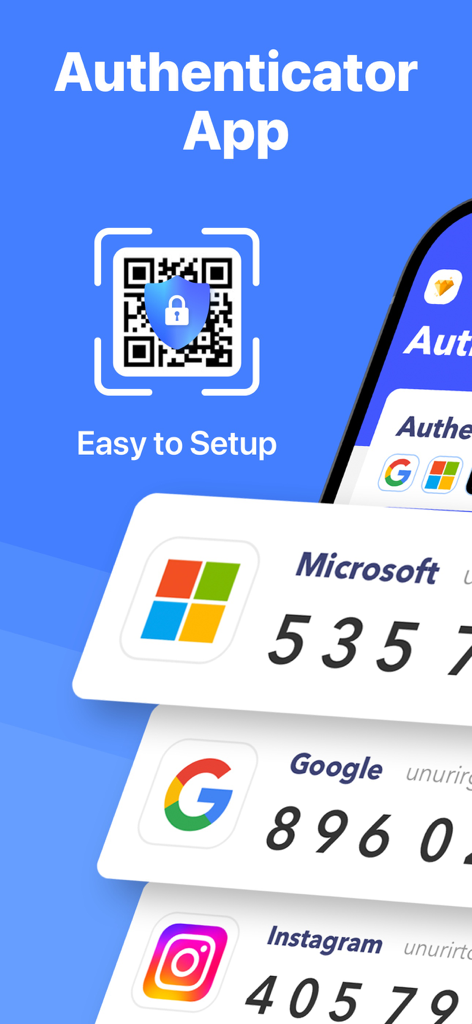
Microsoft, Google, Instagram에 대한 2FA 코드와 QR 코드 설정 아이콘이 표시된 Authenticator App의 모바일 인터페이스

Microsoft, Google, Instagram에 대한 2FA 코드와 QR 코드 설정 아이콘이 표시된 Authenticator App의 모바일 인터페이스

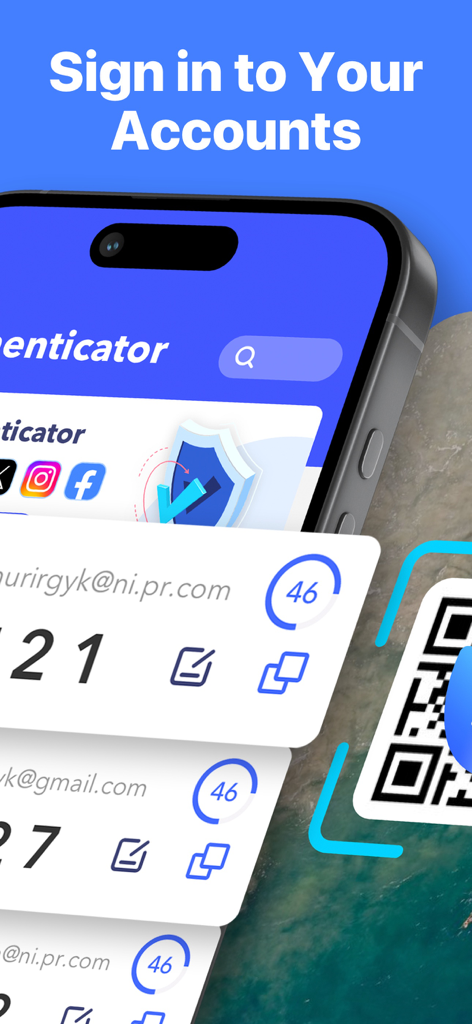
안전한 계정 로그인을 위한 2FA 코드를 보여주는 Authenticator App 인터페이스

안전한 계정 로그인을 위한 2FA 코드를 보여주는 Authenticator App 인터페이스

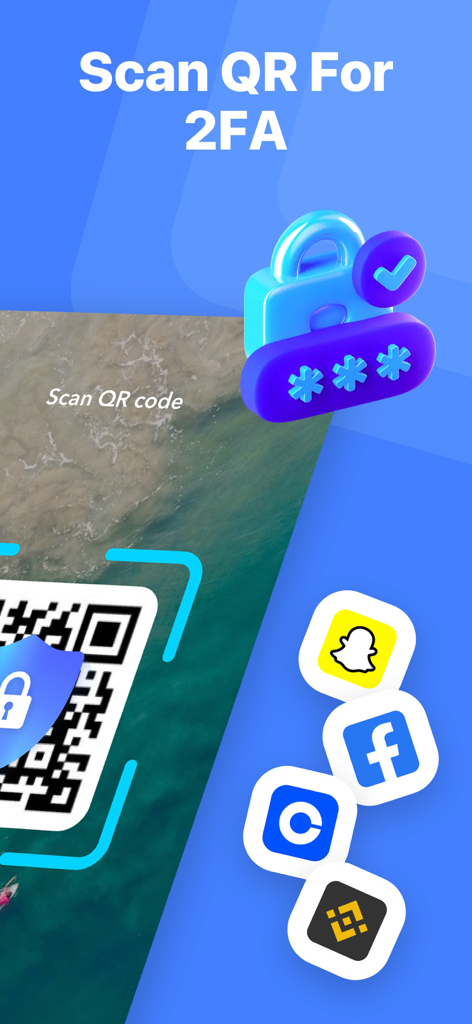
소셜 미디어 및 암호화폐 아이콘으로 2단계 인증 QR 코드 스캔

소셜 미디어 및 암호화폐 아이콘으로 2단계 인증 QR 코드 스캔

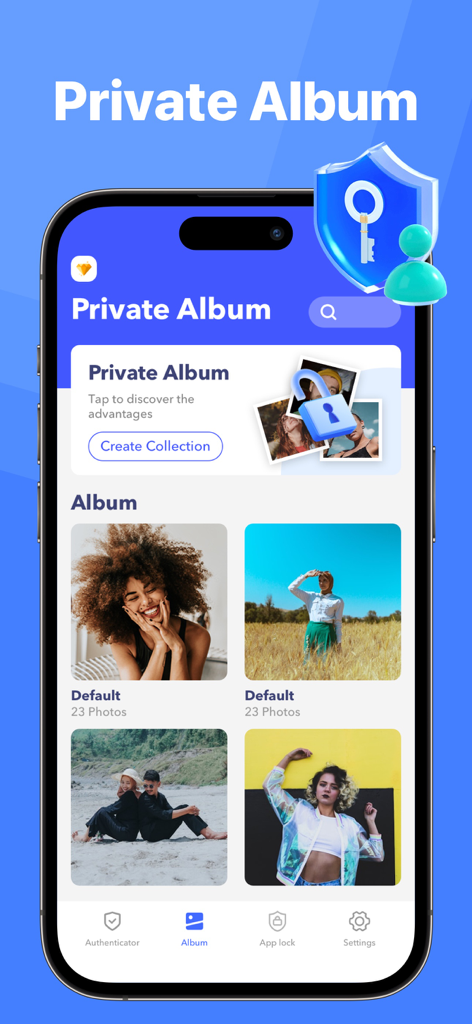
보안 사진 컬렉션과 암호화된 금고 그래픽을 보여주는 Authenticator App의 개인 앨범 기능 인터페이스

보안 사진 컬렉션과 암호화된 금고 그래픽을 보여주는 Authenticator App의 개인 앨범 기능 인터페이스

디지털 개인 정보 보호를 완벽하게 제어하세요

이 앱을 돋보이게 하는 도구, 468K+ 명의 사용자가 선택.

🛡️

통합 2FA 보호

수천 개의 플랫폼에 대한 군사 등급 인증으로 은행, 암호화폐 및 소셜 미디어 계정을 해커로부터 보호하세요.

☁️

안전한 클라우드 백업

접근 권한을 잃을까 걱정하지 마세요. 보안 키를 장치 전체에 안전하게 동기화하여 휴대폰을 분실해도 계정을 즉시 복구할 수 있습니다.

🔒

암호화된 개인 정보 보호 금고

로그인 정보 이상의 것을 보호하세요. 민감한 사진을 숨기고 생체 인식 보안의 추가 계층 뒤에 특정 앱을 잠가서 엿보는 것을 방지하세요.

리뷰 분석

사용자 리뷰 인사이트.

감정 점수

8%
부정적

요약

This application receives overwhelmingly negative feedback, with many users mistaking it for official Microsoft or Google Authenticator apps due to misleading branding and search results. A major point of contention is the prevalence of unwanted and automatic charges for subscriptions or premium features, often without clear consent, leading to significant frustration. Users also report poor usability, describing the app as confusing, complex, and frequently non-functional, with specific complaints about QR codes not working and a lack of helpful instructions. Furthermore, customers express severe difficulty in contacting support or obtaining refunds for these unexpected charges.

주요 테마

Unwanted Charges(23)
Poor Usability(22)
Misleading Identity(19)
Refund Difficulty(9)
Lack of Customer Support(3)
Misleading Search Ranking(2)

앱 소개

에 대해 알아야 할 모든 것 Authenticator App -2FA Secure.

설명

Authenticator App: Strengthen your digital security. In the digital age, Authenticator App is the perfect solution to manage the security of all your online accounts easily and conveniently. This is a simple two-factor authentication (2FA) app that generates time-based one-time passwords (TOTP), protecting your accounts from hackers by adding an extra layer of security and also protecting your personal data Provides double layer of protection. Features: 1. Support two-step verification on all platforms Authenticator App supports a wide range of services and applications, whether you need to protect bank accounts, social media accounts or emails, Authenticator App can provide strong protection. Generating a unique verification code ensures that only you can access your account, greatly reducing security risks caused by password leaks. The Authenticator app supports the most popular services, including Facebook, Coinbase, Amazon, Microsoft, Google, Instagram, Linkedin, Github, Dropbox, and thousands of other providers such as AuthentiCare and Salesforce. 2. Synchronize backup data Realizing users' dual needs for data security and convenience, Authenticator App has launched a synchronization backup function. With cloud synchronization technology, even if you change devices, you don't need to reset the two-step verification for each account, you can restore it directly from the cloud. This not only greatly saves time and effort, but also ensures that all your settings will not be lost if the device is lost or damaged, ensuring data continuity and security. 3. Private photo album In addition to account security, we also understand the importance of personal privacy. Therefore, Authenticator App has built-in privacy album function, allowing you to safely store private photos and videos. These contents will be fully encrypted and only accessible from within the app, ensuring that even if your device falls into the hands of others, these private files cannot be easily viewed. 4. APP Lock To further enhance security, we also offer an APP Lock feature, designed to help sensitive apps on your device stay private and secure. With App Lock you can easily block any app you want, ensuring your privacy and protection from prying eyes. Information about auto-renewing subscriptions: – Payment will be charged to iTunes account at confirmation of purchase. – Subscription automatically renews unless auto-renew is turned off at least 24 hours before the end of the current period. – Account will be charged for renewal within 24 hours prior to the end of the current period. The cost depends on the plan selected. – Subscriptions may be managed by the user and auto-renewal may be turned off by going to the user’s account settings after purchase. Privacy Policy: https://au.autheny.com/log/autheny/page?k=privepolicy Terms of use: https://au.autheny.com/log/autheny/page?k=termsofuse

최신 버전

1.5

크기

33.5 MB

출시일

2024년 4월 23일

디지털 개인 정보 보호를 완벽하게 제어하세요

2FA로 계정을 보호하고, 클라우드 백업으로 잠금 해제를 방지하며, 암호화된 금고에 민감한 사진을 숨기는 데 저희를 신뢰하는 460,000명 이상의 사용자들과 함께하세요.

다운로드: App Store
FAQ

자주 묻는 질문

에 대해 알아야 할 모든 것 Authenticator App -2FA Secure

Authenticator App -2FA Secure이란 무엇인가요?

Authenticator App은 시간 기반 일회용 비밀번호(TOTP)를 생성하는 간단한 2단계 인증(2FA) 앱입니다. 이는 추가 보안 계층으로 온라인 계정을 보호하여 디지털 보안을 강화합니다.

Authenticator App은 어떻게 2단계 인증(2FA)을 제공하나요?

Authenticator App은 시간 기반 일회용 비밀번호(TOTP)를 생성하여 2단계 인증을 제공합니다. 이러한 고유한 인증 코드는 추가적인 보안 계층을 제공하여 무단 액세스 및 해커로부터 계정을 보호합니다.

Authenticator App -2FA Secure은 어떤 서비스의 2단계 인증을 지원하나요?

Authenticator App은 Facebook, Coinbase, Amazon, Microsoft, Google, Instagram, Linkedin, Github, Dropbox, AuthentiCare, Salesforce를 포함한 광범위한 서비스를 지원합니다. 또한 수천 개의 다른 제공업체에 대한 강력한 보호 기능을 제공합니다.

Authenticator App -2FA Secure은 내 2FA 데이터를 백업할 수 있나요?

예, Authenticator App은 동기화 백업 기능을 제공합니다. 클라우드 동기화 기술을 통해 사용자는 기기를 변경할 때 클라우드에서 직접 2단계 인증 설정을 복원할 수 있어 데이터 연속성과 보안을 보장합니다.

Authenticator App -2FA Secure에는 개인 사진 앨범이 포함되어 있나요?

예, Authenticator App에는 내장된 개인 정보 앨범 기능이 포함되어 있습니다. 이 기능을 통해 사용자는 개인 사진 및 비디오를 안전하게 저장할 수 있습니다. 이 콘텐츠는 완전히 암호화되며 앱 내에서만 액세스할 수 있습니다.

Authenticator App -2FA Secure은 사진에서 메타데이터를 제거하나요?

예, Authenticator App의 보안 센터에는 메타데이터 제거 기능이 있습니다. 이 도구는 사진에서 위치 및 장치 세부 정보와 같은 민감한 개인 정보를 삭제합니다. 이미지를 공유하기 전에 개인 정보 보호를 보장합니다.

Authenticator App -2FA Secure의 구독은 어떻게 작동하나요?

Authenticator App은 자동 갱신 구독을 제공합니다. 확인 시 iTunes 계정으로 요금이 청구됩니다. 현재 기간이 종료되기 최소 24시간 전에 자동 갱신을 해제하지 않으면 구독은 자동으로 갱신됩니다.

Authenticator App -2FA Secure은 Google 또는 Facebook과 같은 회사와 관련이 있나요?

아니요, Authenticator App은 타사 애플리케이션입니다. Google 또는 Facebook과 같이 설명에 언급된 특정 서비스 또는 상표와 제휴, 보증 또는 연결되어 있지 않습니다.

Authenticator App -2FA Secure에 QR 코드를 스캔하여 새로운 2FA 계정을 추가할 수 있나요?

예, Authenticator App을 사용하면 QR 코드를 스캔하여 새로운 2FA 계정을 추가할 수 있습니다. 이 방법은 설정 프로세스를 단순화하여 다양한 온라인 서비스에 대한 2단계 인증을 신속하게 통합할 수 있습니다.

Authenticator App -2FA Secure은 개인 정보 유출을 확인하나요?

예, Authenticator App에는 보안 센터 내에 개인 정보 유출 감지 기능이 포함되어 있습니다. 이 도구는 의심되는 이메일 침해와 같은 잠재적인 취약점을 식별하기 위해 계정 보안 검사를 실행하여 사용자의 디지털 안전을 강화합니다.

App information, icons, screenshots, and descriptions displayed on this page are sourced from the Apple App Store and are the property of their respective developers. Download estimates and rankings are based on MWM's proprietary models and may not reflect actual figures. This page is provided for informational and analytical purposes only.

Believe this page infringes your intellectual property? File a dispute