Awesome Screen Recorder

Awesome Screen Recorder

다운로드: App Store
로고: Awesome Screen Recorder

Awesome Screen Recorder: 프로 콘텐츠를 위한 올인원 스튜디오

워터마크 없이 facecam, 음성 해설과 함께 고화질 게임 플레이 및 튜토리얼을 녹화하세요. 몇 초 안에 TikTok 또는 YouTube로 편집하고 공유하세요.

개발사

Diigo

카테고리

Utilities

다운로드

7K+

사용자 평점

4.8/5

총 평가 수

600

지원 언어

17

프로 콘텐츠를 한눈에

이 인터페이스를 사용하는 7K+ 명의 사용자.

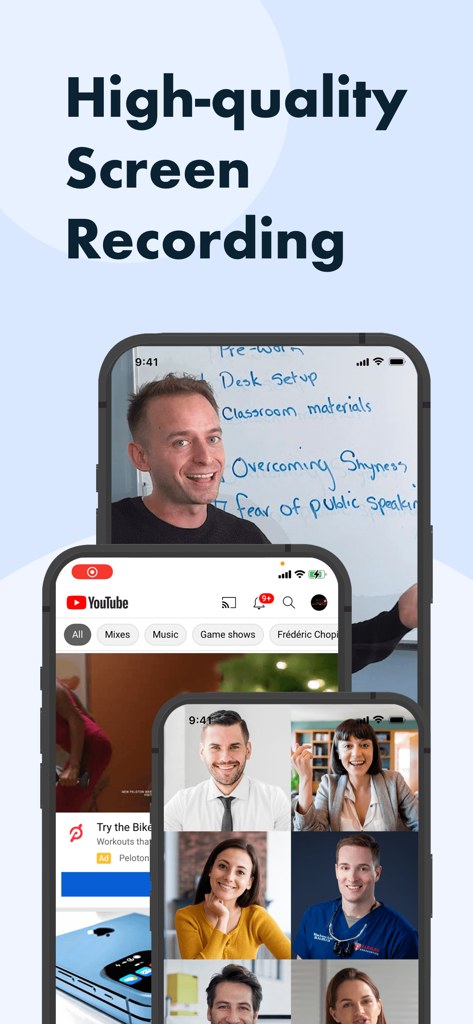
Awesome Screen Recorder 앱 인터페이스는 세 개의 iPhone에서 facecam 및 튜토리얼을 포함한 고품질 화면 녹화 예제를 보여줍니다.

Awesome Screen Recorder 앱 인터페이스는 세 개의 iPhone에서 facecam 및 튜토리얼을 포함한 고품질 화면 녹화 예제를 보여줍니다.

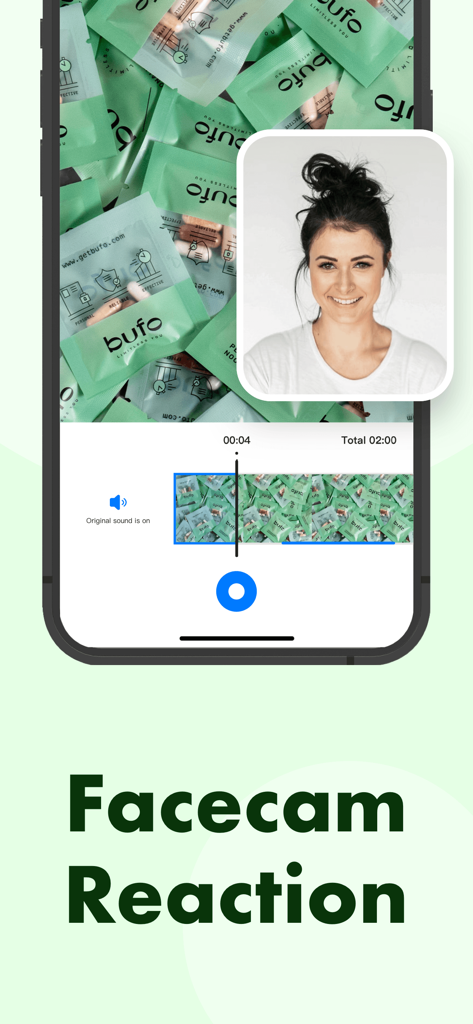
Awesome Screen Recorder 앱 iPhone의 facecam 반응 기능

Awesome Screen Recorder 앱 iPhone의 facecam 반응 기능

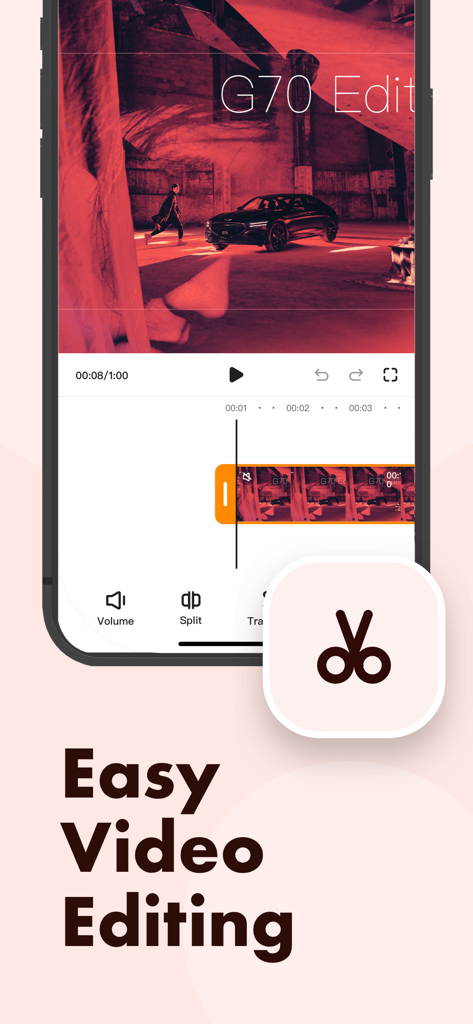
Awesome Screen Recorder 앱의 모바일 인터페이스는 쉬운 동영상 편집을 위한 동영상 편집 도구와 타임라인을 보여줍니다.

Awesome Screen Recorder 앱의 모바일 인터페이스는 쉬운 동영상 편집을 위한 동영상 편집 도구와 타임라인을 보여줍니다.

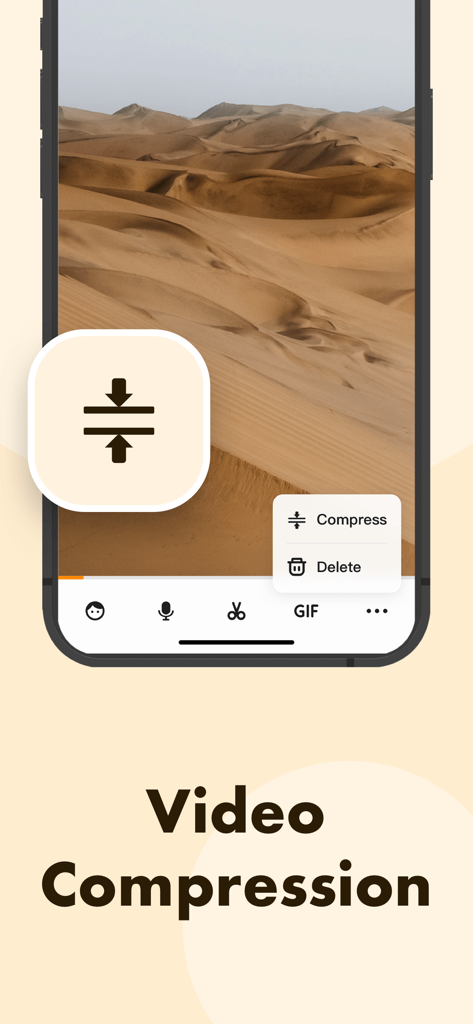
Awesome Screen Recorder 동영상 압축 도구 인터페이스

Awesome Screen Recorder 동영상 압축 도구 인터페이스

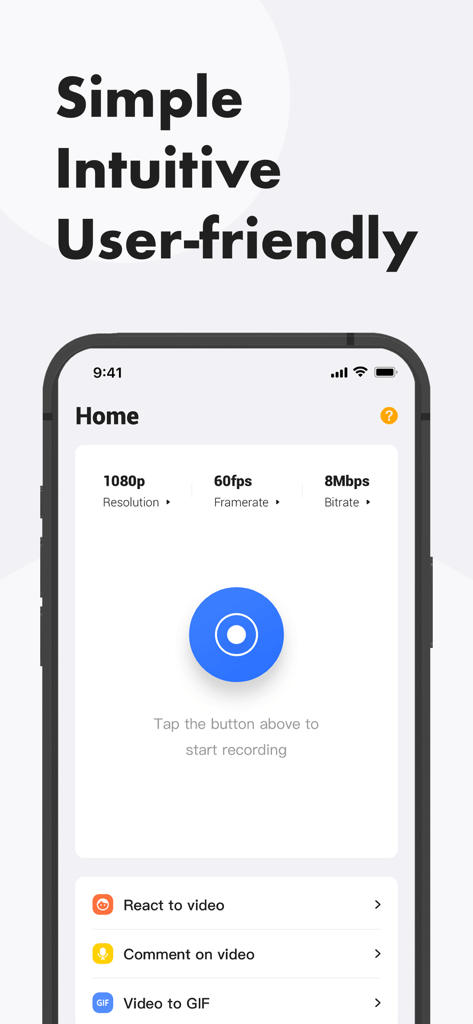
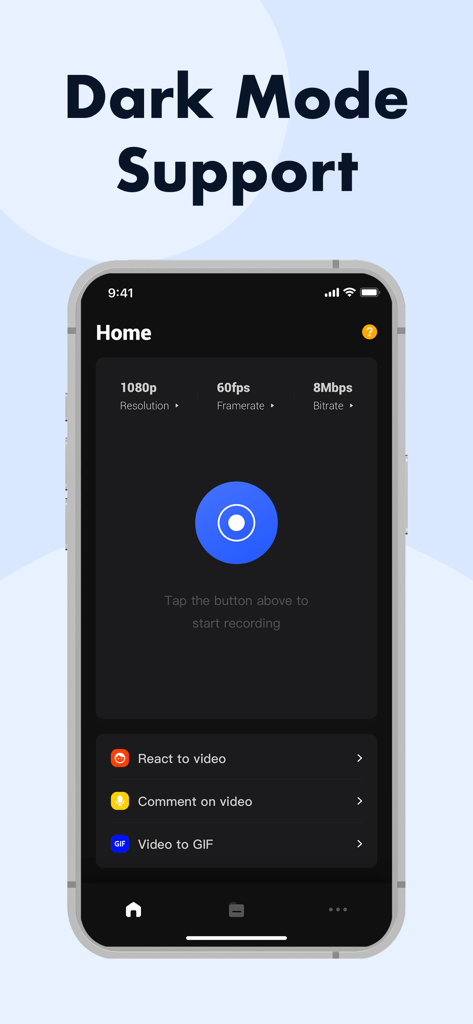
Awesome Screen Recorder 앱 홈 화면은 1080p 동영상 설정과 녹화 버튼을 보여줍니다.

Awesome Screen Recorder 앱 홈 화면은 1080p 동영상 설정과 녹화 버튼을 보여줍니다.

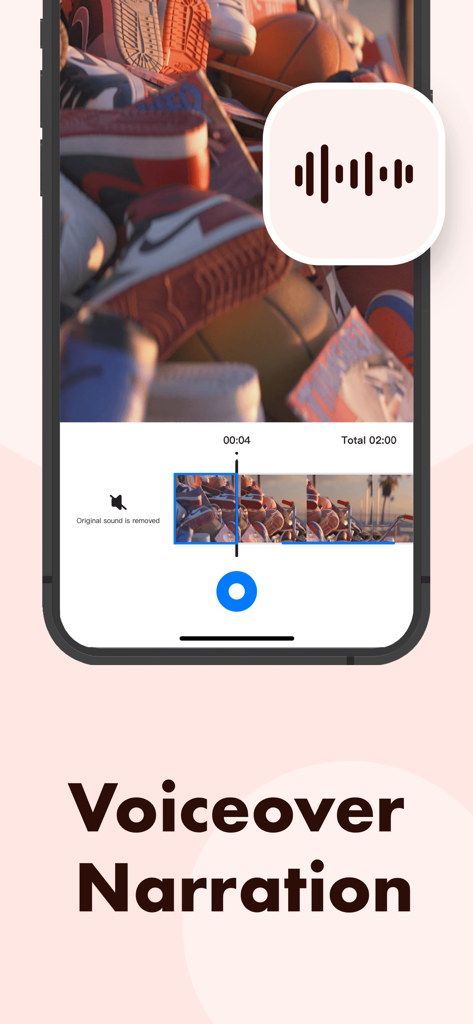
Awesome Screen Recorder 앱은 동영상에 음성 해설을 추가하는 인터페이스입니다.

Awesome Screen Recorder 앱은 동영상에 음성 해설을 추가하는 인터페이스입니다.

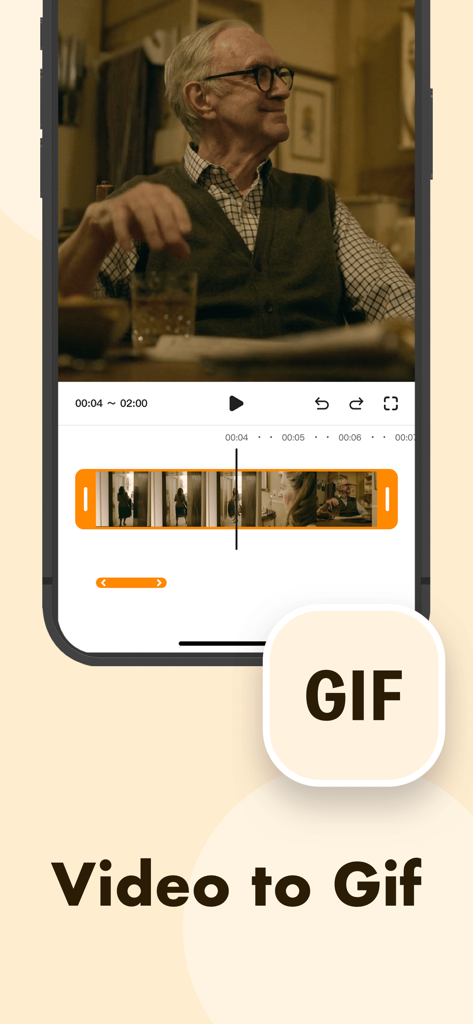
Awesome Screen Recorder 동영상 편집 타임라인으로 동영상을 GIF로 변환하는 기능을 보여주는 모바일 인터페이스.

Awesome Screen Recorder 동영상 편집 타임라인으로 동영상을 GIF로 변환하는 기능을 보여주는 모바일 인터페이스.

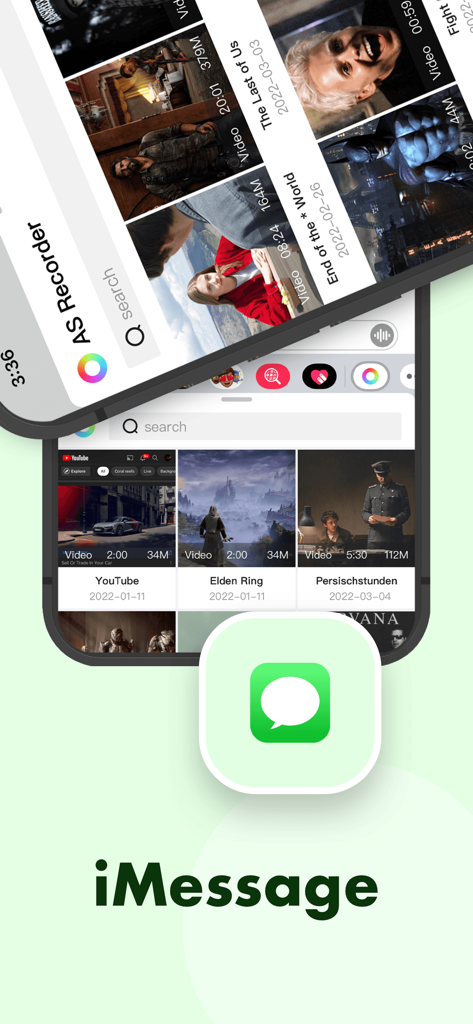
iMessage를 통해 동영상 공유 기능을 보여주는 Awesome Screen Recorder 인터페이스

iMessage를 통해 동영상 공유 기능을 보여주는 Awesome Screen Recorder 인터페이스

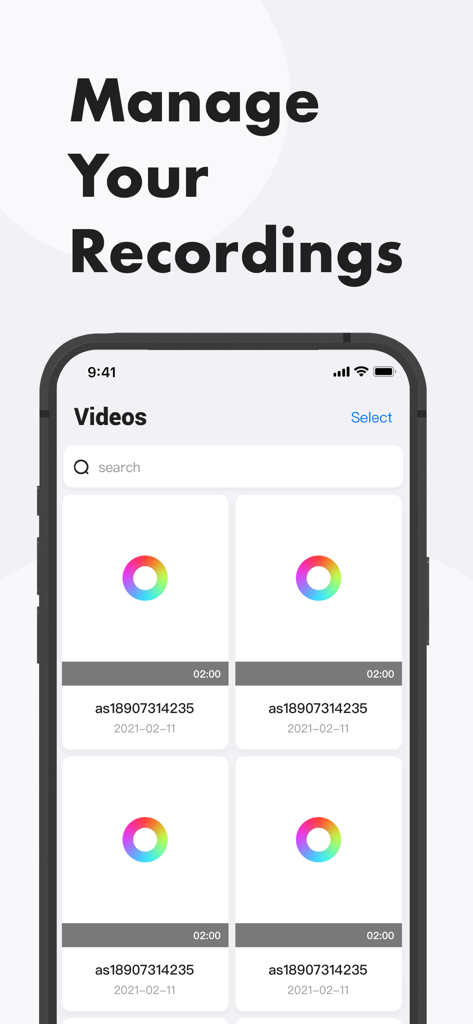
Awesome Screen Recorder 앱의 동영상 라이브러리 및 관리 인터페이스를 보여주는 화면

Awesome Screen Recorder 앱의 동영상 라이브러리 및 관리 인터페이스를 보여주는 화면

Awesome Screen Recorder 앱 인터페이스는 다크 모드 지원 및 녹화 설정을 보여줍니다.

Awesome Screen Recorder 앱 인터페이스는 다크 모드 지원 및 녹화 설정을 보여줍니다.

콘텐츠 게임 레벨 올리기

이 앱을 돋보이게 하는 도구, 7K+ 명의 사용자가 선택.

🤳

전문적인 Facecam 반응

얼굴과 목소리를 오버레이하여 팔로워들이 좋아할 만한 "Let's Play" 동영상 또는 튜토리얼을 만드세요.

선명한 화질 & 워터마크 없음

성가신 광고나 로고로 전문적인 미학을 망치지 않고 모든 세부 사항을 고화질로 캡처하세요.

🎬

몇 초 안에 편집 및 게시

클립을 트리밍하고, TikTok에 맞게 종횡비를 조정하고, 좋아하는 소셜 플랫폼으로 즉시 내보내세요.

앱 소개

에 대해 알아야 할 모든 것 Awesome Screen Recorder.

설명

Want to record gameplay or live stream, or make app demos and tutorials on your iPhone? Awesome Screen Recorder can help. It allows you to capture everything on your screen easily, edit the recordings with various useful tools and export the videos to your photo library. Check out the description below to see how it can help. Record Your Screen •One tap to start recording • High-resolution for free •No ads or watermarks •System audio and microphone sound Edit Your Recording •Change length by trimming and splitting •Mute audio •Change aspect ratio •Add facecam reaction •Add voice commentary •Compress video •Convert video to GIF Share Your Video •Save to Photos •Share through Messages •Share to other apps Get the app and start creating your recording videos today! Feel free to contact us if you have any questions or suggestions.

최신 버전

1.1.8

크기

52.5 MB

출시일

2021년 12월 16일

눈에 띄는 콘텐츠를 만들 준비가 되셨나요?

워터마크와 광고 없이 게임 플레이를 캡처하고, facecam 반응을 추가하고, 전문가처럼 편집하세요. 오늘 무료로 고해상도 동영상을 녹화하세요.

다운로드: App Store

App information, icons, screenshots, and descriptions displayed on this page are sourced from the Apple App Store and are the property of their respective developers. Download estimates and rankings are based on MWM's proprietary models and may not reflect actual figures. This page is provided for informational and analytical purposes only.

Believe this page infringes your intellectual property? File a dispute