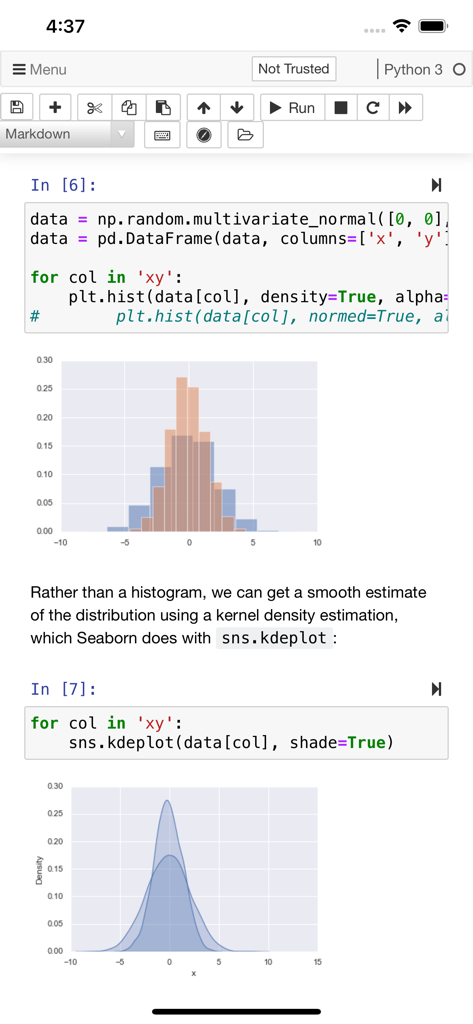
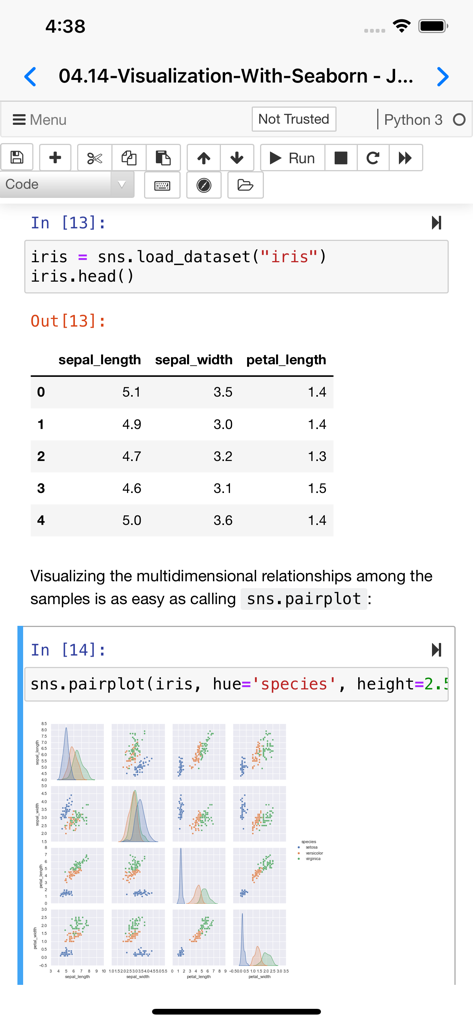
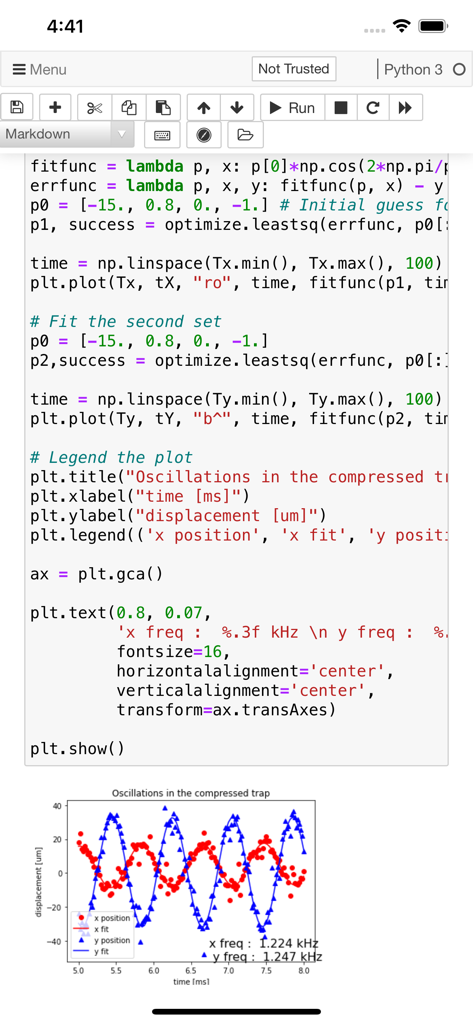
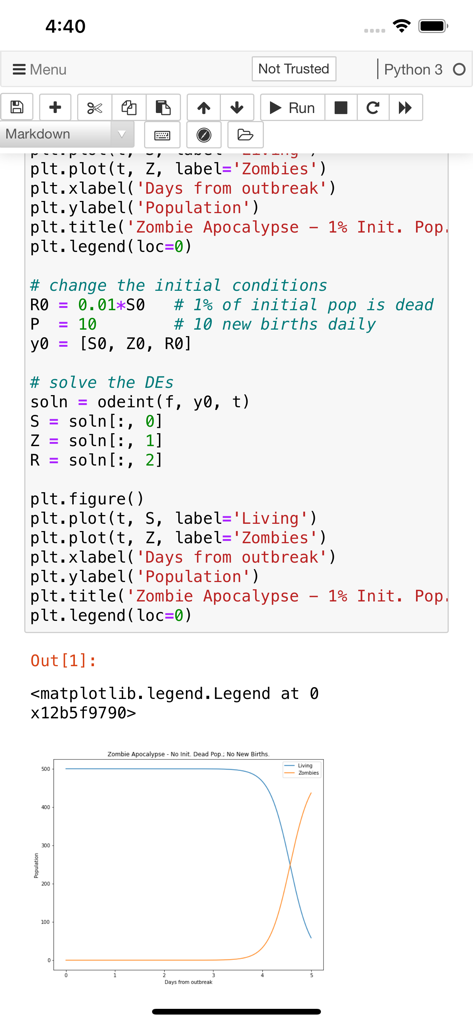
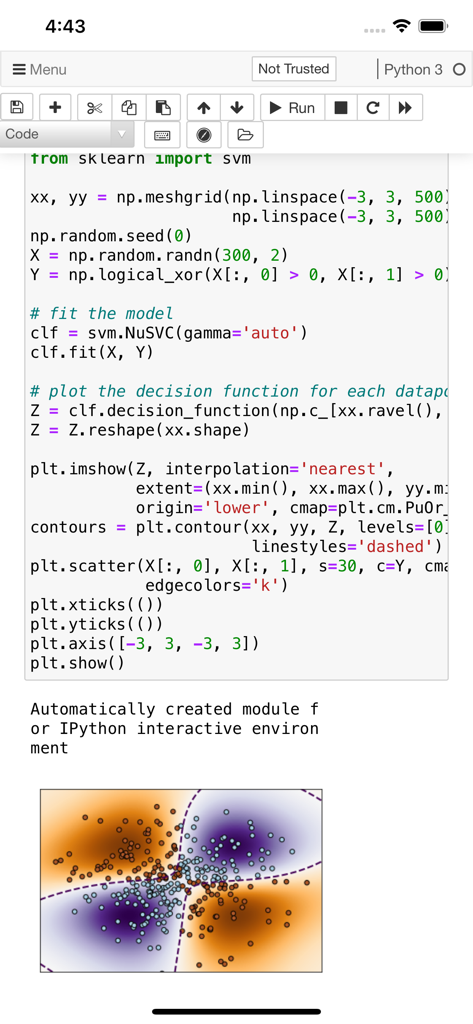
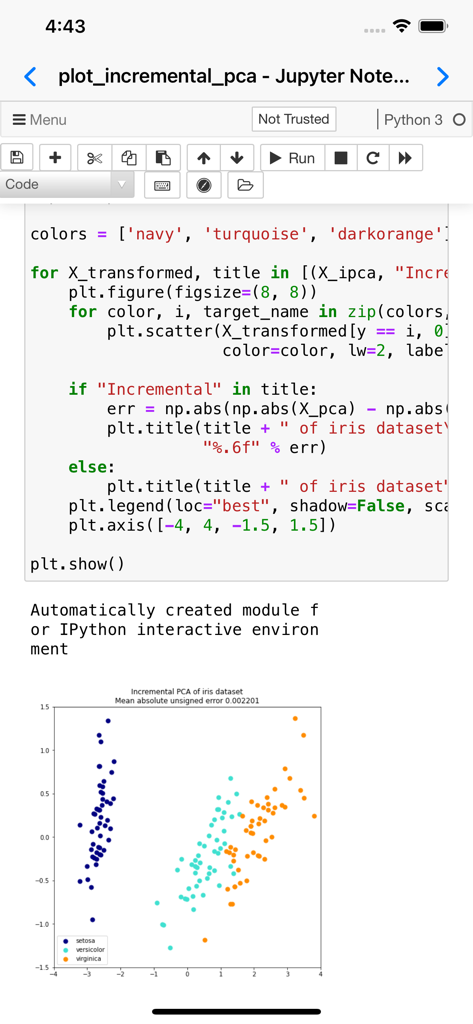
데이터 시각화 모델에 대한 Python 코드와 생성된 선 그래프를 보여주는 모바일 Jupyter Notebook 화면
Python 코드와 SVM 모델 시각화 플롯이 있는 Jupyter 노트북을 보여주는 Carnets 앱 화면
데이터 시각화를 위한 Python 코드와 산점도가 있는 Jupyter 노트북을 보여주는 Carnets 앱 인터페이스
데스크톱 성능, 모바일 자유
이 앱을 돋보이게 하는 도구, 99K+ 명의 사용자가 선택.
🛫
로컬에서 실행, 어디서든 작업
클라우드를 건너뛰세요. 인터넷 연결 없이 코드를 실행하고 데이터를 시각화하여 작업의 개인 정보가 유지되고 배터리 효율이 유지되도록 합니다.
📈
내장된 과학 스택
상자에서 바로 Scipy, Scikit-Learn, Pandas에 액세스하세요. 모바일에서 C 라이브러리 설치로 더 이상 씨름하지 마세요. 순수하고 사전 컴파일된 성능만 있으면 됩니다.
⌨️
iPad Pro에 최적화됨
JupyterLab 지원, 전체 키보드 통합, Split View 멀티태스킹을 통해 동시에 연구 및 코딩하여 생산성을 극대화하세요.
앱 소개
에 대해 알아야 할 모든 것 Carnets - Jupyter (with scipy).
설명
Jupyter notebooks are a powerful tool used in education and research. You can write small snippets of Python code and observe the result on screen, combine with paragraphs of text, using Markdown.
Carnets provides a complete, stand-alone, implementation of Jupyter notebooks. Everything runs on your device, using the embedded Python interpreter; you do not need an internet connection. Compared to the standard version (Carnets), this app adds several packages targeted for scientific computation and learning: scipy, sklearn, seaborn and coremltools. You can switch between standard notebooks and the more modern jupyterlab using the Settings app.
Of course, all the packages included with the standard app are present too: numpy, simply, matplotlib... To see the full list of installed packages, type "%pip list" in a code window. You can add more packages using "%pip install packageName", but only if they are pure Python.
You can share your notebooks with other apps and also open notebooks or directories managed by other apps.
Partial list of installed packages: astropy, babel, bokeh, cartopy, cryptography, cvxopt, Fiona, geopandas, geopy, gym, inequality, libpysal, lxml, mapclassify, matplotlib, networkx, nltk, numpy, openCV, pandas, parso, pillow, pyFFTW, pyproj, qutip, rasterio, regex, Rtree, scikit-learn, scipy, seaborn, segregation, shapely, soupsieve, spopt, statsmodels, sympy, wordcloud.
최신 버전
1.9.0
크기
2.1 GB
출시일
2021년 5월 3일
제한 없이 코딩 시작하기
iOS에서 가장 강력한 로컬 Jupyter 환경을 사용하는 99,000명 이상의 전문가 및 학생들과 함께하세요. 오늘 귀하의 완전한 과학 스택을 받으세요.
App information, icons, screenshots, and descriptions displayed on this page are sourced from the Apple App Store and are the property of their respective developers. Download estimates and rankings are based on MWM's proprietary models and may not reflect actual figures. This page is provided for informational and analytical purposes only.
Believe this page infringes your intellectual property? File a dispute