Clipboard Manager - OneTap

Clipboard Manager - OneTap

다운로드: App Store
로고: Clipboard Manager - OneTap

클립보드 관리자 - OneTap: 최고의 워크플로우 및 AI 키보드

링크, 사진 또는 텍스트를 찾기 위해 앱을 전환하는 것을 중단하세요. 키보드에서 바로 전체 클립보드 기록, 정리된 단축키 및 ChatGPT-4에 액세스하여 매우 빠르게 소통하세요.

다운로드: App Store

개발사

Alexander Picard

카테고리

Utilities

다운로드

4K+

사용자 평점

4.6/5

총 평가 수

400

지원 언어

1

업그레이드된 키보드

이 인터페이스를 사용하는 4K+ 명의 사용자.

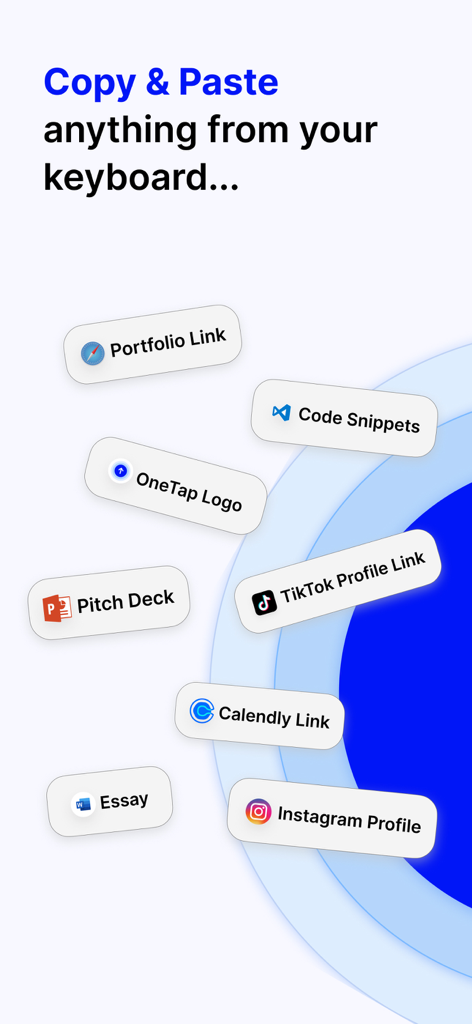
링크 파일 및 소셜 미디어 프로필에 대한 다양한 키보드 단축키를 보여주는 클립보드 관리자

링크 파일 및 소셜 미디어 프로필에 대한 다양한 키보드 단축키를 보여주는 클립보드 관리자

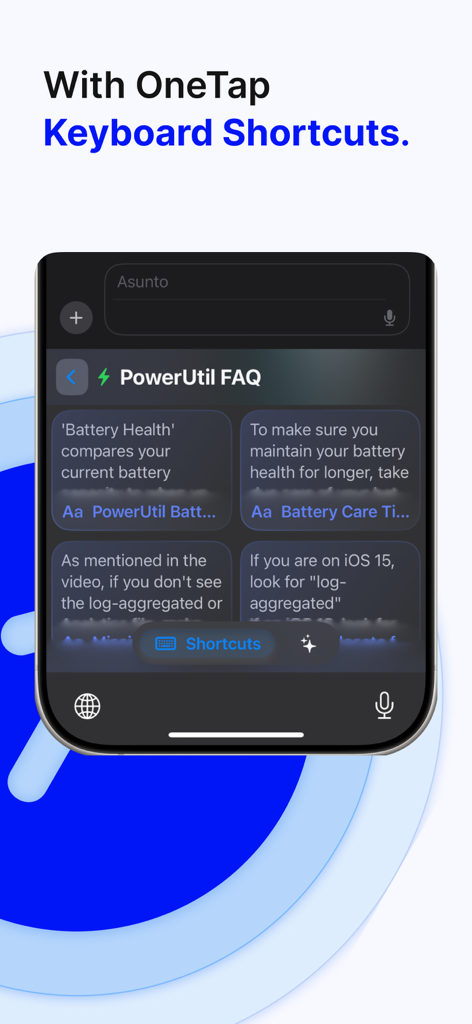
생산성을 위한 사용자 지정 텍스트 단축키를 보여주는 OneTap 키보드 인터페이스

생산성을 위한 사용자 지정 텍스트 단축키를 보여주는 OneTap 키보드 인터페이스

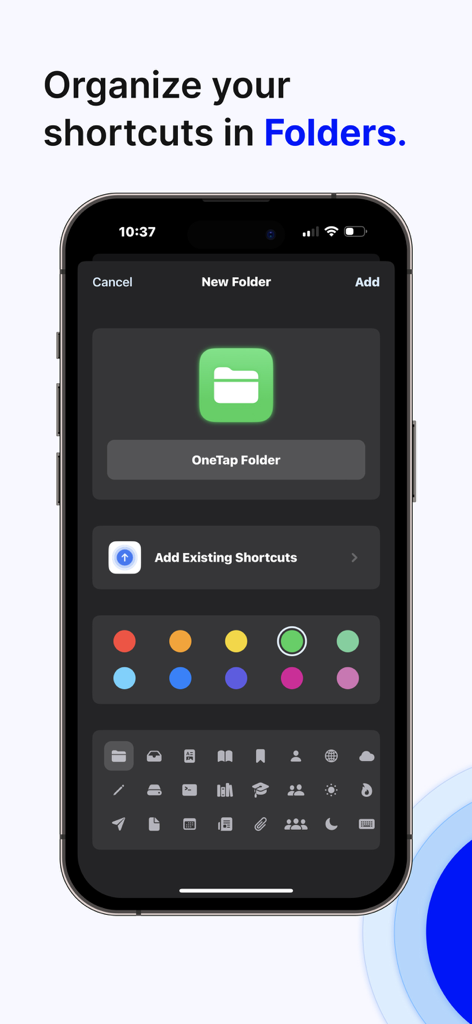
OneTap 앱에서 단축키를 폴더로 만들고 정리합니다.

OneTap 앱에서 단축키를 폴더로 만들고 정리합니다.

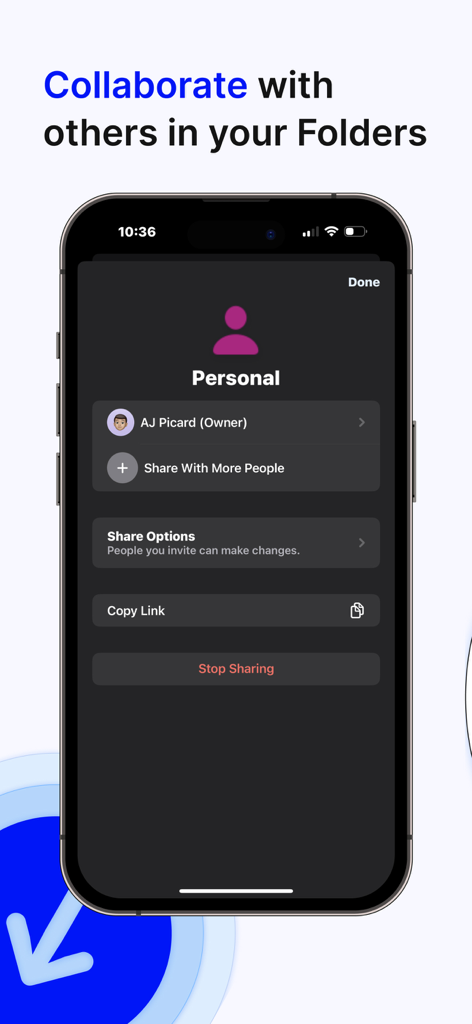
폴더 협업 및 공유 옵션을 보여주는 OneTap 앱 인터페이스

폴더 협업 및 공유 옵션을 보여주는 OneTap 앱 인터페이스

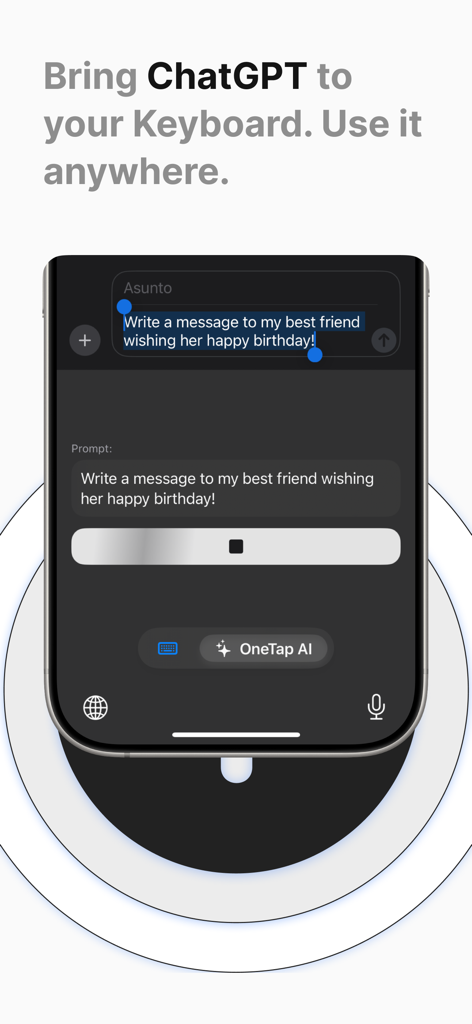
텍스트 메시지 초안 작성을 위한 ChatGPT AI 통합을 보여주는 OneTap 모바일 키보드 인터페이스

텍스트 메시지 초안 작성을 위한 ChatGPT AI 통합을 보여주는 OneTap 모바일 키보드 인터페이스

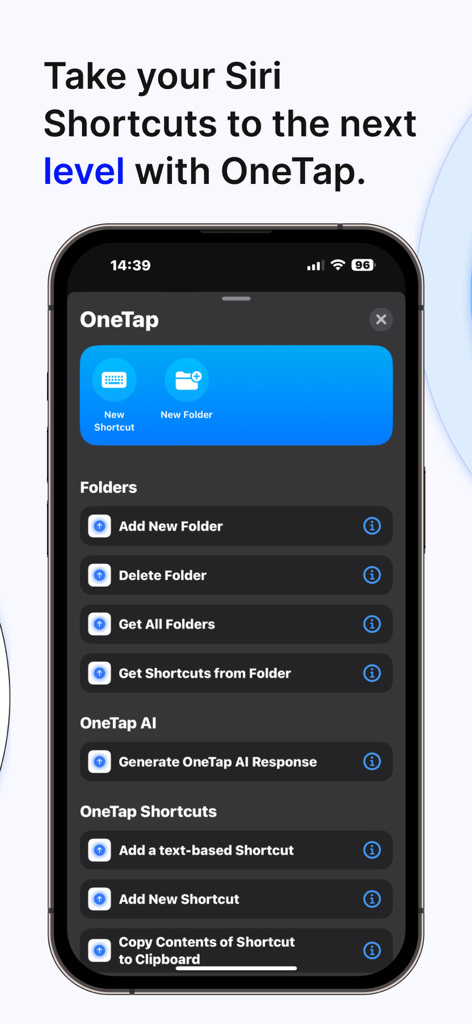
iPhone에서 클립보드 및 폴더 관리를 위한 Siri 단축키 통합을 보여주는 OneTap 앱 인터페이스

iPhone에서 클립보드 및 폴더 관리를 위한 Siri 단축키 통합을 보여주는 OneTap 앱 인터페이스

자물쇠 아이콘으로 iCloud 데이터 보안을 보여주는 OneTap 클립보드 관리자 개인정보 보호정책 화면

자물쇠 아이콘으로 iCloud 데이터 보안을 보여주는 OneTap 클립보드 관리자 개인정보 보호정책 화면

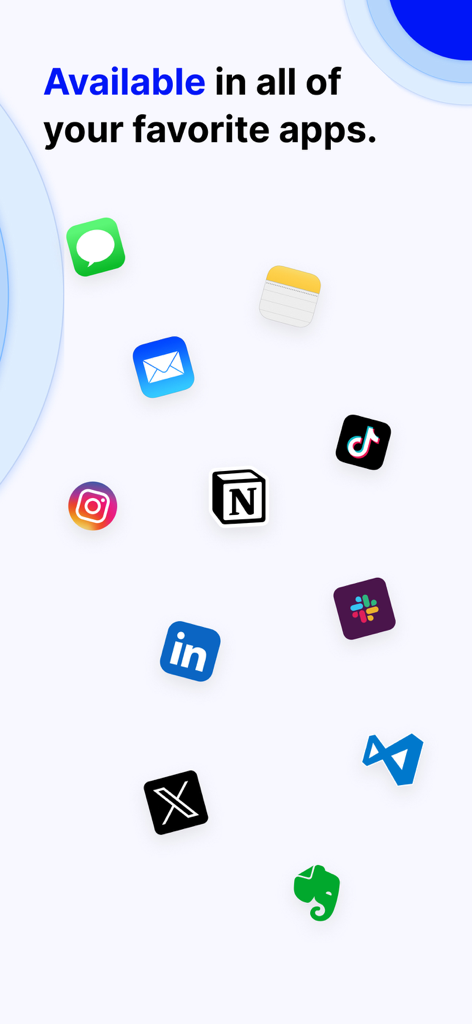
OneTap 클립보드 관리자와 호환되는 인기 소셜 및 생산성 앱 아이콘 표시

OneTap 클립보드 관리자와 호환되는 인기 소셜 및 생산성 앱 아이콘 표시

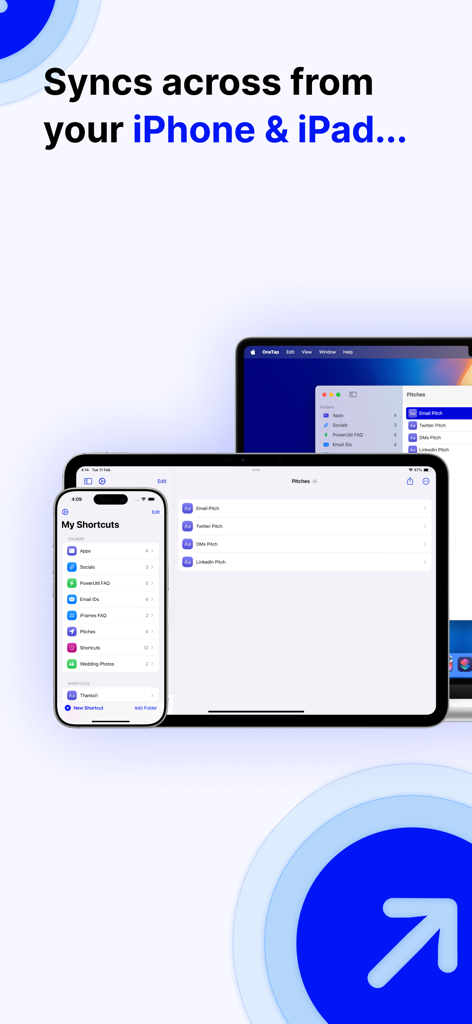
iPhone, iPad 및 Mac에서 동기화된 클립보드 관리자 OneTap 앱 인터페이스

iPhone, iPad 및 Mac에서 동기화된 클립보드 관리자 OneTap 앱 인터페이스

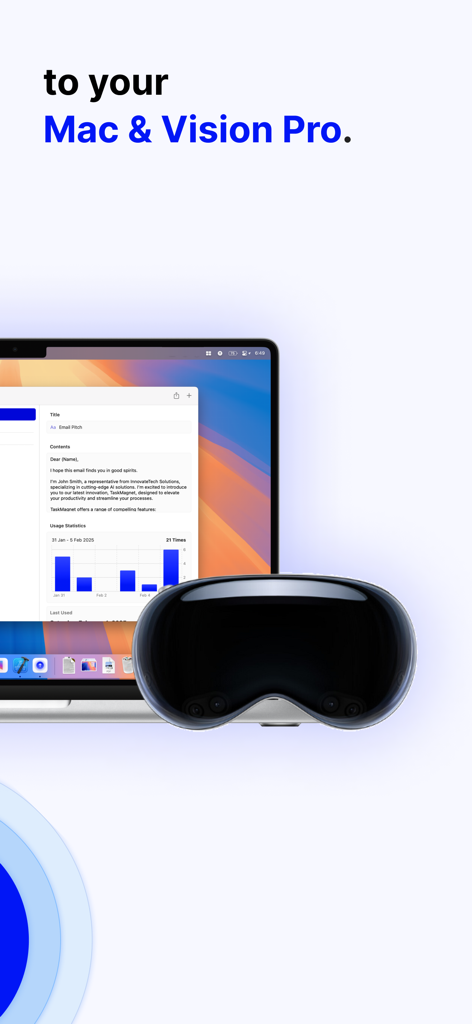
MacBook 및 Apple Vision Pro에 표시되는 클립보드 관리자 앱 인터페이스

MacBook 및 Apple Vision Pro에 표시되는 클립보드 관리자 앱 인터페이스

모바일 워크플로우를 강화하세요

이 앱을 돋보이게 하는 도구, 4K+ 명의 사용자가 선택.

즉각적인 키보드 단축키

검색을 멈추고 보내기를 시작하세요. iMessage부터 CRM 도구까지, 모든 앱에서 키보드에서 바로 가장 많이 사용하는 링크, 사진 및 파일에 액세스하세요.

🤖

AI를 손끝에서

앱을 전환하지 않고 ChatGPT-4를 활용하세요. 입력하면서 즉시 전문적인 답변을 작성하고, 이메일을 다듬고, 콘텐츠를 요약하세요.

📋

무제한 클립보드 기록

중요한 스니펫을 다시는 잃어버리지 마세요. 복사한 모든 것을 자동으로 저장하고 반복적인 텍스트를 영구적인 원탭 단축키로 변환하세요.

앱 소개

에 대해 알아야 할 모든 것 Clipboard Manager - OneTap.

설명

At OneTap, our mission is to reinvent how we share content and utilize the keyboard on our iOS devices. OneTap Keyboard elevates your iOS experience with innovative OneTap Keyboard Shortcuts, transforming how you interact with your device. What are OneTap Keyboard Shortcuts? OneTap Keyboard Shortcuts empower you to use ChatGPT, share specific photos, links, text phrases, and files directly from your keyboard. Simply download the OneTap App, add OneTap's Keyboard to your device's keyboard settings, and create your custom Keyboard Shortcuts within the app. These shortcuts are instantly available on your keyboard, making sharing content seamless and efficient. OneTap also has a Clipboard feature, which you access right from your keyboard. Anything you manually copy will show up on this tab and is available to copy again whenever you need to. You can long press on a piece of content on the Clipboard that you want to turn into a OneTap shortcut so that you can copy & paste that content even faster. Features: - Share photos, links, files, or text phrases from your keyboard with OneTap Keyboard Shortcuts. - Clipboard quickly copy the content you’ve already copied previously. - Use ChatGPT4 directly from your keyboard with OneTap AI Keyboard Shortcut. - Create folders to organize your keyboard shortcuts. - Share folders with friends or colleagues, giving them access to your shortcuts. - Integrate OneTap into Siri Shortcuts for enhanced productivity. - OneTap is compatible with all iOS devices. Access OneTap's Keyboard by tapping the world icon on the bottom left of your keyboard. Here, you'll find all your custom shortcuts along with the ChatGPT shortcut. Tap on any shortcut to use it instantly. Transform your keyboard into a powerful tool for productivity and communication. Share content effortlessly, use ChatGPT anytime, and keep your favorite items just OneTap away. No more searching for your resume, favorite photo, or important links. Everything you need is now within reach. Terms: https://app.termly.io/document/terms-of-service/b5002e65-2c63-4367-ac78-49f355bf22f7

최신 버전

8.2

크기

103.8 MB

출시일

2022년 9월 24일

키보드를 생산성 파워하우스로 전환하세요

디지털 마찰을 제거한 수천 명의 전문가들과 함께하세요. 오늘 OneTap을 다운로드하고 링크, 파일 및 ChatGPT-4를 탭 한 번으로 이용하세요.

다운로드: App Store

App information, icons, screenshots, and descriptions displayed on this page are sourced from the Apple App Store and are the property of their respective developers. Download estimates and rankings are based on MWM's proprietary models and may not reflect actual figures. This page is provided for informational and analytical purposes only.

Believe this page infringes your intellectual property? File a dispute