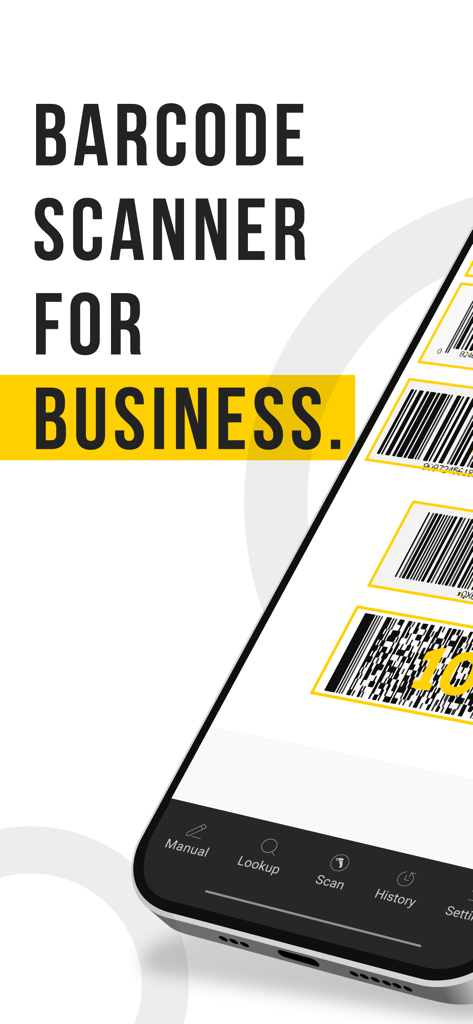
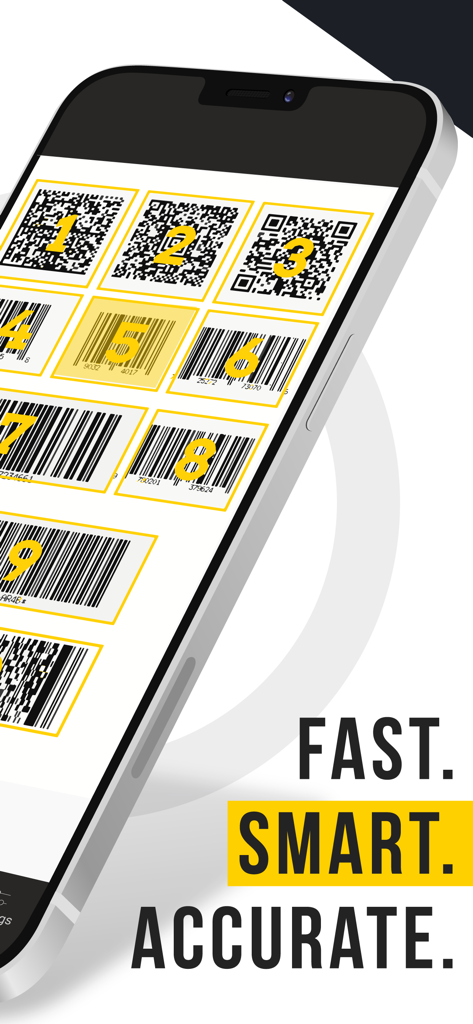
CodeREADr 앱이 여러 개의 번호가 매겨진 바코드와 QR 코드를 스캔하는 것을 보여주는 휴대폰 화면
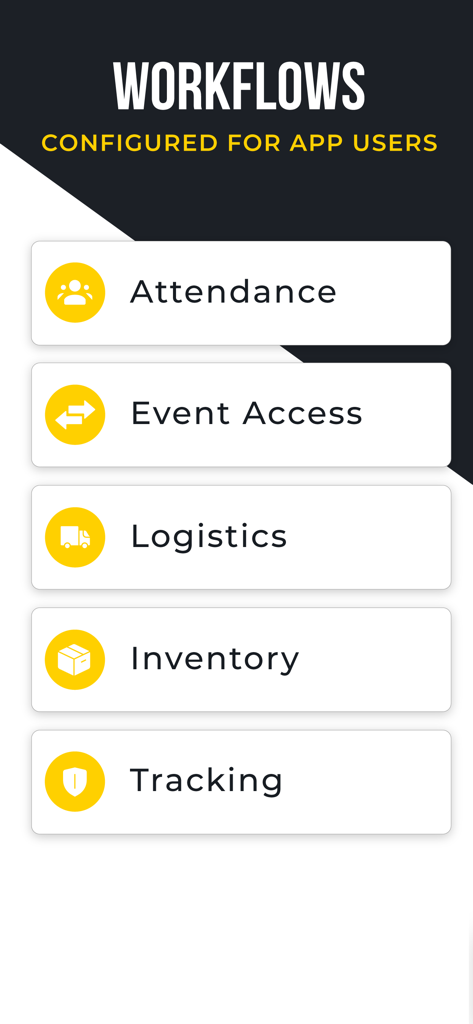
출석, 이벤트 접근, 물류, 재고 및 추적을 위한 워크플로우를 보여주는 모바일 앱 화면
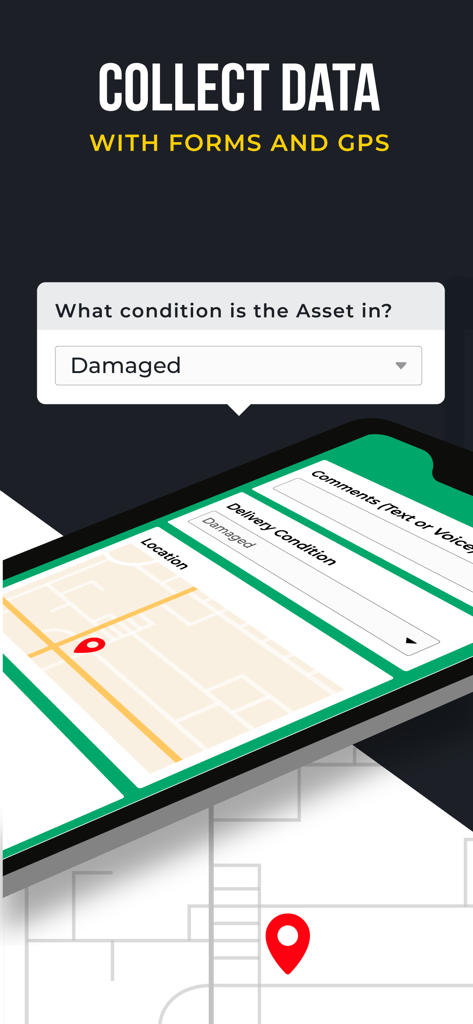
자산 관리를 위한 데이터 수집 양식과 GPS 추적을 보여주는 CodeREADr 앱 인터페이스
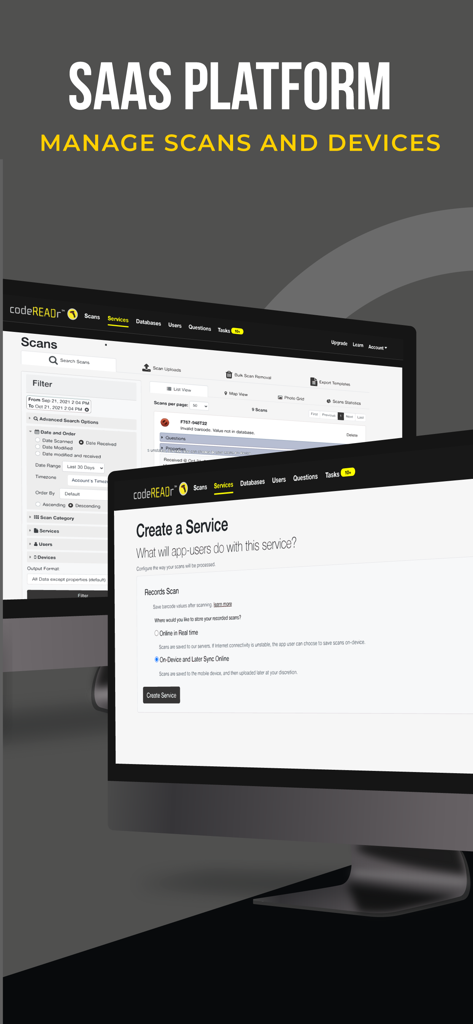
컴퓨터 모니터에서 스캔 관리 및 서비스 구성을 보여주는 CodeREADr SaaS 플랫폼 웹 인터페이스
기업용 스캐닝 솔루션
이 앱을 돋보이게 하는 도구, 9K+ 명의 사용자가 선택.
📱
하드웨어 없는 효율성
팀이 이미 보유하고 있는 기기로 비싼 산업용 스캐너를 대체하여 총 소유 비용과 배포 시간을 대폭 절감하세요.
🔄
안정적인 오프라인 워크플로우
연결 상태가 좋지 않은 창고나 원격 장소에서도 생산성을 유지하세요. 오프라인에서 데이터를 수집 및 검증한 다음, 연결이 복원되면 자동으로 동기화하세요.
⚙️
맞춤형 데이터 수집
단순한 바코드를 넘어서세요. GPS, 사진, 서명을 수집하도록 워크플로우를 구성하고 API를 통해 기존 ERP 또는 CRM과 직접 통합하세요.
앱 소개
에 대해 알아야 할 모든 것 CodeREADr: Barcode Scanner.
설명
CodeREADr is an enterprise-grade barcode scanner and data capture app used by businesses and integrated by developers for capturing, validating and tracking data (AIDC).
Use the app in conjunction with our paid web services to scan barcodes, read NFC, and capture text (OCR). You can collect data with form fields, secondary scans, multiple choice answers, drop-down menus, photos, GPS locations, and signatures. You can record and validate the data embedded in each scanned barcode and know who scanned (app usernames), what they scanned (i.e. barcodes, RFID/NFC, OCR), when they scanned (timestamps), where they scanned (GPS), how they scanned (capture type), and why they scanned (your configured workflow).
To try the app, simply register within the app or at CodeREADr.com to use our Free Plan (limited to 50 scans per month).
Ideal for ticket validation, access control, inventory, asset tracking, logistics, attendance, security patrols, lead retrieval, coupon/voucher/loyalty programs, retail price audits, scan-to-order services, and more.
The app uses the devices built-in camera but you can optionally use rugged, dedicated scanning devices and accessories with standard keyboard emulation.
Features:
* Fast, accurate scanning of print and mobile barcodes using the device's own camera.
* Secure, real-time recording and validation of every scan.
* Manage users, databases, services, and more with the integrated SaaS web service.
* Scan offline for recording and validation with Auto-Sync in the background.
* Simply hover the camera over the target barcode to read it.
* Scan up to 50 commercial, industrial and medical barcode types.
* SD PRO Scan Modes: Batch (captures up to 100 barcodes in a single camera view), Framing (select decoding window), Targeting (targets one code among many), Selecting (preview multiple codes and select), and Triggering (simulates pressing a button or trigger to scan a specific barcode).
* SD PRO Rule-Based Scanning: Create rules to scan only the barcode(s) you want to capture in the camera view.
* Auto-Next-Scan for continuous, repetitive scanning (no need to press any buttons).
* Kiosk Mode for unattended applications and to hide in-app settings.
* Developer API, Postback URL and Direct Scan to URL for using your own servers.
* Scan Mask technology (Pattern Matching) if no database is available.
* Import databases. Export barcodes.
* Custom question-answer scripts for form data.
* Conditional and custom validations of scanned and collected data.
* White Label version available to rebrand the app.
* Single Sign-On (SSO) SAML 2.0 supported.
Questions? Feedback? Email: info@codereadr.com
최신 버전
2.18.5
크기
81.4 MB
출시일
2010년 9월 7일
운영 규모를 확장할 준비가 되셨습니까?
iOS 기기를 기업용 스캐너로 전환하세요. 수동 오류를 제거하고, 하드웨어 비용을 절감하며, 오프라인에서도 어디서든 데이터를 수집하세요. 지금 바로 무료 플랜으로 시작하세요.
App information, icons, screenshots, and descriptions displayed on this page are sourced from the Apple App Store and are the property of their respective developers. Download estimates and rankings are based on MWM's proprietary models and may not reflect actual figures. This page is provided for informational and analytical purposes only.
Believe this page infringes your intellectual property? File a dispute