Color Theory Studio

Color Theory Studio

다운로드: App Store
로고: Color Theory Studio

Color Theory Studio: 시각 인식의 예술과 과학을 마스터하세요

Josef Albers에게서 영감을 받은 촉각적인 벡터 플레이그라운드에 빠져보세요. 인터랙티브한 색상 게임으로 눈에 도전하고, iPad 및 Apple Pencil을 위해 설계된 구독 없는 디지털 스튜디오에서 전문가 수준의 연구를 디자인하세요.

다운로드: App Store

개발사

Imran Gul

카테고리

Graphics & Design

다운로드

100

사용자 평점

1.0/5

총 평가 수

0

지원 언어

1

내부 엿보기

이 인터페이스를 사용하는 100 명의 사용자.

다채로운 종이 조각으로 이루어진 활기찬 휠을 특징으로 하는 Color Theory Studio 앱 스플래시 화면.

다채로운 종이 조각으로 이루어진 활기찬 휠을 특징으로 하는 Color Theory Studio 앱 스플래시 화면.

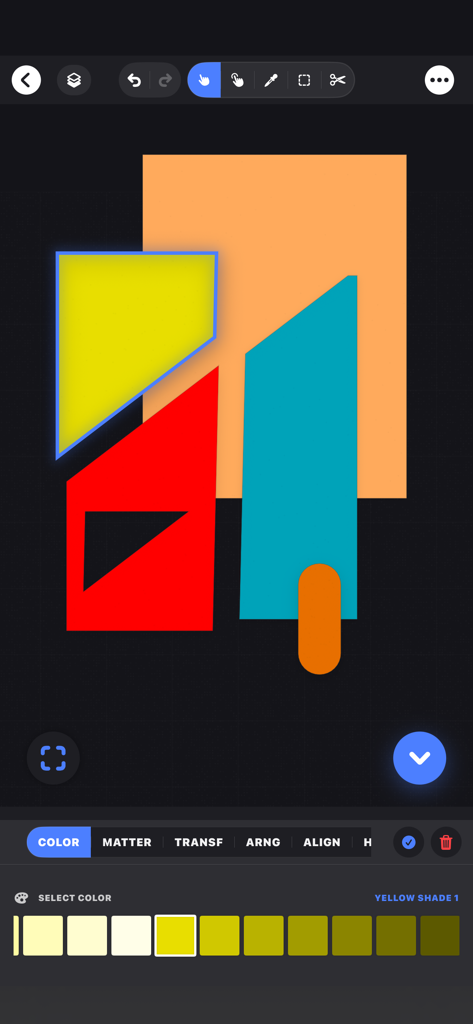
기하학적 벡터 구성과 노란색 음영 선택 팔레트를 보여주는 Color Theory Studio 앱 인터페이스.

기하학적 벡터 구성과 노란색 음영 선택 팔레트를 보여주는 Color Theory Studio 앱 인터페이스.

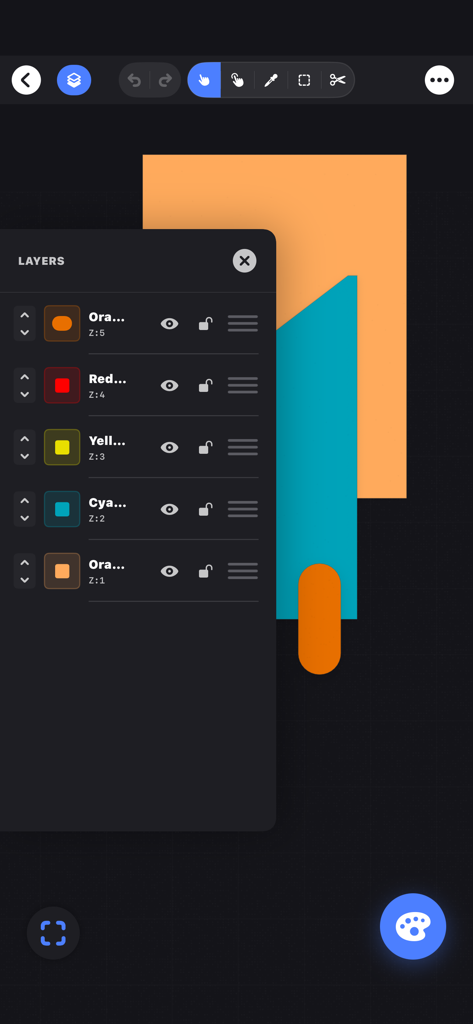
캔버스 위의 기하학적 모양과 레이어 관리 패널을 보여주는 Color Theory Studio 앱 인터페이스.

캔버스 위의 기하학적 모양과 레이어 관리 패널을 보여주는 Color Theory Studio 앱 인터페이스.

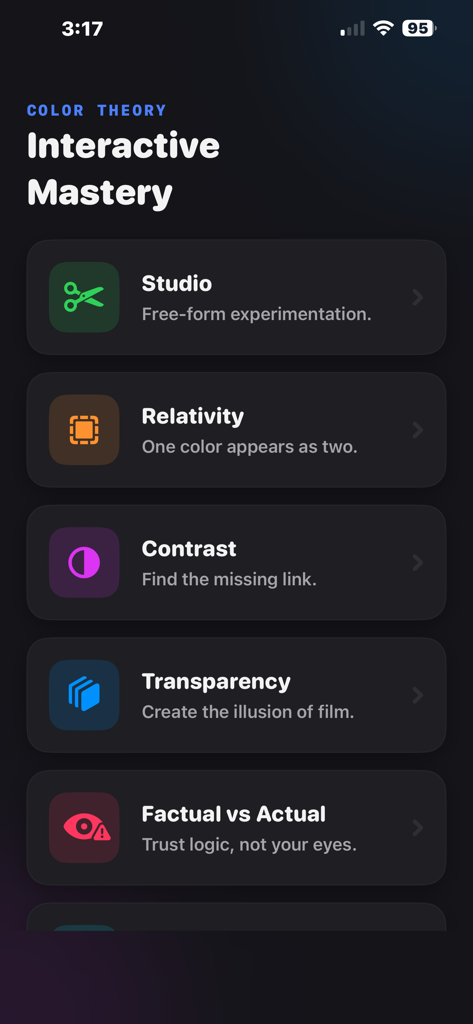
Studio Relativity Contrast 및 Transparency와 같은 디자인 과제를 특징으로 하는 Interactive Mastery라는 제목의 Color Theory Studio 앱 메뉴 화면

Studio Relativity Contrast 및 Transparency와 같은 디자인 과제를 특징으로 하는 Interactive Mastery라는 제목의 Color Theory Studio 앱 메뉴 화면

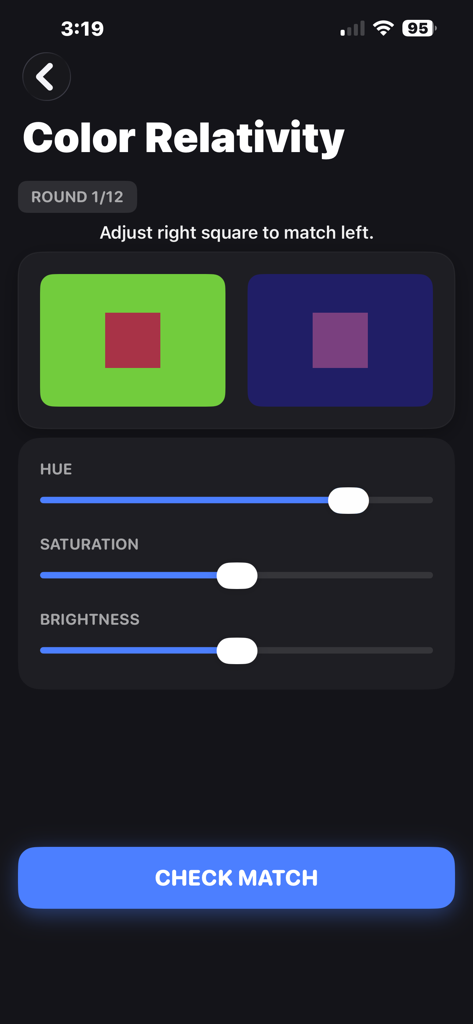
색조, 채도 및 밝기에 대한 슬라이더가 있는 색상 상대성 도전 과제를 보여주는 Color Theory Studio 앱 스크린샷

색조, 채도 및 밝기에 대한 슬라이더가 있는 색상 상대성 도전 과제를 보여주는 Color Theory Studio 앱 스크린샷

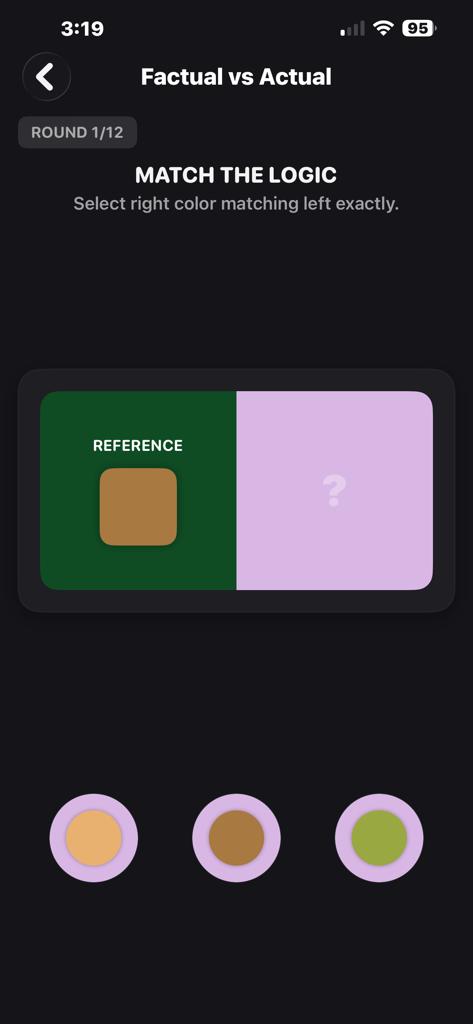
Color Theory Studio 앱의 인터랙티브 색상 일치 도전 과제 인터페이스

Color Theory Studio 앱의 인터랙티브 색상 일치 도전 과제 인터페이스

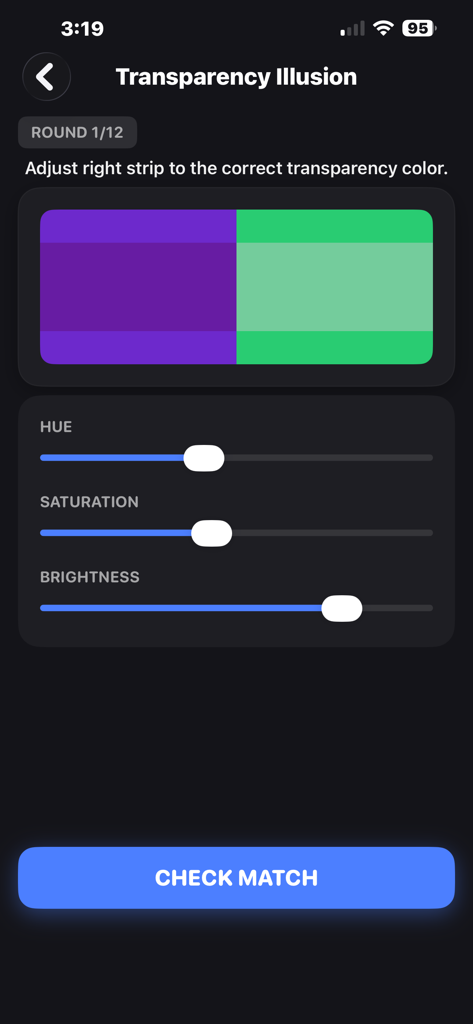
색조 채도 및 밝기 슬라이더가 있는 투명도 일루전 인터랙티브 도전 과제를 보여주는 Color Theory Studio 앱 인터페이스

색조 채도 및 밝기 슬라이더가 있는 투명도 일루전 인터랙티브 도전 과제를 보여주는 Color Theory Studio 앱 인터페이스

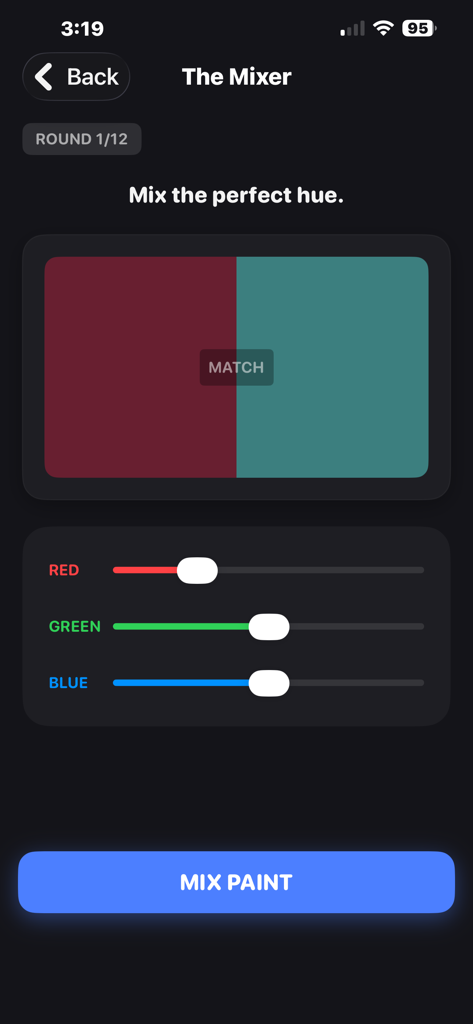
RGB 색상 슬라이더가 있는 Color Theory Studio의 The Mixer 게임 도전 과제 인터페이스

RGB 색상 슬라이더가 있는 Color Theory Studio의 The Mixer 게임 도전 과제 인터페이스

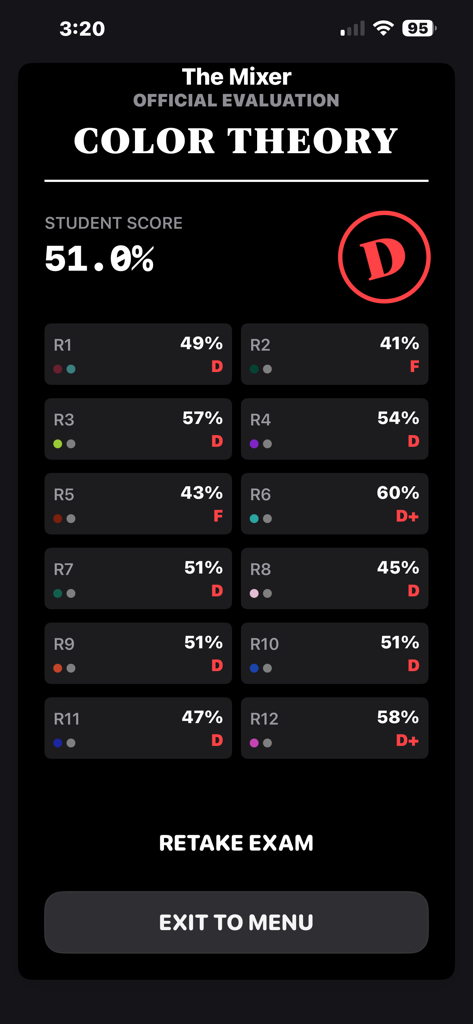
학생 점수 결과 및 라운드 등급을 보여주는 Color Theory Studio의 공식 평가 화면

학생 점수 결과 및 라운드 등급을 보여주는 Color Theory Studio의 공식 평가 화면

시각 인식 과학을 마스터하세요

이 앱을 돋보이게 하는 도구, 100 명의 사용자가 선택.

👁️

시각적 감각을 날카롭게 하세요

Josef Albers의 전설적인 학문적 가르침에서 영감을 받은 인터랙티브한 도전을 통해 색상 상대성 및 착시 현상을 마스터하세요.

✂️

촉각 벡터 스튜디오

정밀 나이프 도구, 질감 사용자 정의 및 고품질 종이 질감을 갖춘 프리미엄 디지털 워크샵을 경험하세요.

📐

전문가 수준의 내보내기

무한한 캔버스에서 제한 없이 디자인하고 원활한 전문 워크플로우를 위해 연구를 벡터 PDF로 내보내세요.

앱 소개

에 대해 알아야 할 모든 것 Color Theory Studio.

설명

MASTER THE ART & SCIENCE OF COLOR Color Theory is the ultimate interactive vector graphic art playground for artists, designers, and anyone fascinated by the mystery of visual perception. Inspired by the legendary teachings of Josef Albers' and the "Interaction of Color," this app transforms complex academic concepts into a series of stunning, tactile challenges that will change the way you see the world. One-off payment, no subscriptions required. Free updates Do you trust your eyes? You shouldn’t. Learn why a single color can look like two different hues, master the logic of harmony, and train your brain to see "visual intervals" with mathematical precision. INTERACTIVE CHALLENGES : Color theory games Color Relativity Contrast & Harmony Transparency & Illusion Factual vs. Actual The Mixer Creative Seeing Homage to the Square The Color Studio: Your Infinite Creative Workshop The Color Studio is a revolutionary digital sandbox designed for free-form experimentation and deep visual research. Moving beyond structured games, the Studio provides you with a professional-grade canvas where you can manipulate hundreds of digital "paper" fragments to explore the subtle interactions between hue, value, and placement. It is a tactile, fluid environment that mimics a physical design studio, allowing you to build, deconstruct, and save complex color studies that can serve as the foundation for your next professional branding project or fine art masterpiece. Key Tools & Features: Precision Knife Tool with option to cut through all objects or just the select ones Free-hand exacta knife tool Image import system for advanced collage making Colors, cavas sizes and template presets for quick setups. Color Harmony generator. Quickly correct artwork colors with one tap. Layer system Pin layer to Top/Bottom to use as reference Shape Intersection Align and Distribution system Shape and color Blending. Blend shapes in 3, 5 or 7 steps with auto color harmony File save and export as PNG and Vector PDF Auto Snapping and Smart Guides Infinite canvas height and Width Eye dropper for easy color picking from within canvas Multi-select tool and marque select tool Smart context menu on double tap with apple pencil pro Undo/redo Works on both iPhones and iPads AAA paper feel with various paper textures and grain customization options Built in color harmony system for any selected object Group and ungroup selected objects Plenty of basic geometric shapes to get started easily and enhance creative workflows Multiple paper finishes options including, Matte, Gloss, rough, recycled and torn-edges Easy touch controls for scale, rotate and opacity settings 2x2 and 3x3 shape grids option Custom canvas color option Export your art directly to Social media and other graphic Design/Art Apps with one click One-tap flip vertical and horizontal options Smart menus based on selected objet/s Create amazing Bauhaus style graphics and paper collages Auto progress saving system as you work Amazing visual fidelity and graphic quality with Apple's Metal rendering system and so much more. Cut & Shape: Use the "Knife" tool to create custom fragments. Arrange & Align: Build complex studies and save them to your Gallery. Export: Share your color studies with the world or use them as inspiration for your next design project. WHY COLOR THEORY? Whether you are a UI/UX designer seeking better accessibility, a painter mastering pigment mixing, or a student of fine art, this app provides the hands-on practice that books can’t offer.

최신 버전

1.2

크기

7.6 MB

출시일

2026년 1월 7일

시각을 마스터하고 도구를 소유하세요.

수천 명의 디자이너 및 아티스트와 함께 색상 상호 작용 과학을 마스터하세요. 구독 없이 단 한 번의 결제로 궁극의 촉각 벡터 플레이그라운드를 다운로드하세요.

다운로드: App Store

App information, icons, screenshots, and descriptions displayed on this page are sourced from the Apple App Store and are the property of their respective developers. Download estimates and rankings are based on MWM's proprietary models and may not reflect actual figures. This page is provided for informational and analytical purposes only.

Believe this page infringes your intellectual property? File a dispute