Colorfader

Colorfader

다운로드: App Store
로고: Colorfader

Colorfader: 추억을 인상적인 예술 걸작으로 변환하세요

가장 중요한 것을 강조하여 사진에 생기를 불어넣으세요. 직관적인 페인팅 도구를 사용하여 완벽한 선택적 색상 효과를 만들고 몇 분 안에 이미지에 전문적이고 예술적인 감각을 더하세요.

개발사

michele barbieri

카테고리

Photo & Video

다운로드

28K+

사용자 평점

3.6/5

총 평가 수

0

지원 언어

4

모든 획에 담긴 예술성

이 인터페이스를 사용하는 28K+ 명의 사용자.

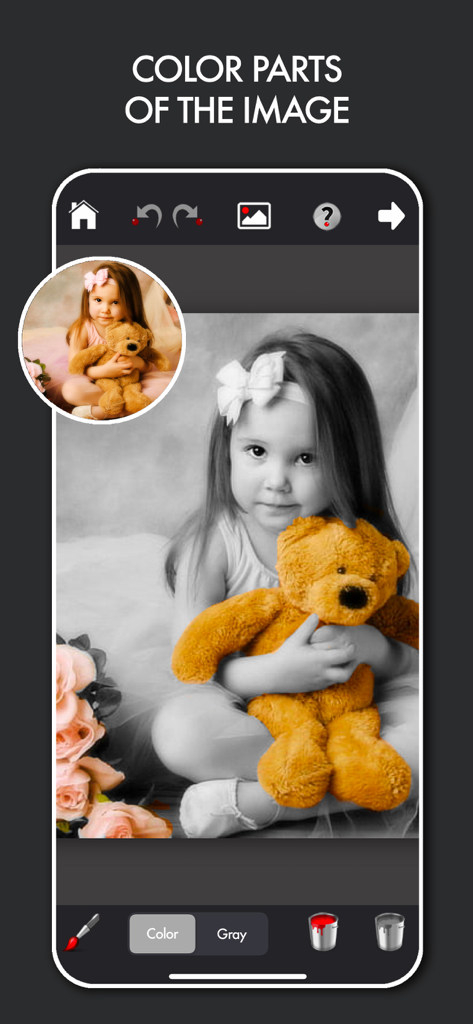
소녀와 곰 인형이 있는 흑백 사진에 대한 선택적 색상 편집을 보여주는 Colorfader 앱 인터페이스

소녀와 곰 인형이 있는 흑백 사진에 대한 선택적 색상 편집을 보여주는 Colorfader 앱 인터페이스

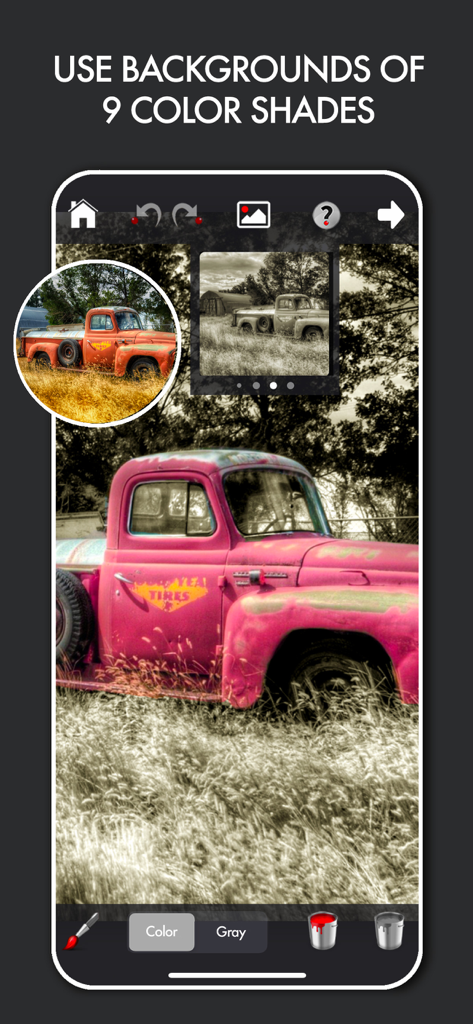
흑백 배경에 분홍색 선택적 색상이 있는 빈티지 트럭을 보여주는 Colorfader 앱 스크린샷

흑백 배경에 분홍색 선택적 색상이 있는 빈티지 트럭을 보여주는 Colorfader 앱 스크린샷

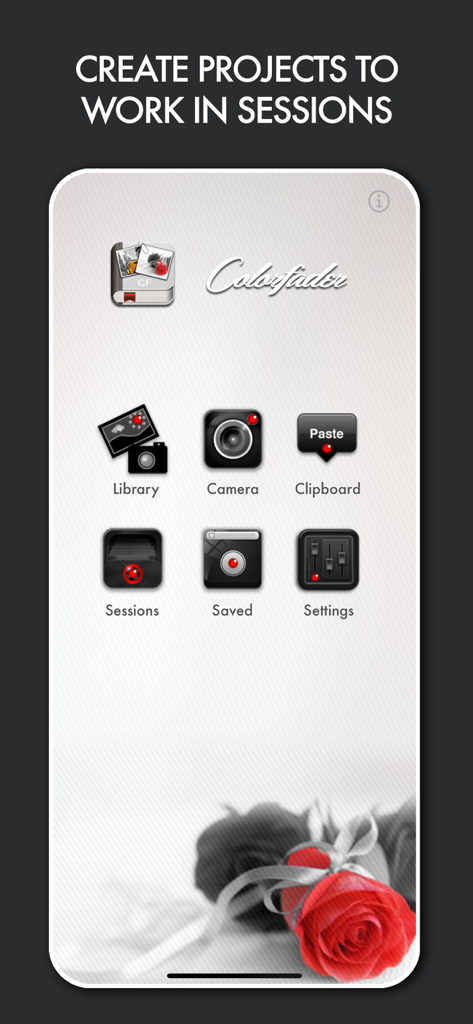
Colorfader 앱의 홈 화면으로, 메인 메뉴와 선택적 색상 빨간 장미 예시를 보여줍니다.

Colorfader 앱의 홈 화면으로, 메인 메뉴와 선택적 색상 빨간 장미 예시를 보여줍니다.

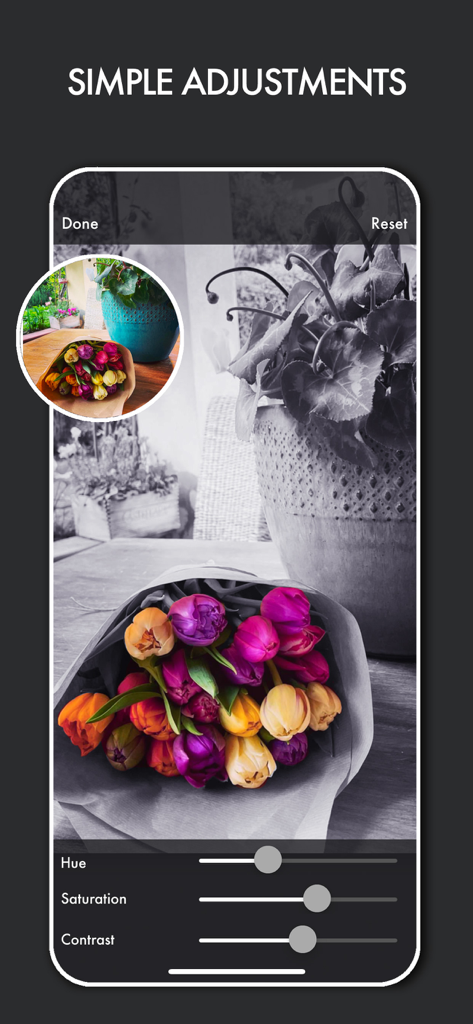
색조 채도 및 대비 슬라이더가 있는 꽃다발의 선택적 색상 사진 편집을 보여주는 스마트폰 화면

색조 채도 및 대비 슬라이더가 있는 꽃다발의 선택적 색상 사진 편집을 보여주는 스마트폰 화면

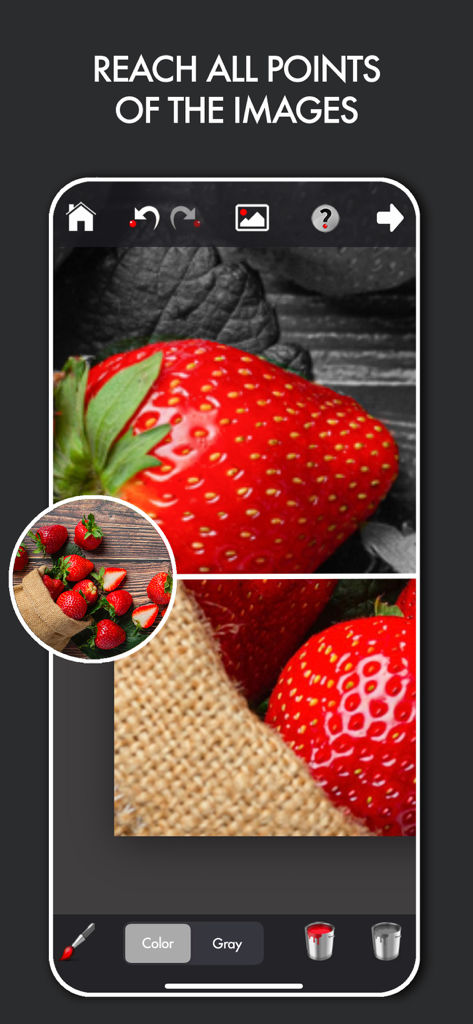
정밀도를 위해 확대/축소 도구가 있는 딸기에 대한 선택적 색상 편집을 보여주는 Colorfader 앱 인터페이스

정밀도를 위해 확대/축소 도구가 있는 딸기에 대한 선택적 색상 편집을 보여주는 Colorfader 앱 인터페이스

일상의 순간을 예술로 변환하세요

이 앱을 돋보이게 하는 도구, 28K+ 명의 사용자가 선택.

🎨

정밀 선택적 색상

고전적인 흑백 배경을 배경으로 피사체를 돋보이게 하기 위해 특정 영역에 색상을 쉽게 칠하세요.

원본 사진과 1:1 비율로 창작물을 저장하여 소셜 미디어나 고품질 인쇄를 위해 추억을 선명하게 유지하세요.

🛠️

완벽한 예술적 제어

조절 가능한 대비, 흐림, 빈티지 비네트를 사용하여 이미지를 미세 조정하여 모든 샷에 완벽한 분위기를 포착하세요.

앱 소개

에 대해 알아야 할 모든 것 Colorfader.

설명

ColorFader is the application that enable you to emphasize some particular objects or color parts of an image that is converted to black and white.The outcome is a very striking effect that helps you to give an artistic touch to your images. It's very easy, in a couple of minutes you'll be able to save fantastic images. Open an existing image or take a new one with the camera. Use two fingers to move around an image or zoom in. Use only one finger to paint upon the image. If color tab is selected you'll paint color strokes, otherwise, if Gray tab is selected, you'll paint in black and white You can also change background image color if black & white is not the effect you want to set for your image. Key features: -Saved images scale 1:1 with original images -Possibility to change hue, contrast, saturation and blur of colored and b/w part of image -Multiple working sessions -Undo/Redo function to delete unwanted strokes above the image -User friendly interface -Brush monitor for easy drawing -Possibility to regulate width and hardness of the strokes -Change background image color with sephia and other 8 colors -Possibility to add vignette to final image -Share and store final images

최신 버전

5.5

크기

5.5 MB

출시일

2010년 12월 11일

가장 좋아하는 순간을 예술로 변환하세요

평범한 사진을 인상적인 걸작으로 바꾸는 28,000명 이상의 취미 작가와 함께하세요. 오늘 Colorfader를 다운로드하고 추억에 어울리는 예술적인 감각을 더하세요.

다운로드: App Store

App information, icons, screenshots, and descriptions displayed on this page are sourced from the Apple App Store and are the property of their respective developers. Download estimates and rankings are based on MWM's proprietary models and may not reflect actual figures. This page is provided for informational and analytical purposes only.

Believe this page infringes your intellectual property? File a dispute