고속 뷰잉, 다중 형식 일괄 변환 및 안전한 로컬 처리를 통해 워크플로우를 간소화하세요. 현장 및 이동 중에도 정확한 CAD 도구가 필요한 건축가 및 엔지니어를 위해 설계되었습니다.
개발사
Haitam Baid
카테고리
Utilities
다운로드
6K+
사용자 평점
1.0/5
총 평가 수
0
지원 언어
1
모든 픽셀의 정밀도
이 인터페이스를 사용하는 6K+ 명의 사용자.
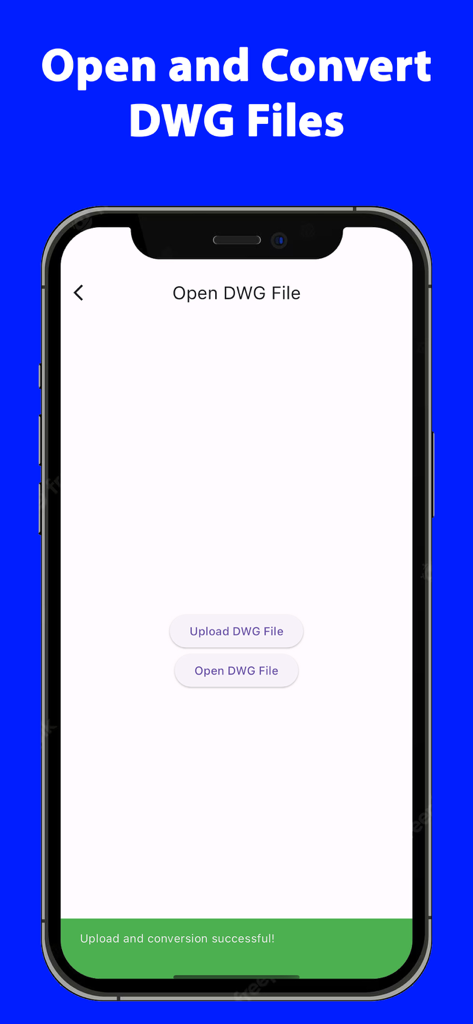
CAD 유틸리티 앱 내에서 DWG 파일 열기 및 업로드 옵션을 보여주는 iPhone 화면
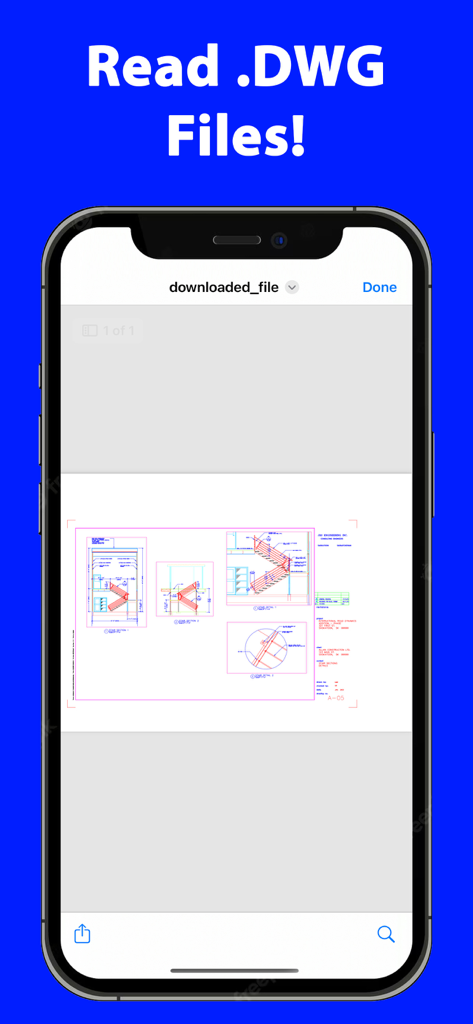
DWG 리더 앱 내에서 건축 CAD 도면을 표시하는 iPhone 화면
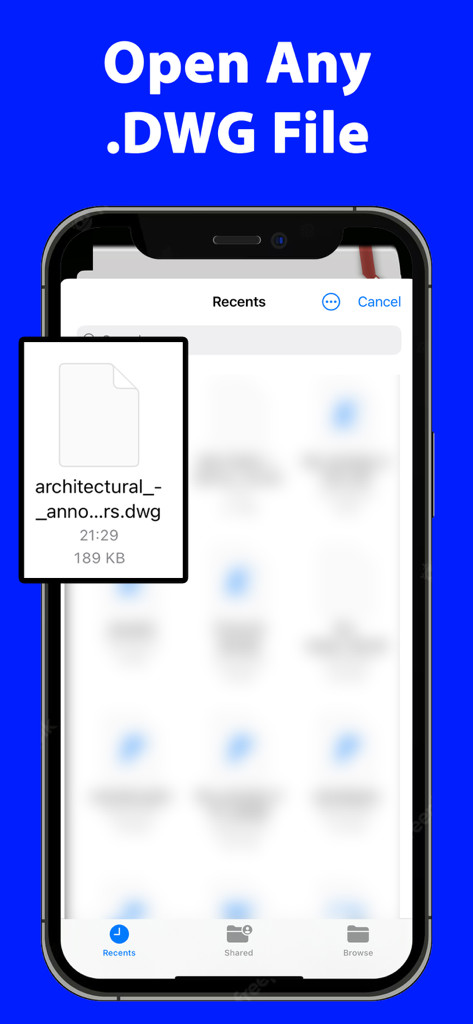
건축 도면 파일이 선택된 DWG 리더 앱의 최근 파일 인터페이스를 보여주는 스마트폰 화면
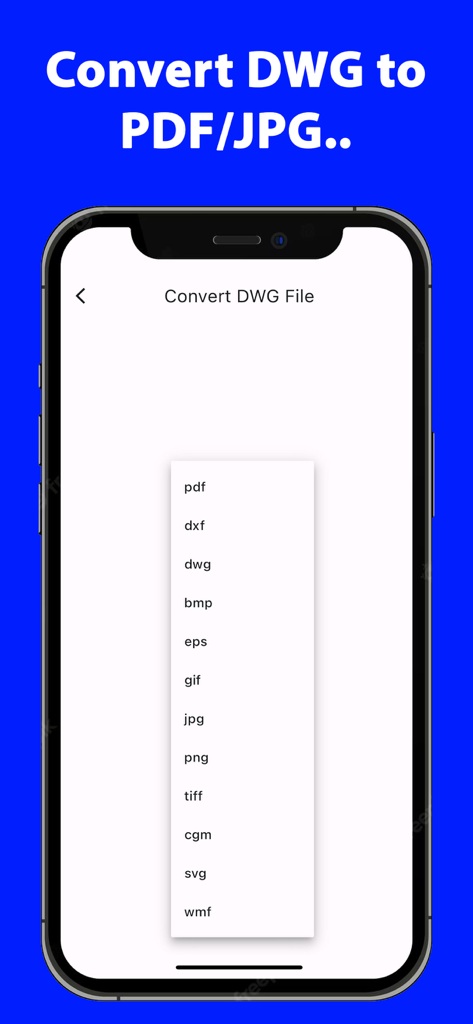
PDF DXF 및 JPG를 포함한 DWG 변환 파일 형식 목록을 보여주는 모바일 앱 화면
전문적인 CAD 생산성, 어디서든
이 앱을 돋보이게 하는 도구, 6K+ 명의 사용자가 선택.
🔄
범용 형식 변환
DWG 파일을 PDF, DXF 또는 JPEG로 즉시 변환하여 고객 및 이해 관계자와의 원활한 파일 공유 및 호환성을 보장합니다.
🔒
안전한 로컬 처리
온디바이스 변환으로 지적 재산을 보호하세요. 민감한 청사진 및 디자인은 하드웨어를 벗어나지 않습니다.
📐
고급 레이어 관리
복잡한 도면의 구성 요소를 격리하고 특정 레이어를 매우 선명한 정확도와 줌으로 보면서 완벽하게 제어하세요.
앱 소개
에 대해 알아야 할 모든 것 DWG Reader Converter PDF CAD.
설명
DWG Reader Converter PDF CAD, the all-in-one solution for professionals and hobbyists alike who deal with DWG files. This application is not just a mere tool; it's a comprehensive powerhouse designed to make your workflow smoother, faster, and more efficient. Whether you're an architect, engineer, designer, or just someone with an interest in CAD designs, this app is crafted to cater to all your DWG file needs.
Key Features:
Multi-Format Conversion: At the heart of DWG Reader Converter PDF CAD is its robust conversion engine. Convert your DWG files to a wide array of formats including PDF, CAD, DXF, SVG, JPEG, PNG, and TIFF. This flexibility ensures that your work is always compatible and sharable, regardless of the software or platforms your colleagues or clients use.
High-Quality DWG Reading: Experience crystal-clear viewing with advanced DWG reading capabilities. Our app supports essential functions like zoom, pan, and rotate, allowing you to inspect every detail of your designs. The layer management feature is a game-changer, offering the ability to isolate and view individual components of complex drawings.
Batch Processing: Efficiency is key, and with our batch processing feature, you can convert multiple DWG files simultaneously. This feature is a time-saver, especially for professionals handling large projects with numerous files.
Intuitive User Interface: DWG Reader Converter PDF CAD boasts a user-friendly interface, making it accessible to users of all skill levels. Its clean design and intuitive navigation ensure that your focus remains on your work, not on figuring out how to use the tool.
Custom Conversion Settings: Tailor your conversions to fit your specific needs. The app allows you to adjust various settings such as resolution, line thickness, and color options for each output format, ensuring your files are not just converted, but optimized.
Seamless File Sharing: Integrated sharing options enable you to send your converted files directly through email, cloud services, or social media. This streamlines collaboration and feedback processes, making it easier to keep your projects moving.
Local Processing for Security: Your privacy and security are paramount. All file conversions are processed locally on your device, ensuring that your sensitive data never leaves your workspace.
Cross-Device Functionality: Designed for versatility, DWG Reader Converter PDF CAD works seamlessly across various devices, including smartphones, tablets, and desktop computers, ensuring a consistent user experience.
Frequent Updates: We continuously evolve our app, adding new features and supporting the latest DWG formats, all based on user feedback and industry trends.
Dedicated Support: Our responsive customer support team is always available to assist you with any queries or issues, ensuring a smooth and uninterrupted user experience.
Who Can Benefit?:
DWG Reader Converter PDF CAD is perfect for anyone in the field of architecture, engineering, design, education, or even hobbyists who require a reliable tool for managing and converting DWG files.
Final Thoughts:
Elevate your design and drafting workflow with DWG Reader Converter PDF CAD - the comprehensive, user-friendly solution for reading, converting, and sharing DWG files with ease and precision. Download it today and transform your digital drafting experience!
The app offers a weekly subscription to open/convert DWG files.
Terms of use EULA: https://sites.google.com/view/termsofuseeulanewspfaosdhf/home
최신 버전
6.0.0
크기
63.7 MB
출시일
2024년 1월 31일
이동 중에도 CAD 프로젝트를 마스터할 준비가 되셨나요?
가장 안전하고 고성능인 DWG 변환기를 사용하는 수천 명의 건축가 및 엔지니어와 함께하세요. 지금 바로 로컬 처리 및 일괄 변환에 즉시 액세스하세요.
App information, icons, screenshots, and descriptions displayed on this page are sourced from the Apple App Store and are the property of their respective developers. Download estimates and rankings are based on MWM's proprietary models and may not reflect actual figures. This page is provided for informational and analytical purposes only.
Believe this page infringes your intellectual property? File a dispute