모바일 저장 공간을 완전히 제어하세요. 최대한의 생산성과 속도를 위해 설계된 강력한 인터페이스로 문서, 사진 및 미디어를 손쉽게 정리, 보기 및 분석하세요.
개발사
alkesh dudhat
카테고리
Utilities
다운로드
27K+
사용자 평점
2.4/5
총 평가 수
0
지원 언어
15
귀하의 파일, 시각화됨
이 인터페이스를 사용하는 27K+ 명의 사용자.
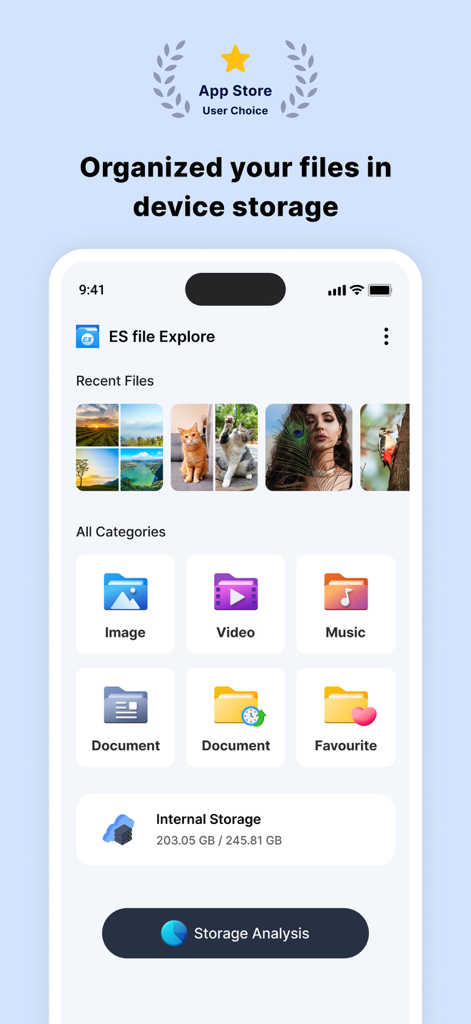
iPhone에서 파일 카테고리 및 저장 공간 분석을 보여주는 ES 파일 탐색기 대시보드
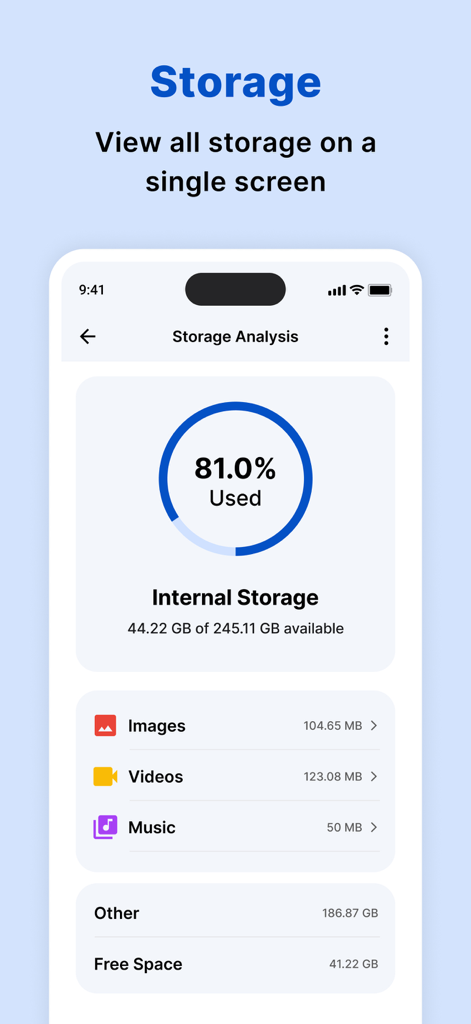
내부 저장 공간 사용량 및 카테고리별 분석을 보여주는 저장 공간 분석 대시보드
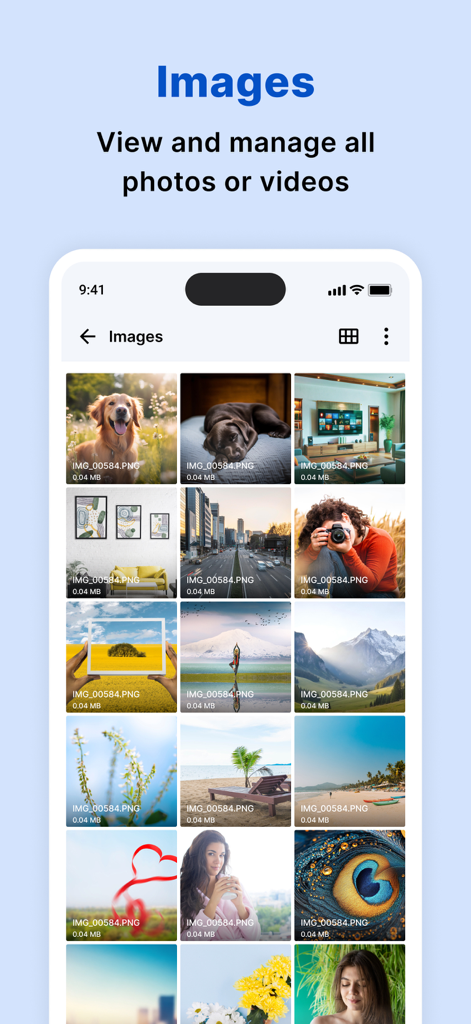
iPhone에서 정리된 이미지 및 사진 그리드를 보여주는 ES 파일 탐색기 앱
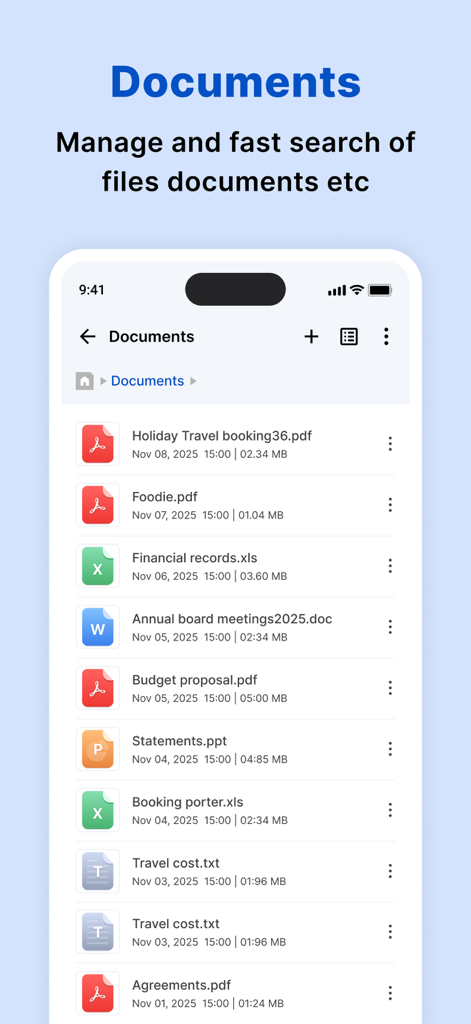
ES 파일 탐색기 앱의 PDF 및 Excel 파일을 포함한 다양한 문서 목록.
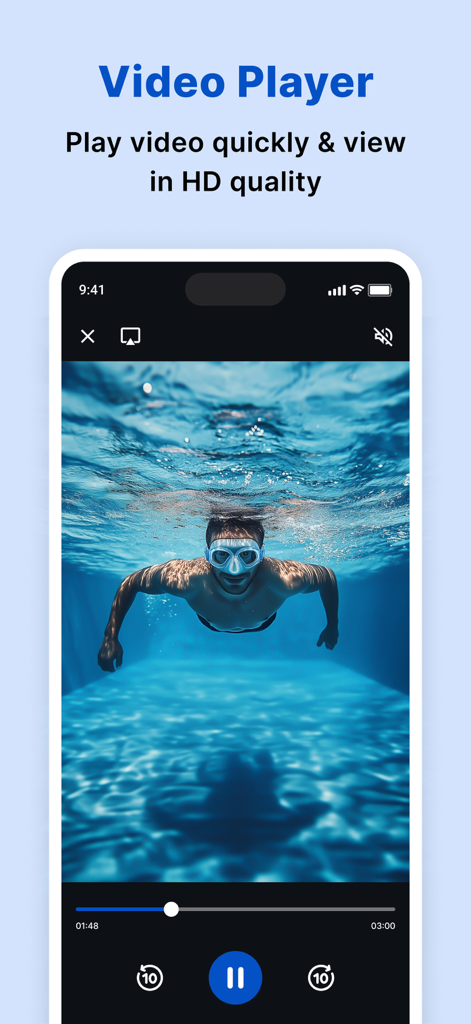
사람이 물속에서 수영하는 모습을 보여주는 ES 파일 탐색기 내장 HD 비디오 플레이어 인터페이스.
모바일 저장 공간을 완전히 제어하세요
이 앱을 돋보이게 하는 도구, 27K+ 명의 사용자가 선택.
📊
스마트 저장 공간 분석
시각화된 대시보드로 대용량 파일 및 불필요한 파일을 즉시 식별하여 iPhone의 귀중한 공간을 확보하고 성능을 최적화하세요.
📁
데스크톱급 정리
친숙한 폴더 기반 구조와 스마트 카테고리를 사용하여 파일을 탐색하고 최근 문서 및 미디어를 쉽게 찾으세요.
⚡
통합 미디어 플레이어
모든 비디오, 오디오 또는 문서 형식을 앱 내에서 직접 열고 재생하세요. 더 이상 여러 타사 도구 간에 전환할 필요가 없습니다.
앱 소개
에 대해 알아야 할 모든 것 ES file explorer.
설명
My Files helps you manage and organise any file stored on your device.
Using My Files, you can view your images, videos, audio files and documents,To find the My Files folder, search using the app search or in the default iPhone folder on your apps screen.
My Files sorts your files into categories, such as Images, Videos, Audio and documents. If you have recently opened a file and are trying to locate it, tap “recents” to access or delete the file.
My Files can perform an analysis of the storage usage of the files stored on your device.
How to manage files on your iPhone?
iPhone devices have a My Files app to access and manage files such as documents, pictures, videos, audio files, and documents.One of the strengths of My Files app is that the manager has a very simple interface. This simplicity turns out to be highly useful to help you find any element you're looking for in seconds. Another interesting aspect is that it displays the files you've modified recently to access them more quickly.
features:
• Built-in viewers and players for various file types: click to play music/videos, check image(s) and document(s)
• Quick browsing through categories like: file type, downloads, recent files, and large files.
• Check available storage with just a glance on a simple dashboard.
• Search your photos by date, size, date created, date opened.
• Multiple selection and various sorting support.
My Files helps you manage and organise any file stored on your device.
Using My Files, you can view your images, videos, audio files and documents,To find the My Files folder, search using the app search or in the default iPhone folder on your apps screen.
My Files sorts your files into categories, such as Images, Videos, Audio and documents. If you have recently opened a file and are trying to locate it, tap “recents” to access or delete the file.
My Files can perform an analysis of the storage usage of the files stored on your device.
How to manage files on your iPhone?
iPhone devices have a My Files app to access and manage files such as documents, pictures, videos, audio files, and documents.One of the strengths of My Files app is that the manager has a very simple interface. This simplicity turns out to be highly useful to help you find any element you're looking for in seconds. Another interesting aspect is that it displays the files you've modified recently to access them more quickly.
festures:
• Built-in viewers and players for various file types: click to play music/videos, check image(s) and document(s)
• Quick browsing through categories like: file type, downloads, recent files, and large files.
• Check available storage with just a glance on a simple dashboard.
• Search your photos by date, size, date created, date opened.
• Multiple selection and various sorting support.
Subscription Details:
Payment will be charged to iTunes Account at confirmation of purchase
Subscription automatically renews unless auto-renew is turned off at least 24-hours before the end of the current period
Account will be charged for renewal within 24-hours prior to the end of the current period, and identify the cost of the renewal
No cancellation of the current subscription is allowed during active subscription period
Any unused portion of a free trial period, if offered, will be forfeited when the user purchases a subscription to that publication, where applicable
Note:-
Privacy Policy: https://www.privacypolicycenter.com/alkesh_dudhat_ios/privacy.html
Terms of use: https://www.privacypolicycenter.com/view_custom.php?v=TXlabGhTL1NMSU14Q0Z1Rk1oS2NVZz09&n=Terms-Of-Use
최신 버전
2.1
크기
43.7 MB
출시일
2022년 4월 21일
오늘 iPhone 저장 공간을 완전히 제어하세요
디지털 복잡함을 데스크톱 수준의 정리로 바꾼 수천 명의 사용자와 함께하세요. ES 파일 탐색기를 다운로드하고 전문가처럼 파일을 관리하기 시작하세요.
App information, icons, screenshots, and descriptions displayed on this page are sourced from the Apple App Store and are the property of their respective developers. Download estimates and rankings are based on MWM's proprietary models and may not reflect actual figures. This page is provided for informational and analytical purposes only.
Believe this page infringes your intellectual property? File a dispute