French for Beginners & Kids

French for Beginners & Kids


다운로드: App Store
로고: French for Beginners & Kids

초급 및 어린이 프랑스어: 놀이를 통해 300개 이상의 필수 단어 마스터하기

호기심 많은 어린이와 바쁜 성인을 위한 완벽한 언어 입문서. 여행, 학교, 일상생활을 위해 고안된 상호작용적이고 다중 감각적인 수업으로 자신감을 키우세요.

개발사

Curiosity Ventures LLC

카테고리

Education

다운로드

4K+

사용자 평점

1.0/5

총 평가 수

0

지원 언어

8

내부 살짝 보기

이 인터페이스를 사용하는 4K+ 명의 사용자.

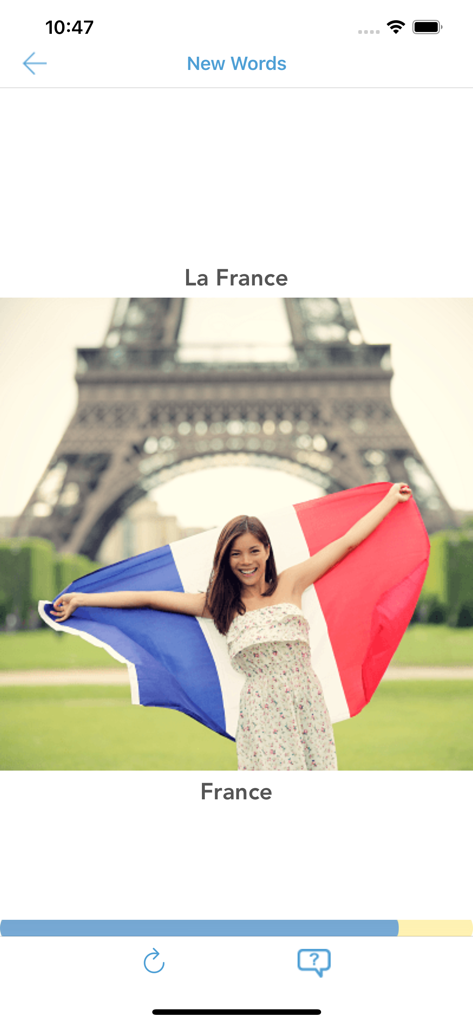
프랑스 에펠탑 이미지가 있는 단어 프랑스를 보여주는 프랑스어 학습 앱 화면

프랑스 에펠탑 이미지가 있는 단어 프랑스를 보여주는 프랑스어 학습 앱 화면

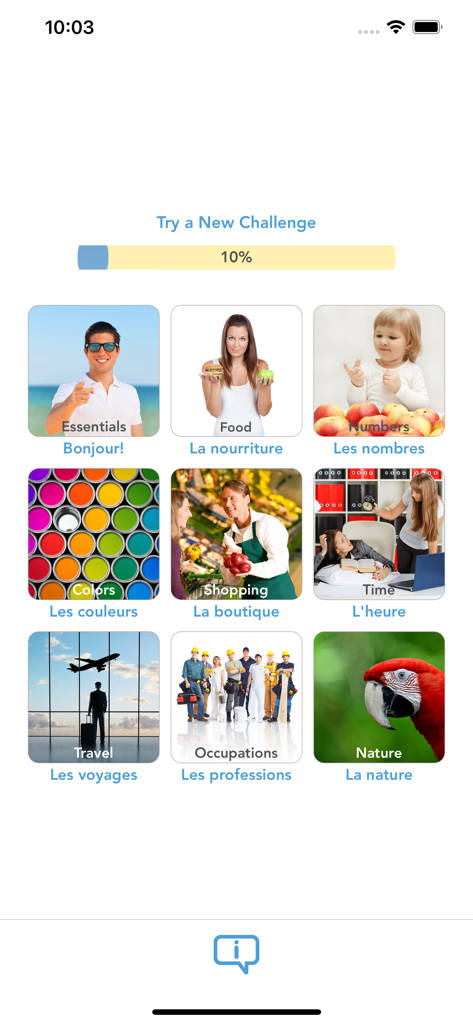
음식, 여행, 숫자와 같은 다양한 주제와 진행률 표시줄을 보여주는 수업 선택 메뉴

음식, 여행, 숫자와 같은 다양한 주제와 진행률 표시줄을 보여주는 수업 선택 메뉴

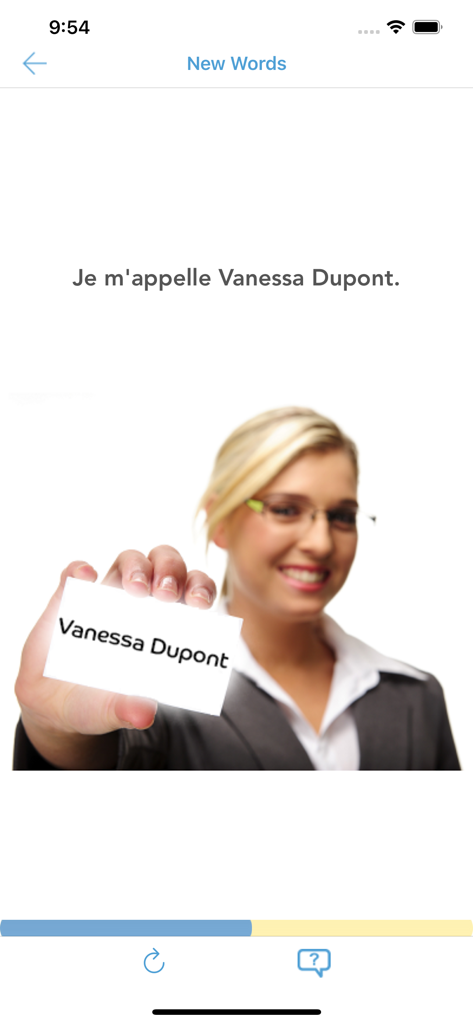
Je mappelle이라는 구문을 사용하여 자신을 소개하는 방법을 가르치는 프랑스어 초급 앱의 수업 화면

Je mappelle이라는 구문을 사용하여 자신을 소개하는 방법을 가르치는 프랑스어 초급 앱의 수업 화면

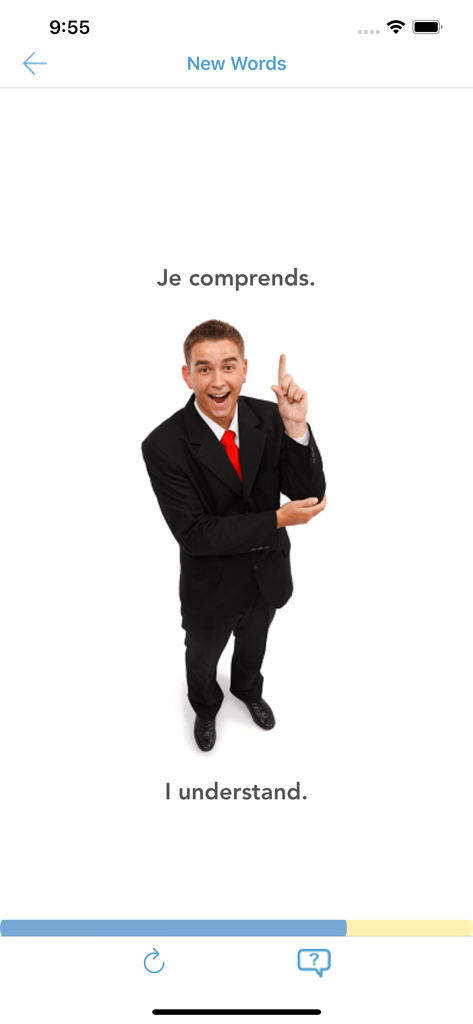
Je comprends라는 구문과 영어 번역인 'I understand'를 가르치는 프랑스어 초급 앱의 수업 화면

Je comprends라는 구문과 영어 번역인 'I understand'를 가르치는 프랑스어 초급 앱의 수업 화면

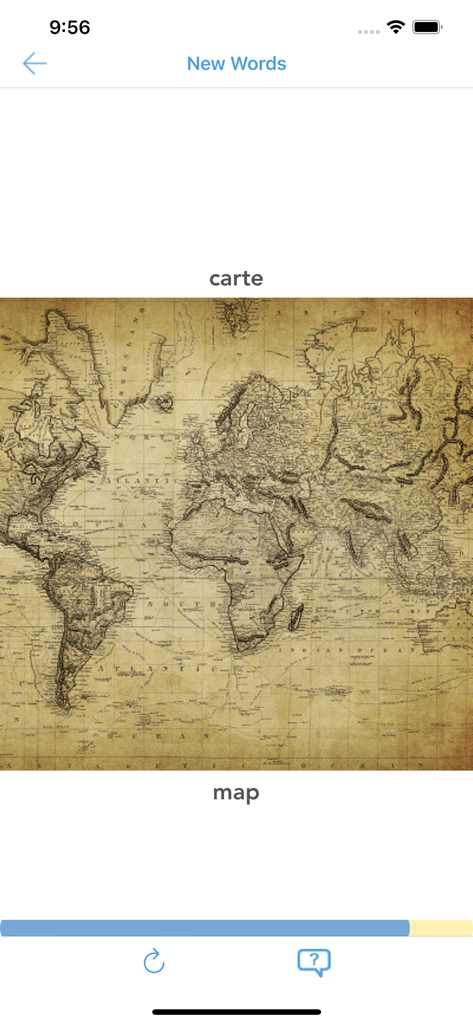
세계 지도 삽화와 함께 carte라는 단어를 보여주는 프랑스어 학습 앱 화면

세계 지도 삽화와 함께 carte라는 단어를 보여주는 프랑스어 학습 앱 화면

지도 이미지와 carte라는 단어를 일치시키는 프랑스어 초급 앱의 읽기 챌린지 화면

지도 이미지와 carte라는 단어를 일치시키는 프랑스어 초급 앱의 읽기 챌린지 화면

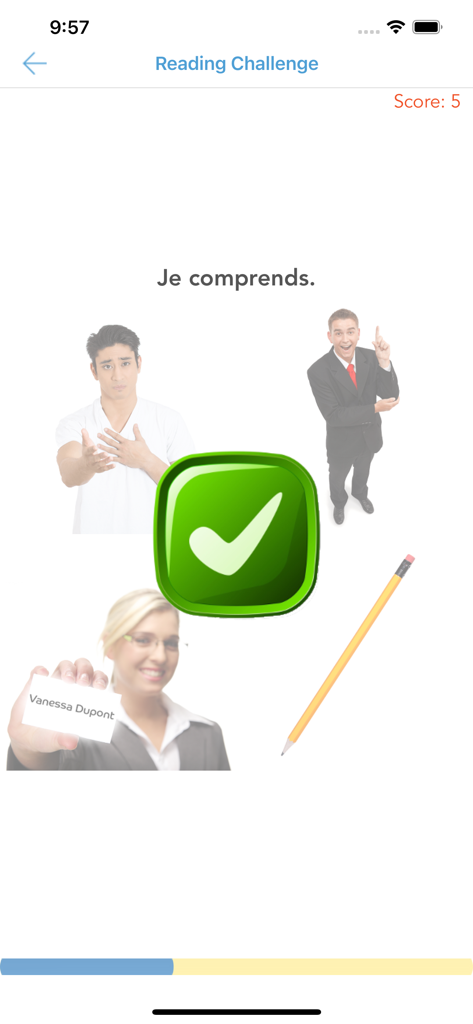
녹색 확인 표시로 Je comprends라는 구문에 대한 정답을 보여주는 프랑스어 초급 및 어린이 앱의 읽기 챌린지 화면

녹색 확인 표시로 Je comprends라는 구문에 대한 정답을 보여주는 프랑스어 초급 및 어린이 앱의 읽기 챌린지 화면

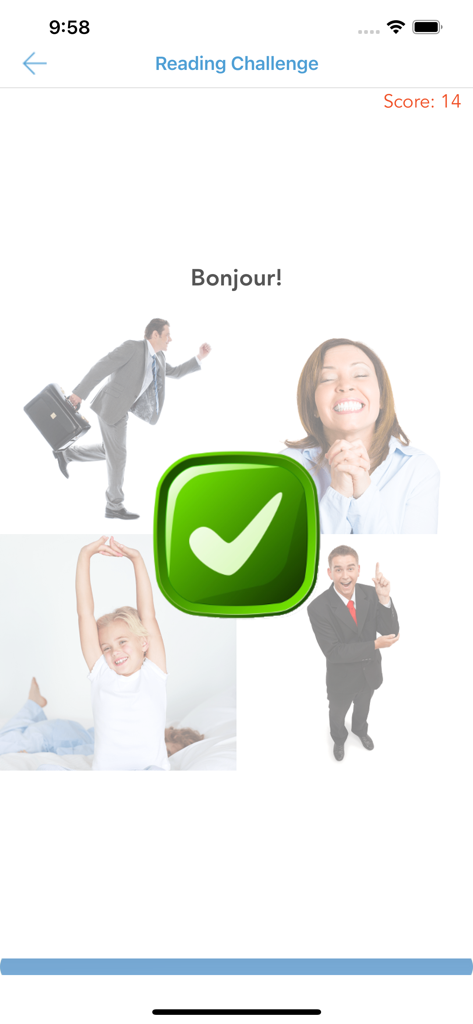
녹색 큰 확인 표시로 Bonjour라는 단어에 대한 정답을 보여주는 프랑스어 초급 및 어린이 앱의 읽기 챌린지 인터페이스

녹색 큰 확인 표시로 Bonjour라는 단어에 대한 정답을 보여주는 프랑스어 초급 및 어린이 앱의 읽기 챌린지 인터페이스

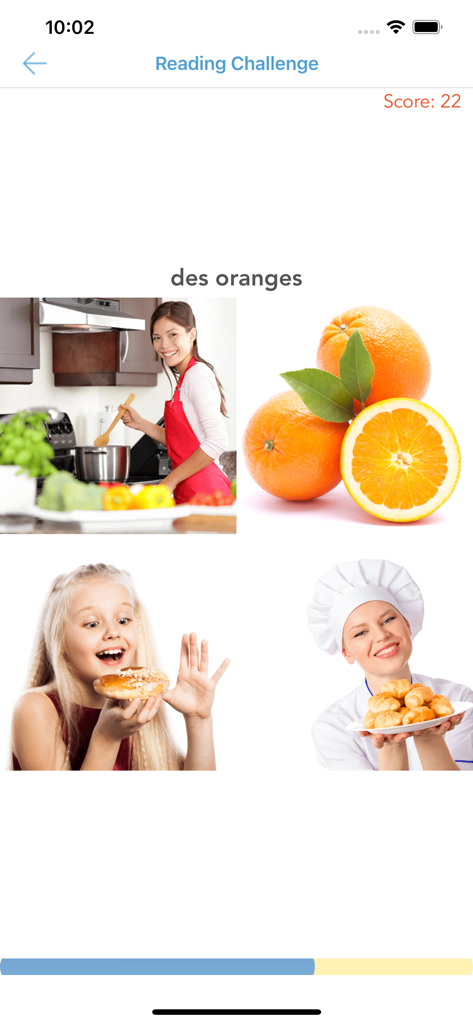
주황색이라는 단어에 대한 어휘 일치 활동을 보여주는 프랑스어 학습 앱 읽기 챌린지 화면.

주황색이라는 단어에 대한 어휘 일치 활동을 보여주는 프랑스어 학습 앱 읽기 챌린지 화면.

쉽고 재미있게 프랑스어 마스터하기

이 앱을 돋보이게 하는 도구, 4K+ 명의 사용자가 선택.

🎨

매력적인 다중 감각 학습

시각, 청각, 촉각 기반 활동의 활기찬 조합으로 지루한 교과서를 넘어서 새로운 단어를 자연스럽게 익히세요.

✈️

실용적인 실제 어휘

여행, 쇼핑 및 일상생활을 위한 315개 이상의 필수 단어와 구문을 마스터하여 다음 모험을 준비하세요.

📈

보람 있는 진행 상황 추적

모든 연령대의 학습자를 위한 학습을 재미있고 목표 지향적인 게임으로 바꾸는 상호작용적인 포인트와 진행률 표시줄로 동기를 유지하세요.

앱 소개

에 대해 알아야 할 모든 것 French for Beginners & Kids.

설명

ABOUT French for Beginners & Kids by LTApps (Language Training Apps) is great at helping students of all ages to pick up the language listening, reading and vocabulary skills quickly and naturally by engaging visual, listening and touch senses. It is also an excellent way to speed up language learning beyond traditional courseware like textbooks and of great help for educators to accelerate motivated learning by students. The course is made of 10 lessons (topics), each of them helping to grasp new words, expressions and grammar usable in daily live, overseas trips and classroom environments for all generations of beginner level learners. You can see all the topics on the first page of the app. The app teaches you around 315 new words and expressions. WHAT'S COVERED IN EACH LESSON? You will learn the following topics, words, expressions and grammatical rules in each of these lessons as follows. It is recommended to follow this order as new grammar is sometimes built on learning from previous lessons. Essentials – basic phrases, nouns, person pronouns, positive and negative verbs Food – pluralized nouns, simple clause with “I like” Numbers – numerals Colors – adjectives Shopping – nouns, verbs, questions with “How much?” useful expressions Time – telling and asking time, clock Travel – positive and negative verbs, questions with “Where?”, “How?” Occupations (Work and Hobbies) – person pronouns, genders, plurals vs. singulars, questions with “What?” Nature – simple clause with positive and negative verbs All – this chapters serves for assessment purpose and as final challenge to check one’s ability before and after the whole course. STRUCTURE OF LESSONS New contents in each lesson is introduced via section “New Words”. After that you can strengthen your language skills via reading and listening challenge sections of each class. POINTS & OVERALL PROGRESS In each lesson you can collect points from reading and listening sections. Based on these points your overall progress will be updated in the front page progress bar and saved in the app. You can retake the challenges and points for each section will be reset and taken into calculation of the overall progress updated on the front page. CHANGING YOUR LOCAL LANGUAGE If available in the current version, you can change the language you use to study from. To do that go to Settings, then choose General, then Language & Region. You can change the language un under iPhone (iPad) Language. After that move back to LTApps. Note: not all languages are supported to study from in LTApps. In that case, LTApps will select default language – English. SUPPORT Your feedback about the app is very important to us and we are happy to help you if you have any questions or require support to use LTApps (Language Training Apps).

최신 버전

1.1

크기

58.3 MB

출시일

2021년 8월 2일

오늘 프랑스어 말하기 시작할 준비가 되셨나요?

재미있고 상호작용적인 수업을 통해 필수 어휘를 마스터하는 4,000명 이상의 학습자와 함께하세요. 학교, 여행 또는 가족의 즐거움을 위해 몇 초 안에 첫 수업을 시작하세요!

다운로드: App Store

App information, icons, screenshots, and descriptions displayed on this page are sourced from the Apple App Store and are the property of their respective developers. Download estimates and rankings are based on MWM's proprietary models and may not reflect actual figures. This page is provided for informational and analytical purposes only.

Believe this page infringes your intellectual property? File a dispute