Garage Door Control

Garage Door Control

다운로드: App Store
로고: Garage Door Control

차고 문 제어: 집을 위한 스마트 DIY 업그레이드

비싼 허브나 월간 구독료 없이 모든 차고를 Siri 기반 출입구로 변환하세요. 궁극의 핸즈프리 경험을 위해 로컬 블루투스 보안, Apple Watch 통합 및 사용자 지정 단축어로 제어하세요.

다운로드: App Store

개발사

Vitalij Schaefer

카테고리

Utilities

다운로드

700

사용자 평점

4.1/5

총 평가 수

0

지원 언어

33

작동 중인 제어

이 인터페이스를 사용하는 700 명의 사용자.

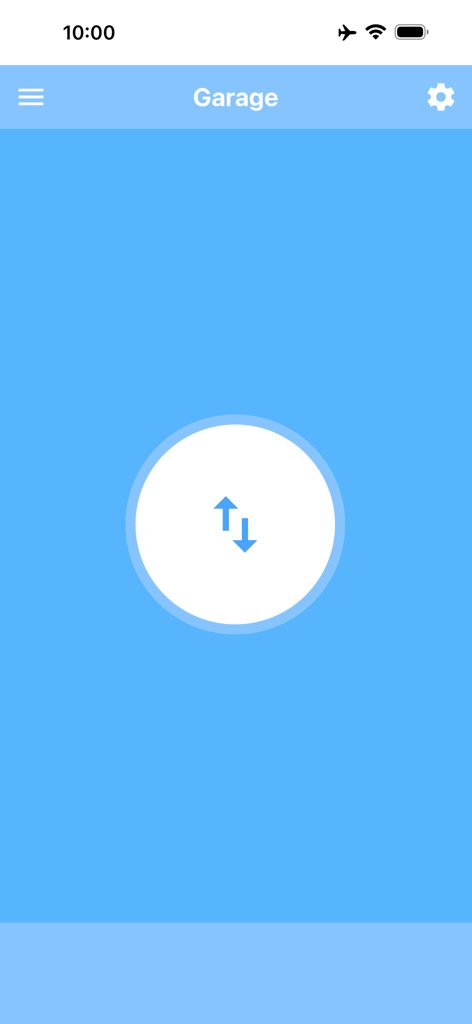
파란색 배경에 위아래 화살표가 있는 중앙 제어 버튼을 보여주는 Garage Door Control 앱의 메인 화면

파란색 배경에 위아래 화살표가 있는 중앙 제어 버튼을 보여주는 Garage Door Control 앱의 메인 화면

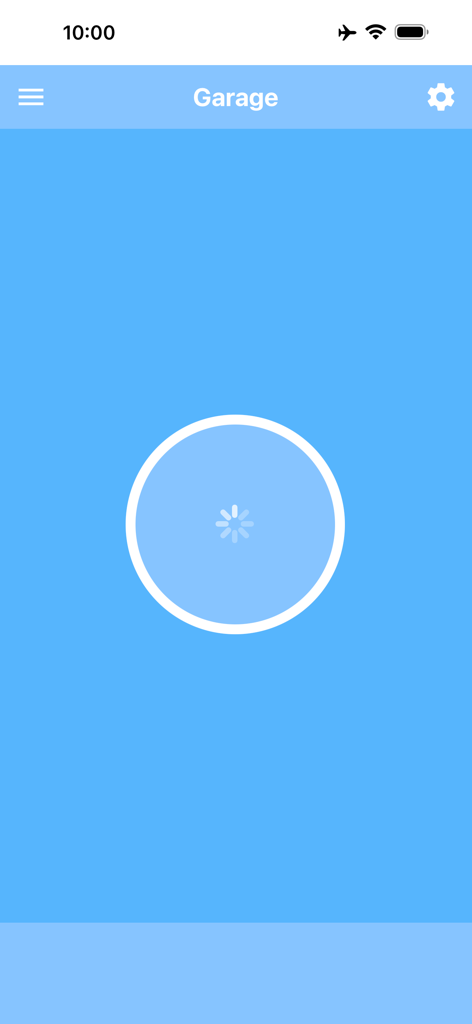
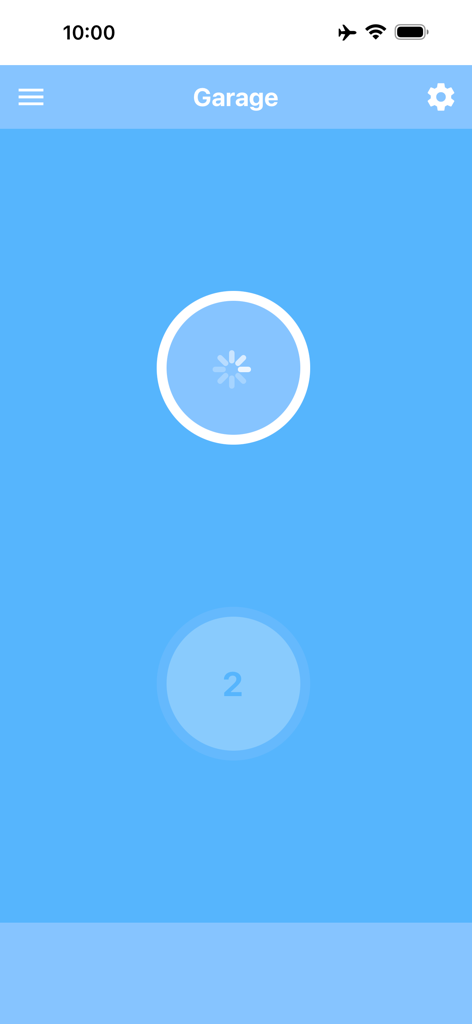
파란색 배경에 로딩 스피너가 표시되는 Garage Door Control 앱의 메인 인터페이스

파란색 배경에 로딩 스피너가 표시되는 Garage Door Control 앱의 메인 인터페이스

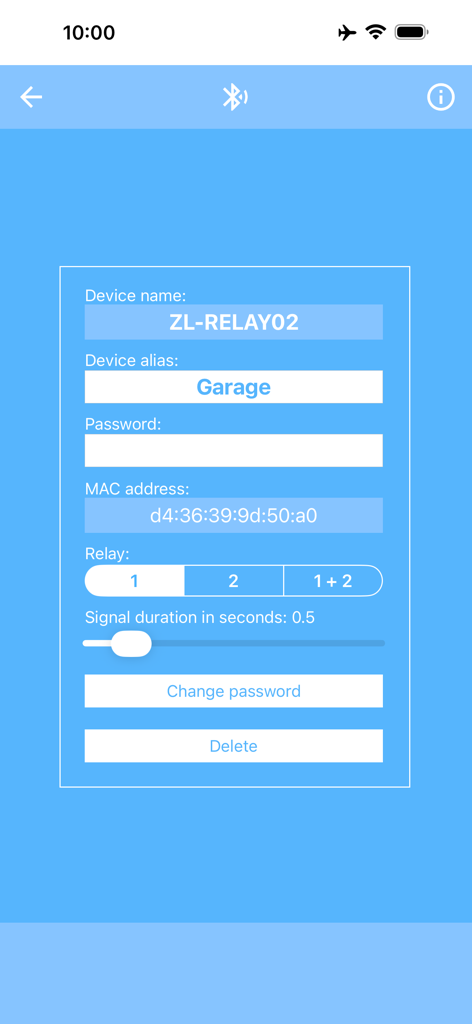
장치 별칭 및 MAC 주소 설정을 보여주는 Garage Door Control 앱의 블루투스 릴레이 모듈 구성 화면

장치 별칭 및 MAC 주소 설정을 보여주는 Garage Door Control 앱의 블루투스 릴레이 모듈 구성 화면

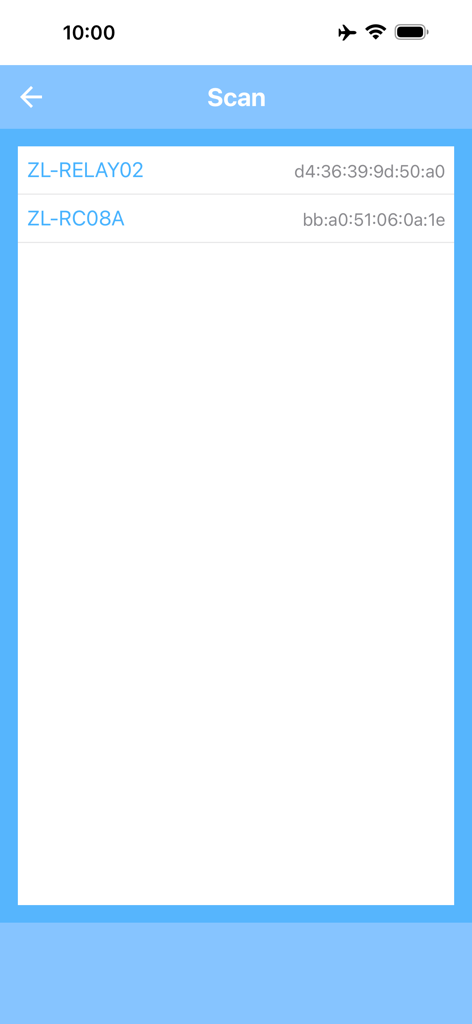
Garage Door Control 앱에서 감지된 블루투스 릴레이 모듈을 보여주는 스캔 인터페이스

Garage Door Control 앱에서 감지된 블루투스 릴레이 모듈을 보여주는 스캔 인터페이스

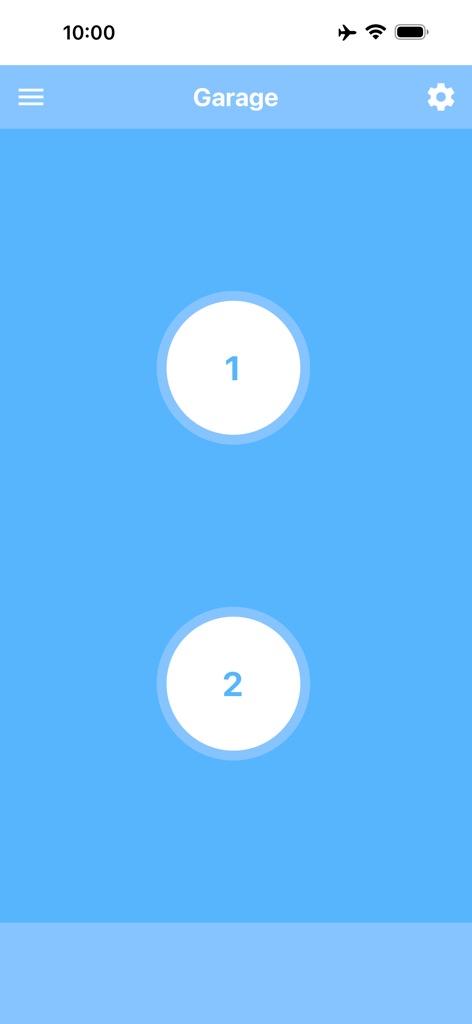
두 개의 별도 차고 문을 작동시키는 두 개의 큰 원형 버튼이 있는 Garage Door Control 앱의 iPhone 인터페이스

두 개의 별도 차고 문을 작동시키는 두 개의 큰 원형 버튼이 있는 Garage Door Control 앱의 iPhone 인터페이스

2채널 릴레이 모듈 작동을 위한 인터페이스를 보여주는 Garage Door Control 앱의 메인 화면

2채널 릴레이 모듈 작동을 위한 인터페이스를 보여주는 Garage Door Control 앱의 메인 화면

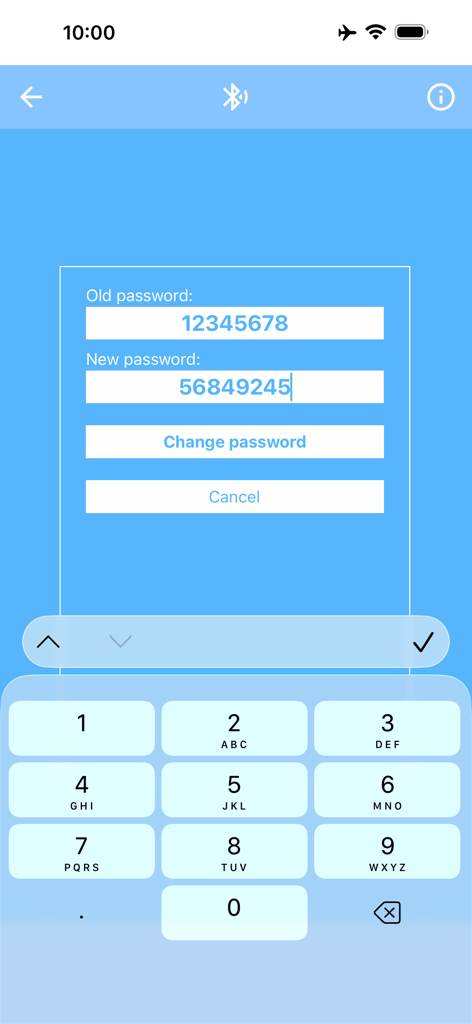
Garage Door Control 앱에서 블루투스 릴레이 모듈의 비밀번호 변경

Garage Door Control 앱에서 블루투스 릴레이 모듈의 비밀번호 변경

손끝에서 즐기는 스마트 DIY 제어

이 앱을 돋보이게 하는 도구, 700 명의 사용자가 선택.

🗣️

핸즈프리 Siri 단축어

Siri와 통합하여 운전 중 간단한 음성 명령으로 차고 문을 열거나 닫아 매번 안전하고 원활한 도착을 보장합니다.

독립형 Apple Watch 제어

iPhone을 차나 집에 두고 가세요. 한 번 설정으로 손목에서 직접 차고 문을 제어할 수 있으며 독립적으로 작동합니다.

🏠

다중 차고 관리

여러 출입구가 있는 부동산에 적합합니다. 각 문에 대한 사용자 지정 별칭을 사용하여 집, 작업장 또는 휴가 차고 간에 쉽게 전환하세요.

앱 소개

에 대해 알아야 할 모든 것 Garage Door Control.

설명

With this app, you can easily open and close your garage door using your iPhone, iPad, or Apple Watch. To use the app, you will need a garage door with an electric drive as well as a 2-channel relay module with Bluetooth BLE (“2 Channel Relay Module Bluetooth BLE”). This module is inexpensive and available in many online shops. Use an Internet search engine to find it. More information about the app and the relay module can be found on this website: garage-door-app.com The app can be connected to any number of modules. This way, you can equip several garage doors with a relay module each and conveniently control them all through a single app. By assigning an alias, each module can be clearly named and easily identified – for example: “Home garage,” “Workshop garage,” “Left garage door,” “Right garage door,” or “Parents’ garage.” The app also lets you set the signal duration and choose the relay number individually. For a double garage with two doors, both relays can be controlled separately. In this case, two buttons will appear: one for Door 1 and one for Door 2. The default password for these modules is “12345678.” For added security, you can change the password directly in the app. The password must be exactly eight digits long. With this app, you can also open and close your garage directly from the Apple Watch. The connection to the relay module only needs to be set up once via the iPhone. Afterwards, the control works directly from the Apple Watch, even without the iPhone. The Apple Watch app must be unlocked via a one-time in-app purchase. Additionally, you can create a Shortcut to open and close the garage. This allows you to control the door with Siri voice commands or via a shortcut on the Home Screen. The best way is to create two Shortcuts – for example, one named “Open garage” and one named “Close garage.” That way, you can use these exact commands with Siri. To use Shortcuts, you must either remove the ads or unlock the Apple Watch app – both are done with a one-time in-app purchase.

최신 버전

6.8

크기

20.6 MB

출시일

2017년 5월 11일

DIY 차고를 업그레이드할 준비가 되셨나요?

지금 앱을 다운로드하여 릴레이 모듈을 연결하세요. 완벽한 개인 정보 보호 및 월간 구독료 없이 원활한 Siri 단축어 및 Apple Watch 제어를 즐기세요.

다운로드: App Store

App information, icons, screenshots, and descriptions displayed on this page are sourced from the Apple App Store and are the property of their respective developers. Download estimates and rankings are based on MWM's proprietary models and may not reflect actual figures. This page is provided for informational and analytical purposes only.

Believe this page infringes your intellectual property? File a dispute