IDFA ATT

IDFA ATT

다운로드: App Store
로고: IDFA ATT

IDFA ATT: iOS 개발자 및 Ad-Tech 전문가를 위한 필수 툴킷

IDFA, IP 주소 및 ATT 동의 상태에 즉시 액세스하세요. AdMob 테스트 기기 등록을 간소화하고 단일 강력한 유틸리티로 앱 추적 투명성을 마스터하세요.

개발사

Mehmet Bayram

카테고리

Developer Tools

다운로드

3K+

사용자 평점

1.0/5

총 평가 수

0

지원 언어

1

전문가의 대시보드

이 인터페이스를 사용하는 3K+ 명의 사용자.

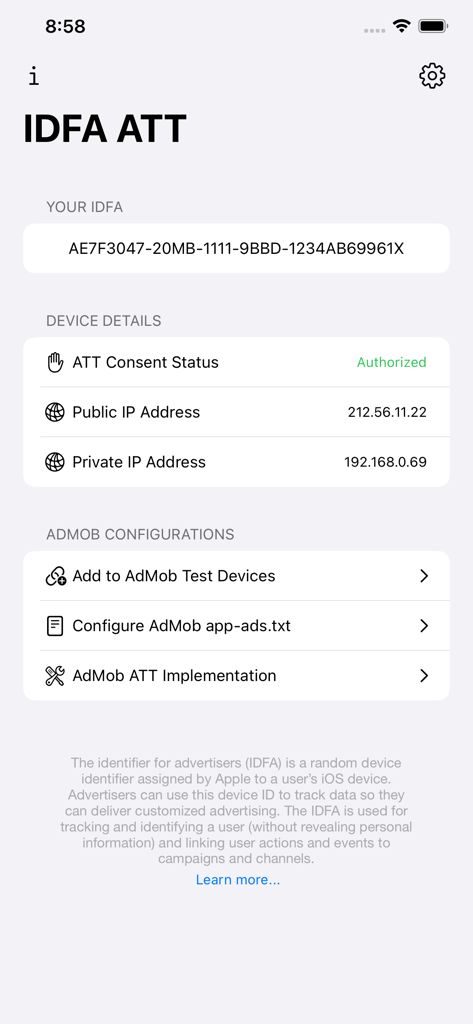
IDFA ATT 앱 인터페이스에 기기 IDFA, ATT 동의 상태 및 AdMob 개발자 구성 옵션이 표시됩니다.

IDFA ATT 앱 인터페이스에 기기 IDFA, ATT 동의 상태 및 AdMob 개발자 구성 옵션이 표시됩니다.

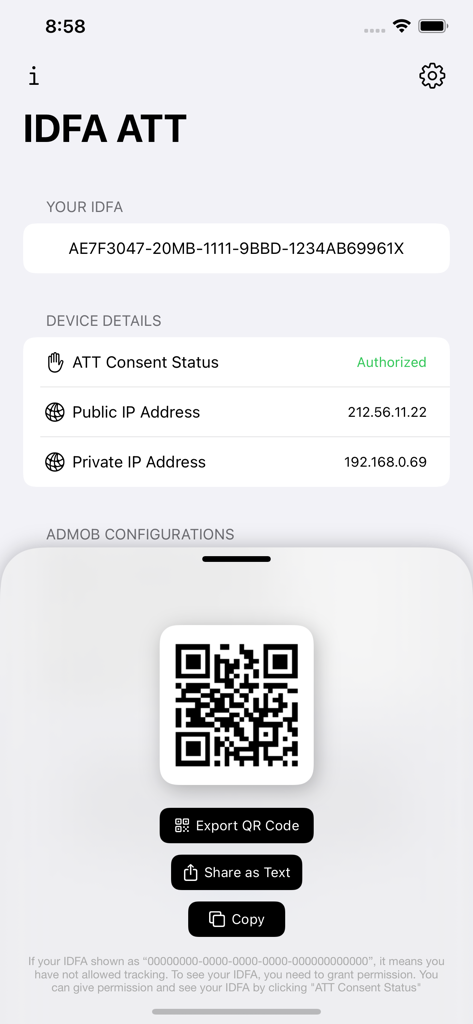
IDFA ATT 대시보드에 iOS 기기 IDFA 및 공유 가능한 QR 코드가 표시됩니다.

IDFA ATT 대시보드에 iOS 기기 IDFA 및 공유 가능한 QR 코드가 표시됩니다.

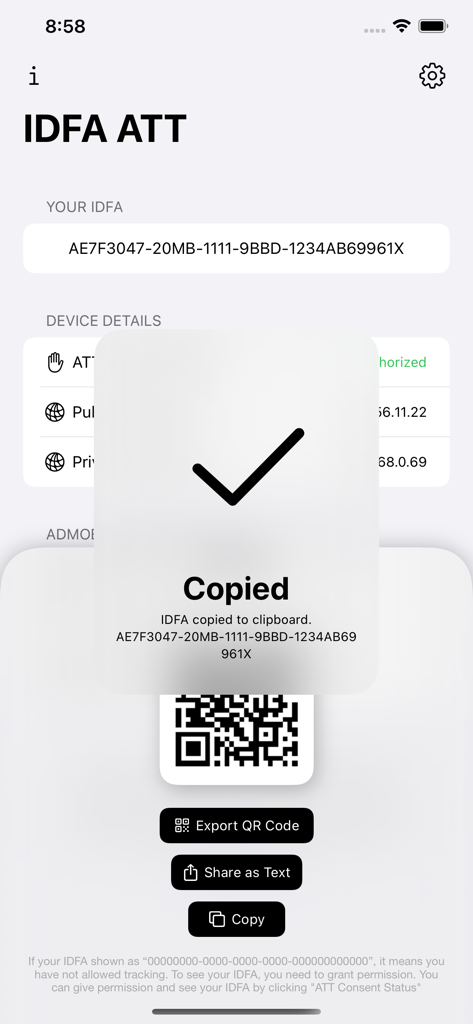
IDFA ATT 앱에 복사된 IDFA 확인 메시지 및 QR 코드 공유 옵션이 표시됩니다.

IDFA ATT 앱에 복사된 IDFA 확인 메시지 및 QR 코드 공유 옵션이 표시됩니다.

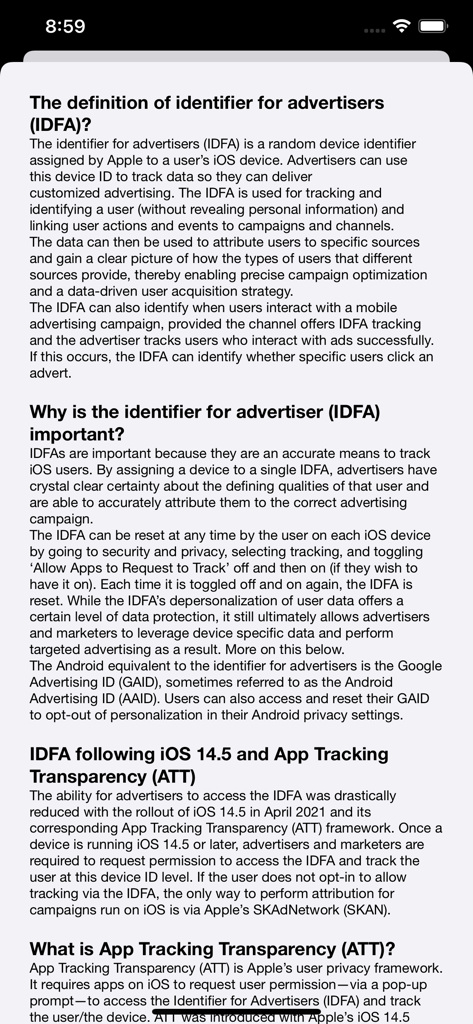
IDFA ATT 앱의 정보 화면으로 IDFA 및 앱 추적 투명성의 정의와 중요성을 설명합니다.

IDFA ATT 앱의 정보 화면으로 IDFA 및 앱 추적 투명성의 정의와 중요성을 설명합니다.

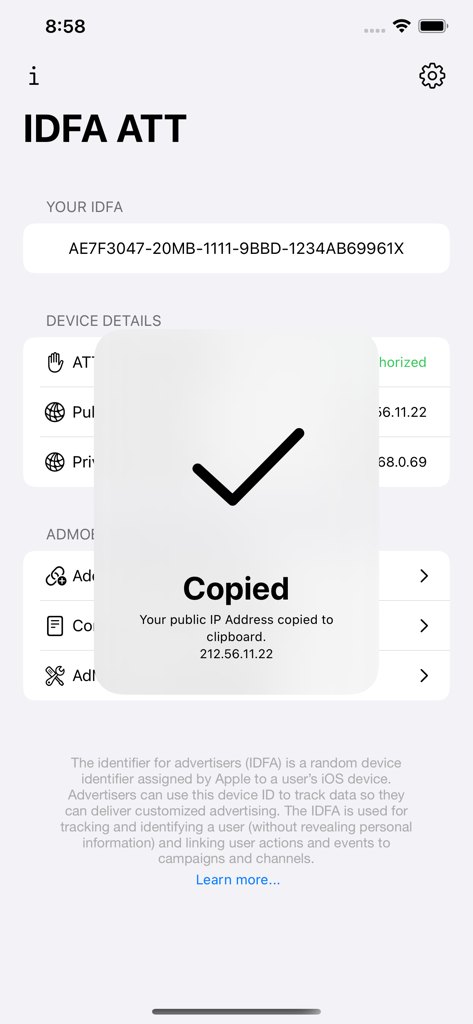
IDFA ATT 앱 인터페이스에 공개 IP 주소를 클립보드로 복사하기 위한 확인 메시지가 표시됩니다.

IDFA ATT 앱 인터페이스에 공개 IP 주소를 클립보드로 복사하기 위한 확인 메시지가 표시됩니다.

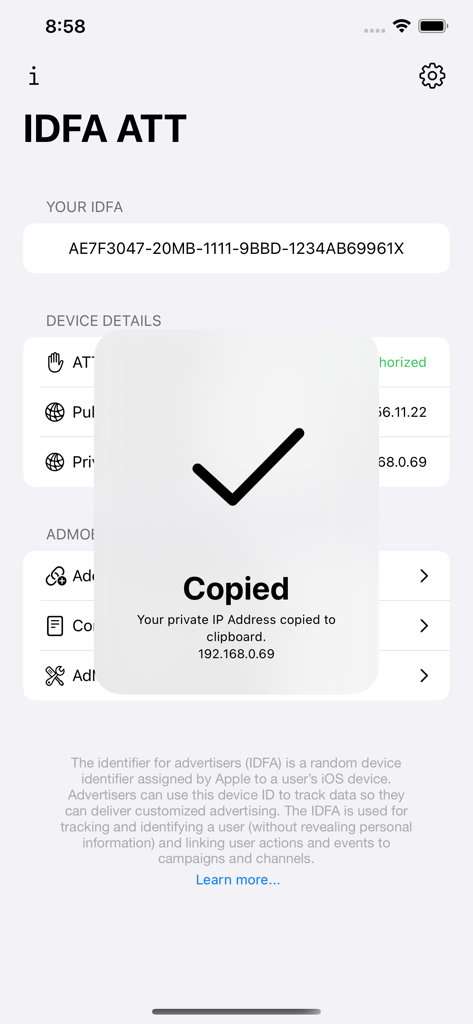
IDFA ATT 유틸리티 앱의 대시보드에 개인 IP 주소가 클립보드로 복사되었다는 알림이 표시됩니다.

IDFA ATT 유틸리티 앱의 대시보드에 개인 IP 주소가 클립보드로 복사되었다는 알림이 표시됩니다.

개발 및 Ad Tech 워크플로우 최적화

이 앱을 돋보이게 하는 도구, 3K+ 명의 사용자가 선택.

🆔

즉각적인 IDFA 및 IP 검색

한 번의 탭으로 IDFA, 기기 ID 및 네트워크 주소에 액세스하여 사용자 정의 코드 작성 없이 디버깅 및 기여도 테스트를 가속화하세요.

🛠️

스트레스 없는 AdMob 구성

테스트 기기를 빠르게 등록하고 app-ads.txt 설정을 확인하여 수익 창출을 보호하고 잘못된 트래픽으로 인한 계정 플래그를 방지하세요.

📲

원활한 데이터 내보내기 및 QR 도구

IDFA에 대한 사용자 정의 QR 코드를 즉시 생성하고 공유하여 하드웨어에서 개발 환경으로 기기 데이터를 쉽게 전송할 수 있습니다.

앱 소개

에 대해 알아야 할 모든 것 IDFA ATT.

설명

With our app, you can easily access your iOS device IDFA and IP addresses (public and private IP addresses) KEY FEATURES: • Access iOS Device IDFA, Device ID and IP addresses • See your public (external) and private (internal) IP addresses • Stay informed about App Tracking Transparency (ATT) • Generate custom QR codes for your device IDFA and export • Share your IDFA and IP addresses • Quickly see your ATT consent status and navigate to “Privacy & Security” -> “Tracking” settings in order to change your permissions • Quickly add your device to “AdMob Test Devices” • Learn how to configure AdMob app-ads.txt and navigate to your relevant AdMob app-ads.txt configuration page • Learn how to implement ATT for your AdMob-enabled apps THE DEFINITION OF IDENTIFIER FOR ADVERTISERS (IDFA)? The identifier for advertisers (IDFA) is a random device identifier assigned by Apple to a user’s iOS device. Advertisers can use this device ID to track data so they can deliver customized advertising. The IDFA is used for tracking and identifying a user (without revealing personal information) and linking user actions and events to campaigns and channels. The data can then be used to attribute users to specific sources and gain a clear picture of how the types of users that different sources provide, thereby enabling precise campaign optimization and a data-driven user acquisition strategy. The IDFA can also identify when users interact with a mobile advertising campaign, provided the channel offers IDFA tracking and the advertiser tracks users who interact with ads successfully. If this occurs, the IDFA can identify whether specific users click an advert. WHY IS THE IDENTIFIER FOR ADVERTISER (IDFA) IMPORTANT? IDFAs are important because they are an accurate means to track iOS users. By assigning a device to a single IDFA, advertisers have crystal clear certainty about the defining qualities of that user and are able to accurately attribute them to the correct advertising campaign. The IDFA can be reset at any time by the user on each iOS device by going to security and privacy, selecting tracking, and toggling ‘Allow Apps to Request to Track’ off and then on (if they wish to have it on). Each time it is toggled off and on again, the IDFA is reset. While the IDFA’s depersonalization of user data offers a certain level of data protection, it still ultimately allows advertisers and marketers to leverage device specific data and perform targeted advertising as a result. IDFA FOLLOWING IOS 14.5 AND APP TRACKING TRANSPARENCY (ATT) The ability for advertisers to access the IDFA was drastically reduced with the rollout of iOS 14.5 in April 2021 and its corresponding App Tracking Transparency (ATT) framework. Once a device is running iOS 14.5 or later, advertisers and marketers are required to request permission to access the IDFA and track the user at this device ID level. If the user does not opt-in to allow tracking via the IDFA, the only way to perform attribution for campaigns run on iOS is via Apple’s SKAdNetwork (SKAN). WHAT IS APP TRACKING TRANSPARENCY (ATT)? App Tracking Transparency (ATT) is Apple’s user privacy framework. It requires apps on iOS to request user permission—via a pop-up prompt—to access the Identifier for Advertisers (IDFA) and track the user/the device. ATT was introduced with Apple’s iOS 14.5 update in April 2021 to address growing concerns about how much user data app developers could leverage to track and target users. Protecting user data and prioritizing privacy is top of mind for users. With this privacy-centric market in mind, maximizing ATT consent rates is a critical part of iOS strategies for app developers and marketers. The full-visibility insights that can be gained from opted-in data are also critical to informing strategic decisions regarding conversion value mapping and next-generation solutions like predictive analytics. In short, the higher your ATT opt-in rate, the better.

최신 버전

1.3.0

크기

3.8 MB

출시일

2023년 7월 20일

iOS 테스트 워크플로우 최적화

3,000명 이상의 모바일 전문가와 함께 IDFA 검색, ATT 검증 및 AdMob 테스트 기기 구성을 단일 강력한 유틸리티로 간소화하세요.

다운로드: App Store

App information, icons, screenshots, and descriptions displayed on this page are sourced from the Apple App Store and are the property of their respective developers. Download estimates and rankings are based on MWM's proprietary models and may not reflect actual figures. This page is provided for informational and analytical purposes only.

Believe this page infringes your intellectual property? File a dispute