사진, 스크린샷, 카메라 스캔을 즉시 고품질 PDF로 변환하세요. 제한 없이 안정적인 100% 오프라인 변환이 필요한 학생 및 전문가에게 완벽합니다.
개발사
Mohamed Abdelmagid
카테고리
Utilities
다운로드
100
사용자 평점
1.0/5
총 평가 수
0
지원 언어
1
작동 방식의 단순성
이 인터페이스를 사용하는 100 명의 사용자.
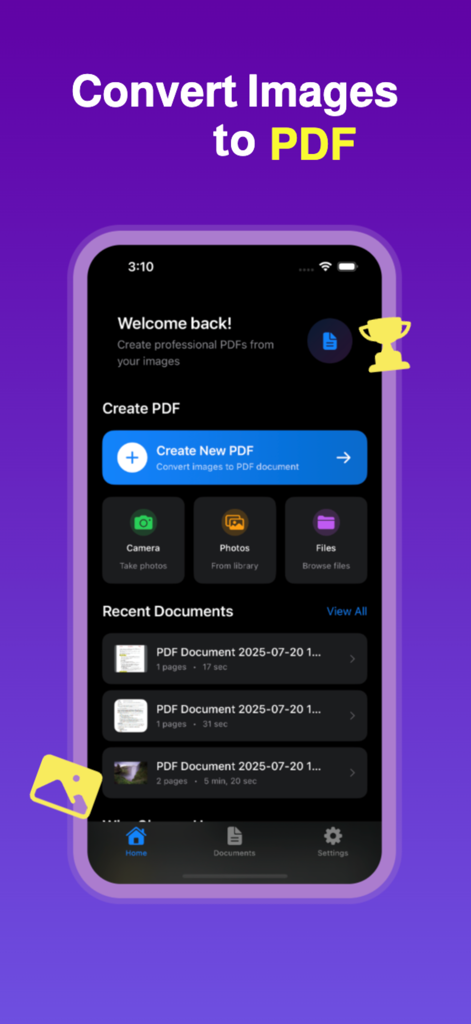
카메라, 사진 또는 파일에서 PDF를 만드는 옵션을 보여주는 Image to PDF 앱의 홈 화면.
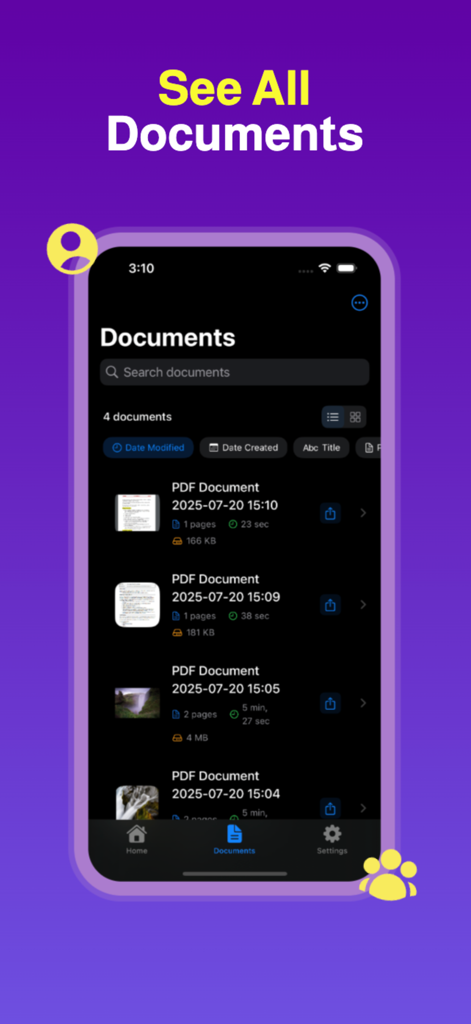
검색 및 정렬 옵션이 있는 변환된 PDF 문서 목록을 보여주는 모바일 인터페이스
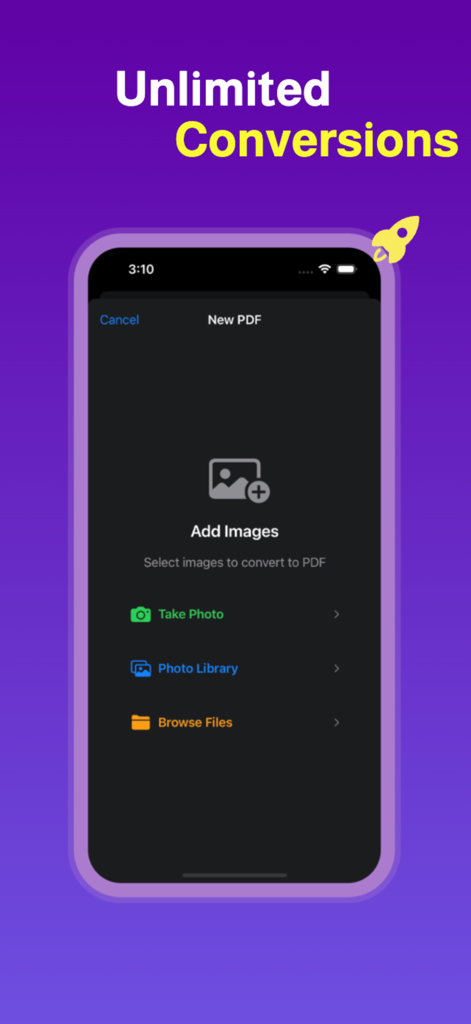
무제한 PDF 변환을 위해 카메라 또는 라이브러리에서 이미지를 추가하는 옵션을 보여주는 모바일 앱 인터페이스
종이 없는 생활을 간소화하세요
이 앱을 돋보이게 하는 도구, 100 명의 사용자가 선택.
📂
스마트 배치 변환
여러 사진, 스크린샷 또는 HEIC 이미지를 즉시 단일의 정리된 PDF로 병합하여 전문적인 제출에 사용하세요.
✈️
안전한 오프라인 처리
인터넷 연결 없이 민감한 ID 및 세금 양식을 변환하여 개인 데이터를 기기에 엄격하게 보관하세요.
🎓
학생 및 전문가 레이아웃
Canvas, Blackboard 또는 고객 이메일에 적합한 사용자 지정 가능한 페이지 크기, 여백 및 방향으로 문서를 최적화하세요.
앱 소개
에 대해 알아야 할 모든 것 Image to PDF: Convert to PDF.
설명
Easily convert images to PDF with our fast, reliable, and user-friendly Image to PDF Converter. Whether you need to convert JPG to PDF, PNG to PDF, or scan documents using your camera and turn them into PDF files, this app gives you complete control and flexibility.
Perfect for students, professionals, and everyday users, this all-in-one photo to PDF app supports multiple image formats including JPG, PNG, HEIC, and more. Simply select your images from your gallery or take a new photo using your camera, customize the output, and convert to PDF instantly.
This powerful image to PDF converter makes it easy to create professional PDF documents from your photos, scans, and screenshots. Whether you’re creating a single-page PDF or combining multiple images into one file, everything is fast, seamless, and done right on your device—no internet required.
Key Features:
Convert JPG to PDF, PNG to PDF, and other image formats to PDF quickly and easily
Use your camera to take pictures and convert them to PDF instantly
Batch convert multiple photos to one single PDF file
Customize PDF settings including image quality, page size, orientation, and margins
Rearrange, rotate, or remove pages before saving your PDF
Create unlimited PDF pages from your images with no restrictions
Save, share, and export PDFs to other apps or cloud storage
Works offline without an internet connection
Lightweight, fast, and easy to use PDF converter app
This app is ideal for converting receipts, notes, ID cards, homework, forms, certificates, books, and more to PDF format. With full control over layout and quality, your converted PDFs are perfect for sharing, printing, and archiving.
Whether you're looking for a photo to PDF converter, a JPG to PDF app, a PNG to PDF tool, or a way to convert scanned documents into high-quality PDFs, this app covers all your needs. Easily turn photos into PDFs for school, work, or personal use.
Why choose this PDF converter app?
Intuitive and clean interface for easy image to PDF conversion
No limits on the number of images or pages in your PDF
Optimized for speed and performance on all devices
Reliable conversion for all image formats to PDF
Create PDF from camera or gallery instantly
Download now and enjoy the best image to PDF converter on the App Store. Whether it’s a JPG to PDF, picture to PDF, photo to PDF, or scanned document to PDF—you can do it all in just a few taps.
Terms of Use: https://mabdel8.github.io/imgtopdfweb/terms.html
Privacy Policy: https://mabdel8.github.io/imgtopdfweb/privacy.html
최신 버전
1.0
크기
1.2 MB
출시일
2025년 7월 21일
사진을 몇 초 만에 전문적인 PDF로 변환하세요.
수천 명의 학생 및 프리랜서와 함께 100% 오프라인으로 문서를 변환, 일괄 처리 및 정리하세요. 제한 없음, 인터넷 불필요, 파일에 대한 완전한 개인 정보 보호.
App information, icons, screenshots, and descriptions displayed on this page are sourced from the Apple App Store and are the property of their respective developers. Download estimates and rankings are based on MWM's proprietary models and may not reflect actual figures. This page is provided for informational and analytical purposes only.
Believe this page infringes your intellectual property? File a dispute