MyDS emulator

MyDS emulator

다운로드: App Store
로고: MyDS emulator

MyDS 에뮬레이터: 휴대용 게임의 황금 시대를 다시 경험하세요

아이폰을 고성능 듀얼 스크린 콘솔로 변환하세요. 즉시 저장, 게임 가속, 그리고 추억을 위한 순수하고 광고 없는 경험으로 어린 시절의 클래식 게임을 즐기세요.

다운로드: App Store

개발사

滨 李

카테고리

Utilities

다운로드

200

사용자 평점

1.0/5

총 평가 수

0

지원 언어

2

클래식 게임을 다시 즐기세요

이 인터페이스를 사용하는 200 명의 사용자.

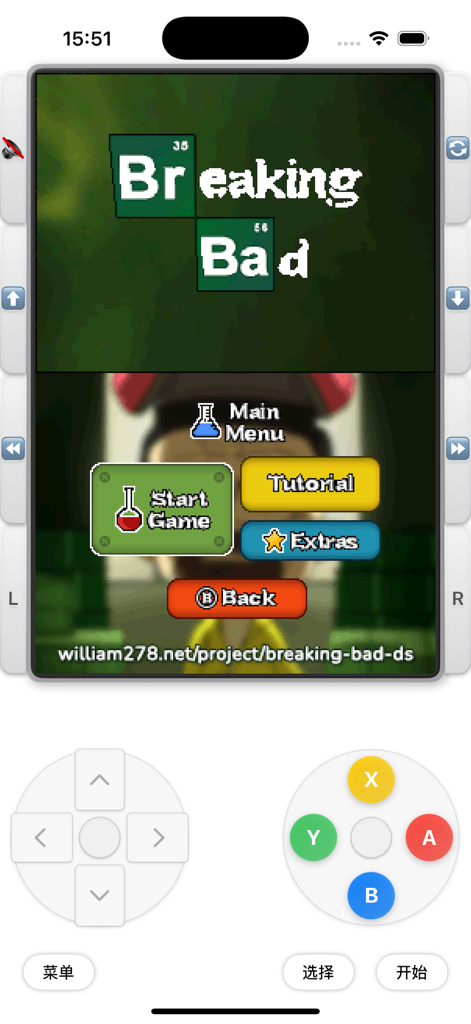
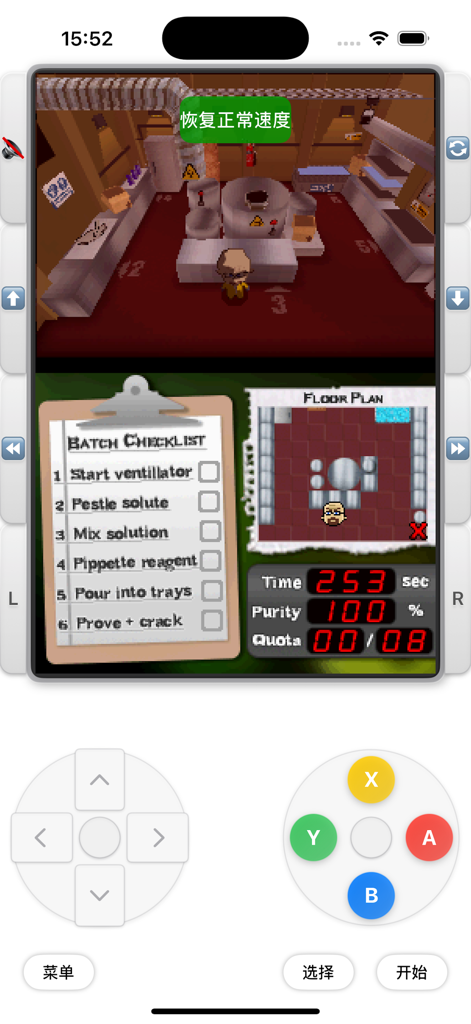
듀얼 스크린 레이아웃과 가상 게임 컨트롤러 버튼을 보여주는 아이폰의 MyDS 에뮬레이터 스크린샷

듀얼 스크린 레이아웃과 가상 게임 컨트롤러 버튼을 보여주는 아이폰의 MyDS 에뮬레이터 스크린샷

듀얼 스크린 인터페이스와 가상 게임패드 컨트롤을 보여주는 아이폰의 MyDS 에뮬레이터

듀얼 스크린 인터페이스와 가상 게임패드 컨트롤을 보여주는 아이폰의 MyDS 에뮬레이터

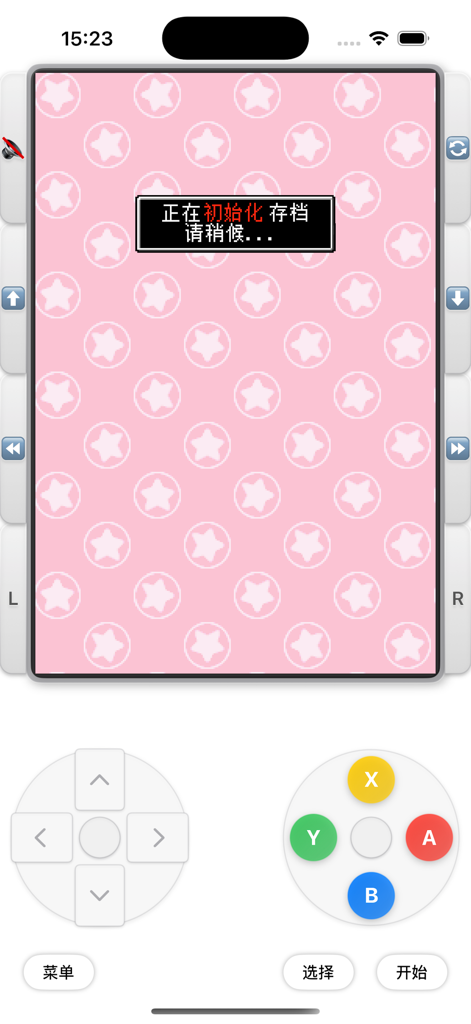
가상 게임 컨트롤과 분홍색 별 배경의 로딩 메시지를 보여주는 MyDS 에뮬레이터 인터페이스

가상 게임 컨트롤과 분홍색 별 배경의 로딩 메시지를 보여주는 MyDS 에뮬레이터 인터페이스

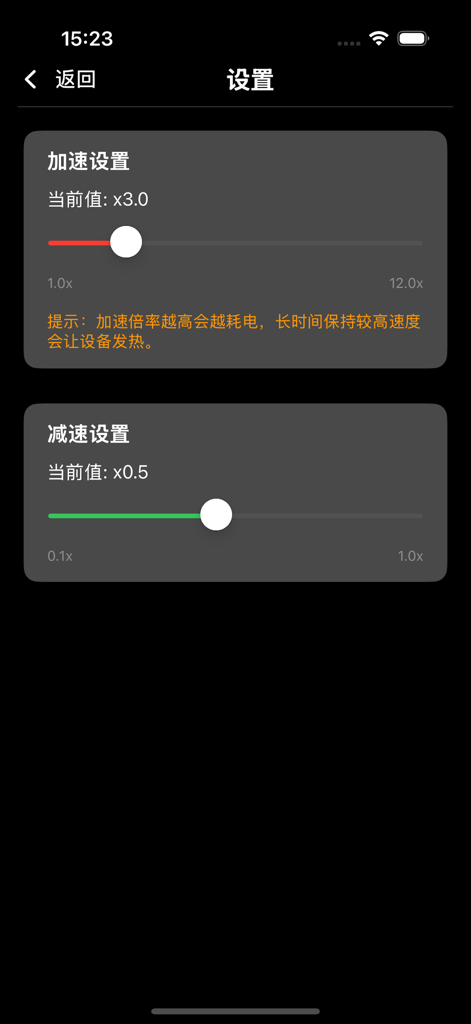
가속 및 감속 슬라이더가 있는 MyDS 에뮬레이터의 속도 조정 설정 화면

가속 및 감속 슬라이더가 있는 MyDS 에뮬레이터의 속도 조정 설정 화면

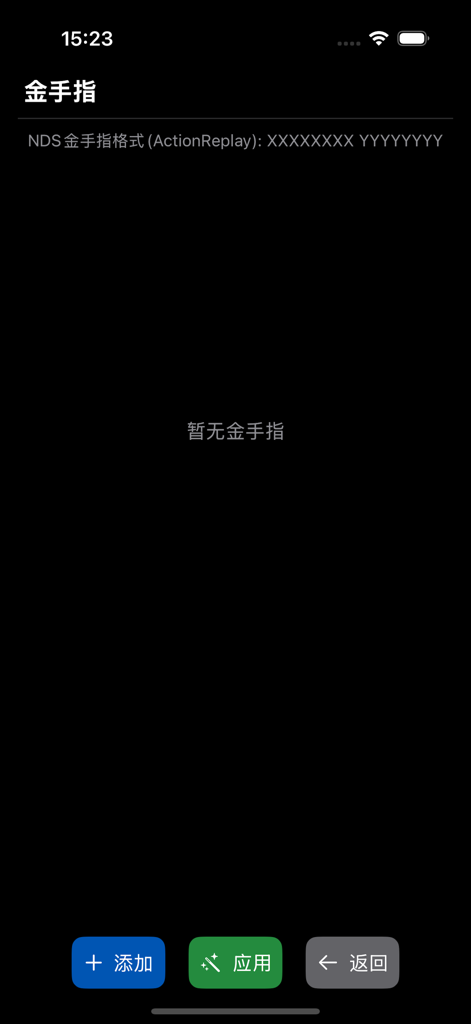
ActionReplay 지원과 코드 추가 또는 적용 버튼을 보여주는 MyDS 에뮬레이터의 치트 코드 설정 화면

ActionReplay 지원과 코드 추가 또는 적용 버튼을 보여주는 MyDS 에뮬레이터의 치트 코드 설정 화면

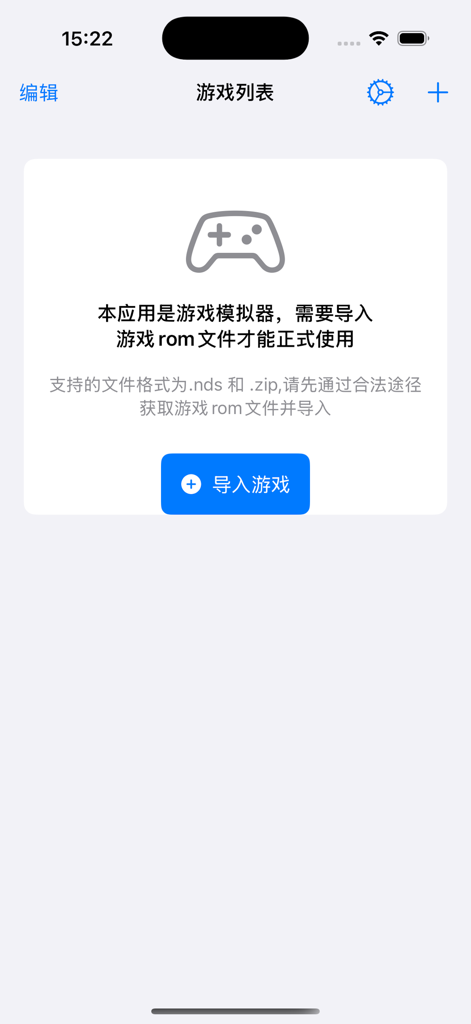
파란색 버튼과 컨트롤러 아이콘이 있는 MyDS 에뮬레이터 앱의 게임 가져오기 화면

파란색 버튼과 컨트롤러 아이콘이 있는 MyDS 에뮬레이터 앱의 게임 가져오기 화면

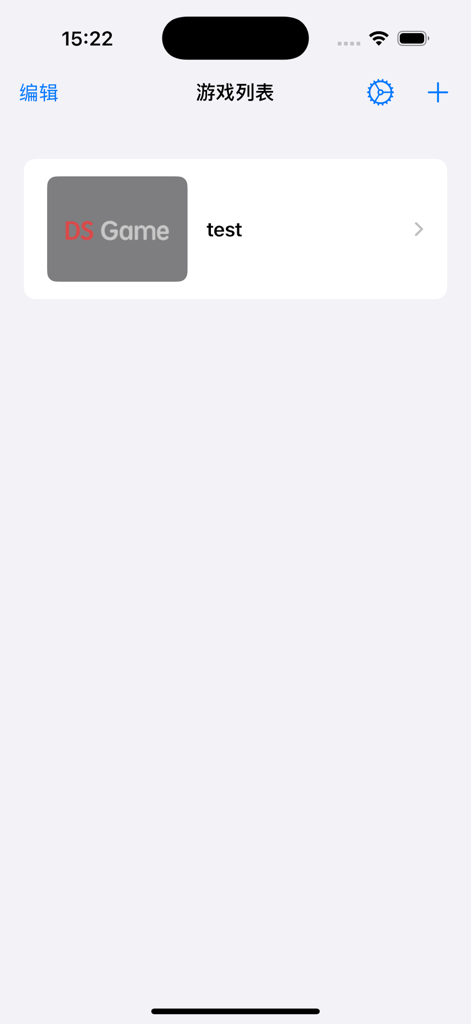
가져온 닌텐도 DS 게임 목록을 표시하는 MyDS 에뮬레이터 메인 화면

가져온 닌텐도 DS 게임 목록을 표시하는 MyDS 에뮬레이터 메인 화면

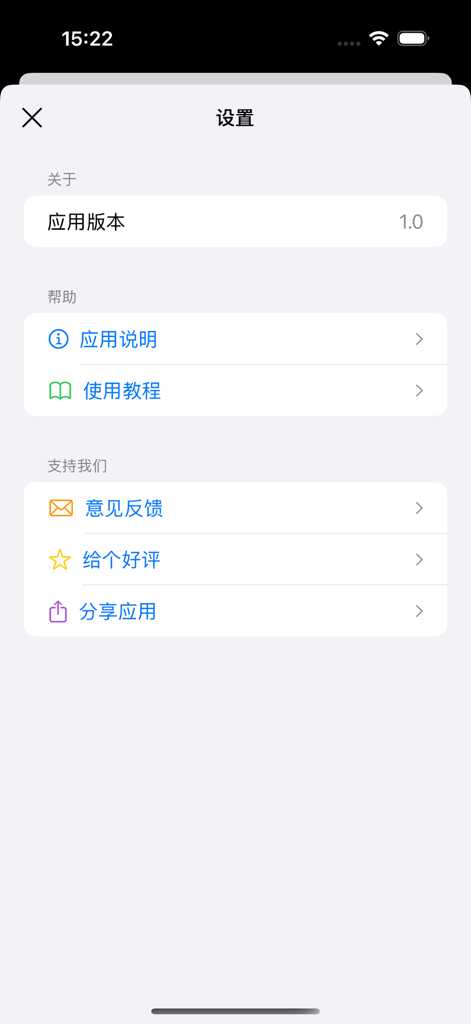
버전 정보와 지원 옵션을 보여주는 MyDS 에뮬레이터 앱의 설정 메뉴

버전 정보와 지원 옵션을 보여주는 MyDS 에뮬레이터 앱의 설정 메뉴

어린 시절의 클래식 게임을 다시 즐기세요

이 앱을 돋보이게 하는 도구, 200 명의 사용자가 선택.

🎮

진정한 듀얼 스크린 레이아웃

완벽하게 재현된 듀얼 스크린 인터페이스와 부드러운 고속 에뮬레이션으로 클래식 휴대용 게임을 경험하세요.

언제든지 저장하고 더 빠르게 플레이하세요

9개의 즉시 저장 슬롯과 강력한 빨리 감기 모드로 게임을 마스터하고 느린 대화와 컷신을 빠르게 넘기세요.

🛡️

개인 정보 보호 및 광고 없는 게임

방해하는 광고 없이 순수하고 방해 없는 경험을 즐기세요. 모든 게임 데이터는 로컬에 저장되어 개인 정보가 안전하게 보호됩니다.

앱 소개

에 대해 알아야 할 모든 것 MyDS emulator.

설명

MyDS Emulator - Carry Classic Games with You The perfect solution to experience classic Nintendo DS games on iOS devices! NDS Emulator allows you to play your childhood favorites anytime, anywhere. Key Features High-performance emulation: Provides a smooth and stable gaming experience Flexible import: Supports importing .nds and .zip format game files, and you can easily add your games through various methods Instant save: Offers 9 save slots to save or load your game progress at any time, no more worries about interruptions Game acceleration: Unique fast-forward and slow-motion functions, allowing you to adjust the game speed flexibly Cheats support: Built-in cheat function, easy to add and manage game codes Custom controls: Full touch screen operation, adapted to the gaming experience on iOS devices Interface Features Beautiful interface: Modern design user interface, simple and intuitive operation Dual-screen display: Perfectly recreates the DS upper and lower dual-screen experience Chinese support: Fully Chinese interface, more convenient to use Privacy and Security Local operation: All game and save data are stored locally, protecting your privacy and security No ad interference: Pure gaming experience, no ads to disturb Turn your iOS device into a portable game console and relive the good old days of classic games! Please note that this app only provides emulator functionality, and you need to obtain the legal game ROM files by yourself.

최신 버전

1.0

크기

32.0 MB

출시일

2025년 4월 15일

좋아하는 클래식 게임을 다시 즐길 준비가 되셨나요?

아이폰을 최고의 휴대용 콘솔로 만드세요. 빨리 감기, 즉시 저장, 완벽한 듀얼 스크린으로 순수하고 광고 없는 게임 경험을 즐기세요.

다운로드: App Store

App information, icons, screenshots, and descriptions displayed on this page are sourced from the Apple App Store and are the property of their respective developers. Download estimates and rankings are based on MWM's proprietary models and may not reflect actual figures. This page is provided for informational and analytical purposes only.

Believe this page infringes your intellectual property? File a dispute