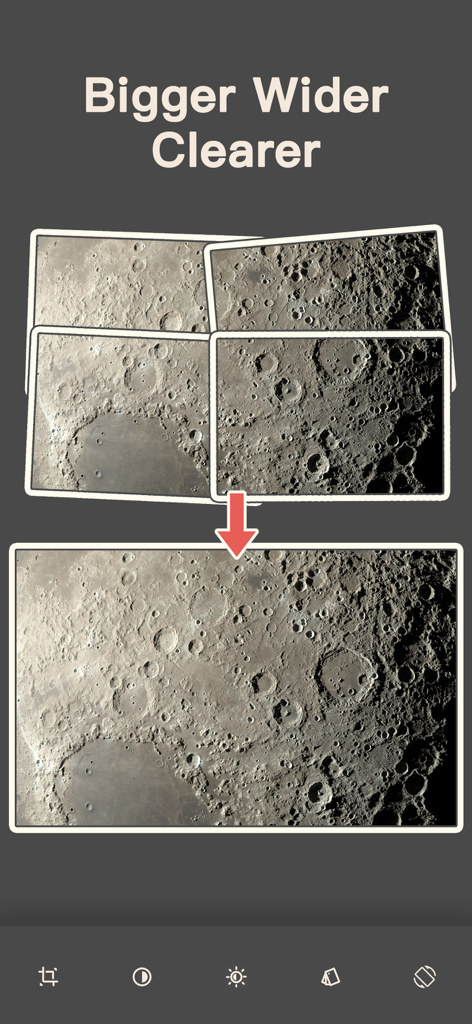
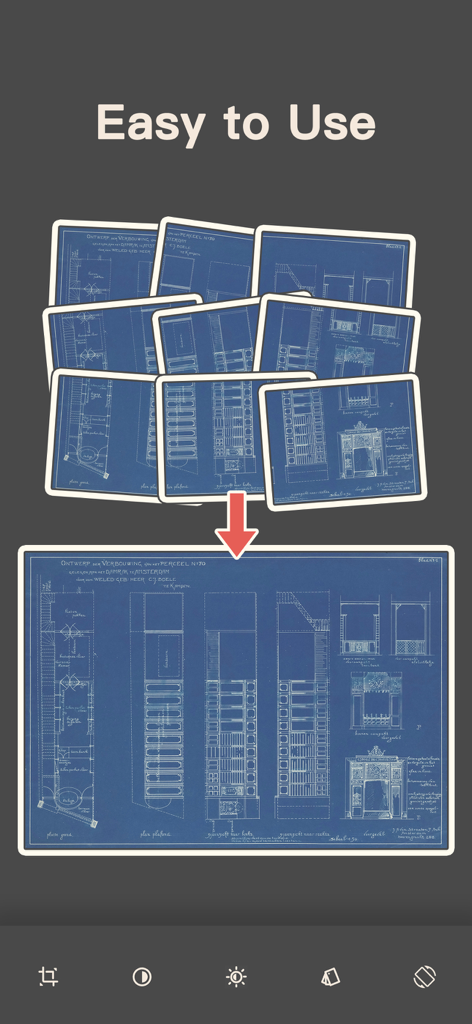
여러 장의 겹치는 청사진 사진을 하나의 큰 파노라마 이미지로 스티칭하는 방법을 보여주는 그래픽
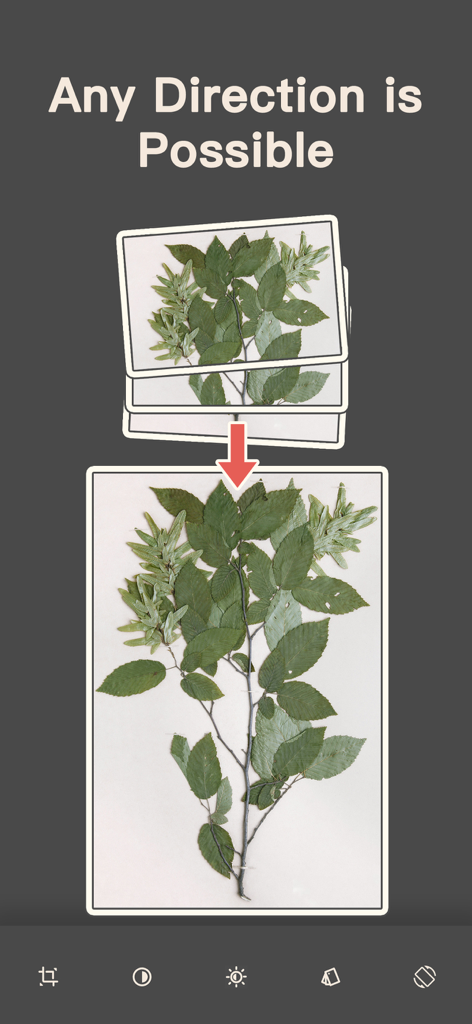
세 장의 겹치는 식물 줄기 사진을 하나의 세로 파노라마로 병합하는 과정을 보여주는 일러스트레이션
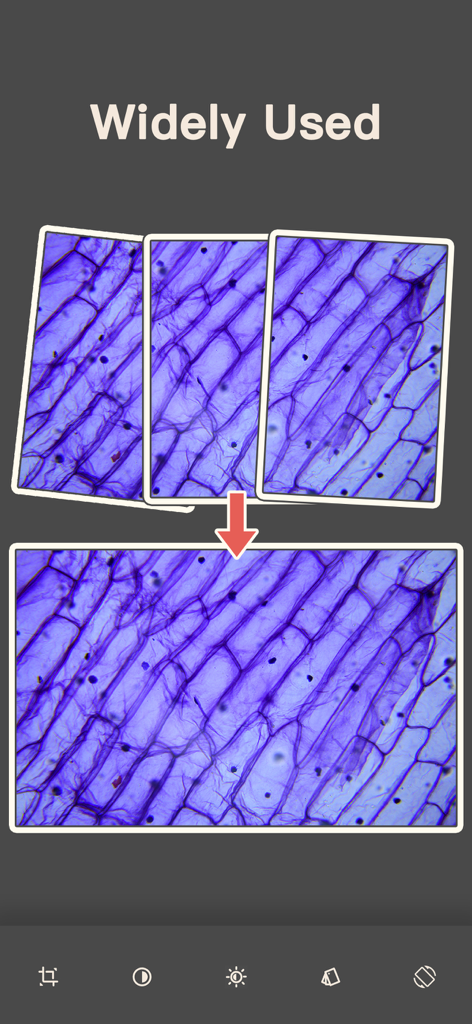
여러 현미경 사진을 하나의 고해상도 파노라마 이미지로 스티칭하는 화면 캡처
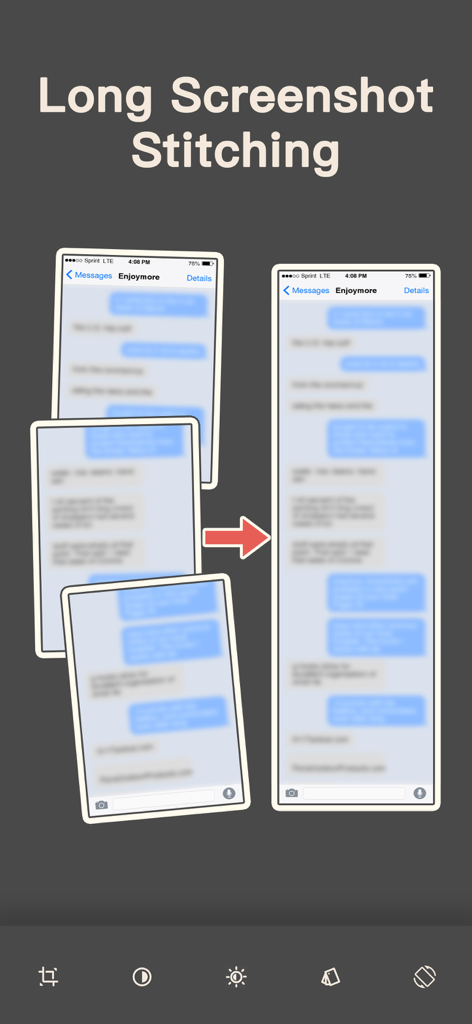
여러 메시지 스크린샷을 하나의 긴 이미지로 스티칭하는 시각적 표현
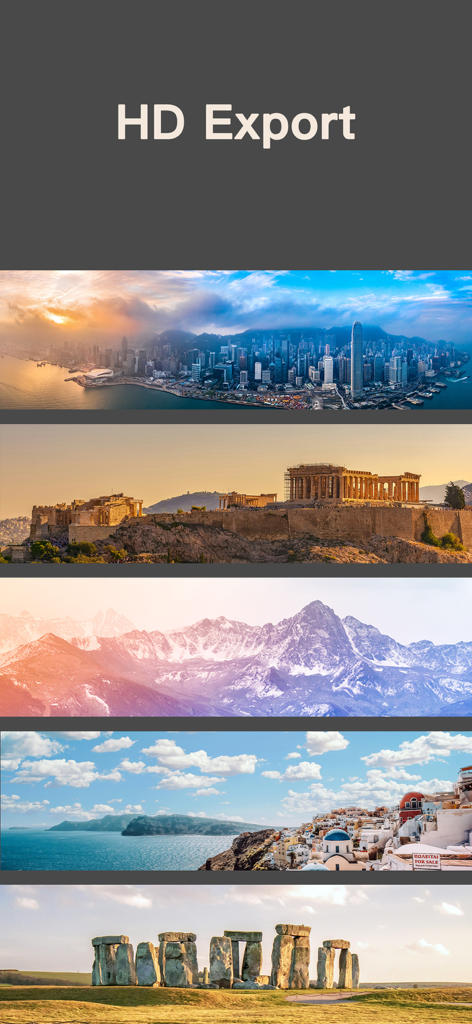
도시 스카이라인, 고대 유적, 눈 덮인 산, 해안 마을, 스톤헨지를 특징으로 하는 고해상도 파노라마 사진 모음.
관점 마스터하기
이 앱을 돋보이게 하는 도구, 1K+ 명의 사용자가 선택.
📐
제한 없는 다방향 스티칭
선 하나 이상을 담으세요. 어떤 방향으로든 사진을 스티칭하여 기본 앱으로는 처리할 수 없는 거대한 세로 타워 또는 초광각 360° 풍경을 만드세요.
🖼️
무손실 고해상도 품질
압축 없이, 강제 자르기 없이 모든 디테일을 보존하세요. 풍경 사진작가, 건축가 및 대규모 디지털 인쇄에 적합합니다.
🔒
안전한 로컬 처리
최첨단 온디바이스 AI로 개인 정보를 보호하세요. 모든 기계 시각 및 이미지 비교는 로컬에서 이루어지므로 사진이 휴대폰을 벗어나지 않습니다.
앱 소개
에 대해 알아야 할 모든 것 Panorama - Photo Stitcher.
설명
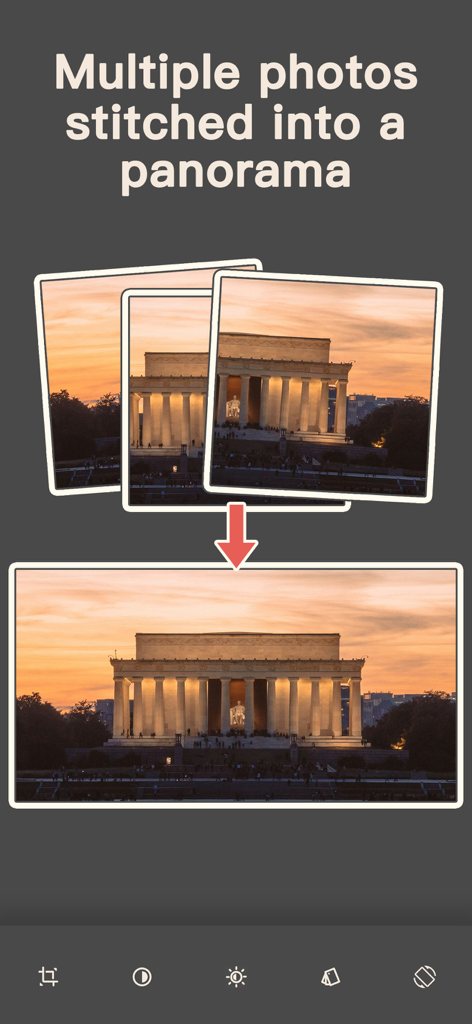
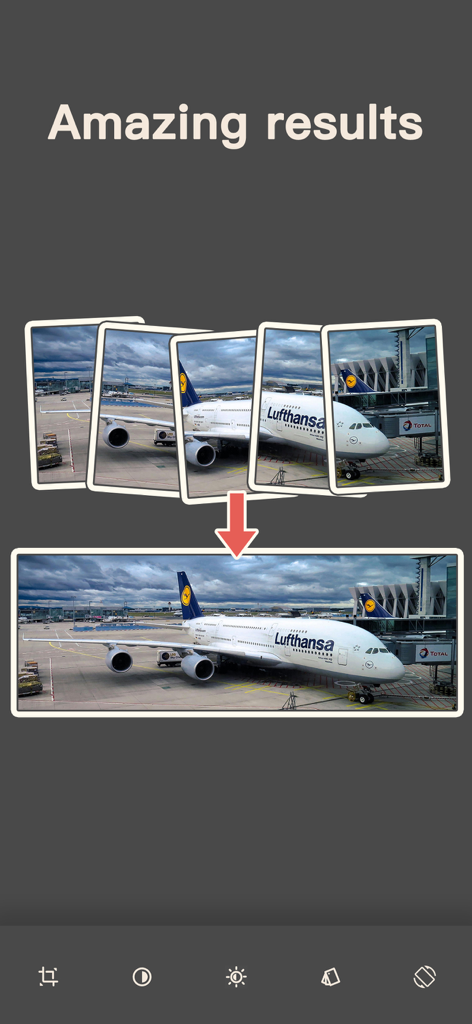
《Panorama - Photo Stitcher》 is a simple powerful and easy-to-use application for panoramic image stitching developed based on machine vision, AI, image comparison, object recognition and other technologies. This program can help you easily stitch multiple overlapping photos into high-quality, high-resolution, and ultra-large visual range panoramic photos.
Thanks to users who have provided feedback and suggestions. It is your feedback and suggestions that make our app more and more perfect. We will continue to provide more convenient and practical functions and applications.
1. Features
● Ultra-large range: panoramic photos can be taken and stitched automatically in both horizontal and vertical directions
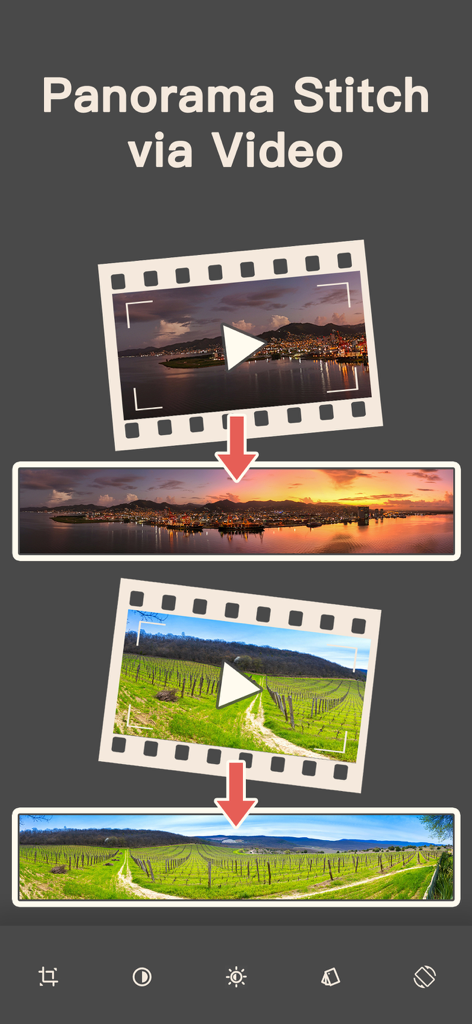
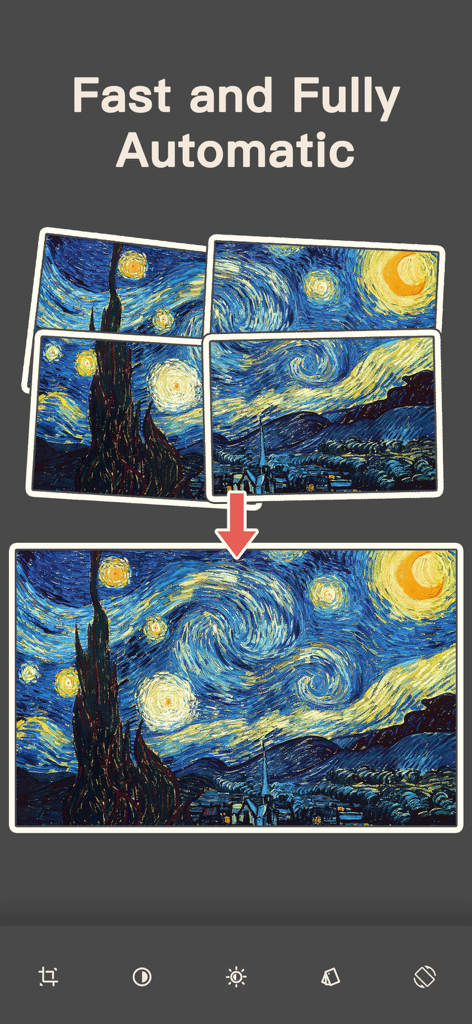
● Simple and convenient: shoot directly through this App without frequently switching system cameras; or directly select the photos to be stitched, and you can stitch them quickly to 360° panorama with one click
● High resolution: panoramic photos with original resolution can be output without any compression
● Free use: no forced automatic cropping, retain the original panoramic photos after stitching, and let the user decide how to use them, reducing the inconvenience caused by incorrect cropping
● Widely used: perfect for remote adventures, landscape, architecture, oil painting, murals, large posters, newspapers, maps, aerial photography, astronomical photography, satellite photos, remote sensing, scanning, microscopic photography, macro, screenshots, etc.
● Local processing: The entire process of photo stitching is completed in your mobile phone, without relying on any server capabilities, so there is no need to worry about any personal privacy leakage
2. The system already has a panoramic photo function, why should I use this application?
The panoramic photo function provided by the system only provides one-way expansion in the horizontal or vertical direction, while our App provides completely unrestricted panoramic photo shooting capabilities. You can expand the content you want to shoot in both the horizontal and vertical directions, and achieve ultra-wide space shooting that the system cannot provide at all.
At the same time, it is more tolerant in use. The panoramic photo function of the system requires the stability of the mobile phone during shooting, while our App only needs to ensure the overlap of the shooting content, which can greatly improve the success rate of your panoramic photo shooting.
Or, if you need to splice any other source of photos or pictures that already have been taken, such as making long screenshots, you can only use our App.
3. Principle
Through machine vision, AI, image comparison, object recognition and other technologies, compare the received photos, determine the overlapping relationship between the photos, determine the final position of each photo in the final panoramic photo, and then splice all the photos into the final panoramic photo according to the positioning.
After the splicing is completed, determine the unified exposure parameters according to the content of the synthesized photos, adjust the light and shadow of the whole picture, and eliminate the light and shadow differences caused by inconsistent exposure of different photos.
Finally, according to the content of the synthesized photo, the distortion is repaired to obtain the final, uncropped panoramic photo.
We hope you like our application and use it to take satisfactory and memorable panoramic photos. If you are satisfied with our App, please share our application with your friends and family.
Please provide us with your valuable feedback, ratings and comments. Your opinions are very important to us. We appreciate your feedback and will use it to evaluate changes and improve our application.
Thank you!
Terms of Use:
https://www.apple.com/legal/internet-services/itunes/dev/stdeula/
Privacy Policy:
https://photo-stitcher.com/privacy/
More:
https://photo-stitcher.com/
최신 버전
3.5.0
크기
32.2 MB
출시일
2024년 9월 29일
일반적인 파노라마에 만족하지 마세요
AI 기반 스티칭의 모든 기능을 활용하세요. 오늘 기기에서 고해상도, 다방향 자유 및 완전한 개인 정보 보호를 경험하세요.
App information, icons, screenshots, and descriptions displayed on this page are sourced from the Apple App Store and are the property of their respective developers. Download estimates and rankings are based on MWM's proprietary models and may not reflect actual figures. This page is provided for informational and analytical purposes only.
Believe this page infringes your intellectual property? File a dispute