Passport Photo maker :ID Photo

Passport Photo maker :ID Photo


다운로드: App Store
로고: Passport Photo maker :ID Photo

여권 사진 제작기:ID 사진 – 주머니 속 전문가 스튜디오

약국 줄을 건너뛰고 최고의 모습을 연출하세요. 30초 만에 200개국 이상을 위한 정부 규정을 준수하고 AI로 보정된 여권 및 비자 사진을 만드세요.

다운로드: App Store

개발사

Ilamaster Co.,ltd

카테고리

Photo & Video

다운로드

18K+

사용자 평점

4.7/5

총 평가 수

200

지원 언어

23

완벽한 결과

이 인터페이스를 사용하는 18K+ 명의 사용자.

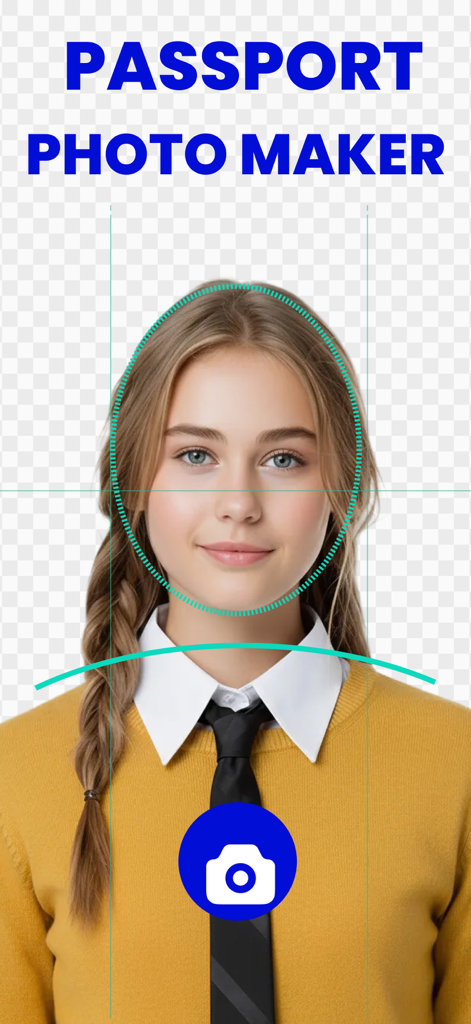
여성 사용자가 여권 사진 제작기 앱을 사용하여 정렬 가이드와 카메라 버튼으로 전문가 수준의 ID 사진을 찍는 모습

여성 사용자가 여권 사진 제작기 앱을 사용하여 정렬 가이드와 카메라 버튼으로 전문가 수준의 ID 사진을 찍는 모습

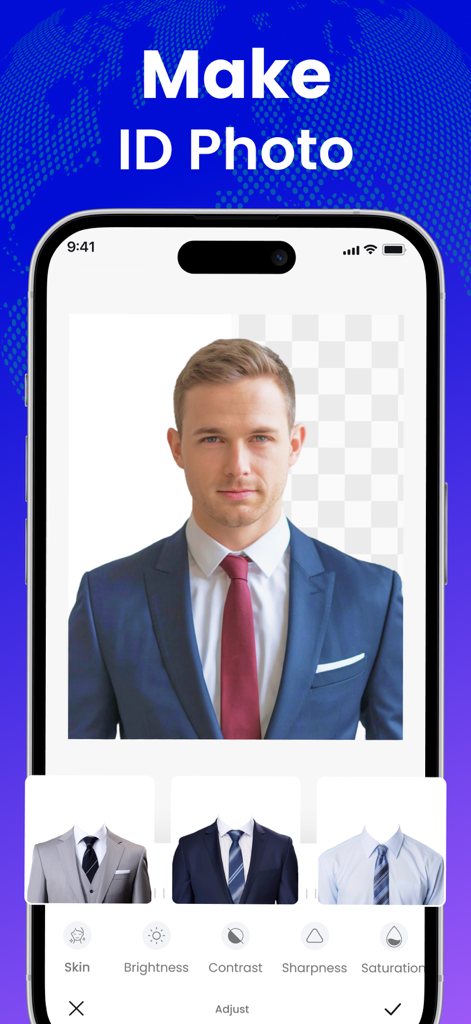
배경 제거 및 정장 선택 옵션이 있는 ID 사진 제작용 모바일 앱 인터페이스

배경 제거 및 정장 선택 옵션이 있는 ID 사진 제작용 모바일 앱 인터페이스

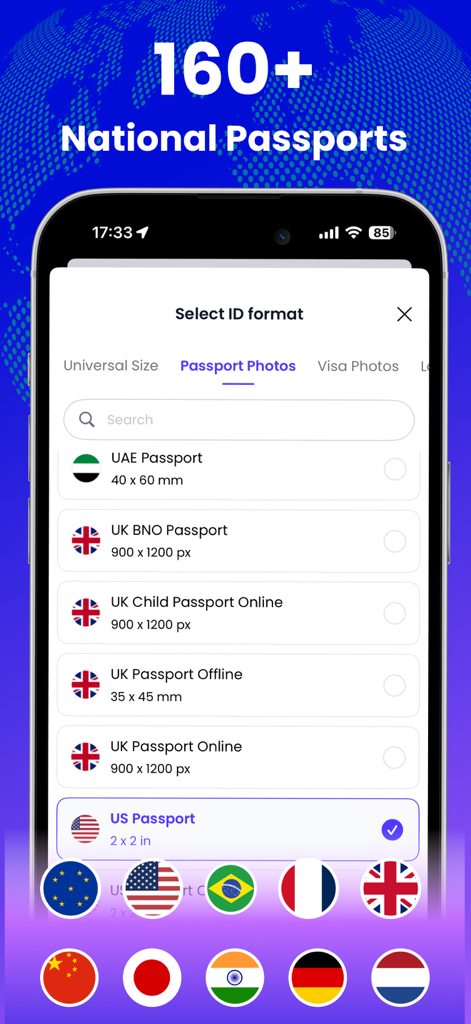
미국 및 영국을 포함한 160개국 이상의 여권 사진 형식 선택을 위한 모바일 인터페이스

미국 및 영국을 포함한 160개국 이상의 여권 사진 형식 선택을 위한 모바일 인터페이스

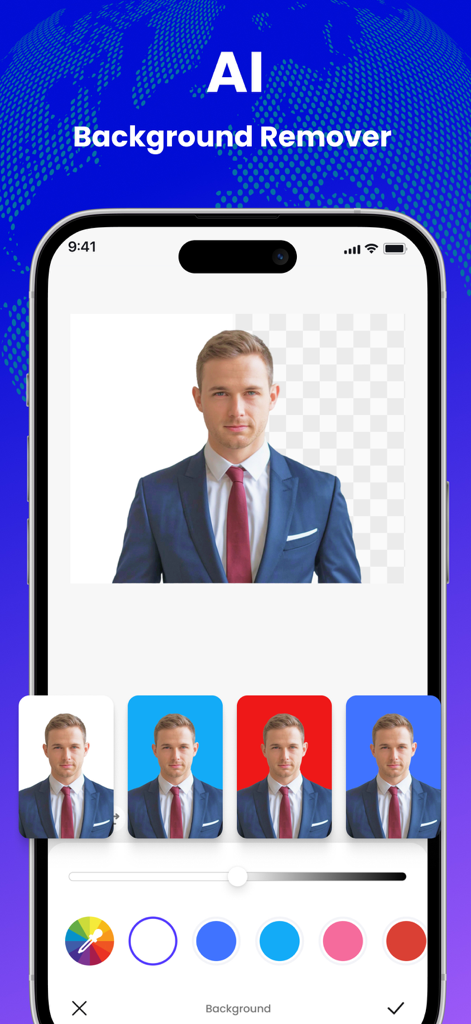
흰색, 파란색, 빨간색 배경 옵션이 있는 여권 사진용 AI 배경 제거 기능을 보여주는 모바일 인터페이스.

흰색, 파란색, 빨간색 배경 옵션이 있는 여권 사진용 AI 배경 제거 기능을 보여주는 모바일 인터페이스.

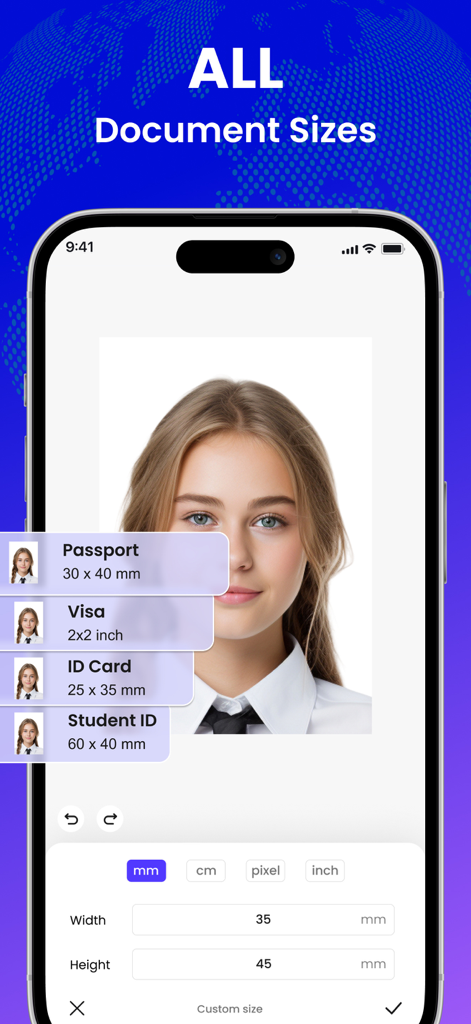
세로 사진에 대한 여권, 비자 및 ID 카드 크기 옵션을 보여주는 모바일 앱 인터페이스

세로 사진에 대한 여권, 비자 및 ID 카드 크기 옵션을 보여주는 모바일 앱 인터페이스

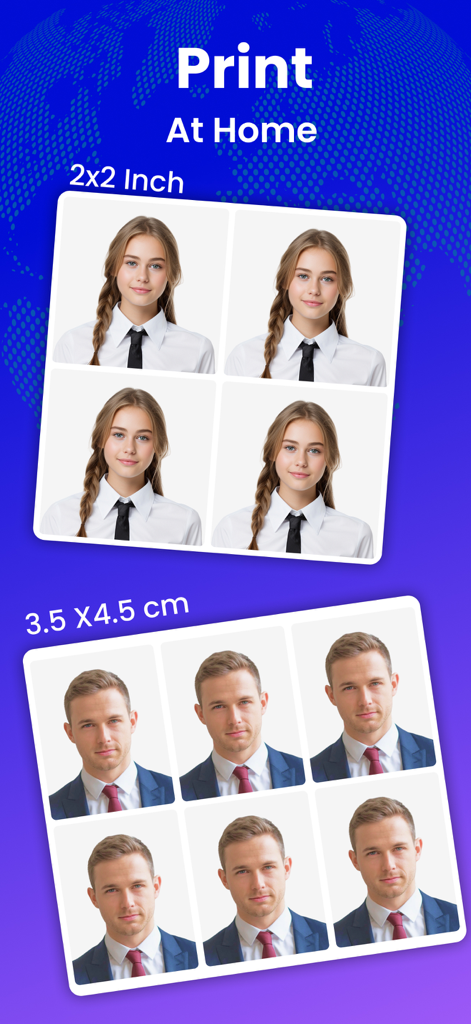
가정용 인쇄를 위한 2x2인치 및 3.5x4.5cm 크기의 여권 및 ID 사진 예시.

가정용 인쇄를 위한 2x2인치 및 3.5x4.5cm 크기의 여권 및 ID 사진 예시.

주머니 속 전문가 스튜디오

이 앱을 돋보이게 하는 도구, 18K+ 명의 사용자가 선택.

10년 동안 최고의 모습 유지

사진 부스의 강한 조명을 피하세요. 스마트 AI가 피부를 자연스럽게 보정하고 얼굴을 밝게 하여 자랑스럽게 보여줄 사진을 만들어 드립니다.

전 세계 규정 준수 보장

신청 거부에 대해 다시는 걱정하지 마세요. AI가 미국 여권, 비자 및 전 세계 ID에 대한 배경 제거 및 정확한 자르기를 자동으로 처리합니다.

30초 만에 준비 완료

이동 시간과 기다림을 잊으세요. 집이나 사무실에서 즉시 고해상도, 인쇄 준비 완료 사진을 촬영, 편집 및 내보내세요.

앱 소개

에 대해 알아야 할 모든 것 Passport Photo maker :ID Photo.

설명

Create Passport & ID Photos Instantly! IDPhoto lets you take, edit, and create ID, Passport, and Visa photos right on your phone. No photo studio needed — just a few taps for a perfect, professional photo ready to print. Key Features • Fast ID & Passport Photo Creation: AI automatically detects your face, removes background, and crops to exact standards. • Smart AI Retouch & Background Removal: Brighten face, smooth skin, and switch background colors — white, blue, or red — with one tap. • Supports 200+ Countries: Generate compliant photos for Passports, Visas, ID cards, and Student IDs worldwide. • Flexible Sizes: Supports all standard formats — 2x2 inch, 3x4 cm, 4x6 cm, or custom sizes. • High-Resolution Output: Save HD-quality images for instant printing or online submission. Why Choose IDPhoto • Fast – ready in 30 seconds • Convenient – no need to visit a photo shop • Accurate – meets global photo standards • Natural – light touch-up, realistic results Upgrade to PRO: • IDPHOTO subscription is billed according to the selected plan. Payment will be charged to your iTunes Account at the time of purchase confirmation. Subscriptions automatically renew unless auto-renew is turned off at least 24 hours before the end of the current period. • You can manage your subscription and turn off auto-renewal at any time in your Account Settings after purchase. If you encounter any bugs, have questions, feature requests, or other suggestions, please let us know. Thank you! For more information, please visit: https://ilamaster.com/terms https://ilamaster.com/privacy

최신 버전

1.1.3

크기

122.3 MB

출시일

2025년 11월 21일

약국 줄을 건너뛰세요. 지금 완벽한 ID 사진을 만드세요.

수천 명의 여행객과 함께 AI를 사용하여 30초 만에 200개국 이상을 위한 고해상도, 정부 규정 준수 사진을 받으세요. 최고의 모습을 연출하고 시간을 절약하세요.

다운로드: App Store

App information, icons, screenshots, and descriptions displayed on this page are sourced from the Apple App Store and are the property of their respective developers. Download estimates and rankings are based on MWM's proprietary models and may not reflect actual figures. This page is provided for informational and analytical purposes only.

Believe this page infringes your intellectual property? File a dispute