Passwords & Passkeys-Safe

Passwords & Passkeys-Safe


다운로드: App Store다운로드: Google Play
로고: Passwords & Passkeys-Safe
SafeInCloud: 진정으로 소유하는 올인원 비밀번호 관리자

군사 등급 암호화와 내장된 2FA로 디지털 보안을 통제하세요. 구독료나 독점 클라우드 없이, 당신의 데이터를 당신의 방식으로 동기화하세요.

다운로드: App Store

개발사

SAFEINCLOUD SAS

카테고리

Productivity

다운로드

237K+

사용자 평점

4.7/5

총 평가 수

4K+

지원 언어

33

당신의 디지털 저장소, 시각화됨

이 인터페이스를 사용하는 237K+ 명의 사용자.

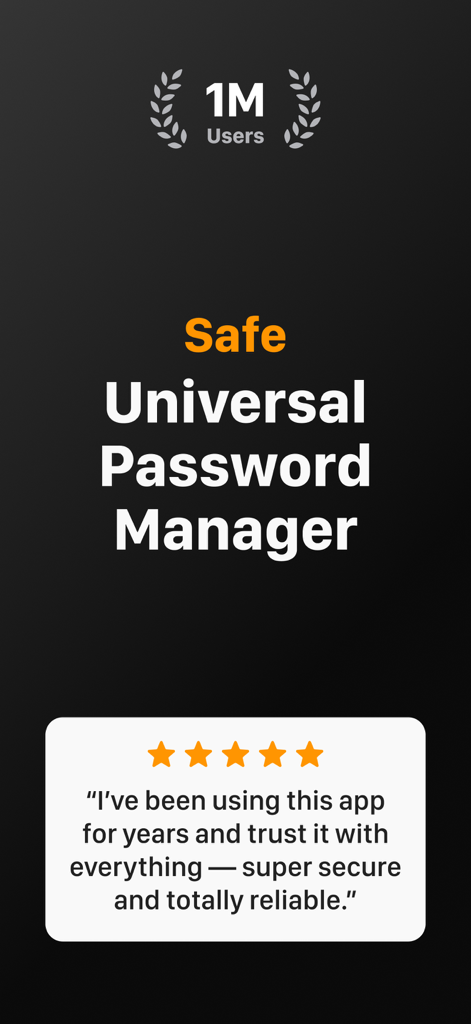
SafeInCloud 앱 스크린샷, 백만 명의 사용자 및 별 다섯 개 사용자 리뷰 표시

SafeInCloud 앱 스크린샷, 백만 명의 사용자 및 별 다섯 개 사용자 리뷰 표시

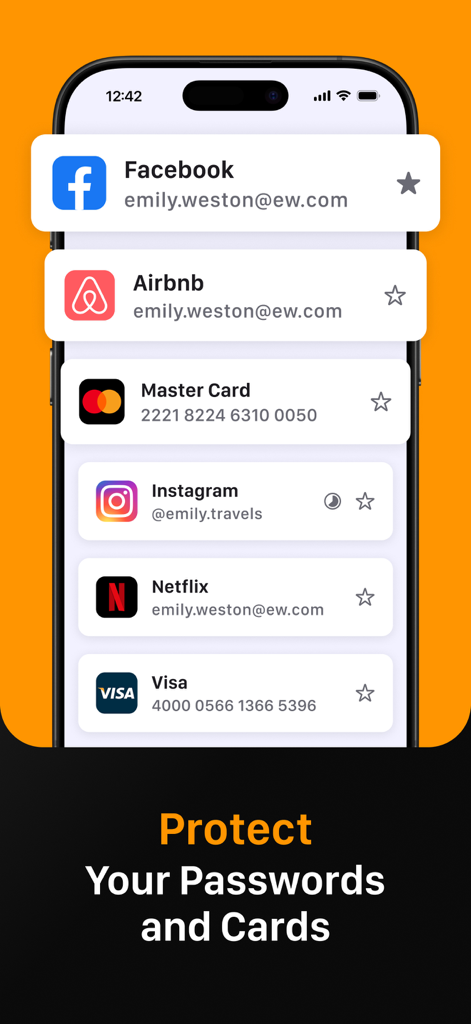
스마트폰 화면, SafeInCloud 앱이 Facebook, Instagram 및 신용카드 정보에 대한 안전한 로그인 관리 표시

스마트폰 화면, SafeInCloud 앱이 Facebook, Instagram 및 신용카드 정보에 대한 안전한 로그인 관리 표시

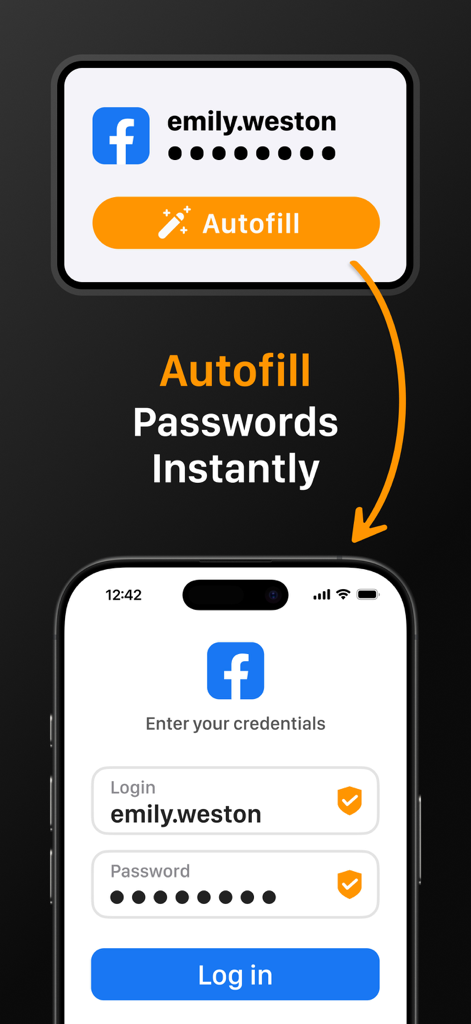
SafeInCloud 앱, 모바일 장치 로그인 화면에서 비밀번호 자동 완성 기능 시연

SafeInCloud 앱, 모바일 장치 로그인 화면에서 비밀번호 자동 완성 기능 시연

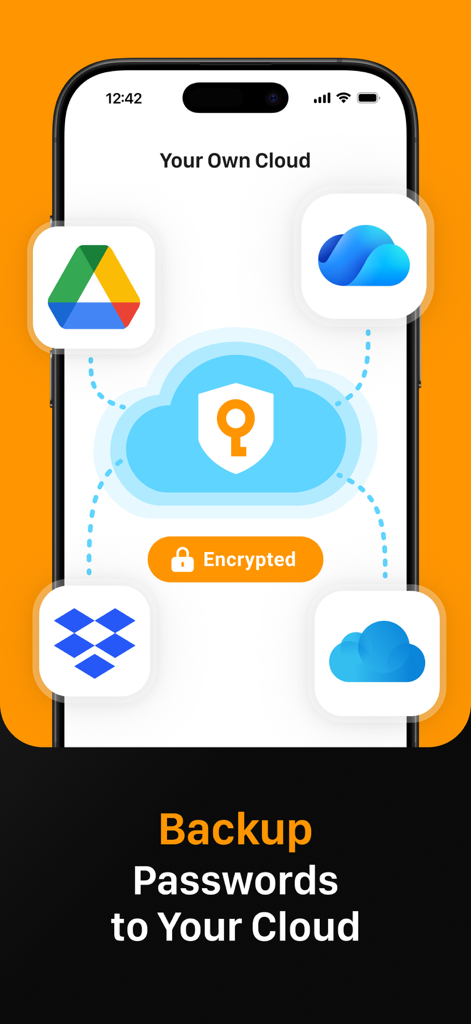
SafeInCloud 앱 인터페이스, Google Drive 및 Dropbox와 같은 개인 클라우드 서비스와의 비밀번호 백업 및 동기화 표시

SafeInCloud 앱 인터페이스, Google Drive 및 Dropbox와 같은 개인 클라우드 서비스와의 비밀번호 백업 및 동기화 표시

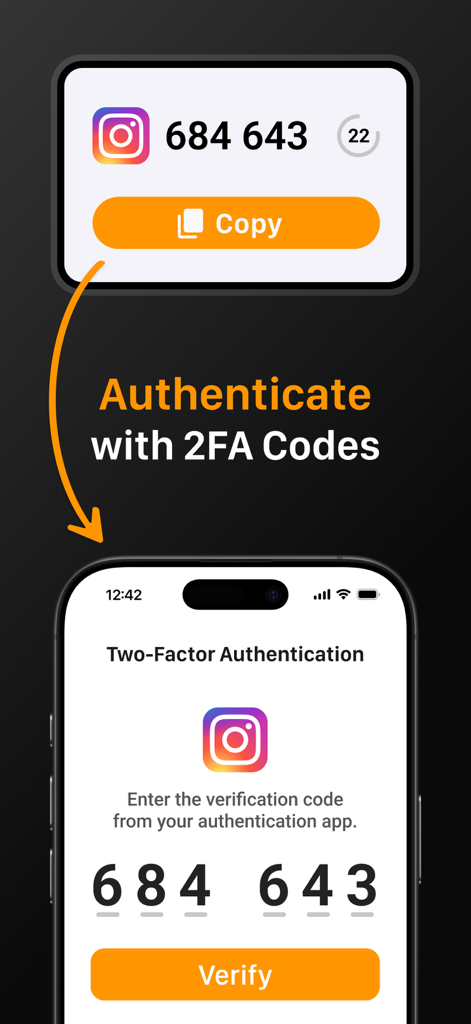
SafeInCloud 인터페이스, Instagram 계정에 대한 2FA 코드로 인증하는 방법 표시

SafeInCloud 인터페이스, Instagram 계정에 대한 2FA 코드로 인증하는 방법 표시

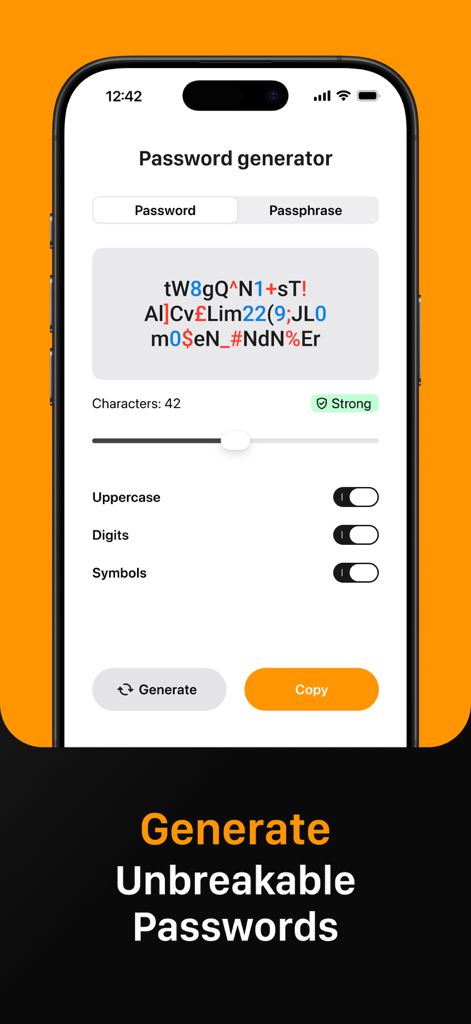
SafeInCloud 앱 인터페이스, 강력하고 깨지지 않는 비밀번호를 생성하기 위한 비밀번호 생성기 기능 표시

SafeInCloud 앱 인터페이스, 강력하고 깨지지 않는 비밀번호를 생성하기 위한 비밀번호 생성기 기능 표시

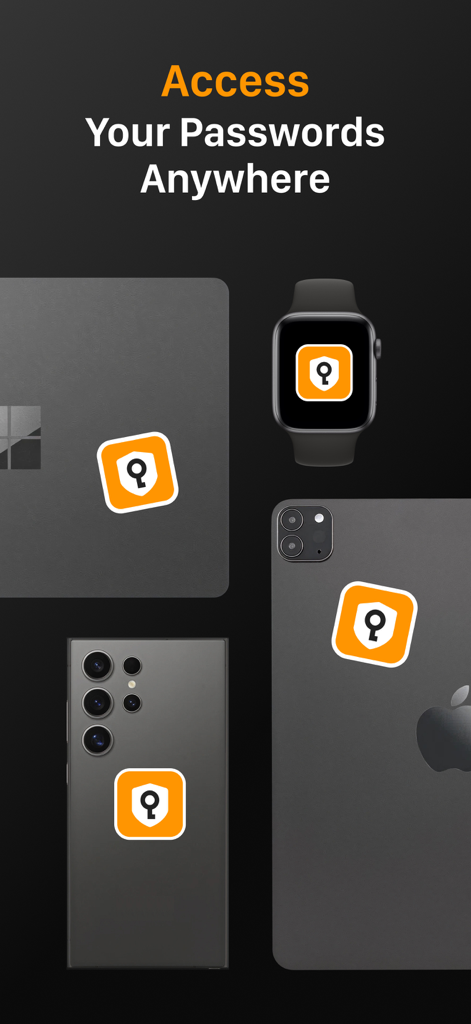
SafeInCloud 앱 아이콘, 노트북 스마트워치 및 스마트폰을 포함한 여러 장치에 표시되어 플랫폼 간 액세스 시연

SafeInCloud 앱 아이콘, 노트북 스마트워치 및 스마트폰을 포함한 여러 장치에 표시되어 플랫폼 간 액세스 시연

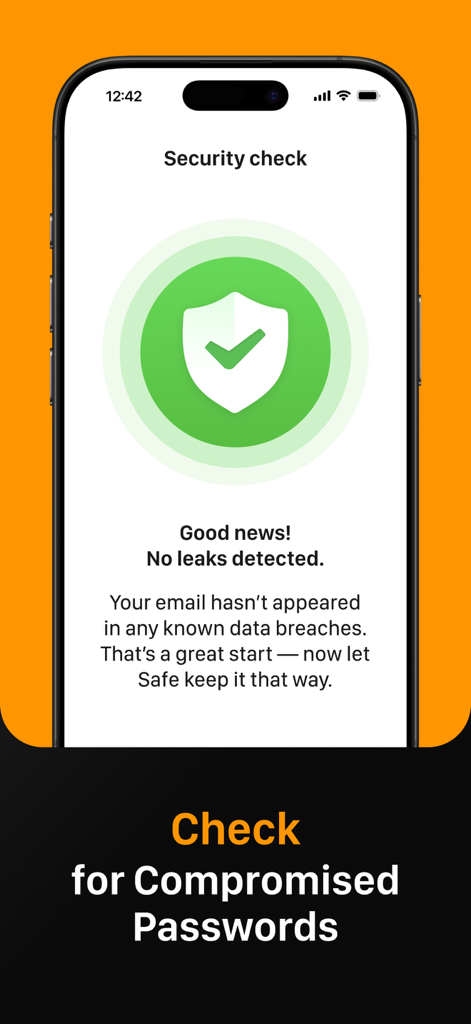
SafeInCloud 보안 검사 화면, 손상된 비밀번호에 대한 데이터 유출 없음 표시

SafeInCloud 보안 검사 화면, 손상된 비밀번호에 대한 데이터 유출 없음 표시

당신의 방식을 따른 당신의 세상을 보호하세요

이 앱을 돋보이게 하는 도구, 237K+ 명의 사용자가 선택.

☁️

완벽한 데이터 주권

타사 서버 대신 iCloud, Google Drive 또는 Dropbox와 같은 자체 클라우드 계정을 통해 암호화된 저장소를 동기화하여 통제권을 유지하세요.

🔐

내장된 2FA 인증기

별도의 인증 앱이 필요 없이 일회용 코드를 생성하는 통합 인증기로 워크플로우를 단순화하세요.

원활한 플랫폼 간 액세스

무료 데스크톱 컴패니언과 함께 iPhone, iPad, Mac 및 Windows PC 전반에서 Face ID, Touch ID 및 시스템 전체 자동 완성 기능으로 즉시 로그인하세요.

앱 소개

에 대해 알아야 할 모든 것 Passwords & Passkeys-Safe.

설명

SafeInCloud Password Manager allows you to keep your logins, passwords, and other private info safe and secure in an encrypted database. You can synchronise your data with another phone, tablet, Mac or PC via your own cloud account. SafeInCloud is not just a password keeper, but also a 2FA authenticator that generates one-time codes for any website. This means you won't need a separate 2FA authenticator app. ALL-IN-ONE PASSWORD MANAGER ◆ Easy to Use ◆ Strong Encryption (256-bit Advanced Encryption Standard) ◆ Cloud Synchronisation (iCloud, Google Drive, Dropbox, Microsoft OneDrive, NAS, WebDAV) ◆ Login with Touch ID & Face ID ◆ Multiple Databases ◆ Autofill Passwords in Apps ◆ Password Strength Analysis ◆ Password Generator ◆ 2FA Authenticator (MFA, TOTP, OTP) ◆ Check for Compromised Passwords ◆ Free Desktop App (Windows & Mac) ◆ Automatic Data Import ◆ Apple Watch App ◆ Cross Platform EASY TO USE Try it yourself and enjoy an easy-to-use yet powerful user interface. STRONG ENCRYPTION Your data is always encrypted on a device and in a cloud with a strong 256-bit Advanced Encryption Standard (AES). CLOUD SYNCHRONISATION Your database is automatically synchronised with your own cloud account. Thus you can easily restore your entire database from a cloud to a new phone or computer (in case of a loss or an upgrade). LOGIN WITH TOUCH ID & FACE ID You can instantly unlock SafeInCloud with a fingerprint on devices with Touch ID. You can also unlock SafeInCloud by face recognition using Face ID technology. AUTOFILL PASSWORDS IN APPS You can autofill login and password fields into any app on your phone directly from SafeInCloud. You don't need to copy and paste them manually. PASSWORD STRENGTH ANALYSIS SafeInCloud analyses your password strengths and shows a strength indicator next to each password. PASSWORD GENERATOR The password generator helps you generating random and secure passwords. There is also an option to generate memorable, but still strong passwords. 2FA AUTHENTICATOR SafeInCloud supports two factor authentication (2FA, MFA, TOTP, OTP), providing an additional layer of security without the need for a separate verification app like Microsoft authenticator. CHECK FOR COMPROMISED PASSWORDS Hundreds of millions of real world passwords have previously been exposed in data breaches. Safely and anonymously check your passwords for being compromised. FREE DESKTOP APP Download a free Desktop application for Windows or Mac OS from www. AUTOMATIC DATA IMPORT The Desktop application can automatically import your passwords from another password manager like 1password or LastPass. You don't need to manually reenter all your passwords. APPLE WATCH APP You can put some selected cards on your wrist to easily access them on the run. These could be your credit card PINs, door and locker codes. Terms of Use: https://www.apple.com/legal/internet-services/itunes/dev/stdeula/

최신 버전

26.1.9

크기

76.6 MB

출시일

2014년 10월 21일

오늘 당신의 보안을 완벽하게 통제하세요

구독료 대신 데이터 주권을 선택한 23만 7천 명 이상의 사용자와 함께하세요. 월별 수수료나 타협 없이, 자체 클라우드 계정으로 AES-256 암호화를 사용하여 비밀번호를 보호하세요.

다운로드: App Store다운로드: Google Play

App information, icons, screenshots, and descriptions displayed on this page are sourced from the Apple App Store and are the property of their respective developers. Download estimates and rankings are based on MWM's proprietary models and may not reflect actual figures. This page is provided for informational and analytical purposes only.

Believe this page infringes your intellectual property? File a dispute