PDF Converter: Docx to PDF

PDF Converter: Docx to PDF

다운로드: App Store
로고: PDF Converter: Docx to PDF

PDF 변환기: Docx를 PDF로 – 빠르고, 사적이며, 전문적인 문서 변환

단 한 번의 탭으로 Word, Excel 및 이미지를 고품질 PDF로 변환하세요. 이동 중인 학생 및 전문가를 위해 설계된 안전한 로컬 처리 및 일괄 변환 기능.

다운로드: App Store

개발사

辽远 孙

카테고리

Utilities

다운로드

20K+

사용자 평점

4.6/5

총 평가 수

100

지원 언어

3

한눈에 보는 효율성

이 인터페이스를 사용하는 20K+ 명의 사용자.

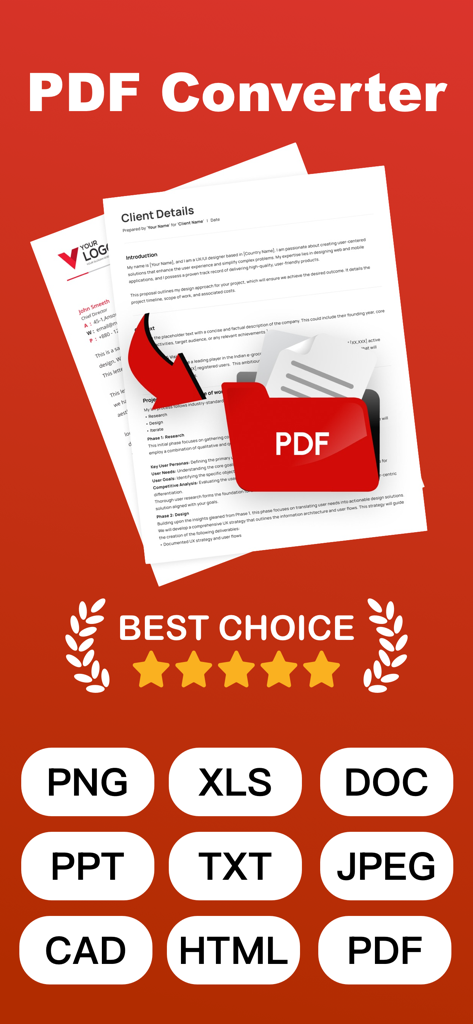
PDF 변환기 앱 인터페이스로 PNG XLS DOC 및 PPT를 포함한 다중 형식 지원 표시

PDF 변환기 앱 인터페이스로 PNG XLS DOC 및 PPT를 포함한 다중 형식 지원 표시

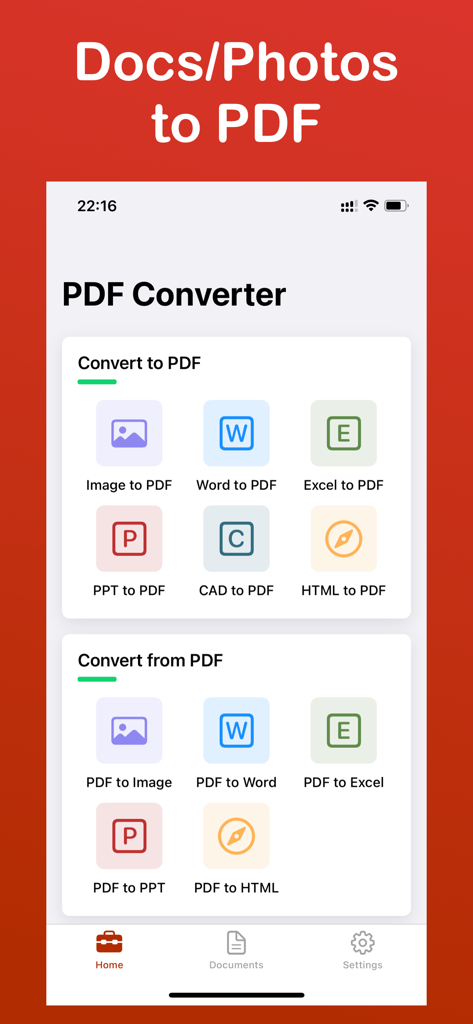
PDF 변환기 앱 홈 화면으로 이미지 및 오피스 문서 변환 도구 표시

PDF 변환기 앱 홈 화면으로 이미지 및 오피스 문서 변환 도구 표시

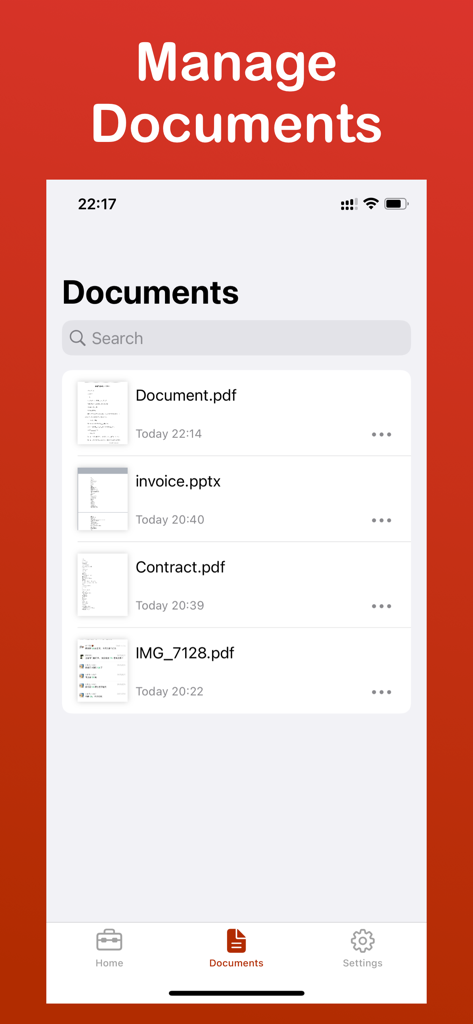
PDF 변환기 앱 문서 관리 화면으로 pdf 및 pptx와 같은 파일 목록 표시

PDF 변환기 앱 문서 관리 화면으로 pdf 및 pptx와 같은 파일 목록 표시

더 스마트한 문서 관리를 위한 강력한 도구

이 앱을 돋보이게 하는 도구, 20K+ 명의 사용자가 선택.

🔒

안전한 로컬 처리

데이터는 기기를 벗어나지 않습니다. 민감한 계약서 및 개인 문서를 완벽한 개인 정보 보호 및 선택적 암호화로 변환하세요.

원클릭 일괄 변환

단일 파일로 시간 낭비는 이제 그만. 수십 개의 문서, 스프레드시트 또는 이미지를 초당 동시에 PDF로 변환하세요.

픽셀 단위 정확도

원본 레이아웃과 서식을 유지하세요. Word, Excel, PPT 간 변환 시 단 하나의 세부 정보나 여백도 잃지 마세요.

앱 소개

에 대해 알아야 할 모든 것 PDF Converter: Docx to PDF.

설명

Efficient PDF Converter - One-click Conversion, Easy Management Introduction PDF Converter is a simple to use yet powerful tool that helps you quickly convert PDF files into multiple formats. Whether for work, study, or daily use, it will make your document processing more efficient! Key Features - Support for conversion between PDF and Word, Excel, PPT, images, and many other formats - Batch conversion to save time - Preserves original document layout and content - File encryption and decryption to protect privacy - Clean interface, convenient operation Use Cases - Document conversion needs for students, teachers, and professionals - Quickly convert scans and images into editable documents - Users who need to process PDF files in batch Why Choose Us? - Fast conversion with high accuracy - No ads, pure experience - Local processing, ensuring file security Download now and experience how PDF processing can be simpler and more efficient! This app includes an optional auto-renewable subscription (ImgConv Pro): ImgConv Pro beings with a free trial period, then an auto-renewable monthly subscription when trial ends. Payment will be charged to your Apple account at confirmation of purchase and will automatically renew (at the duration/price selected) unless auto-renew is turned off at least 24 hrs before the end of the current period. Account will be charged for renewal within 24-hours prior to the end of the current period. Current subscription may not be cancelled during the active subscription period; however, you can manage your subscription and/or turn off auto-renewal by visiting your Apple Account Settings after purchase. Any unused portion of the free initial period will be forfeited when you purchase a subscription. Terms of Service:http://simp.ly/p/wJsLBy Privacy Policy:https://docs.qq.com/doc/DRXBIWFh1ZnFLZE1h EULA:https://www.apple.com/legal/internet-services/itunes/dev/stdeula/ Contact us:support_pdf_conv@gmail.com

최신 버전

1.3.6

크기

9.7 MB

출시일

2025년 8월 24일

몇 초 만에 문서 마스터하기

번개처럼 빠른 변환을 위해 로컬 보안 처리를 신뢰하는 20,000명 이상의 전문가 및 학생들과 함께하세요. 오늘 궁극의 올인원 iOS용 PDF 도구를 다운로드하세요.

다운로드: App Store

App information, icons, screenshots, and descriptions displayed on this page are sourced from the Apple App Store and are the property of their respective developers. Download estimates and rankings are based on MWM's proprietary models and may not reflect actual figures. This page is provided for informational and analytical purposes only.

Believe this page infringes your intellectual property? File a dispute