PDF Converter: Word to PDF!

PDF Converter: Word to PDF!

다운로드: App Store
로고: PDF Converter: Word to PDF!

PDF 변환기: Word를 PDF로! 올인원 전문가 문서 허브

Word, Excel, 사진을 고품질 PDF로 즉시 변환하세요. 최고의 모바일 오피스 도구로 이동 중에 문서를 서명, 편집 및 공유하세요.

다운로드: App Store

개발사

Abaid Ullah Javeed Tariq Javeed

카테고리

Utilities

다운로드

36K+

사용자 평점

4.7/5

총 평가 수

200

지원 언어

27

주머니 속 오피스

이 인터페이스를 사용하는 36K+ 명의 사용자.

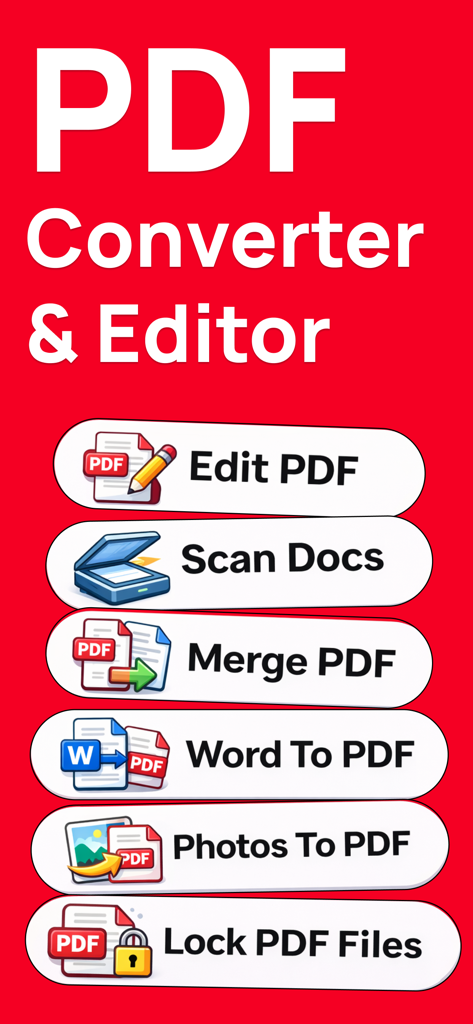
PDF 변환기 앱에 편집, 스캔, 병합, PDF로 변환과 같은 기능이 표시됨

PDF 변환기 앱에 편집, 스캔, 병합, PDF로 변환과 같은 기능이 표시됨

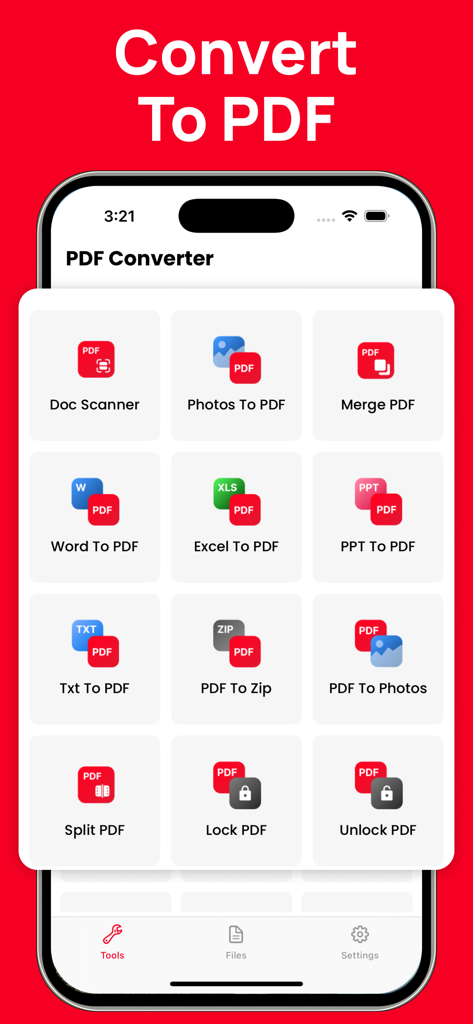
문서 스캐너, Word를 PDF로, PDF 병합을 포함한 다양한 PDF 도구를 보여주는 모바일 앱 화면

문서 스캐너, Word를 PDF로, PDF 병합을 포함한 다양한 PDF 도구를 보여주는 모바일 앱 화면

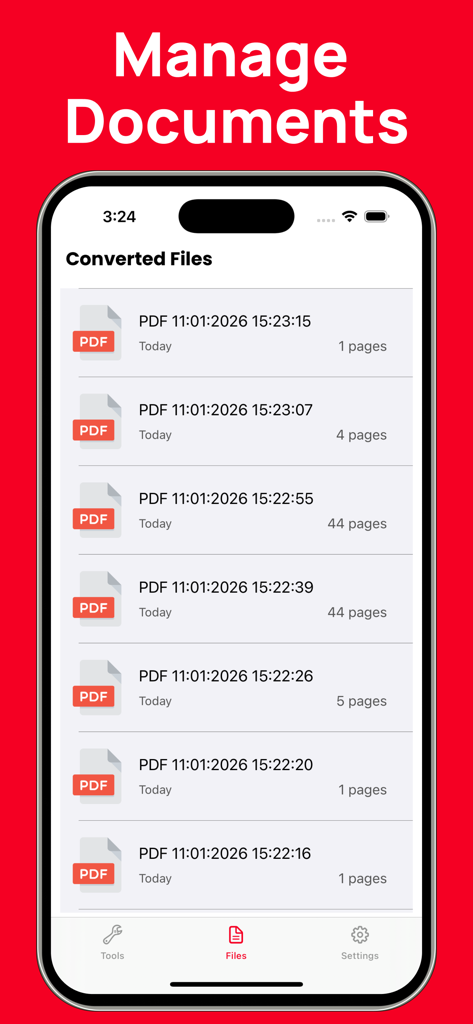
파일 관리자 섹션에서 변환된 PDF 문서 목록을 표시하는 모바일 앱 인터페이스

파일 관리자 섹션에서 변환된 PDF 문서 목록을 표시하는 모바일 앱 인터페이스

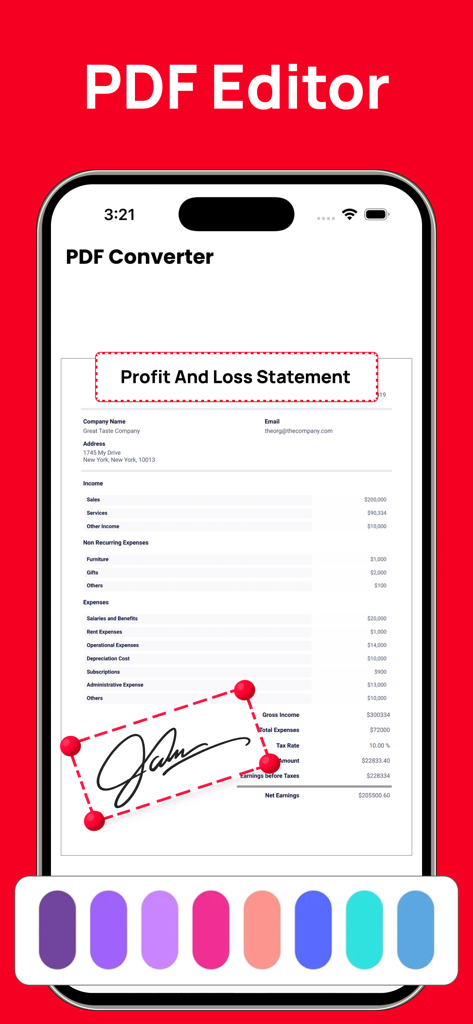
iPhone에서 손익 계산서에 전자 서명이 추가되는 것을 보여주는 PDF 편집기 인터페이스

iPhone에서 손익 계산서에 전자 서명이 추가되는 것을 보여주는 PDF 편집기 인터페이스

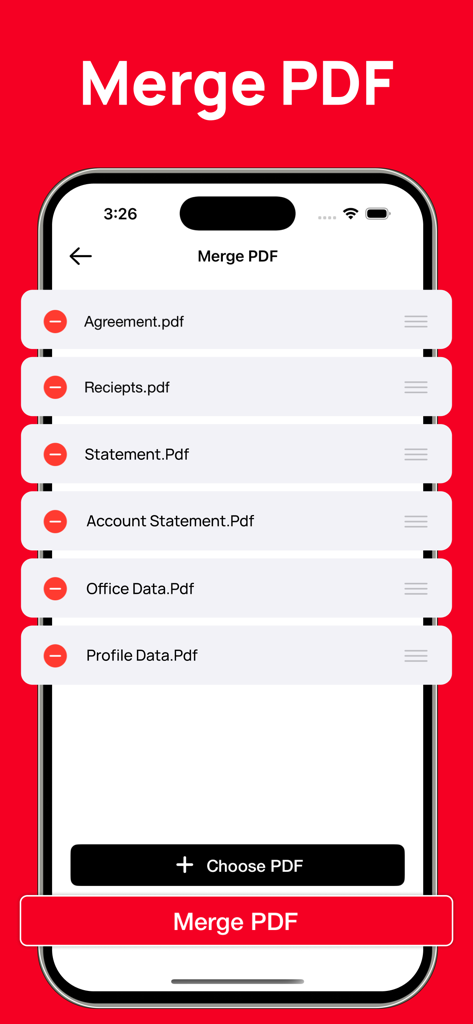
모바일 장치에서 여러 PDF 파일을 병합하는 방법을 보여주는 인터페이스

모바일 장치에서 여러 PDF 파일을 병합하는 방법을 보여주는 인터페이스

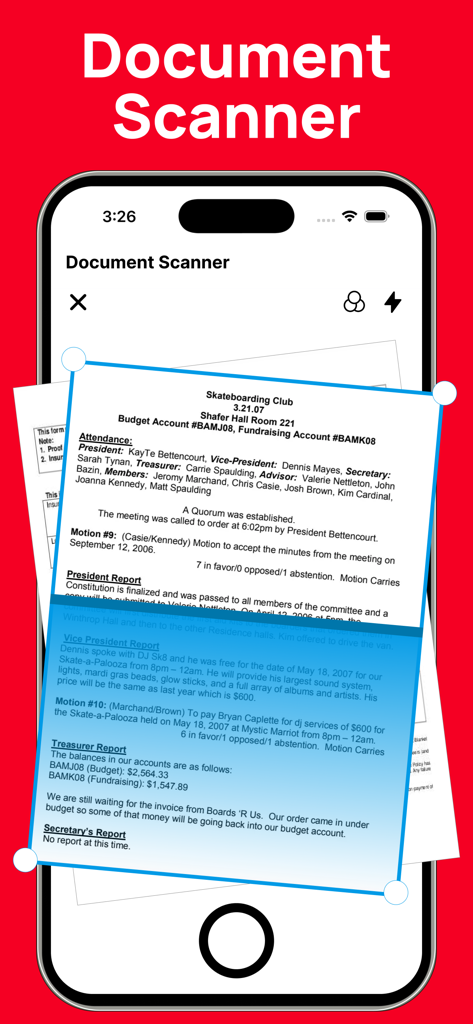
종이 파일을 PDF로 디지털화하는 문서 스캐너 도구를 보여주는 스마트폰 화면

종이 파일을 PDF로 디지털화하는 문서 스캐너 도구를 보여주는 스마트폰 화면

이동 중에도 문서를 마스터하세요

이 앱을 돋보이게 하는 도구, 36K+ 명의 사용자가 선택.

🔄

즉각적이고 완벽한 변환

레이아웃이나 품질 손실 없이 Word, Excel, PPT, 사진을 PDF로 변환하세요. 모든 기기에서 항상 문서가 완벽하게 보이도록 하세요.

✍️

몇 초 만에 서명 및 승인

프린터가 없으신가요? 문제없습니다. 계약서, 임대 계약서, 세금 양식에 손가락으로 직접 전문가 수준의 전자 서명을 추가하여 즉시 처리하세요.

📂

완벽한 PDF 툴박스

여러 영수증을 병합하거나, 대형 보고서를 분할하거나, 실제 서류를 디지털 파일로 스캔하세요. 주머니에서 비즈니스를 관리하는 데 필요한 모든 것을 갖추고 있습니다.

앱 소개

에 대해 알아야 할 모든 것 PDF Converter: Word to PDF!.

설명

PDF Converter & PDF Tools is a simple and powerful solution for creating, converting, and managing PDF documents. It makes it easy to convert files from Word, Excel, PowerPoint, images, and more into high-quality PDF format—all in one place. PDF Converter allows you to easily create professional-quality PDF files from a wide range of formats. You can convert documents such as Word (DOC, DOCX), PowerPoint (PPT, PPTX), Excel files, and images including JPG and photos into PDF with just a few taps. The app also lets you create PDFs directly from other apps, making it fast and convenient to save, share, or archive your documents. All conversions are processed with high accuracy to preserve the original layout, formatting, and content quality. With PDF Converter, you can quickly find, create, convert, scan, merge, split, edit, share, and save your PDF documents anytime, anywhere. Key Features PDF Converter - Create PDFs directly from other apps - Convert documents such as DOC, DOCX, PPT, PPTX, Word files, photos, JPG, and more into PDF - Fast and reliable conversion with high output quality PDF Editor - Open and read PDF documents easily - Edit PDFs with essential tools - Add electronic signatures to documents for quick approval and signing File Manager - Organize and manage your saved PDF files - Delete unwanted files or share documents with other devices and apps - Easy access to all your converted and saved PDFs If you have any questions, feedback, or suggestions, please contact us via our support email. We’re always happy to help. Subscription Information Payment will be charged to your iTunes account at the time of purchase confirmation. Subscriptions automatically renew unless auto-renewal is turned off at least 24 hours before the end of the current subscription period. Your account will be charged for renewal within 24 hours prior to the end of the current subscription period. The renewal cost will be the same as the original subscription price. You can manage your subscriptions and disable auto-renewal at any time by going to your Account Settings on the App Store after purchase. Privacy Policy: https://sites.google.com/view/watchfacesassist/privacy-policy Terms & Conditions: https://sites.google.com/view/watchfacesassist/terms-conditions

최신 버전

2.1

크기

16.4 MB

출시일

2021년 9월 20일

워크플로우를 간소화할 준비가 되셨나요?

수천 명의 전문가 및 학생들이 몇 초 만에 문서를 변환, 서명 및 관리합니다. 지금 iPhone 및 iPad에서 올인원 PDF 파워하우스를 사용해 보세요.

다운로드: App Store

App information, icons, screenshots, and descriptions displayed on this page are sourced from the Apple App Store and are the property of their respective developers. Download estimates and rankings are based on MWM's proprietary models and may not reflect actual figures. This page is provided for informational and analytical purposes only.

Believe this page infringes your intellectual property? File a dispute