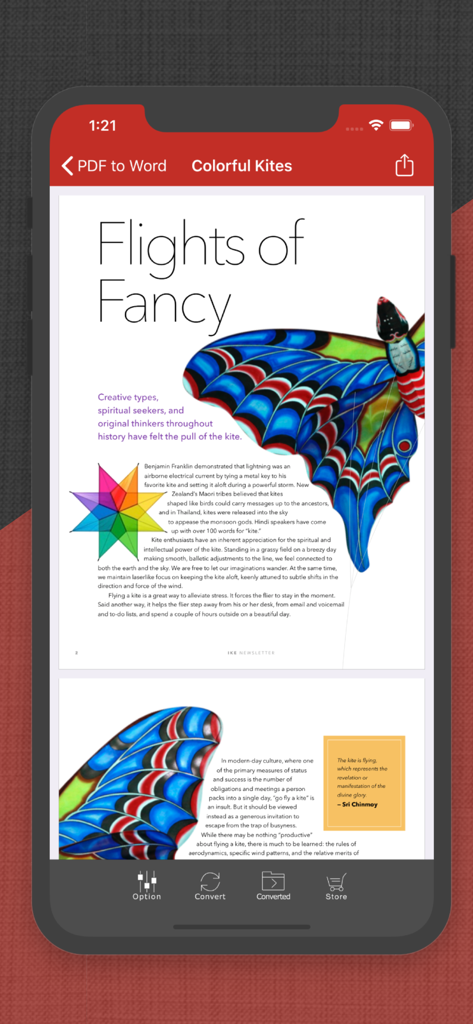
텍스트와 이미지가 있는 연에 관한 PDF 문서를 표시하는 iPhone의 PDF to Word 앱 인터페이스
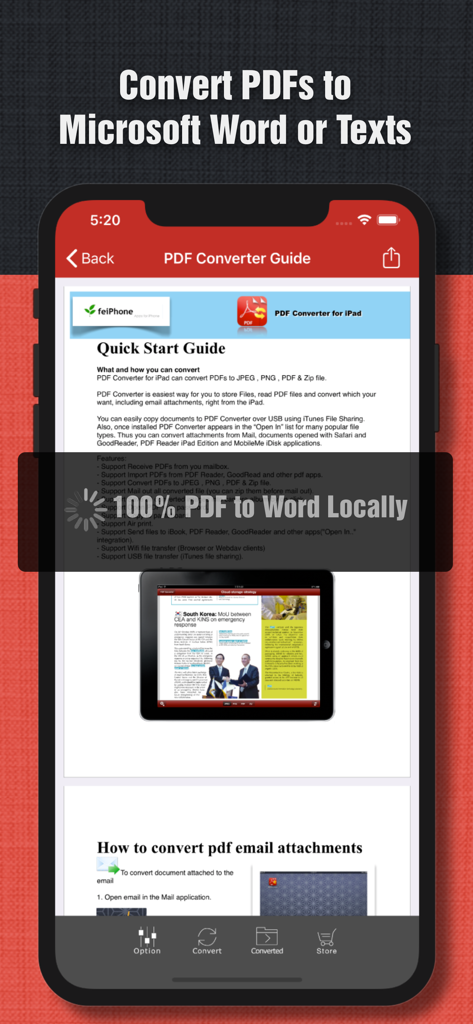
iPhone에서 로컬 문서 변환을 위한 빠른 시작 가이드를 보여주는 PDF to Word 앱의 PDF 화면
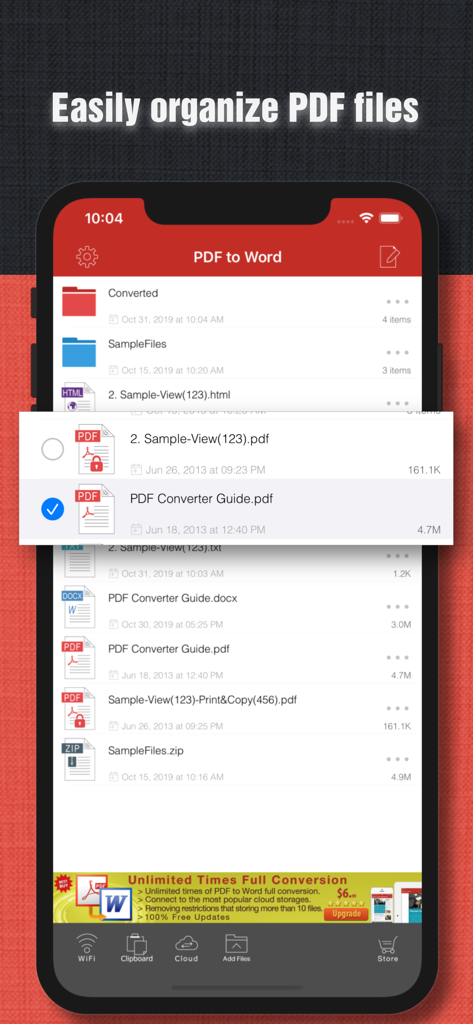
PDF to Word 앱에서 파일 구성 및 문서 목록을 보여주는 모바일 인터페이스
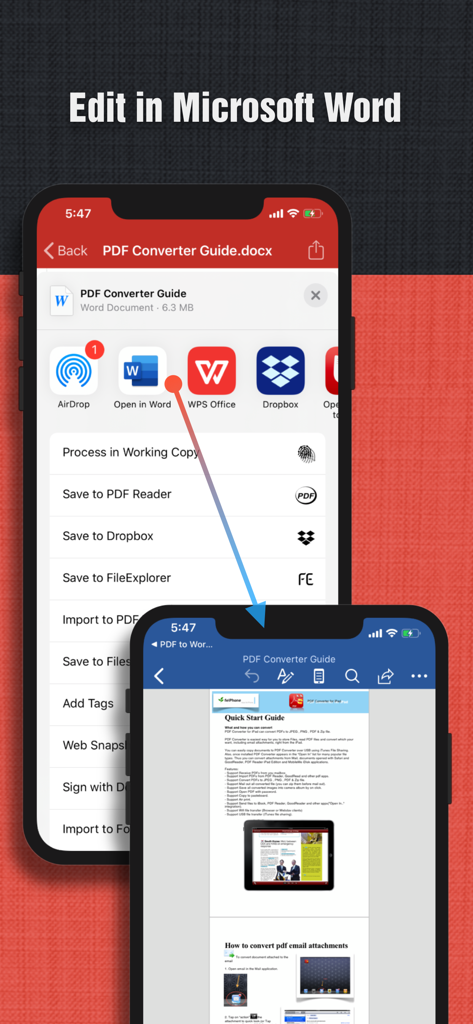
Microsoft Word에서 변환된 PDF 문서를 열고 편집하는 과정을 보여주는 iPhone 화면
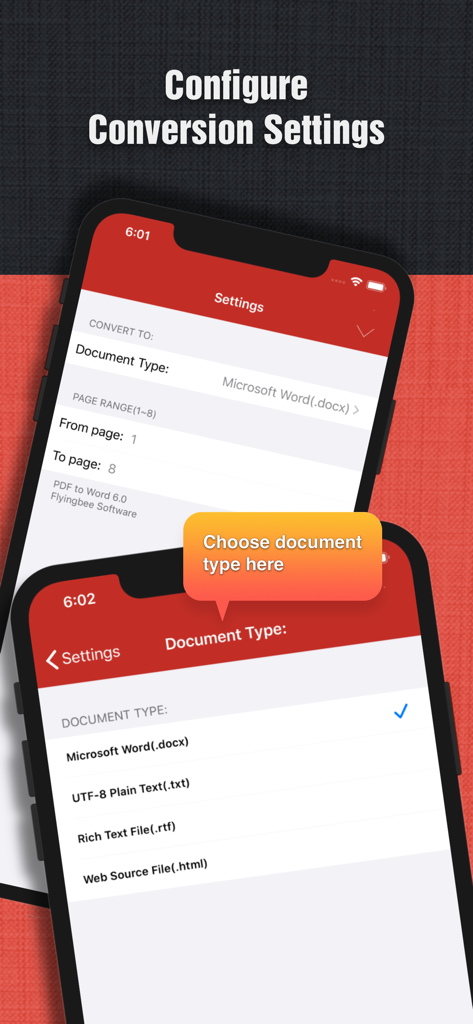
Word 및 일반 텍스트와 같은 문서 출력 형식을 선택하고 PDF 변환 설정을 구성하는 옵션을 보여주는 모바일 앱 인터페이스
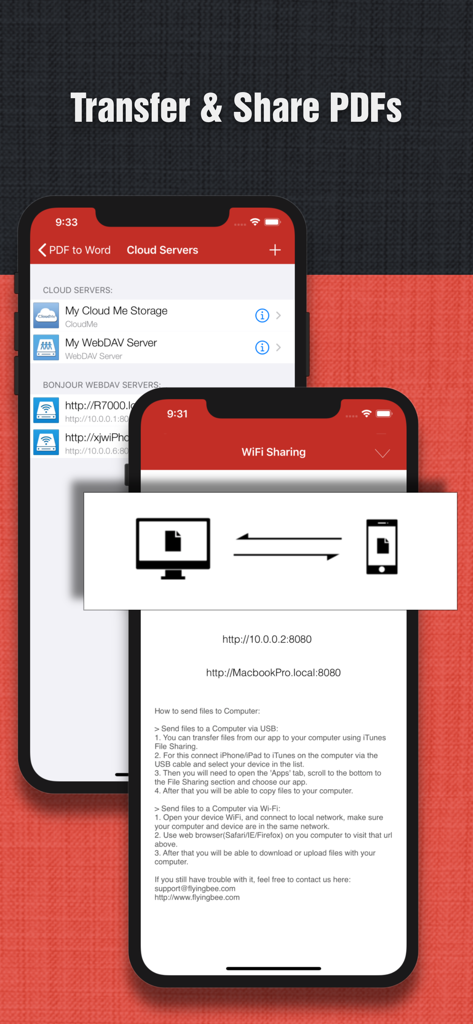
클라우드 저장소 통합 및 WiFi 파일 공유 기능을 보여주는 PDF to Word 앱 스크린샷
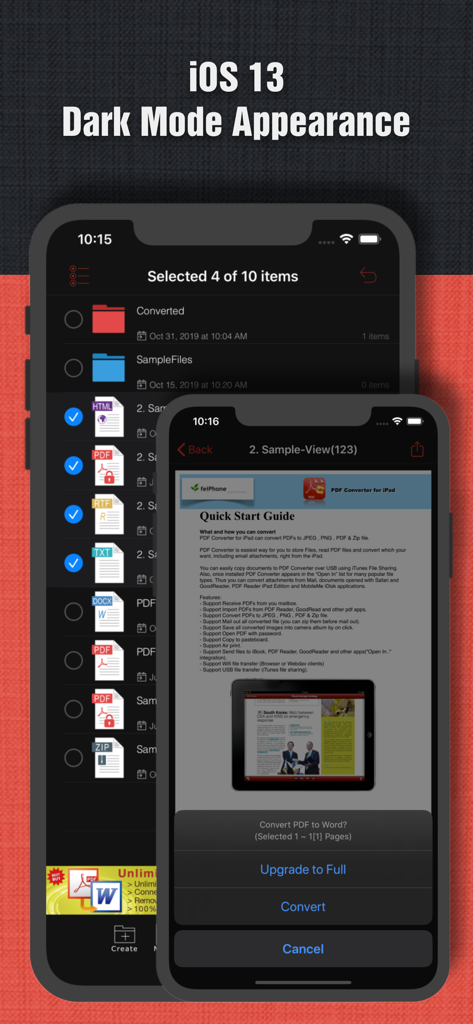
iOS 다크 모드에서 파일 관리 및 문서 변환 옵션을 표시하는 iPhone의 PDF to Word 앱 인터페이스
더 열심히가 아닌 더 스마트하게 일하기
이 앱을 돋보이게 하는 도구, 750K+ 명의 사용자가 선택.
🔐
안전한 오프라인 변환
문서는 기기를 벗어나지 않습니다. 인터넷 연결 없이 민감한 파일을 변환하여 완벽한 개인 정보 보호와 기업 보안을 유지합니다.
📄
흠잡을 데 없는 형식
모든 글꼴, 이미지, 테이블을 제자리에 유지하세요. 지저분한 수동 조정 없이 편집할 준비가 된 고품질 Office 문서를 받으세요.
🚀
고속 생산성
50페이지 PDF를 단 30초 만에 처리하세요. FTP, SMB 및 클라우드 저장소와 통합되어 모바일 전문가 워크플로우에 완벽하게 통합됩니다.
앱 소개
에 대해 알아야 할 모든 것 PDF to Word.
설명
PDF to Word is an utility designed to convert Adobe PDF document to Microsoft Office Word files(.docx), PDF to Word can keep the original content, layout and formatting for easier editing or reusing the content, support opened in popular mobile office editor app(such as: Microsoft Office Mobile, Polaris Office, Smart Office or QuickOffice).
No Internet Required, No Boring Waiting
Privacy-safe, Process 100% on your iPhone/iPad.
Several sample files have been included, you can test it right now!
Features:
• Initiative interface & simple workflow, easy to use.
• Easily import PDF, convert a 50 pages PDF to Word within 30 secs, Extremely fast!!
• Support convert PDF to Word(.docx), PowerPoint(.pptx), Excel(.xlsx), Image(JPEG, PNG, etc.), RTF(.rtf), Text(.txt) and HTML(.html) formats.
• Output well organized Word content, preserving content layout, the color, font style and images remain the same as the original pdf document, Very convenient tool.
• Convert any particular pages (e.g. 1, 3-8, 26 or all pages) to save your time.
• Save time on learning complicated Word editing knowledge;
• Save energy on skipping ads and annoying pop-up window ask for buying;
• Connect to online cloud storage support, include any FTP, SMB, WebDAV Server.
• Offer you 5 ways to transfer files(Files app, Open in.., iTunes USB file sharing, Wifi Sharing and Cloud Disk)
• Support Microsoft Office 2007, 2008, 2011 Word Application, not completely compatible with iWork Pages.
== Quick Start Guide ==
If your PDF file saved in Mail or other app:
1. Open Mail app, use "Open In.." to send PDF file to PDF to Word app.
2. Go to PDF to Word app, open the PDF file Which saved in Mail app.
3. Click "Convert" button to export PDF to Word files(.docx).
Key Features:
• Really attractive, super easy to use interface.
• Import PDF from Mail, Safari, PDF Reader, GoodReader, Dropbox and other apps.
• Build-in Text Editor let you view and edit text files.
• Mail out documents as email attachments or Send files to other apps("Open In.." integration).
• Share and Compress files to .zip file.
• File manager, rename, copy, move, delete and compress.
• Paste file(s) from clipboard (Add files from other app).
• Copy file to clipboard (Used for mail or other app).
• Wifi file transfer (Use Web Browser or WebDAV clients to Upload or Download files).
• USB file transfer (iTunes USB file sharing).
• Print PDF or Word to AirPrint-enable printers.
Notice: Currently PDF to Word version don't have OCR function, the scanned PDF files will be extracted to image in Word doc. However, we suggest you to use other professional OCR app to recognize editable text from image. (It only can convert 3 pages of PDF to word, you can buy our full version to support more features.)
Q&A: Why I get "Converting failed" error message when I extracting from a PDF file?
Do you have a PDF (Adobe Acrobat) file which cannot be printed, copied, or edited? Your PDF file has had password security and other restrictions added, you need remove restrictions.
== Legal Information ==
Duration and price of each subscription are displayed in PDF to Word storefront, updated at the time of purchase. Payment will be charged to iTunes account at confirmation of purchase. Subscriptions automatically renew unless auto-renew is turned off no later than 24 hours before the end of the current period. Subscriptions and auto-renewal can be managed/turned off in the iTunes account settings. Any unused portion of a free trial period is forfeited as soon as a subscription is purchased.
Terms of use & Privacy policy:
https://www.flyingbee.com/term-of-service/
https://www.flyingbee.com/privacy-policy/
최신 버전
8.8.5
크기
93.4 MB
출시일
2014년 2월 27일
더 스마트하고 빠르게 일할 준비가 되셨나요?
PDF를 편집 가능한 Word 문서로 100% 오프라인에서 안전하게 변환하세요. iPhone 및 iPad에서 레이아웃이 완벽한 고속 변환을 신뢰하는 750,000명 이상의 전문가와 함께하세요.
App information, icons, screenshots, and descriptions displayed on this page are sourced from the Apple App Store and are the property of their respective developers. Download estimates and rankings are based on MWM's proprietary models and may not reflect actual figures. This page is provided for informational and analytical purposes only.
Believe this page infringes your intellectual property? File a dispute