Photo Optimizer: Clean Storage

Photo Optimizer: Clean Storage


다운로드: App Store
로고: Photo Optimizer: Clean Storage

사진 최적화: 저장 공간 정리 — 모든 추억을 간직하고 불필요한 용량은 버리세요

스마트한 기기 내 압축으로 기기 저장 공간의 최대 90%를 되찾으세요. 품질 손실 없이 사진과 스크린샷의 용량을 줄이세요 — 클라우드 불필요, 100% 개인 정보 보호.

다운로드: App Store

개발사

Pin Traveler LLC

카테고리

Utilities

다운로드

3K+

사용자 평점

1.0/5

총 평가 수

0

지원 언어

1

더 가벼워진 라이브러리 엿보기

이 인터페이스를 사용하는 3K+ 명의 사용자.

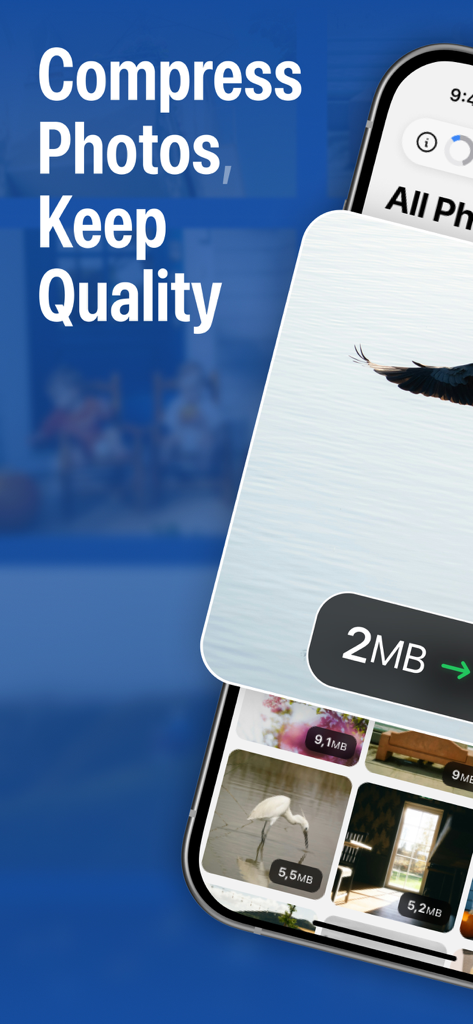
사진 최적화 앱 스크린샷으로, 품질을 유지하면서 사진을 압축하는 기능과 파일 크기 축소를 강조합니다.

사진 최적화 앱 스크린샷으로, 품질을 유지하면서 사진을 압축하는 기능과 파일 크기 축소를 강조합니다.

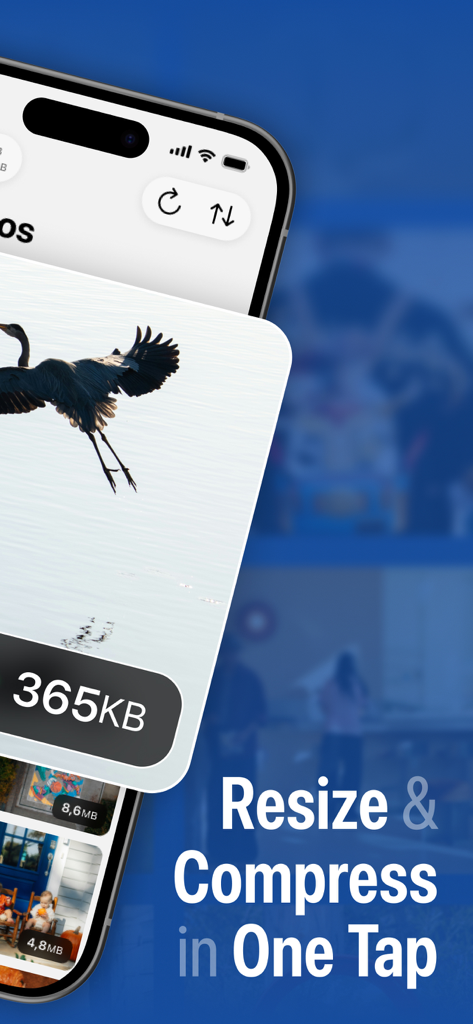
사진 최적화 앱 인터페이스로, 새 사진이 365KB로 압축되는 것을 보여주며 '크기 조정 및 압축 원탭'이라는 텍스트가 표시됩니다.

사진 최적화 앱 인터페이스로, 새 사진이 365KB로 압축되는 것을 보여주며 '크기 조정 및 압축 원탭'이라는 텍스트가 표시됩니다.

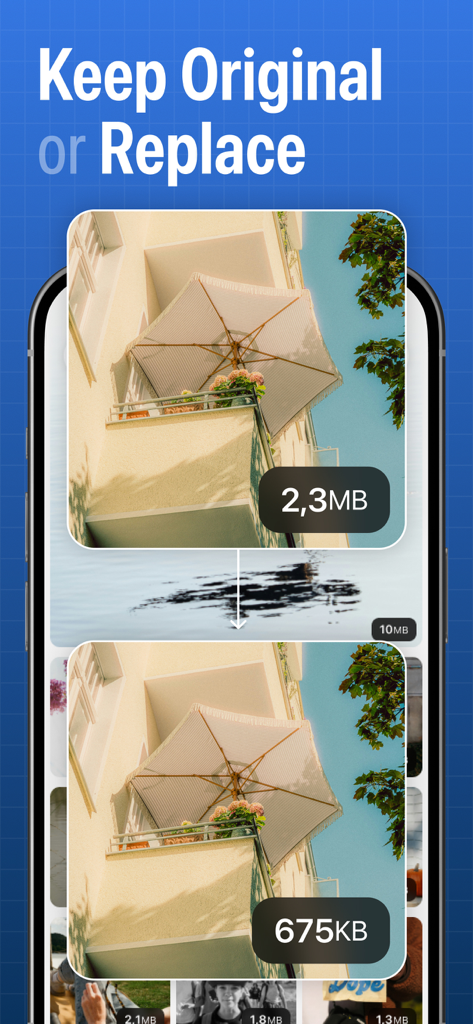
사진 최적화 앱을 사용하여 2.3MB에서 675KB로 축소된 사진을 나란히 비교한 모습

사진 최적화 앱을 사용하여 2.3MB에서 675KB로 축소된 사진을 나란히 비교한 모습

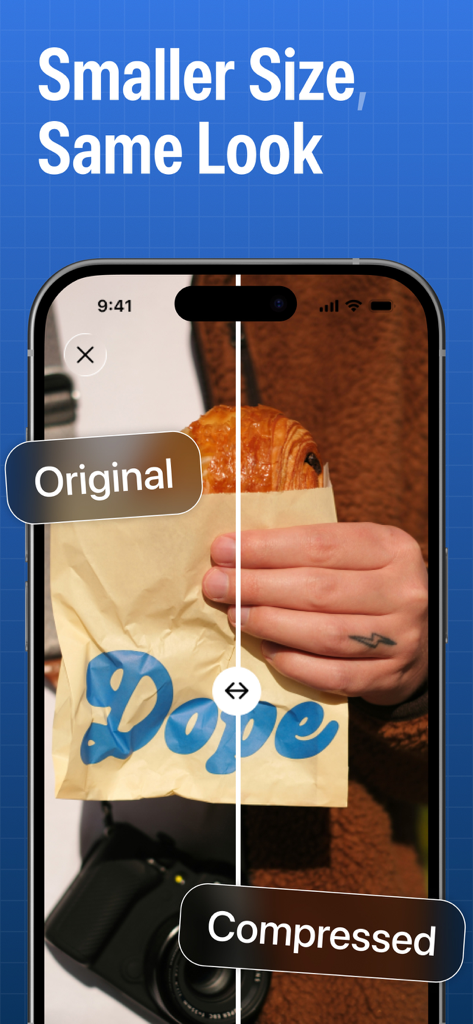
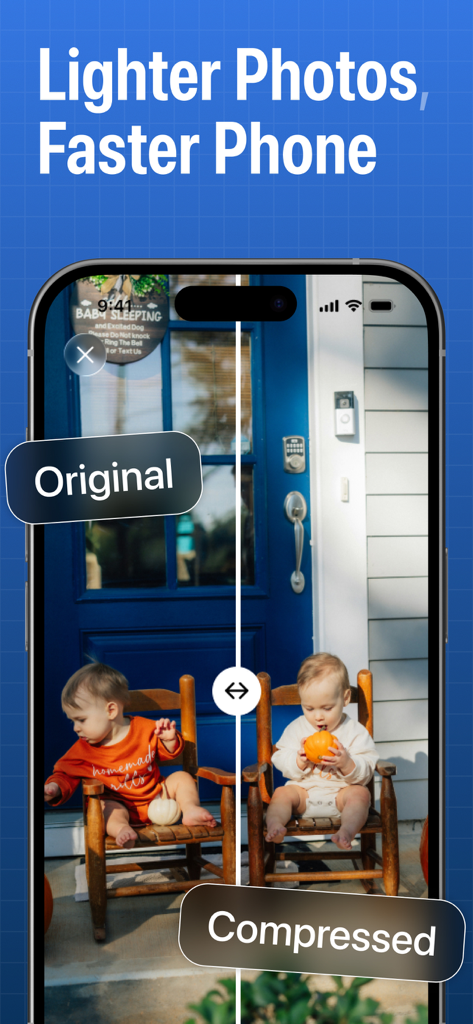
원본 사진과 압축 버전 사진을 나란히 비교하여 시각적 품질은 동일하게 유지하는 스마트폰 화면

원본 사진과 압축 버전 사진을 나란히 비교하여 시각적 품질은 동일하게 유지하는 스마트폰 화면

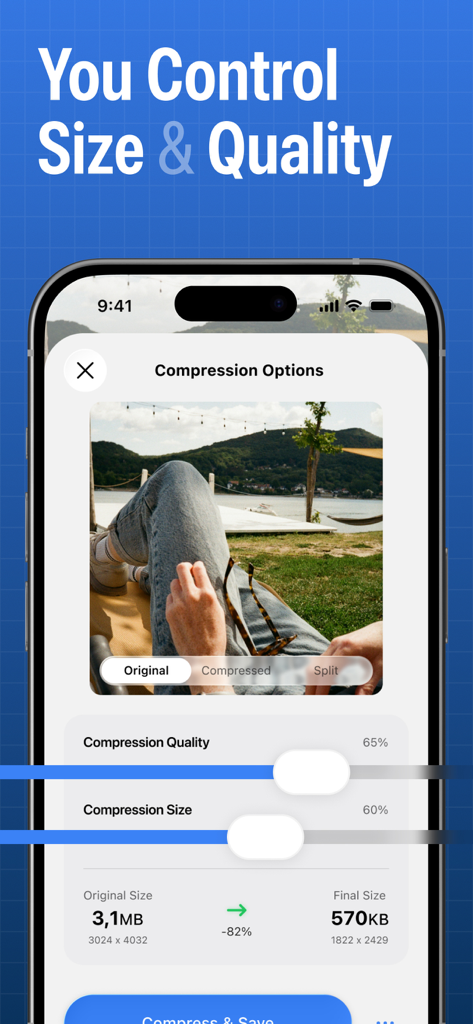
사진 압축 품질 및 크기를 조정하여 휴대폰 저장 공간을 절약하는 슬라이더를 보여주는 모바일 인터페이스

사진 압축 품질 및 크기를 조정하여 휴대폰 저장 공간을 절약하는 슬라이더를 보여주는 모바일 인터페이스

사진 최적화 앱에서 원본 사진과 압축된 사진을 나란히 비교한 모습

사진 최적화 앱에서 원본 사진과 압축된 사진을 나란히 비교한 모습

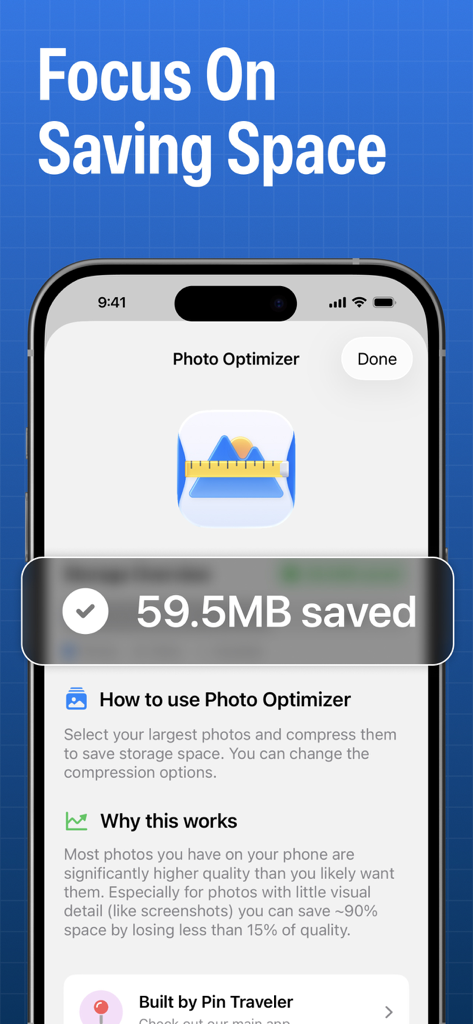
사진 최적화 앱이 표시되고 절약된 저장 공간을 나타내는 메시지가 표시되는 스마트폰 화면

사진 최적화 앱이 표시되고 절약된 저장 공간을 나타내는 메시지가 표시되는 스마트폰 화면

사진 한 장도 삭제하지 않고 저장 공간 확보

이 앱을 돋보이게 하는 도구, 3K+ 명의 사용자가 선택.

📉

90% 공간 절약

눈으로는 구별할 수 없는 가벼운 버전으로 거대한 이미지 파일을 지능적으로 압축합니다.

원탭 일괄 최적화

수천 장의 사진을 분류하느라 시간을 낭비하지 마세요. GB 단위 공간을 즉시 확보하기 위해 전체 앨범 또는 라이브러리 전체를 몇 초 안에 최적화하세요.

🔒

100% 개인 정보 보호 및 로컬

추억은 휴대폰을 떠나지 않습니다. 모든 최적화는 클라우드에 의존하지 않고 기기 내에서 이루어지므로 개인 정보가 항상 보호됩니다.

앱 소개

에 대해 알아야 할 모든 것 Photo Optimizer: Clean Storage.

설명

Too many photos eating up your storage? You’re not alone. Modern phones take incredible pictures… and shockingly huge files. Screenshots are ~2–3 MB each, everyday photos can be 5–20 MB, and before you know it, your device is “Storage Almost Full” — again. But deleting memories or banishing them to the cloud isn’t the solution. Photo Optimizer is. Photo Optimizer intelligently compresses your images while keeping them looking great. It’s not magic — it’s smart compression. Most images contain way more detail than your eyes — or your screen — can display. Why waste precious space storing invisible pixels? With Photo Optimizer, you can shrink photos to a fraction of their original size — often up to 90% smaller — while keeping them indistinguishable to the naked eye. Your screenshots, receipts, memes, chat exports, or repetitive shots don’t need ultra-high fidelity. You still get the image — just without the bloat. Perfect for: • Users running out of storage • People who don’t want to delete photos • Travelers taking thousands of pictures • Screenshot hoarders and photo collectors • Anyone who wants a lighter, faster photo library How it works: Just pick your images or albums, choose your quality preference, and Photo Optimizer safely compresses copies — leaving originals untouched unless you choose otherwise. You stay in control. Why Photo Optimizer? • Smart compression tailored for modern screens • Visually identical results for most photos • Batch optimize entire libraries • Free up GBs instantly • Keep photos local — no cloud dependency • Preserve privacy: everything happens on-device Some photos deserve every pixel of detail. Others — like screenshots of your email, tickets, PDFs, notes, or random memes — are just fine at one-tenth the size. Photo Optimizer helps you make that difference — effortlessly. Take back your storage. Keep your photos. Get Photo Optimizer and optimize smarter — not smaller. By the way, we're giving away lifetime memberships with access to all future features to all who join in our first two months!

최신 버전

2.1

크기

11.4 MB

출시일

2025년 12월 10일

추억 삭제는 그만 — 최적화 시작

오늘 저장 공간을 되찾고 3,000명 이상의 사용자와 함께 사진 한 장도 잃지 않고 GB 단위의 공간을 절약하세요. 지금 다운로드하여 기간 한정 혜택이 만료되기 전에 평생 멤버십을 받으세요!

다운로드: App Store

App information, icons, screenshots, and descriptions displayed on this page are sourced from the Apple App Store and are the property of their respective developers. Download estimates and rankings are based on MWM's proprietary models and may not reflect actual figures. This page is provided for informational and analytical purposes only.

Believe this page infringes your intellectual property? File a dispute