PicTool -Photo & Image Toolbox

PicTool -Photo & Image Toolbox


다운로드: App Store
로고: PicTool -Photo & Image Toolbox

PicTool - 디지털 전문가를 위한 올인원 이미지 도구

EXIF 편집, 워터마킹, PDF 변환, 보안 이미지 스테가노그래피를 위한 강력한 유틸리티를 하나의 다용도 앱에서 사용하여 워크플로우를 간소화하세요.

개발사

苏娟 陈

카테고리

Graphics & Design

다운로드

22K+

사용자 평점

4.7/5

총 평가 수

0

지원 언어

17

간소화된 시각적 성능

이 인터페이스를 사용하는 22K+ 명의 사용자.

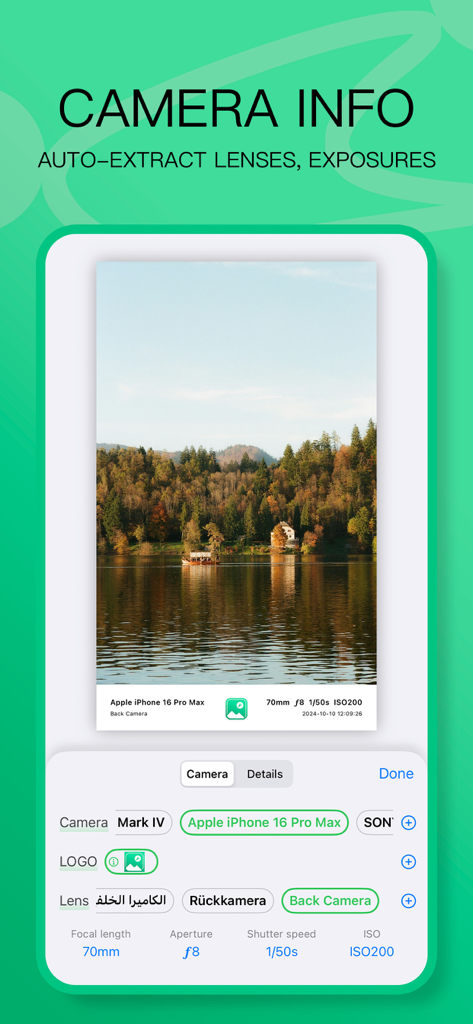
PicTool 앱 인터페이스로, 사진의 카메라 모델 및 노출 설정을 보여줌

PicTool 앱 인터페이스로, 사진의 카메라 모델 및 노출 설정을 보여줌

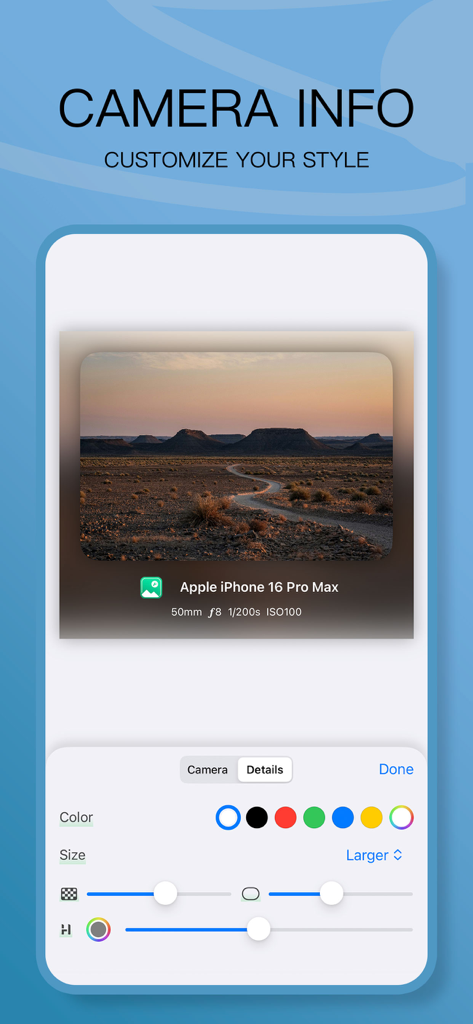
사진에 카메라 메타데이터를 표시하고 스타일링하는 PicTool 앱 화면

사진에 카메라 메타데이터를 표시하고 스타일링하는 PicTool 앱 화면

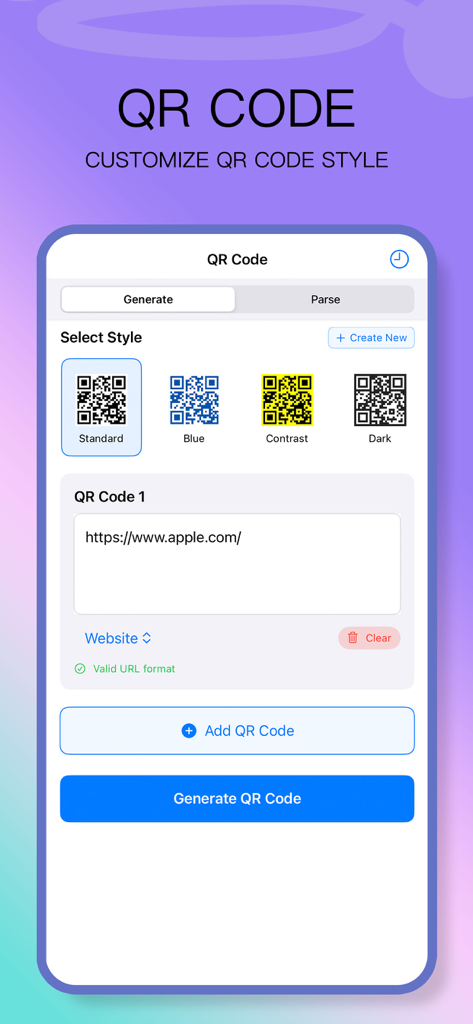
사용자 지정 가능한 스타일과 URL 입력을 갖춘 QR 코드 생성 도구를 보여주는 PicTool 앱 인터페이스

사용자 지정 가능한 스타일과 URL 입력을 갖춘 QR 코드 생성 도구를 보여주는 PicTool 앱 인터페이스

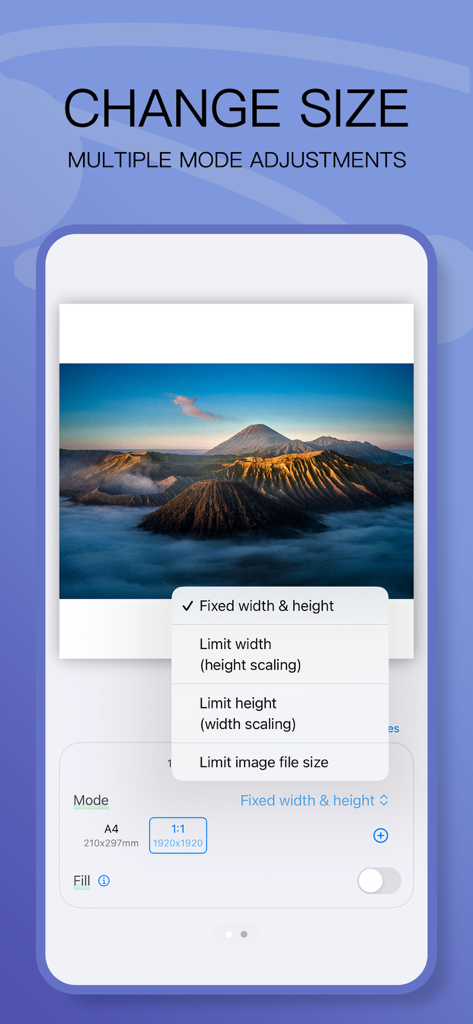
PicTool 앱 인터페이스로, 고정 너비/높이 및 파일 크기 제한과 같은 다양한 이미지 크기 조절 옵션을 보여줌

PicTool 앱 인터페이스로, 고정 너비/높이 및 파일 크기 제한과 같은 다양한 이미지 크기 조절 옵션을 보여줌

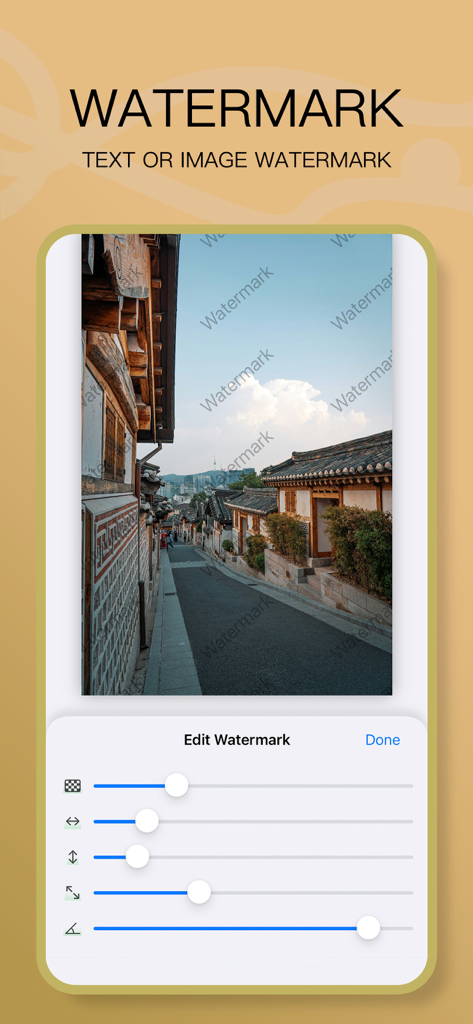
사진에 텍스트 워터마크를 편집하는 PicTool 앱 인터페이스를 보여주며, 사용자 지정용 조절 슬라이더가 있음

사진에 텍스트 워터마크를 편집하는 PicTool 앱 인터페이스를 보여주며, 사용자 지정용 조절 슬라이더가 있음

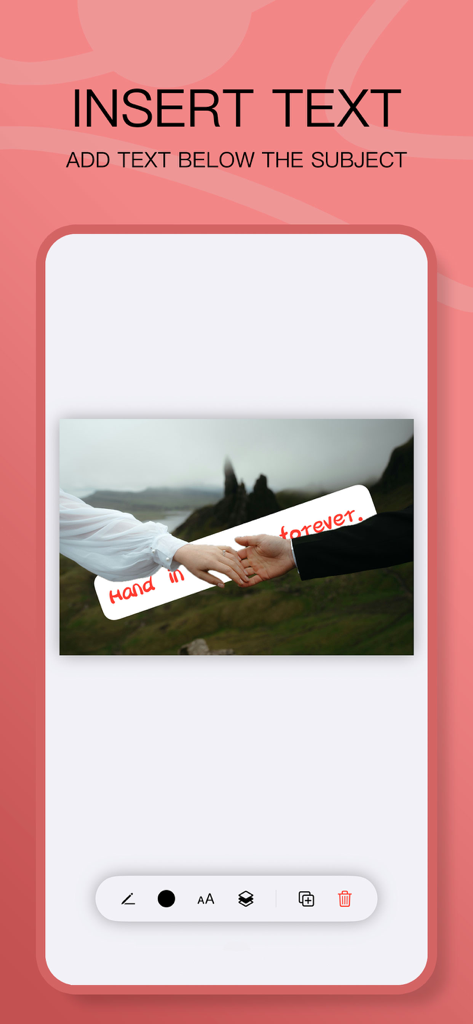
사진 아래에 텍스트를 삽입하는 PicTool 앱 인터페이스

사진 아래에 텍스트를 삽입하는 PicTool 앱 인터페이스

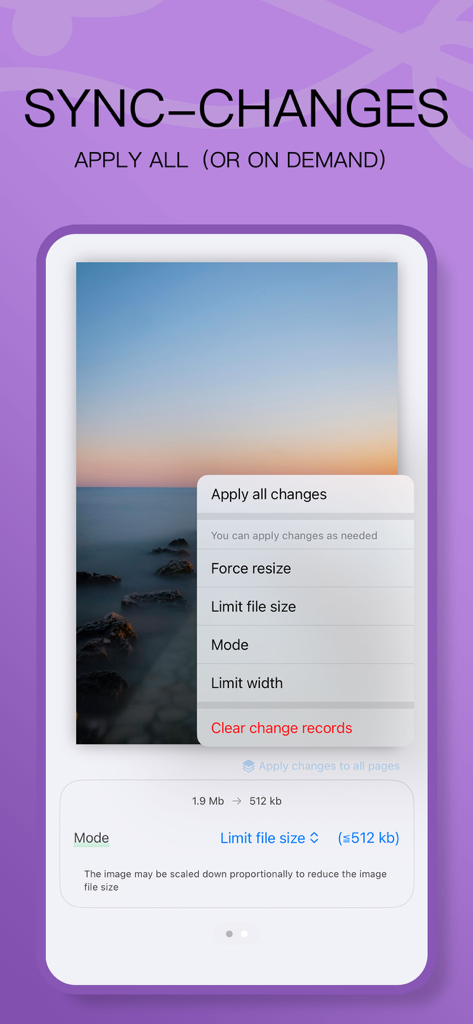
PicTool 앱 인터페이스로, 배치 이미지 크기 조절 및 파일 크기 최적화 기능을 보여줌

PicTool 앱 인터페이스로, 배치 이미지 크기 조절 및 파일 크기 최적화 기능을 보여줌

궁극의 올인원 이미지 툴킷

이 앱을 돋보이게 하는 도구, 22K+ 명의 사용자가 선택.

🛡️

작업에 브랜드 적용 및 보호

사용자 지정 텍스트 또는 이미지 워터마크를 쉽게 추가하여 지적 재산을 보호하고 모든 소셜 플랫폼에서 브랜드 인지도를 구축하세요.

📄

전문 PDF 및 파일 변환

이미지를 PNG, JPG 또는 WEBP로 일괄 변환하거나 고품질 PDF 문서로 내보내 전문 보고서 및 문서에 활용하세요.

🕵️

메타데이터 제어 및 개인 정보 보호

EXIF 데이터를 편집하거나 이미지 스테가노그래피를 사용하여 사진에 민감한 정보를 숨겨 디지털 발자국을 관리하세요.

앱 소개

에 대해 알아야 할 모든 것 PicTool -Photo & Image Toolbox.

설명

PicTool is a versatile and powerful image editing toolbox designed to provide users with an efficient and professional editing experience. Whether for everyday sharing, work documentation, or adding personalized elements to your images, PicTool simplifies the process and meets all your image editing needs in one app. APP Features - PDF Export: Quickly export multiple images into a single PDF file, perfect for sharing or printing. - Resize Images: Adjust image dimensions by setting width, height, or file size to save storage space. - Camera Info Display: Automatically detect and display camera, lens, and exposure details for photography enthusiasts. - Collage Maker: Freely combine multiple images into one, ideal for creative designs or document organization. - Text Insertion: Add custom text above or below your image subjects for better expression and communication. - Watermark Tool: Easily add text or image watermarks to protect your copyright or enhance your brand identity. - QR code Tool: batch generate and recognize QR codes, customize styles, support personalized designs such as embedding LOGO, text, changing color scheme, etc. - Image steganography: hide text information in pictures without traces, or extract hidden content from images to ensure privacy and security. - EXIF ​​information processing: read or edit the EXIF ​​metadata of pictures, and manage shooting information more conveniently. - Format conversion: quickly convert picture formats to PNG, JPG, WEBP, HEIC, etc., compatible with more usage scenarios. Whether you're a professional photographer or a casual user, PicTool is your go-to image editing tool! Download now and unlock a new world of photo editing!

최신 버전

1.0.03

크기

13.9 MB

출시일

2024년 12월 4일

오늘 당신의 시각 워크플로우를 강화하세요

이미지 크기를 조절하고, 보호하고, 변환하는 데 PicTool을 사용하는 수천 명의 프로슈머 및 디지털 기업가와 함께하세요. 당신의 모든 것을 담은 전문가용 도구가 탭 한 번으로 준비되어 있습니다.

다운로드: App Store

App information, icons, screenshots, and descriptions displayed on this page are sourced from the Apple App Store and are the property of their respective developers. Download estimates and rankings are based on MWM's proprietary models and may not reflect actual figures. This page is provided for informational and analytical purposes only.

Believe this page infringes your intellectual property? File a dispute