Pixomatic - AI Photo BG Eraser

Pixomatic - AI Photo BG Eraser


다운로드: App Store다운로드: Google Play
로고: Pixomatic - AI Photo BG Eraser

Pixomatic: 쉬운 전문 AI 사진 편집

AI로 이미지를 향상시키세요. 배경을 바꾸고, 방해 요소를 지우고, 디자인 기술 없이도 몇 초 만에 전문가 수준의 편집을 만드세요.

다운로드: App Store

개발사

Mosaic S.r.l.

카테고리

Photo & Video

다운로드

8M+

사용자 평점

4.5/5

총 평가 수

1K+

지원 언어

12

크리에이티브 스튜디오

이 인터페이스를 사용하는 8M+ 명의 사용자.

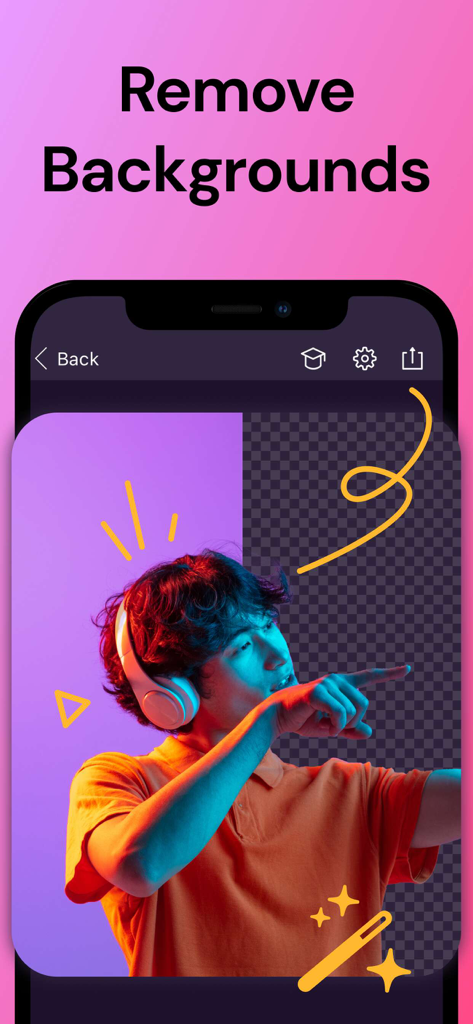
헤드폰을 낀 사람의 초상화에 분할 화면 보기를 사용하여 배경 제거 기능을 보여주는 Pixomatic 앱 인터페이스.

헤드폰을 낀 사람의 초상화에 분할 화면 보기를 사용하여 배경 제거 기능을 보여주는 Pixomatic 앱 인터페이스.

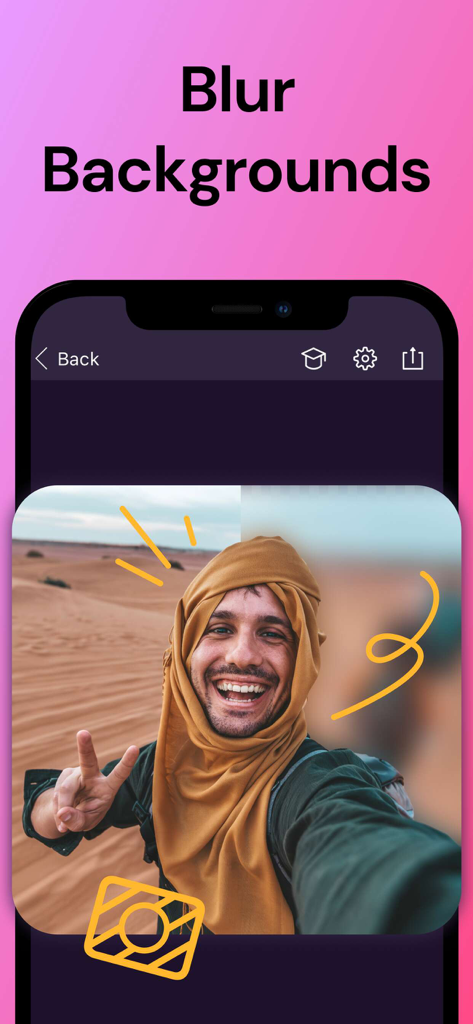
사막에서 찍은 셀카에 흐림 배경 기능을 보여주는 모바일 앱 스크린샷.

사막에서 찍은 셀카에 흐림 배경 기능을 보여주는 모바일 앱 스크린샷.

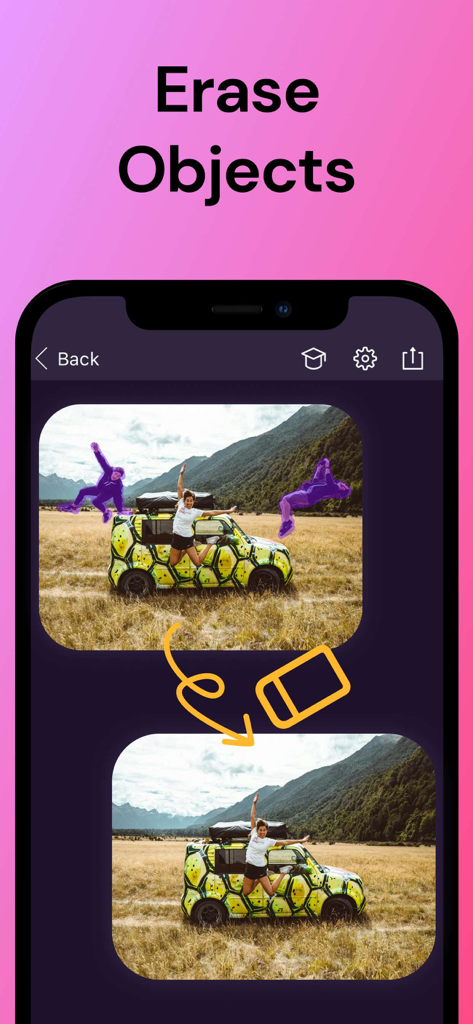
Pixomatic 앱 시연은 원치 않는 개체와 사람을 사진 배경에서 제거하는 방법을 보여줍니다

Pixomatic 앱 시연은 원치 않는 개체와 사람을 사진 배경에서 제거하는 방법을 보여줍니다

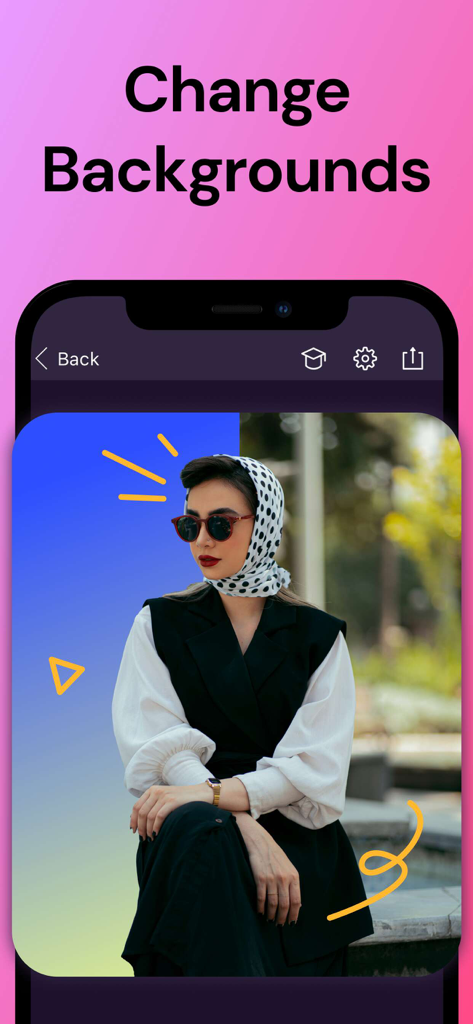
머리 스카프를 한 여성이 Pixomatic 앱에서 창의적인 파란색과 노란색 그래픽 디자인으로 배경이 교체되는 모습.

머리 스카프를 한 여성이 Pixomatic 앱에서 창의적인 파란색과 노란색 그래픽 디자인으로 배경이 교체되는 모습.

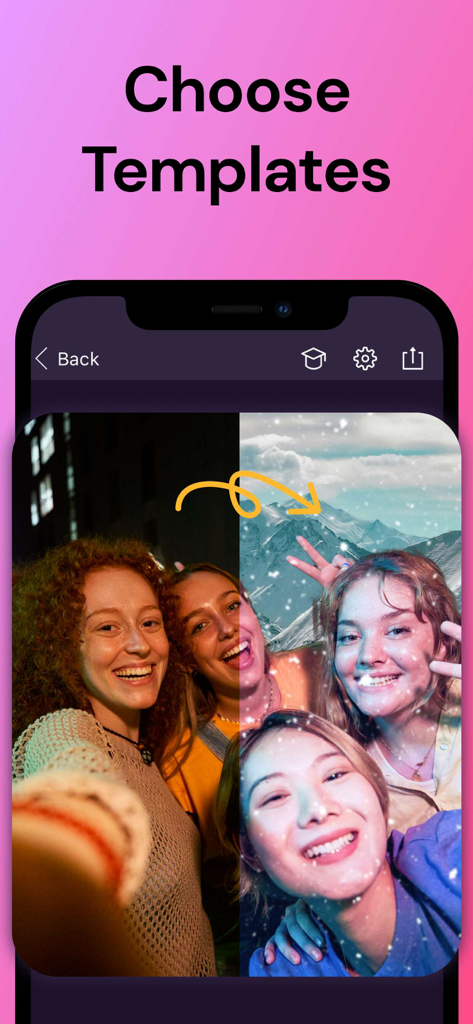
Pixomatic 앱 인터페이스 스크린샷으로 사진 배경을 변경하기 위한 템플릿을 선택하는 방법을 보여줍니다.

Pixomatic 앱 인터페이스 스크린샷으로 사진 배경을 변경하기 위한 템플릿을 선택하는 방법을 보여줍니다.

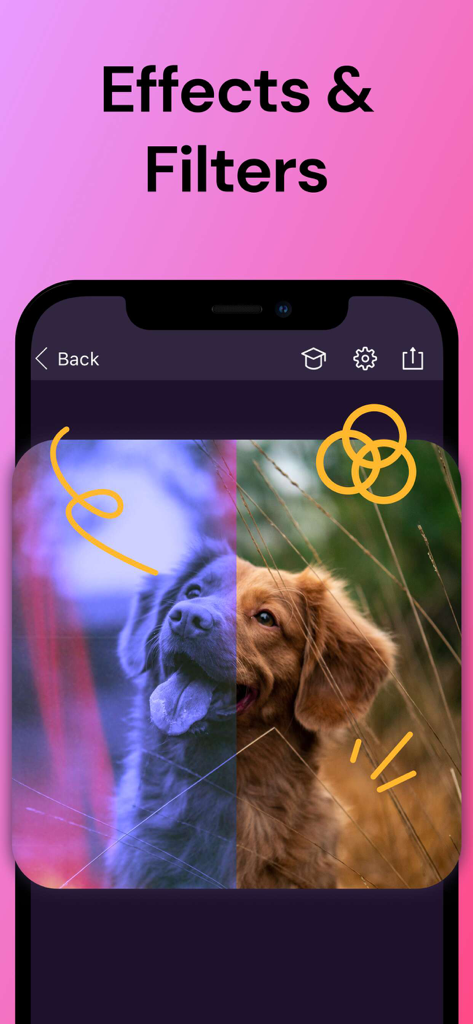
Pixomatic 앱에서 개 사진에 사진 효과 및 필터를 보여주는 스마트폰 화면

Pixomatic 앱에서 개 사진에 사진 효과 및 필터를 보여주는 스마트폰 화면

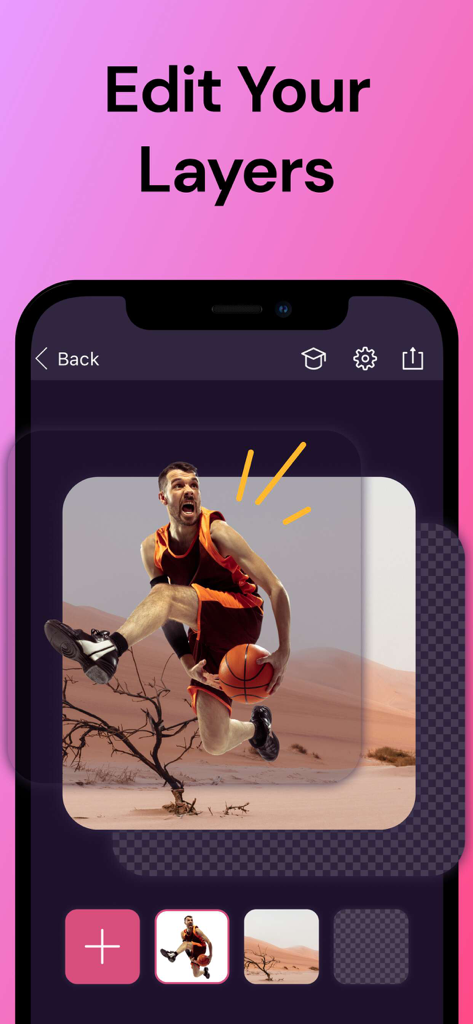
농구 선수가 사막 배경 위에 레이어링된 Pixomatic 앱 레이어 편집 도구를 보여주는 모바일 화면

농구 선수가 사막 배경 위에 레이어링된 Pixomatic 앱 레이어 편집 도구를 보여주는 모바일 화면

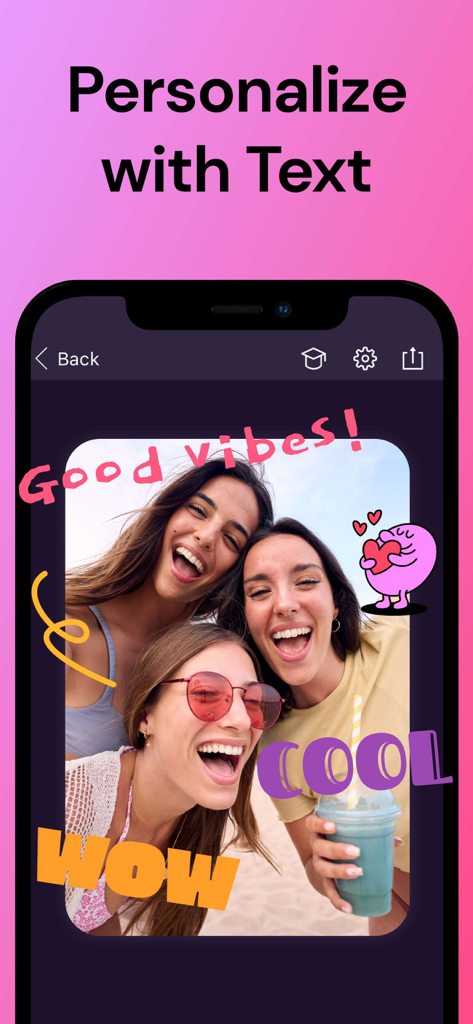
Pixomatic 앱 인터페이스에 세 친구 사진에 개인화된 텍스트와 스티커가 추가된 것을 보여주는 스마트폰 화면

Pixomatic 앱 인터페이스에 세 친구 사진에 개인화된 텍스트와 스티커가 추가된 것을 보여주는 스마트폰 화면

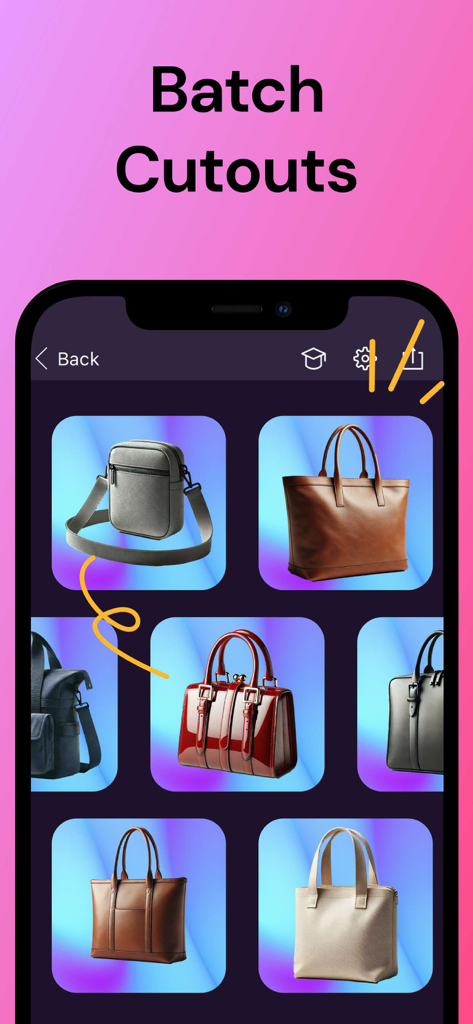
배경이 제거된 여러 핸드백을 보여주는 Pixomatic 앱 일괄 잘라내기 기능

배경이 제거된 여러 핸드백을 보여주는 Pixomatic 앱 일괄 잘라내기 기능

현대 크리에이터를 위한 전문가급 도구

이 앱을 돋보이게 하는 도구, 8M+ 명의 사용자가 선택.

✂️

AI 기반 배경 지우개

정밀한 Magic Cut 도구를 사용하여 어떤 사진이든 전문적인 제품 사진이나 바이럴 준비가 된 초상화로 바꿔보세요.

🧼

스마트 개체 제거

방해 요소, 사진 방해꾼 또는 워터마크를 즉시 지우세요. 집중해야 할 곳, 즉 콘텐츠에 초점을 맞추세요.

🖼️

직관적인 레이어와 수천 개의 사용자 정의 가능한 템플릿을 사용하여 복잡한 구성, 밈 및 예술적인 블렌드를 디자인하세요.

리뷰 분석

사용자 리뷰 인사이트.

감정 점수

9%
부정적

요약

This app receives highly polarized feedback, with a significant number of users expressing severe dissatisfaction. While long-term users praise its powerful core editing features, such as image outlining and photo manipulation, a major point of contention is the recent drastic price increase and a shift to subscription models, often leading to charges for previously owned 'lifetime' purchases. A high volume of reports indicate critical app stability issues, including frequent crashes, failure to open, and frustrating loss of unsaved work, particularly after recent updates. Many feel the app is no longer worth its exorbitant cost given these performance issues and changes in pricing structure.

주요 테마

Excessive Pricing & Subscription Model(29)
Core Editing Functionality(12)
App Stability & Crashing(11)
Loss of Previously Purchased Features(6)
Data Loss & Saving Issues(5)
Customer Support Responsiveness(2)

앱 소개

에 대해 알아야 할 모든 것 Pixomatic - AI Photo BG Eraser.

설명

Want professional-grade photo editing at your fingertips? There’s no training needed! Pixomatic will help you elevate your images and create captivating compositions with a full range of photo-editing features. Explore endless options through available tools like: background and objects removal, clipping out shapes, сropping, text, filters, photo merging, adding logos or watermarks, and more. You’ll be able to remix and reimagine your pics like the professionals with our digital photo editing app. Explore endless options through available tools like: - REMOVE BACKGROUND - Clip out objects of any shape – no matter the complexity. Try the revolutionary Magic Cut tool. It identifies objects in your photos and automatically separates them from their backgrounds. Curly hair? No problem! - ERASE OBJECTS - Say goodbye to photo distractions! Use the Heal Tool to remove unwanted objects from photo backgrounds–even photobombers! Customize stock images with instant watermark removal, or use the magic object eraser for instant, AI-powered object selection and removal. - BLUR BACKGROUND - Wish you could shift the perspective of your photos? Create focused image effects for your pics with our Blur Background tool, or get creative with blur effects using our manual blur wand on faces and other photo objects. - FILTERS AND EFFECTS - Set the mood! Have different looks for different social networks? Choose from 100+ filters and 300+ effects for the look and feel you want. - CUSTOMIZABLE TEMPLATES - Make the most of customizable photo templates available in 1000s of themes. Whether you want to create an artsy collage, a new profile pic, or hilarious meme, you can choose from tons of different photo templates for any occasion. Simply add your photo to a selected template, and save! - PHOTO BLENDER - Want the best parts of multiple photos? Merge them! Using multiple layers, you can play with colors, textures, and opacity. The simplest edits can change the style or shift the mood. The only rule here is to have fun and enjoy the creative process. - FACE TUNE - Show your best face: Smooth skin, white teeth, and no red eyes. Selfies and portraits will show the real you – only slightly improved. - TEXT - Classic or modern? Your choice! Choose from a vast collection of fonts for all occasions to convey the message you desire. - ADJUST TOOL - A perfectionist’s paradise: Add finishing touches manually to get the exact contrast, exposure, shades, and color depth that you want. - VARIETY OF FORMATS - Work with both JPEG and PNG formats. Mix them if necessary to create custom works of photo art. - SHARING TO INSTA, FACEBOOK, TWITTER, ETC.- Share directly to your favorite social media platforms. Your following will no-doubt notice your cool, modern content – whether it’s for personal or professional purposes. Be on trend. Be different. And always be creative. Become a Premium member to unlock all of the features. * Subscription payments will be charged to your App Store account at confirmation of your purchase. Subscriptions will automatically renew and you will be charged unless auto-renew is turned off or unless you cancel at least 24 hours prior to the end of the current subscription or trial period. Any unused portion of a free trial period will be forfeited when you purchase a premium subscription during the free trial period. The cost of renewal depends on the Subscription Plan you choose. Subscriptions and auto-renewal may be managed by going to Account Settings after purchase or by contacting Customer Support. Privacy Policy: https://support.bendingspoons.com/privacy.html?app=1332651082 Terms of Service: https://support.bendingspoons.com/tos?app=1332651082 Contact us: support@pixomatic.us

최신 버전

2.55.35

크기

236.4 MB

출시일

2018년 1월 13일

눈에 띄는 콘텐츠를 만들 준비가 되셨나요?

8백만 명 이상의 크리에이터와 함께 AI 기반 도구를 사용하여 일상적인 사진을 전문가 수준의 걸작으로 바꿔보세요. 별도의 교육이 필요 없습니다.

다운로드: App Store다운로드: Google Play

App information, icons, screenshots, and descriptions displayed on this page are sourced from the Apple App Store and are the property of their respective developers. Download estimates and rankings are based on MWM's proprietary models and may not reflect actual figures. This page is provided for informational and analytical purposes only.

Believe this page infringes your intellectual property? File a dispute