Salesforce Authenticator

Salesforce Authenticator

다운로드: App Store
로고: Salesforce Authenticator

Salesforce Authenticator: 전문가 워크플로우를 위한 원탭 보안

번개처럼 빠른 푸시 알림과 지능형 위치 기반 자동화로 계정을 보호하여 데이터를 안전하게 유지하면서도 속도를 늦추지 않습니다.

다운로드: App Store

개발사

salesforce.com

카테고리

Business

다운로드

5M+

사용자 평점

4.6/5

총 평가 수

7K+

지원 언어

26

한 번의 탭으로 보안

이 인터페이스를 사용하는 5M+ 명의 사용자.

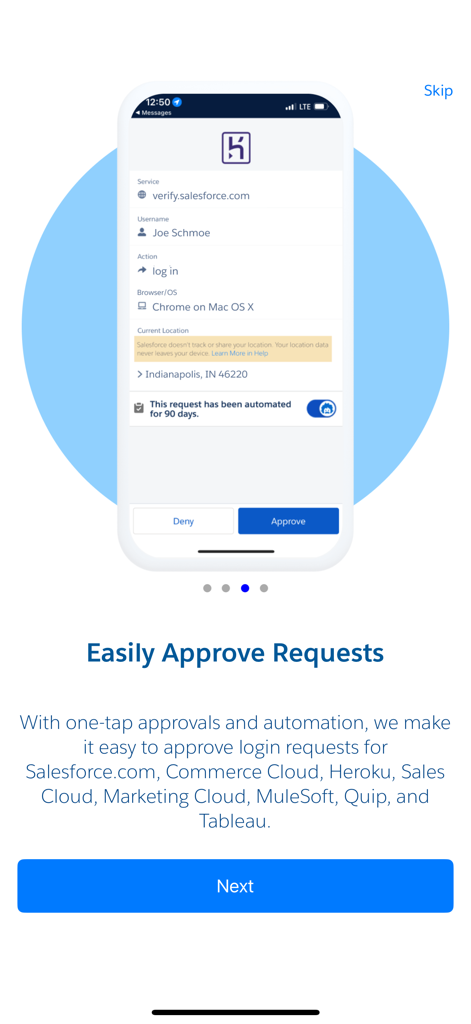
Salesforce Authenticator 앱 인터페이스에 로그인 시도 승인 요청이 표시됩니다.

Salesforce Authenticator 앱 인터페이스에 로그인 시도 승인 요청이 표시됩니다.

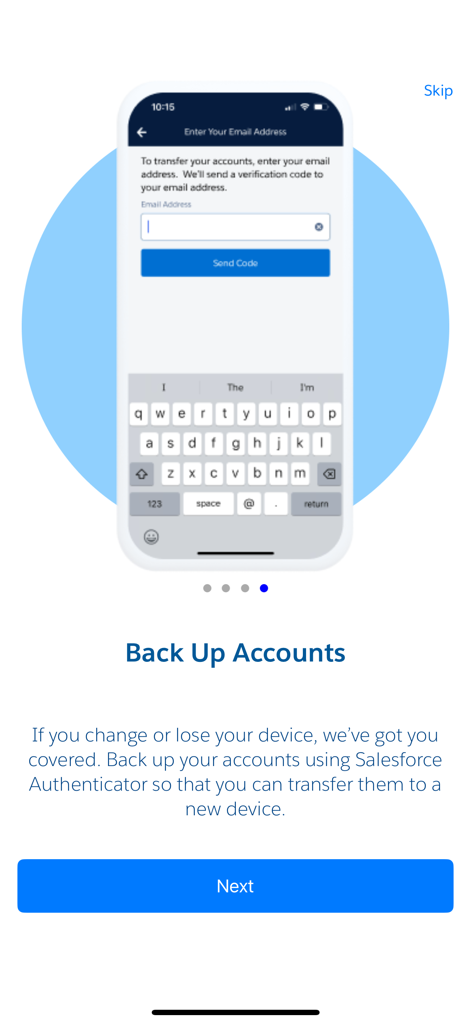
Salesforce Authenticator 모바일 앱 화면에 계정 백업 옵션이 표시됩니다.

Salesforce Authenticator 모바일 앱 화면에 계정 백업 옵션이 표시됩니다.

Salesforce Authenticator 앱의 환영 화면에 다단계 인증 및 암호 없는 로그인이 강조 표시됩니다.

Salesforce Authenticator 앱의 환영 화면에 다단계 인증 및 암호 없는 로그인이 강조 표시됩니다.

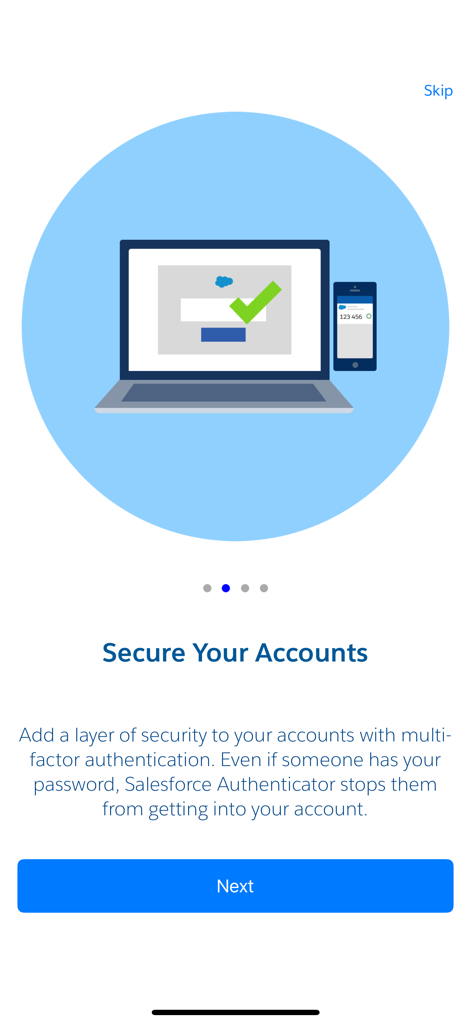
Salesforce Authenticator 앱 온보딩 화면에 '계정 보안'이라는 제목과 함께 노트북 및 스마트폰 일러스트가 표시됩니다.

Salesforce Authenticator 앱 온보딩 화면에 '계정 보안'이라는 제목과 함께 노트북 및 스마트폰 일러스트가 표시됩니다.

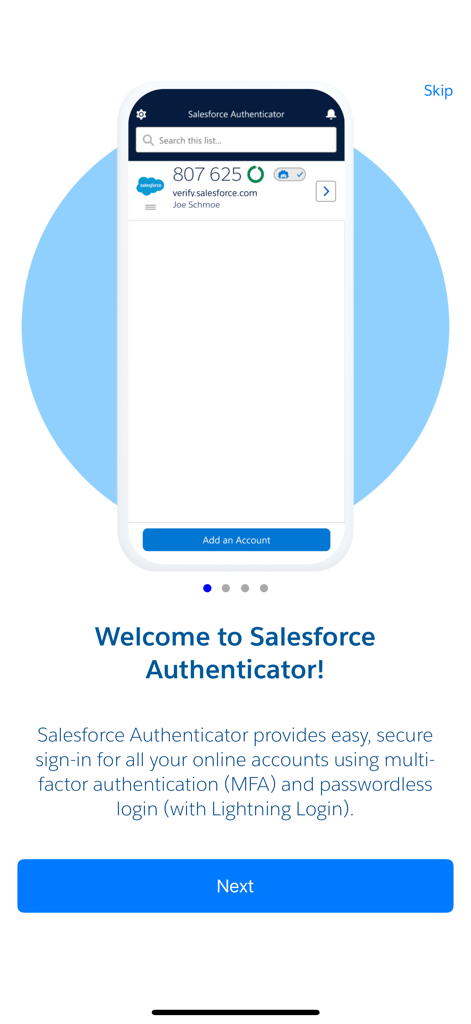
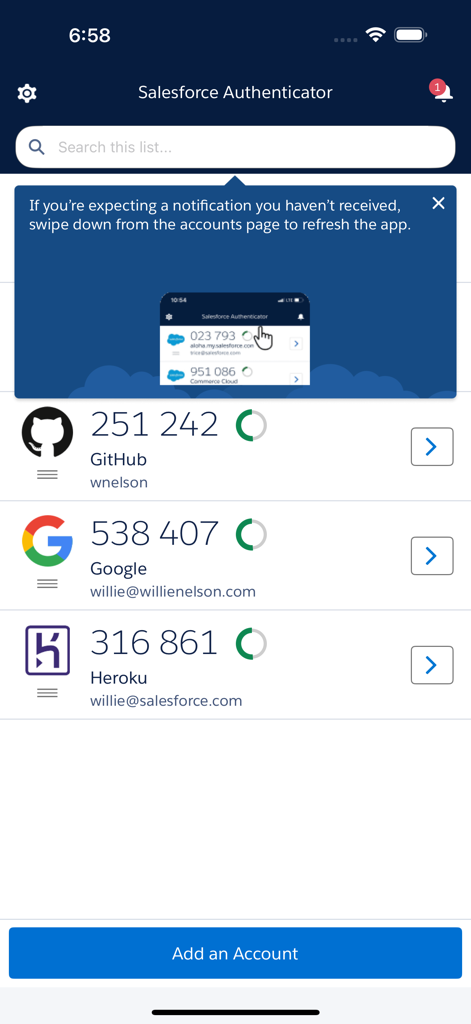
Salesforce Authenticator 앱 기본 화면에 연결된 계정 목록과 해당 6자리 확인 코드가 표시됩니다.

Salesforce Authenticator 앱 기본 화면에 연결된 계정 목록과 해당 6자리 확인 코드가 표시됩니다.

마찰 없는 안전한 액세스

이 앱을 돋보이게 하는 도구, 5M+ 명의 사용자가 선택.

📲

원탭 인증

6자리 코드 입력은 잊으세요. iPhone 또는 Apple Watch 알림에서 간단한 탭으로 로그인 및 중요한 작업을 승인하세요.

📍

스마트 자동화

집이나 사무실을 신뢰하여 워크플로우를 자동화하세요. 이 앱은 지오펜싱을 사용하여 안전한 영역에서 자동으로 신원을 확인합니다.

🛡️

개인 정보 보호 우선 보안

개인 정보를 존중하는 엔터프라이즈급 보호 기능. 위치 데이터는 기기에 유지되며 Salesforce에서 절대 공유하거나 추적하지 않습니다.

앱 소개

에 대해 알아야 할 모든 것 Salesforce Authenticator.

설명

Salesforce Authenticator adds an extra layer of security for your online accounts with multi-factor authentication (also known as two-factor authentication). With Salesforce Authenticator, you use your mobile device to verify your identity when logging in to your account or performing critical actions. The app sends you a push notification, and you approve or deny the activity with just a tap. For even more convenience, Salesforce Authenticator can use your mobile device’s location services to automatically approve account activity that you trust. The app also provides one-time verification codes for use while you’re offline or have low connectivity. Use Salesforce Authenticator to secure all your online accounts that support time-based one-time passwords (TOTP). Any service that allows multi-factor authentication using an “Authenticator app” is compatible with Salesforce Authenticator. Location Data & Privacy If you enable location-based automation in Salesforce Authenticator, rest assured that Salesforce never tracks your location or shares it with anyone. Location data is stored securely on your mobile device, never in the cloud. You can delete all location data from your device or turn off location services at any time. Learn more about how the app uses location data in Salesforce Help. Battery Usage Rather than getting precise location updates, Salesforce Authenticator only receives updates when you enter or leave the approximate area, or “geofence,” of a location that you trust. By minimizing the frequency of location updates, Salesforce Authenticator conserves your mobile device’s battery life. To reduce battery usage even more, you can turn off location services and stop automating your activity.

최신 버전

4.7.0

크기

62.9 MB

출시일

2014년 1월 8일

마찰 없이 워크플로우를 안전하게 보호할 준비가 되셨나요?

원탭 승인 및 지능형 위치 기반 자동화를 위해 Salesforce Authenticator를 사용하는 5백만 명 이상의 전문가들과 함께하세요.

다운로드: App Store
FAQ

자주 묻는 질문

에 대해 알아야 할 모든 것 Salesforce Authenticator

Salesforce Authenticator란 무엇인가요?

Salesforce Authenticator는 온라인 계정에 대한 다단계 인증(MFA)을 제공하는 모바일 앱입니다. 로그인 중에 푸시 알림 또는 일회용 인증 코드를 통해 신원을 확인하도록 하여 보안을 강화합니다.

Salesforce Authenticator는 로그인 시 어떻게 작동하나요?

Salesforce Authenticator는 로그인 시 모바일 장치로 푸시 알림을 보냅니다. 탭 한 번으로 앱에서 직접 활동을 승인하거나 거부하여 신원을 확인합니다.

Salesforce Authenticator는 로그인을 자동으로 승인할 수 있나요?

예, Salesforce Authenticator는 모바일 장치의 위치 서비스를 사용하여 신뢰할 수 있는 계정 활동을 자동으로 승인할 수 있습니다. 이 기능은 로그인 보안을 유지하면서 편의성을 높입니다.

Salesforce Authenticator는 오프라인에서도 작동하나요?

예, Salesforce Authenticator는 일회용 인증 코드를 제공합니다. 이 코드를 사용하면 모바일 장치가 오프라인 상태이거나 연결 상태가 좋지 않아도 안전하게 로그인 인증을 할 수 있습니다.

어떤 계정과 Salesforce Authenticator를 사용할 수 있나요?

Salesforce Authenticator는 다단계 인증(MFA)을 위해 TOTP(시간 기반 일회용 비밀번호)를 지원하는 모든 온라인 서비스와 호환됩니다. 여기에는 "인증 앱" MFA를 허용하는 서비스가 포함됩니다.

Salesforce Authenticator는 내 위치를 추적하나요?

아니요, Salesforce Authenticator는 위치를 추적하거나 공유하지 않습니다. 자동 승인을 위한 위치 데이터는 클라우드가 아닌 모바일 장치에만 안전하게 저장됩니다.

Salesforce Authenticator에서 위치 데이터를 삭제할 수 있나요?

예, Salesforce Authenticator 내에서 장치의 모든 위치 데이터를 삭제할 수 있습니다. 언제든지 위치 서비스 끄기 옵션도 있습니다.

Salesforce Authenticator는 배터리 사용량을 어떻게 관리하나요?

Salesforce Authenticator는 신뢰할 수 있는 "지오펜스"에 진입하거나 나올 때만 위치 업데이트를 수신하여 배터리를 절약합니다. 빈번하고 정확한 위치 추적을 피합니다.

Salesforce Authenticator에서 계정을 백업할 수 있나요?

예, Salesforce Authenticator를 사용하면 계정을 백업할 수 있습니다. 이 기능을 사용하면 모바일 장치를 변경하거나 분실한 경우 인증된 계정을 이전할 수 있습니다.

App information, icons, screenshots, and descriptions displayed on this page are sourced from the Apple App Store and are the property of their respective developers. Download estimates and rankings are based on MWM's proprietary models and may not reflect actual figures. This page is provided for informational and analytical purposes only.

Believe this page infringes your intellectual property? File a dispute