Talk Notes - Speech To Text

Talk Notes - Speech To Text

다운로드: App Store
로고: Talk Notes - Speech To Text

Talk Notes - 음성-텍스트 변환: 구독 없는 전문가급 녹취

회의, 인터뷰, 강의를 즉시 정리된 텍스트로 변환하세요. 모든 Apple 기기에서 일회성 구매로 무제한 녹음, 완벽한 개인 정보 보호, 평생 가치를 경험하세요.

개발사

Nicolae Gherasim

카테고리

Productivity

다운로드

102K+

사용자 평점

2.6/5

총 평가 수

0

지원 언어

1

모든 프레임에 담긴 정밀함

이 인터페이스를 사용하는 102K+ 명의 사용자.

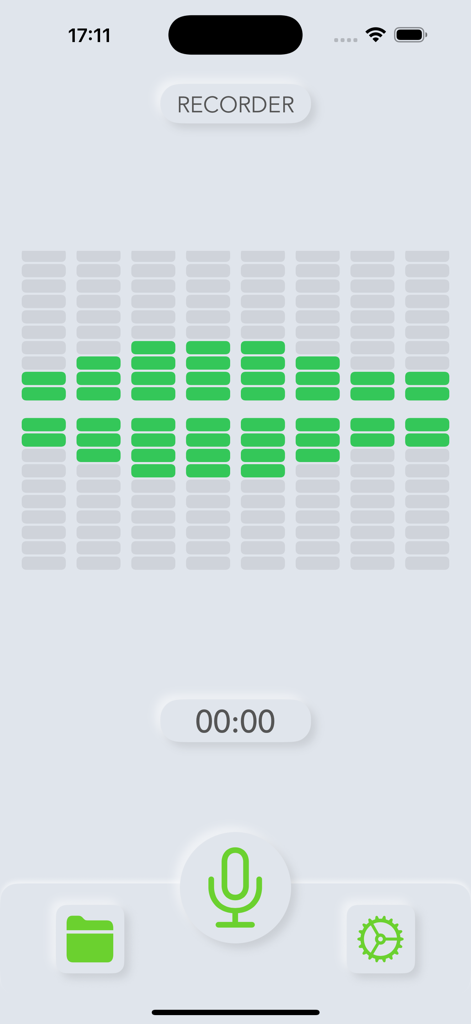
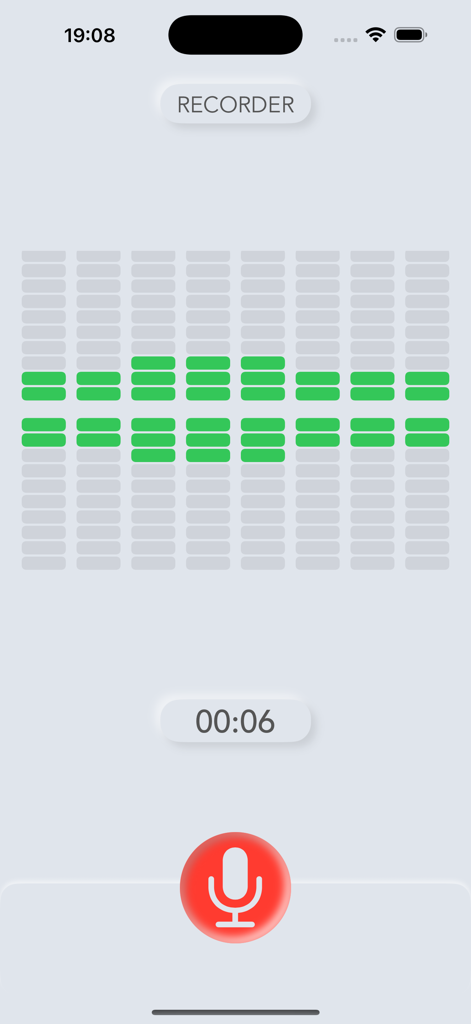
Talk Notes 앱 음성 녹음기 인터페이스, 녹색 오디오 시각화 장치 및 마이크 아이콘 포함

Talk Notes 앱 음성 녹음기 인터페이스, 녹색 오디오 시각화 장치 및 마이크 아이콘 포함

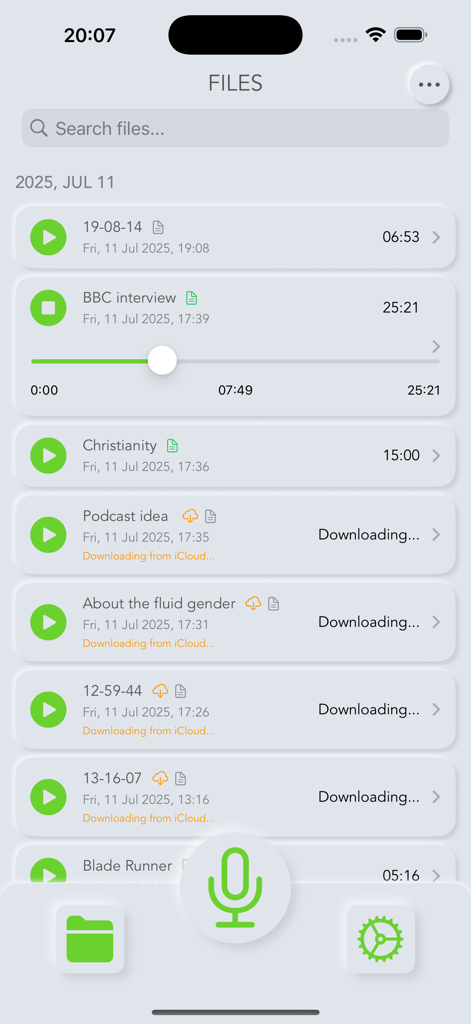
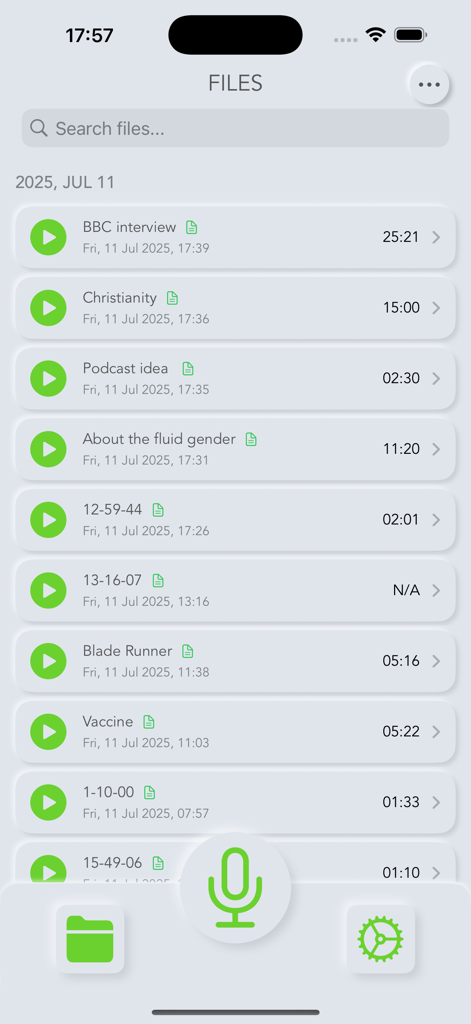
재생 제어 및 iCloud 동기화 상태 레이블이 있는 음성 녹음 목록을 보여주는 사용자 인터페이스.

재생 제어 및 iCloud 동기화 상태 레이블이 있는 음성 녹음 목록을 보여주는 사용자 인터페이스.

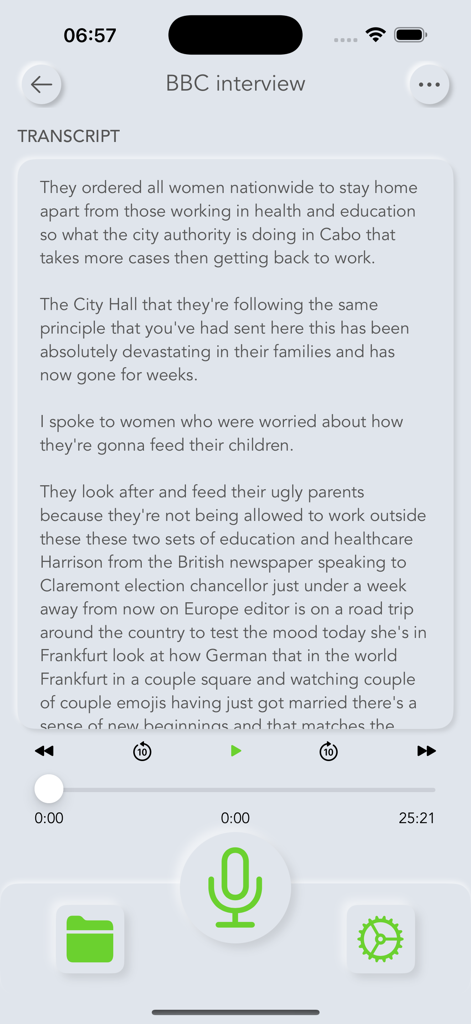
Talk Notes 모바일 앱 인터페이스 내에 표시된 BBC 인터뷰 녹취.

Talk Notes 모바일 앱 인터페이스 내에 표시된 BBC 인터뷰 녹취.

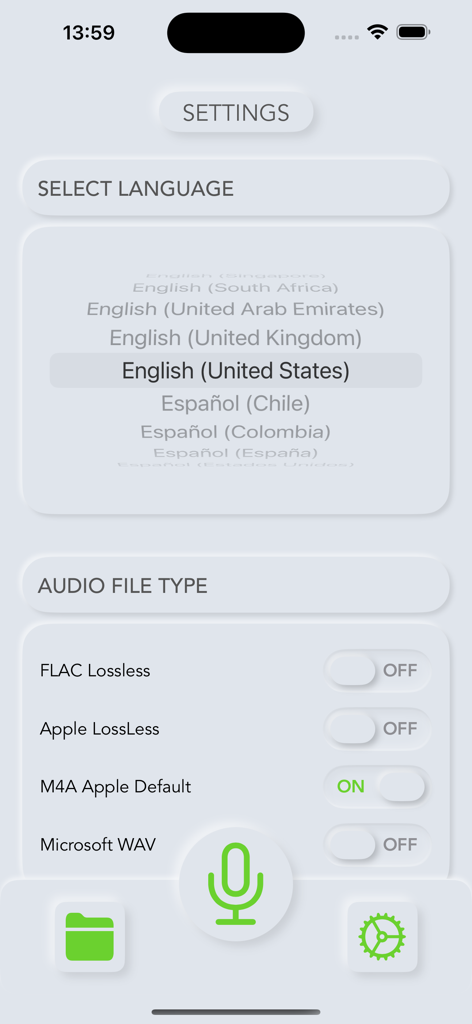
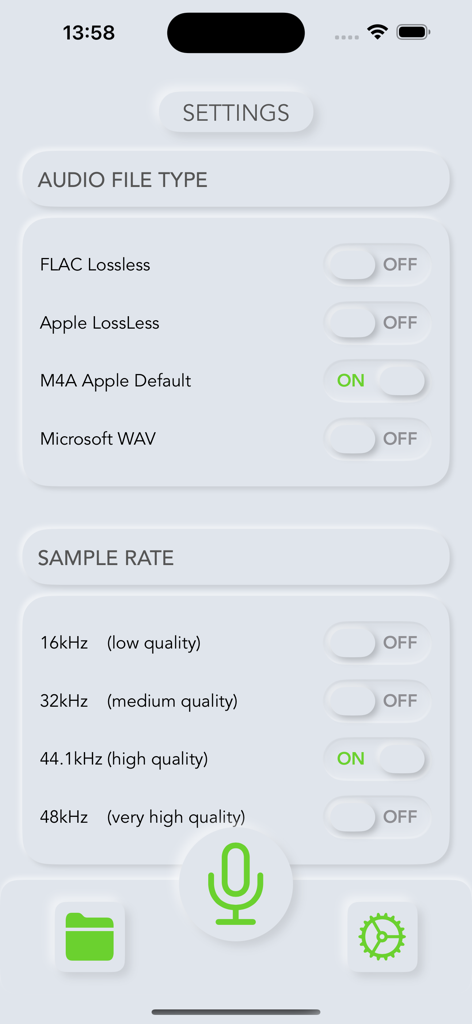
영어 미국어 선택 및 오디오 파일 유형 옵션을 보여주는 Talk Notes 앱의 설정 화면

영어 미국어 선택 및 오디오 파일 유형 옵션을 보여주는 Talk Notes 앱의 설정 화면

오디오 파일 유형 및 샘플 속도 선택 옵션을 보여주는 Talk Notes의 설정 화면

오디오 파일 유형 및 샘플 속도 선택 옵션을 보여주는 Talk Notes의 설정 화면

녹색 사운드 웨이브 시각화 장치와 빨간색 마이크 버튼이 있는 활성 오디오 녹음 세션을 표시하는 Talk Notes 앱 인터페이스

녹색 사운드 웨이브 시각화 장치와 빨간색 마이크 버튼이 있는 활성 오디오 녹음 세션을 표시하는 Talk Notes 앱 인터페이스

저장된 음성 녹음 목록과 녹음 버튼을 표시하는 Talk Notes 앱 화면

저장된 음성 녹음 목록과 녹음 버튼을 표시하는 Talk Notes 앱 화면

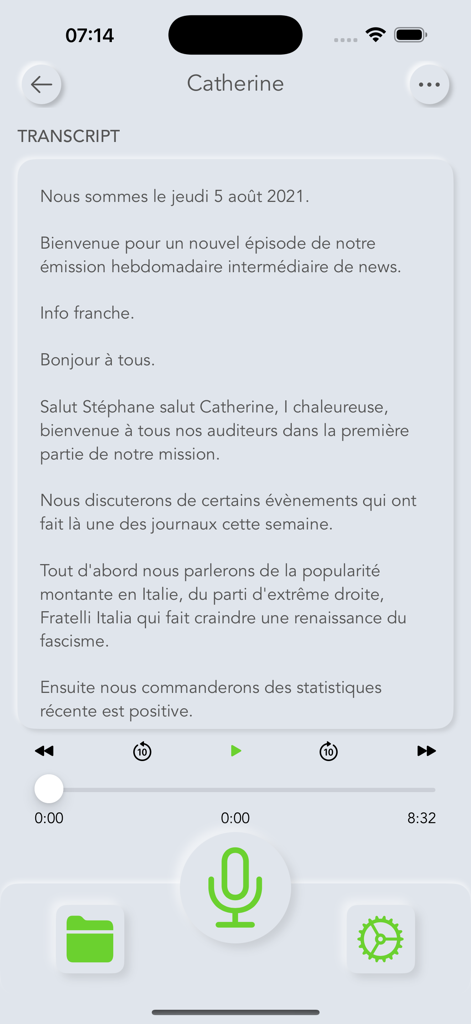
재생 제어 및 크고 녹색인 마이크 버튼이 있는 음성 녹음에서 텍스트로 변환된 내용을 보여주는 Talk Notes 앱의 스크린샷

재생 제어 및 크고 녹색인 마이크 버튼이 있는 음성 녹음에서 텍스트로 변환된 내용을 보여주는 Talk Notes 앱의 스크린샷

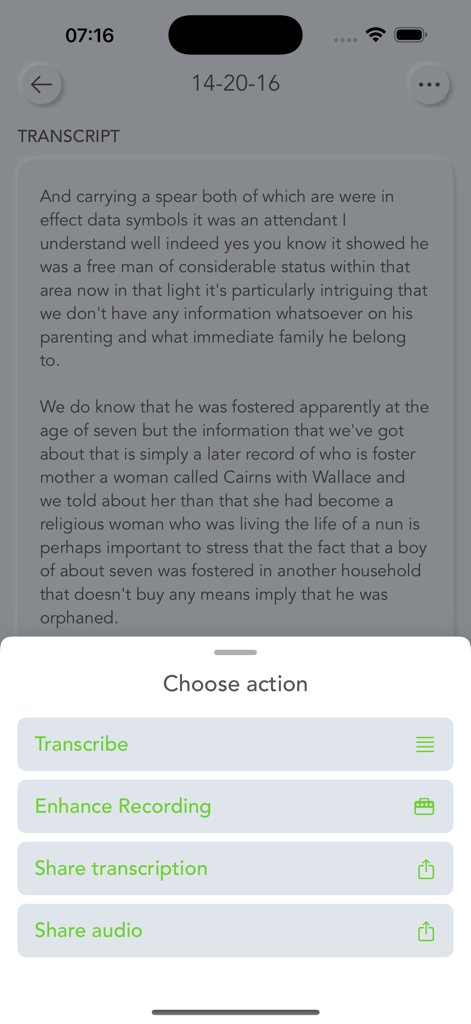
텍스트 녹취 및 변환, 향상 또는 공유 옵션 메뉴를 보여주는 Talk Notes 앱 인터페이스

텍스트 녹취 및 변환, 향상 또는 공유 옵션 메뉴를 보여주는 Talk Notes 앱 인터페이스

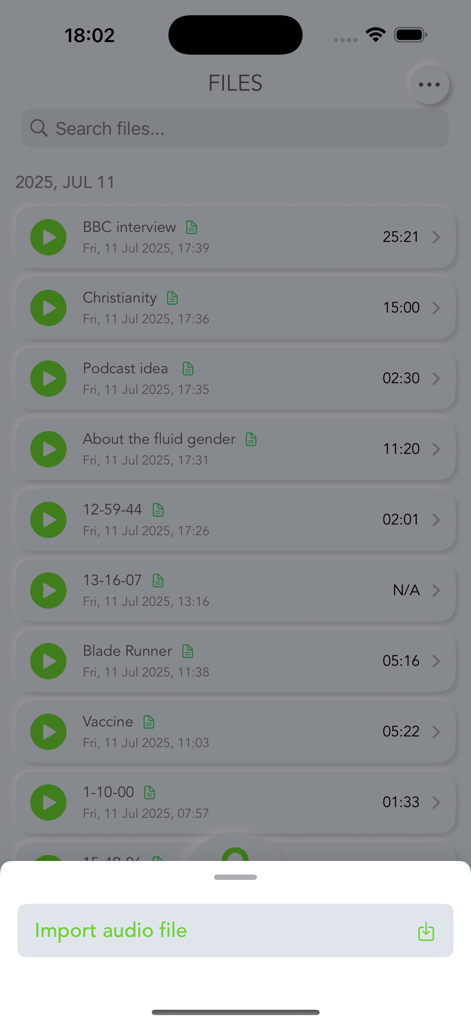
오디오 파일 가져오기 옵션을 보여주는 Talk Notes 앱의 음성 녹음 및 녹취 목록.

오디오 파일 가져오기 옵션을 보여주는 Talk Notes 앱의 음성 녹음 및 녹취 목록.

구독 없이 손쉬운 녹취

이 앱을 돋보이게 하는 도구, 102K+ 명의 사용자가 선택.

💸

일회성 구매

월별 청구서에서 벗어나세요. 단 한 번의 평생 가격으로 무제한 녹취 및 고품질 녹음을 받으세요. 반복되는 요금이나 숨겨진 비용이 없습니다.

🔒

개인 정보 보호 우선 설계

민감한 인터뷰와 메모는 비공개로 유지됩니다. Apple의 네이티브 프레임워크를 사용하여 데이터가 안전하게 처리되며 제3자와 공유되지 않습니다.

☁️

원활한 Apple 통합

iPhone에서 녹음하고 Mac에서 검색 가능한 텍스트를 찾으세요. iCloud를 통해 모든 기기에서 즉시 동기화하세요.

앱 소개

에 대해 알아야 할 모든 것 Talk Notes - Speech To Text.

설명

Transform your voice into organized text with Talk Notes, the professional speech-to-text app that respects your privacy and budget. Whether you're recording meetings, conducting interviews, or capturing lecture notes, Talk Notes delivers accurate transcription without the ongoing subscription costs. COMPREHENSIVE RECORDING AND TRANSCRIPTION Talk Notes uses Apple's advanced speech recognition framework to deliver exceptional transcription accuracy. Record unlimited audio sessions with no time restrictions, then transform your recordings into searchable text with a simple tap. The app automatically syncs with iCloud, ensuring your voice notes and transcriptions are available across all your Apple devices. DESIGNED FOR PROFESSIONALS AND STUDENTS Business professionals rely on Talk Notes for meeting transcription and voice memos that need to be shared with colleagues. Students use it to convert lengthy lectures into organized study notes. Journalists appreciate the reliable interview transcription capabilities. The app handles multiple audio formats including MP3, M4A, WAV, and FLAC, making it compatible with existing audio files from other recording devices. PRIVACY-FOCUSED APPROACH Talk Notes uses Apple's speech recognition technology for transcription, which processes audio according to Apple's privacy standards. While some audio may be sent to Apple's servers for processing (as with Siri and other Apple speech services), no data is shared with third-party transcription services or stored by Talk Notes itself. Your recordings remain under Apple's established privacy protections, and transcribed text is stored locally on your device with iCloud sync when enabled. ONE-TIME PURCHASE, LIFETIME VALUE Unlike competing transcription services that charge monthly subscription fees, Talk Notes requires only a single purchase. This approach saves users hundreds of dollars annually while providing unlimited access to all features including high-quality recording, accurate transcription, organized file management, and seamless sharing capabilities. ADVANCED FEATURES FOR POWER USERS The app offers customizable audio quality settings from 16kHz to 48kHz, allowing you to balance file size with recording quality. Background recording continues even when using other apps, with intelligent auto-pause when receiving phone calls. Export your transcriptions and audio files via email, AirDrop, or save them directly to your preferred cloud storage service. Download Talk Notes today and experience the freedom of converting speech to text without ongoing subscription costs or privacy concerns. Note: Transcription accuracy depends on audio quality and device capabilities. Some iOS versions may have time limitations for certain languages.

최신 버전

8.1

크기

2.4 MB

출시일

2020년 6월 27일

구독은 이제 그만. 정확도는 그대로.

무제한의 개인 녹취를 위해 Talk Notes를 신뢰하는 100,000명 이상의 전문가 및 학생들과 함께하세요. 일회성 구매로 평생 생산성을 누리세요.

다운로드: App Store

App information, icons, screenshots, and descriptions displayed on this page are sourced from the Apple App Store and are the property of their respective developers. Download estimates and rankings are based on MWM's proprietary models and may not reflect actual figures. This page is provided for informational and analytical purposes only.

Believe this page infringes your intellectual property? File a dispute