
이 페이지는 앱이나 개발자의 공식 페이지가 아니며, 정보 제공 및 논평을 목적으로 작성된 독립 편집 간행물입니다. 명시적으로 달리 언급되지 않는 한, 해당 앱이나 개발자는 MWM, Apple, Google Play, 앱 퍼블리셔 또는 앱 개발자와 제휴, 보증, 후원, 승인 또는 공식적으로 연결되어 있지 않으며, 이 페이지의 어떤 내용도 해당 앱이 MWM의 서비스를 사용하여 개발되었음을 의미하지 않습니다. 모든 상표, 로고, 스크린샷 및 기타 콘텐츠는 해당 소유자의 자산입니다.
다운로드
1M+사용자 평점
총 평가 수
8K+개발사
카테고리
Productivity지원 언어
33최신 버전
2.1.13크기
153.7 MB출시일
2022년 3월 13일모든 대화를 실행 가능한 정보로 전환
텍스트 변환 대신 실행을 시작하세요. Transkriptor는 고급 AI를 활용하여 회의, 음성 메모, 동영상을 정리되고 즉시 사용할 수 있는 전문적인 자료로 요약합니다.
회의록과 채팅하기
긴 글 읽기를 건너뛰세요. AI 비서을(를) 사용하여 녹음에서 즉시 실행 항목을 추출하고, 몇 시간 분량의 오디오를 요약하고, 후속 이메일을 작성하세요.
번개처럼 빠른 동영상 변환
웨비나 및 YouTube 콘텐츠를 검색 가능한 텍스트 또는 자막으로 변환하세요. 전문적인 워크플로에 맞춰 MP4, WAV 및 MP3 파일에 대한 고정밀 변환.
자주 묻는 질문
에 대해 알아야 할 모든 것 Transkriptor - Speech to Text
Transkriptor가 오디오를 텍스트로 변환할 수 있나요?
네, Transkriptor는 음성 메모를 높은 정확도로 텍스트로 변환합니다. 전사를 위해 MP3, WAV, M4A와 같은 다양한 오디오 형식을 지원합니다.
Transkriptor란 무엇인가요?
Transkriptor는 AI 기반 음성 텍스트 변환 앱이자 생산성 도구입니다. 회의 내용을 전사하고, 음성 메모와 비디오를 텍스트로 변환하며, 요약 및 이메일 초안 작성을 위한 AI 지원을 제공합니다.
Transkriptor에서 무료 전사 플랜을 제공하나요?
네, Transkriptor는 무료 플랜을 제공합니다. 이 플랜은 90분의 전사 크레딧을 제공하며 사용자는 AI 채팅 및 AI 요약과 같은 기능을 탐색할 수 있습니다.
Transkriptor가 비디오 콘텐츠를 텍스트로 전사할 수 있나요?
네, Transkriptor는 비디오를 텍스트로 변환합니다. 이 기능은 자막을 생성하거나, 비디오 콘텐츠를 전사하거나, 웨비나 및 YouTube 동영상에서 노트를 생성하는 데 이상적입니다.
Transkriptor에는 어떤 AI 기능이 포함되어 있나요?
Transkriptor에는 요약 및 이메일 초안 작성을 위한 AI 어시스턴트, 전사 내용과 상호 작용하기 위한 AI 채팅, 자동 전사 정확도를 위한 AI 음성 메모가 포함되어 있습니다.
Transkriptor가 전사를 위해 여러 언어를 지원하나요?
네, Transkriptor는 40개 이상의 언어로 전사를 지원합니다. 또한 전 세계 사용자와 다국어 환경을 위해 100개 이상의 언어로 번역을 제공합니다.
Transkriptor는 데이터 보안 및 개인 정보를 어떻게 보장하나요?
Transkriptor는 사용자 데이터를 안전하게 저장하고 기밀로 유지하여 데이터 보안 및 개인 정보를 보장합니다. 사용자 정보를 제3자와 공유하지 않습니다.
Transkriptor가 전사 내용을 어떤 내보내기 형식으로 제공하나요?
Transkriptor를 사용하면 여러 형식으로 전사 내용을 다운로드할 수 있습니다. 여기에는 문서화, 공유 및 보관에 적합한 PDF, DOCX, TXT 및 SRT가 포함됩니다.
Transkriptor 앱 내에서 직접 오디오를 녹음할 수 있나요?
네, Transkriptor에는 통합 오디오 레코더가 포함되어 있습니다. 사용자는 기기에서 직접 강의, 생각 또는 말하는 내용을 캡처하고 AI 채팅으로 녹음을 탐색할 수 있습니다.
Transkriptor가 전사 내용에서 다른 화자를 식별할 수 있나요?
네, Transkriptor는 전사 내용에서 다른 화자를 자동으로 태그합니다. 이 기능을 통해 여러 목소리와 참가자가 포함된 대화를 더 쉽게 따라갈 수 있습니다.
Transkriptor가 전사 내용에서 요약을 생성할 수 있나요?
네, Transkriptor의 AI 어시스턴트는 AI 요약을 생성합니다. 이를 통해 노트를 간결하게 요약하여 워크플로우를 개선합니다.
사용자는 Transkriptor에서 전사 내용과 어떻게 상호 작용할 수 있나요?
사용자는 Transkriptor의 AI 채팅 기능을 사용하여 전사 내용과 직접 상호 작용합니다. 사용자 친화적인 인터페이스를 통해 질문하고, 중요한 세부 정보를 추출하고, 요약을 얻을 수 있습니다.
다음 스크린샷과 설명은 앱의 공식 스토어 목록에서 직접 가져온 것이며 앱 개발자의 자산입니다.
앱 스토어
스크린샷
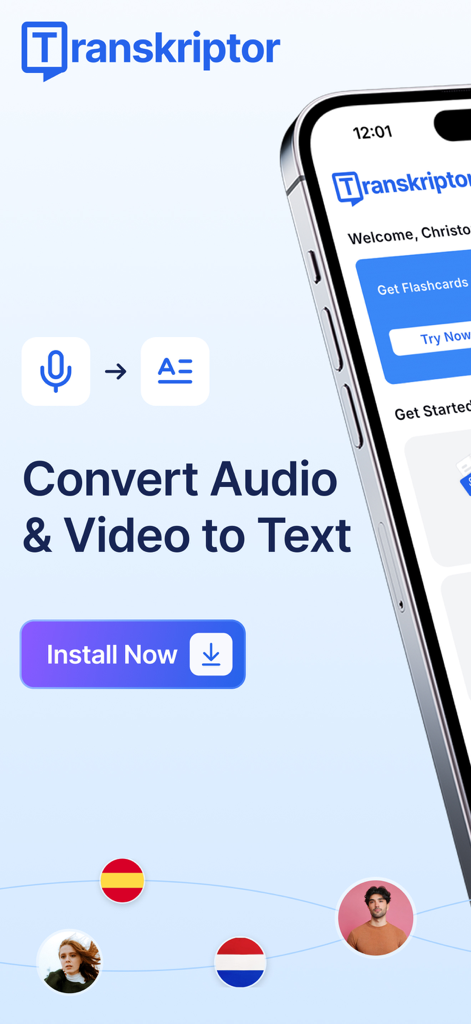
Transkriptor 앱 화면으로 오디오 및 동영상을 텍스트로 변환하는 기능을 보여주며 설치 버튼 포함
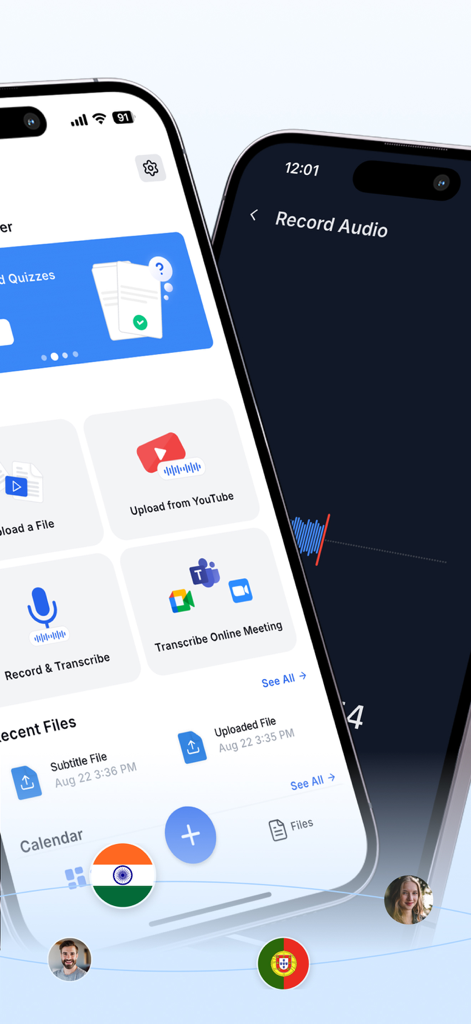
두 개의 iPhone이 Transkriptor 앱 인터페이스를 표시하며 Zoom 및 Microsoft Teams에서 오디오 녹음, YouTube에서 업로드, 온라인 회의 텍스트 변환 옵션 표시
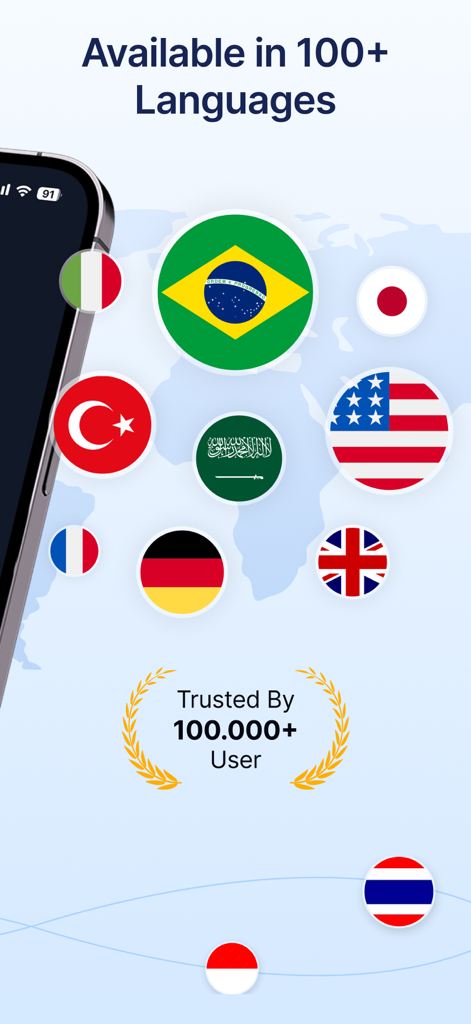
Transkriptor 앱 인터페이스에 다양한 국제 국기와 사용자 신뢰 배지가 표시된 100개 이상의 언어 지원 표시
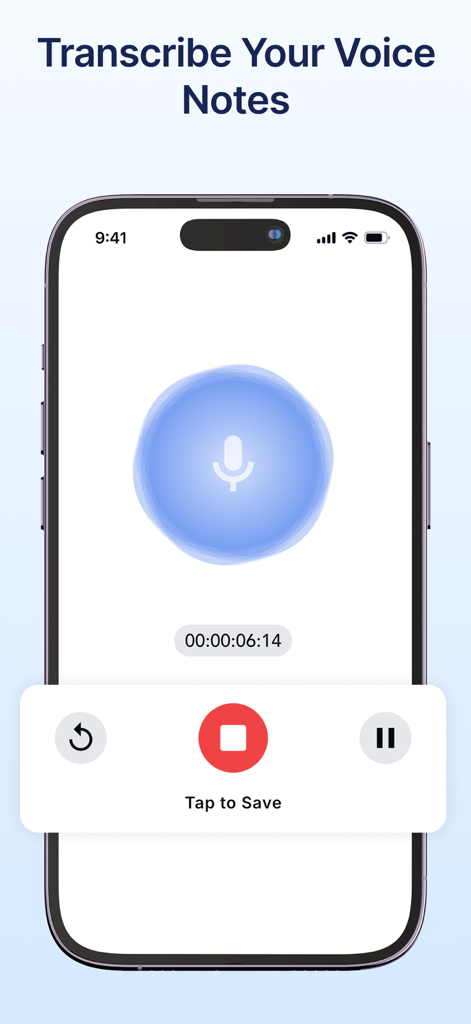
마이크 아이콘과 음성 메모 텍스트 변환 타이머가 있는 음성 녹음 기능 표시 모바일 앱 인터페이스
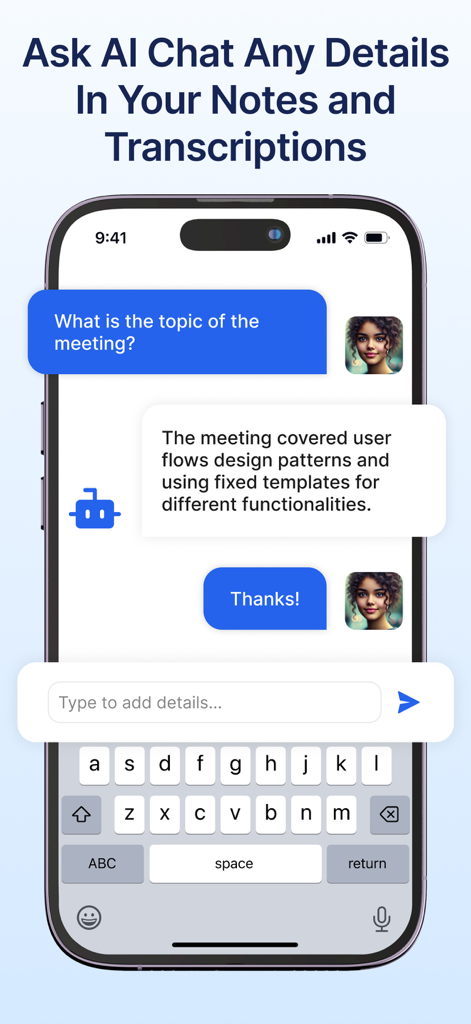
회의록을 요약하는 Transkriptor AI 채팅 표시 모바일 앱 화면
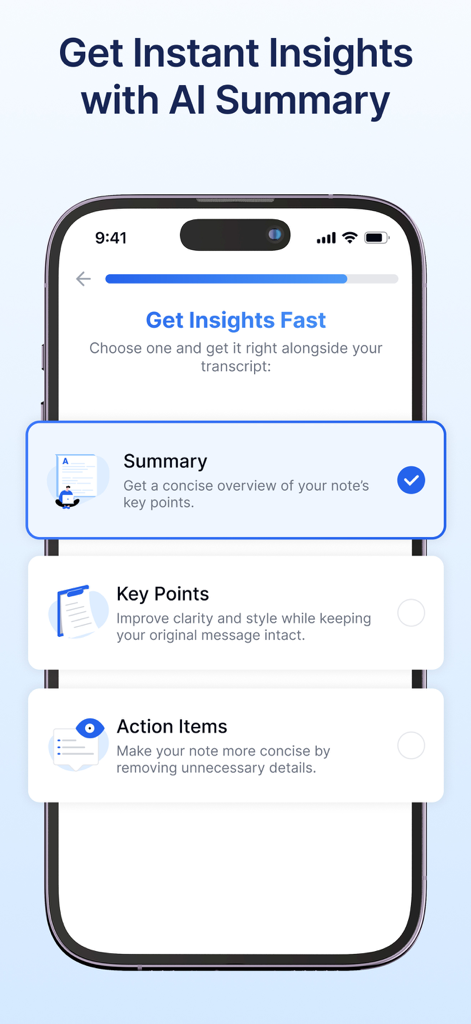
텍스트 변환에 대한 AI 요약 옵션(요약 주요 내용 및 실행 항목 포함)을 표시하는 Transkriptor 앱이 있는 스마트폰 화면
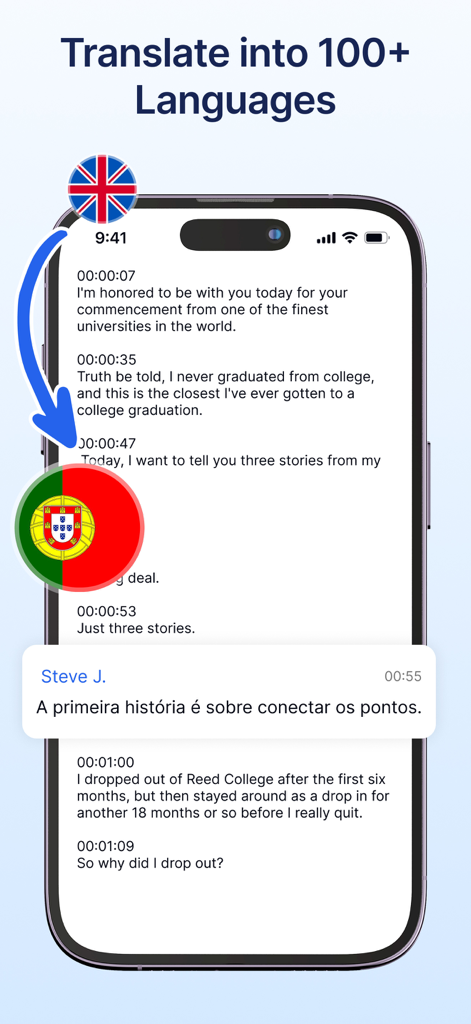
Transkriptor 앱 인터페이스가 영어 음성 텍스트를 포르투갈어로 번역하는 것을 보여주는 iPhone 화면
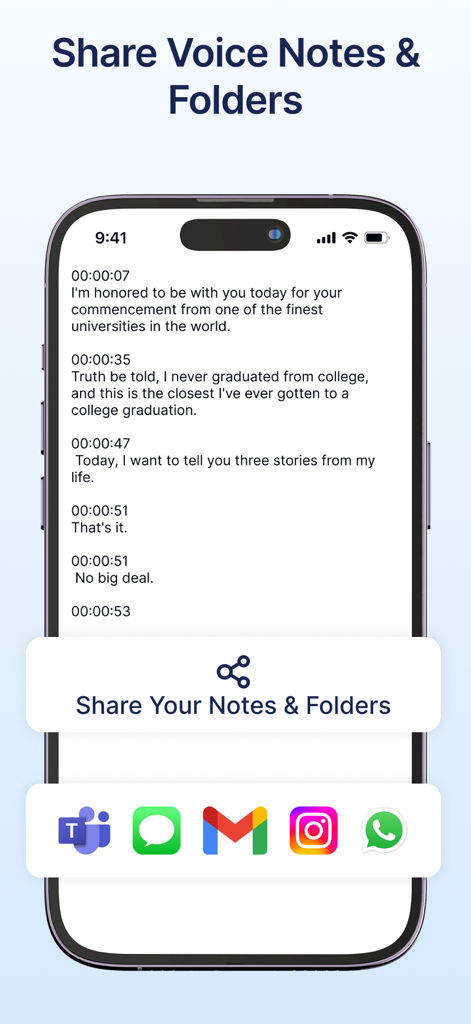
Microsoft Teams, Gmail, WhatsApp 아이콘이 있는 공유 메뉴와 함께 텍스트 전사본을 보여주는 스마트폰 화면
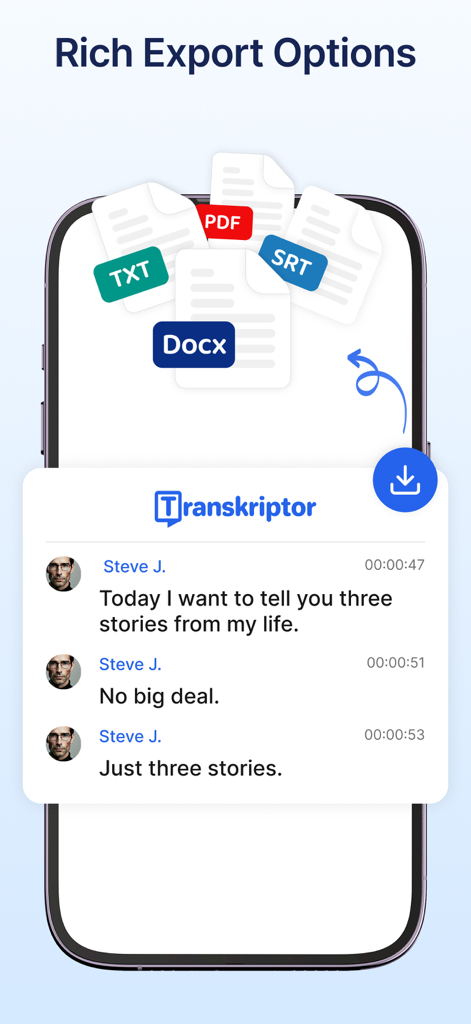
PDF, Docx, SRT, TXT 형식의 내보내기 옵션이 있는 음성을 텍스트로 변환하는 Transkriptor 앱 화면
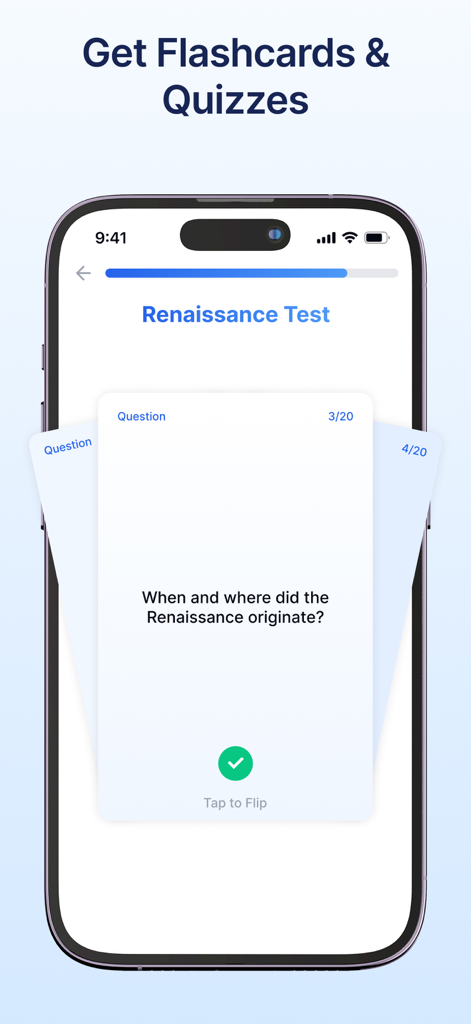
스마트폰에서 AI 생성 플래시 카드 및 학습 퀴즈를 보여주는 Transkriptor 앱 인터페이스
설명
Download

비슷한 앱
유사한 기능과 사용자 경험을 가진 앱

Plaud: AI Note Taker
PLAUD LLC

Notee: AI Note Taker
GM UniverseApps Limited

클로바노트 - 음성 그 이상의 기록
NAVER Corp.

录音专家-专业录音转文字助手
Chongqing Yeyuegua Technology Co., Ltd

听脑AI - 实时录音转文字总结助手
Shanghai Xiuyu Network Technology Co., Ltd

Granola - AI Meeting Notes
Granola inc

Minutes: AI Meeting Note Taker
Minutes AI, LLC

Fireflies: AI notetaker
FIREFLIES.AI CORP.

Anotar: Work Meeting Recorder
Genio Tech, LLC
이 페이지는 앱이나 개발자의 공식 페이지가 아니며, 정보 제공 및 논평을 목적으로 작성된 독립 편집 간행물입니다. 명시적으로 달리 언급되지 않는 한, 해당 앱이나 개발자는 MWM, Apple, Google Play, 앱 퍼블리셔 또는 앱 개발자와 제휴, 보증, 후원, 승인 또는 공식적으로 연결되어 있지 않으며, 이 페이지의 어떤 내용도 해당 앱이 MWM의 서비스를 사용하여 개발되었음을 의미하지 않습니다. 모든 상표, 로고, 스크린샷 및 기타 콘텐츠는 해당 소유자의 자산입니다.