THX tune-up™

THX tune-up™

다운로드: App Store
로고: THX tune-up™

THX tune-up™: 홈 시어터를 위한 전문가 수준의 시네마 캘리브레이션

감독의 의도를 구현하세요. 대화형 튜토리얼, 기술 테스트 패턴, 전설적인 THX Deep Note를 통해 모바일 장치에서 디스플레이와 스피커를 보정하세요.

다운로드: App Store

개발사

THX Ltd.

카테고리

Utilities

다운로드

2K+

사용자 평점

3.1/5

총 평가 수

100

지원 언어

1

시네마틱 완벽함을 시각화하세요

이 인터페이스를 사용하는 2K+ 명의 사용자.

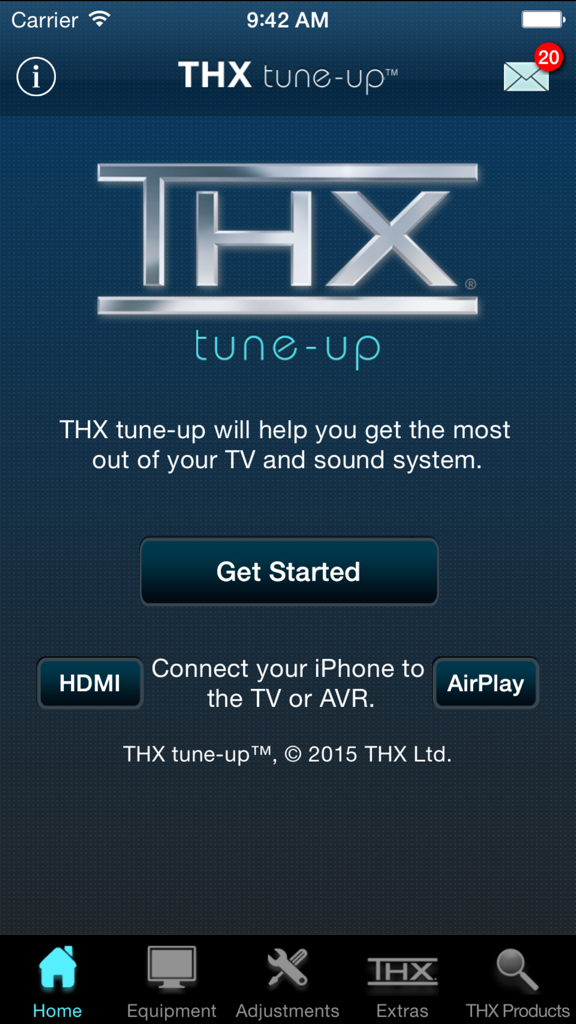
홈 시어터 캘리브레이션을 위한 THX tune-up 앱의 홈 화면, 로고와 시작 버튼 표시

홈 시어터 캘리브레이션을 위한 THX tune-up 앱의 홈 화면, 로고와 시작 버튼 표시

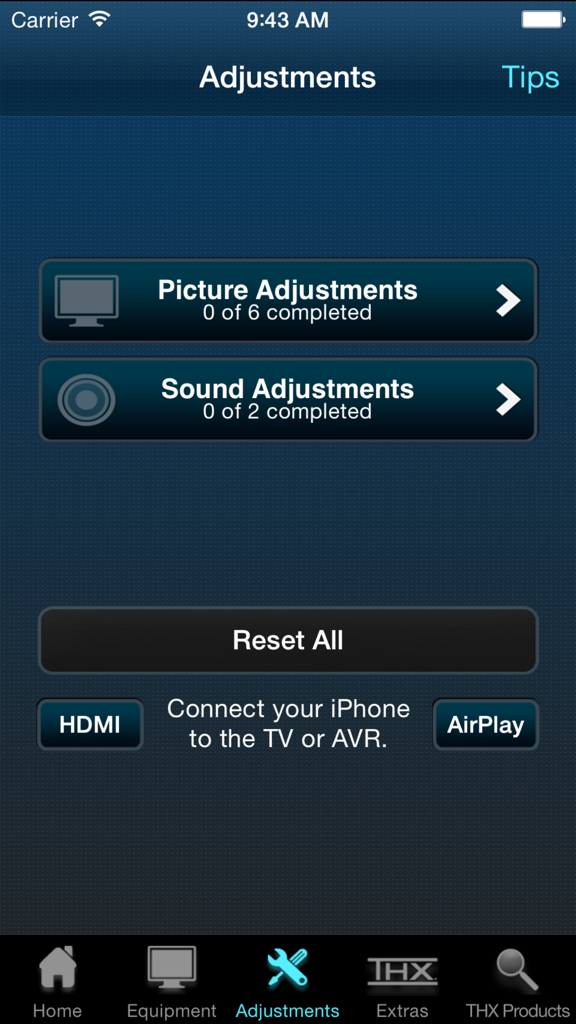
THX tune-up 앱의 영상 및 사운드 조정 메뉴

THX tune-up 앱의 영상 및 사운드 조정 메뉴

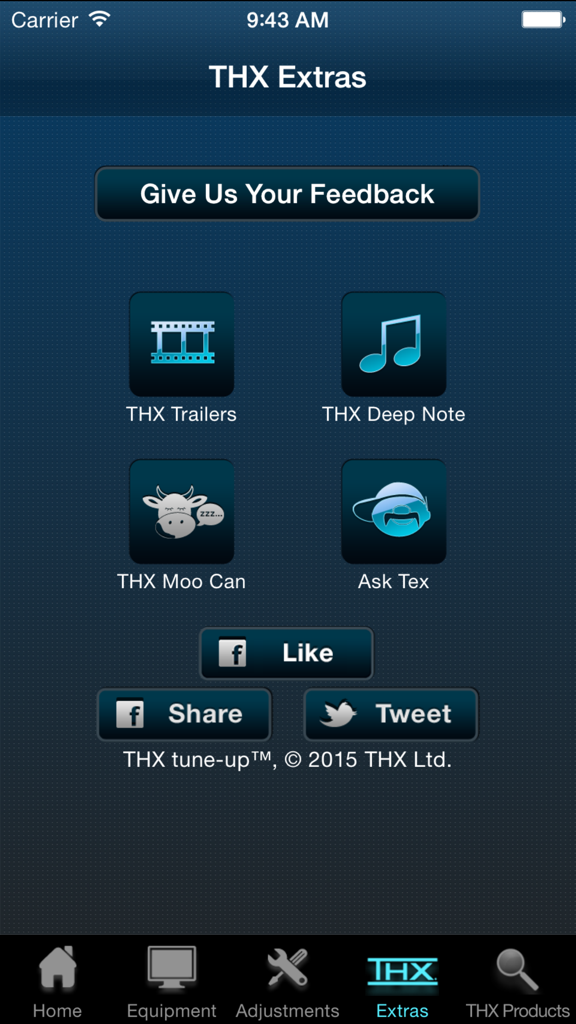
THX tune-up 앱의 Extras 화면, 트레일러 및 오디오 테스트 기능 표시

THX tune-up 앱의 Extras 화면, 트레일러 및 오디오 테스트 기능 표시

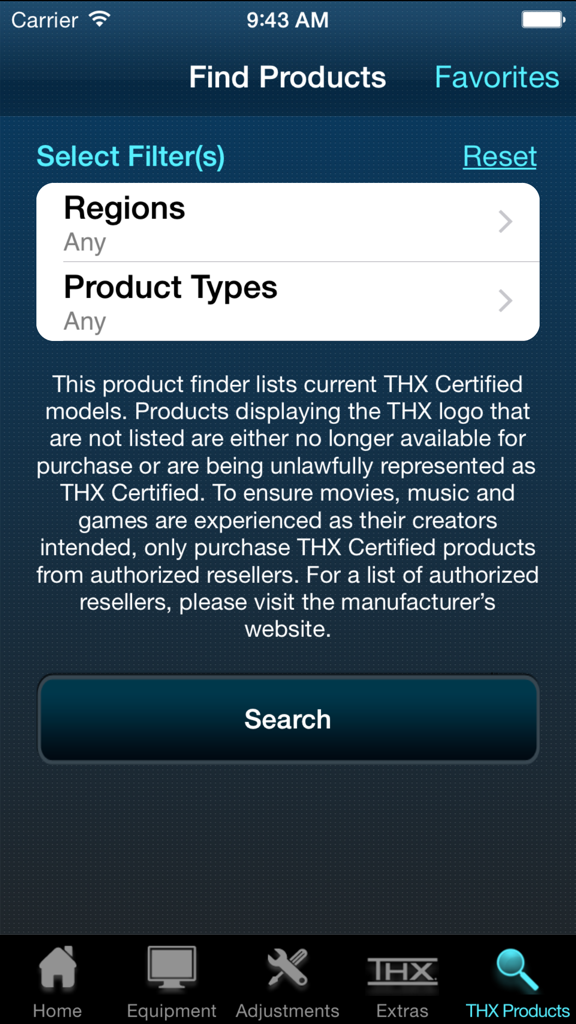
THX tune-up 앱의 제품 찾기 화면, 인증된 장비를 찾기 위한 지역 및 제품 유형 필터 표시

THX tune-up 앱의 제품 찾기 화면, 인증된 장비를 찾기 위한 지역 및 제품 유형 필터 표시

거실에서 감독의 의도를 구현하세요

이 앱을 돋보이게 하는 도구, 2K+ 명의 사용자가 선택.

🎨

정밀한 영상 튜닝

iPhone 카메라를 디지털 필터로 사용하여 색상, 색조 및 대비를 미세 조정하여 모든 프레임이 영화 제작자가 의도한 대로 보이도록 하세요.

🔊

완벽한 서라운드 사운드

끊김 없는 5.1 또는 스테레오 오디오를 위해 스피커 위상 및 배치를 확인하여 데드 존을 제거하고 액션의 중심에 서도록 하세요.

🎬

궁극의 데모 스위트

장비의 잠재력을 최대한 발휘하도록 설계된 전설적인 THX Deep Note와 시네마 트레일러로 시스템의 성능을 선보이세요.

앱 소개

에 대해 알아야 할 모든 것 THX tune-up™.

설명

THX tune-up (TM) allows you to properly adjust your TV, projector and speakers, helping you get the most out of your entertainment system. NOTE: Before you download and get started, please read the "Additional Requirements" & "Connection to TV/AVR" sections below to ensure enjoyment and proper use. For a video preview of the THX tune-up app, check out the THX YouTube http://bit.ly/X9h5rbchannel at YouTube.com/THXVids.   Additional Requirements • Supported iOS devices: iPhone 4, 4S, 5; iPad, 2, 3, 4 & Mini; iPod Touch 4 & 5; iOS 7.1 or later • If using Apple TV, must be 3rd gen version or later • iPhone 4 & iPod Touch 4 are not supported by Apple TV; must use AV adapter & HDMI cable connection to TV or AVR for picture adjustment (720p only) • For 5.1 audio tests, iOS device must be directly connected to AVR with adapter & HDMI cable (5.1 audio tests are not supported on Apple TV) • App is optimized for iOS 7.1 or later for 4S & 5, iPad 2, 3, 4 & Mini, & iPod Touch 5 with an HDMI adapter & cable directly connected to TV or AVR  Connection to TV/AVR • HDMI cable at least 2 meters (6 ft) & Cat 2-certified • 30-pin Apple Digital AV Adapter for iPad 2 & 3, iPhone 4 & 4S, & iPod Touch 4 • Lightning Digital AV Adapter for iPhone 5, iPad 4 & Mini, & iPod Touch 5 • Apple TV (3 gen) for picture adjustments is compatible with iPhone 4S & 5, iPad 2, 3, 4 & Mini, & iPod Touch 5 • Connect iOS device via Airplay to your Apple TV (3rd gen) & turn Mirroring ON THX tune-up features custom video test patterns, carefully selected photos and tutorials to help adjust and confirm the best picture settings on your display based on room lighting. Using special audio tests, THX tune-up also lets you check external speakers to make sure they are working in phase and are connected properly for 2-channel stereo or 5.1 sound systems.    THX tune-up is completely interactive — go through it at your own pace, in any order. Connect a supported iOS device to the display or sound system with an HDMI adapter & cable, or via AirPlay with Apple TV (3rd gen).   Locate the adjustment buttons on your TV and AVR remote controls and then follow the THX app tutorials which walk you through your “THX tune-up.” The app offers tips about your remote control, room lighting, viewing distance and other helpful advice.    Video adjustments • Aspect ratio – ensure your TV displays shapes & sizes correctly • Brightness – make certain shadow details & night scenes are clearly visible • Contrast – confirm white detail is distinct on your television • Color – make sure colors are bright & vibrant but not cartoonish • Tint – check skin tones look natural & are not too green or red   THX tune-up uses your iOS device’s camera to set color and tint with a special built in color filter. Point the device camera at the TV screen and see if the color or tint is adjusted correctly.   Audio adjustments • Speaker assignment – ensure speakers are connected to the correct AVR output & intended sound is coming from the correct speaker • Speaker phase – confirm that positive & negative speaker wires are connected correctly and all speakers are in phase   Extras • Turn “moo can” on & tilt your device to hear it “moo” • Play extraordinary THX trailers (just like in THX Certified cinemas) to show off your newly tuned TV & sound system to friends and family • Show off your audio system by playing “THX Deep Note” in 5.1 surround sound, just like in the theater • Have a question for THX or just want to provide feedback? Ask Tex! This app is not a professional calibration tool and is not intended to replace an in-home professional calibration.

최신 버전

1.3.1

크기

137.6 MB

출시일

2013년 1월 29일

홈 시네마의 잠재력을 최대한 발휘하세요

감독이 의도한 대로 영화를 경험하세요. 지금 THX tune-up™을 다운로드하고 전문가 수준의 정밀도로 시스템을 보정하세요.

다운로드: App Store

App information, icons, screenshots, and descriptions displayed on this page are sourced from the Apple App Store and are the property of their respective developers. Download estimates and rankings are based on MWM's proprietary models and may not reflect actual figures. This page is provided for informational and analytical purposes only.

Believe this page infringes your intellectual property? File a dispute