TrafficCamNZ

TrafficCamNZ

다운로드: App Store
로고: TrafficCamNZ

TrafficCamNZ: 나만의 실시간 교통 및 날씨 대시보드

운전하기 전에 앞길을 미리 확인하세요. 7,000개 이상의 카메라 또는 직접 추가한 링크로 구성된 사용자 지정 피드를 통해 즉시 교통 및 날씨 상황을 시각적으로 확인하세요.

개발사

David Wilson

카테고리

Navigation

다운로드

250K+

사용자 평점

2.2/5

총 평가 수

500

지원 언어

1

도로 위의 눈

이 인터페이스를 사용하는 250K+ 명의 사용자.

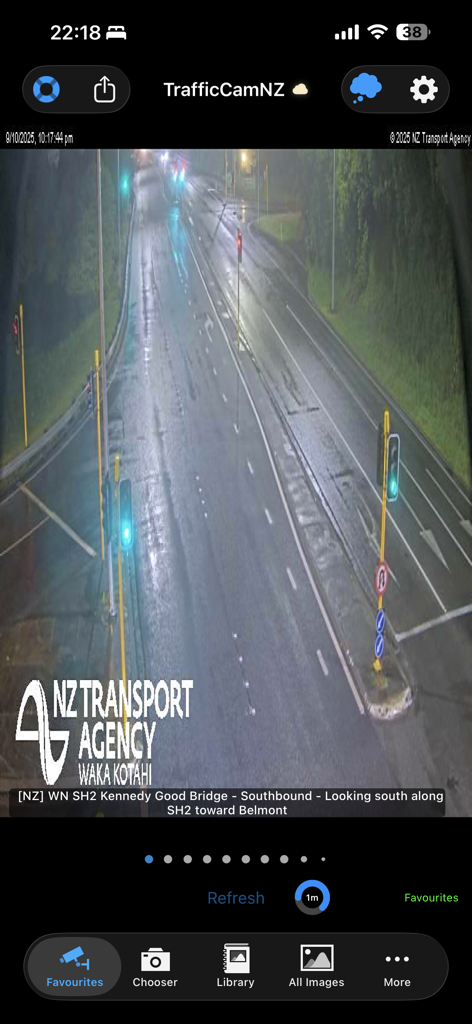
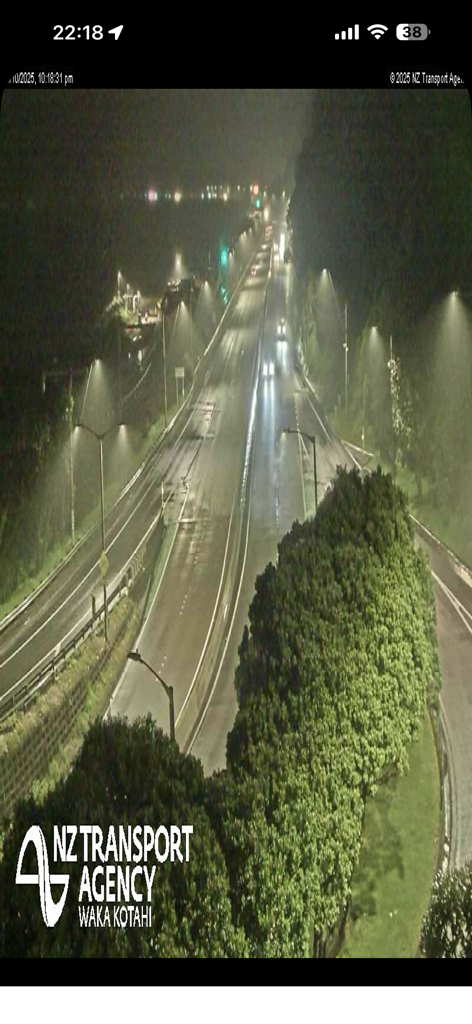
TrafficCamNZ 앱이 NZ Transport Agency의 젖은 고속도로 야간 실시간 교통 카메라 피드를 보여줍니다.

TrafficCamNZ 앱이 NZ Transport Agency의 젖은 고속도로 야간 실시간 교통 카메라 피드를 보여줍니다.

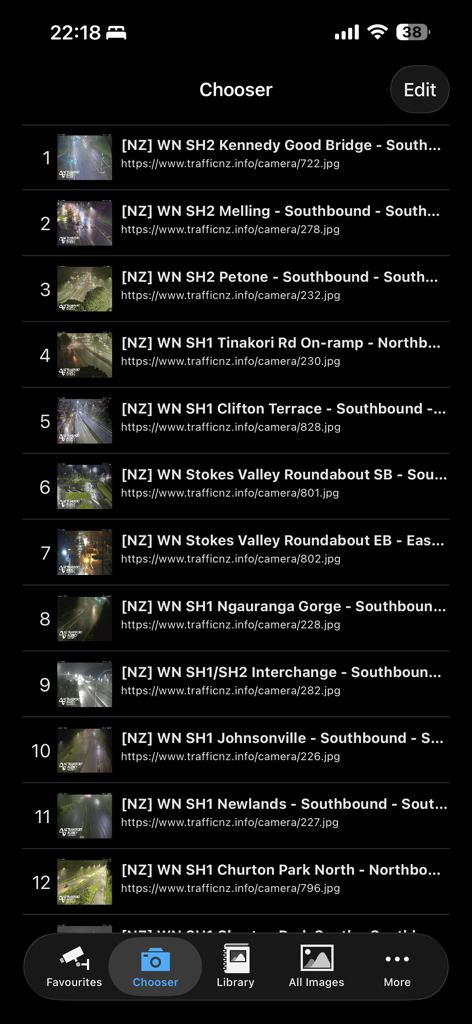
TrafficCamNZ 앱의 선택기 화면에 위치와 웹 주소가 표시된 교통 카메라 번호 목록이 표시됩니다.

TrafficCamNZ 앱의 선택기 화면에 위치와 웹 주소가 표시된 교통 카메라 번호 목록이 표시됩니다.

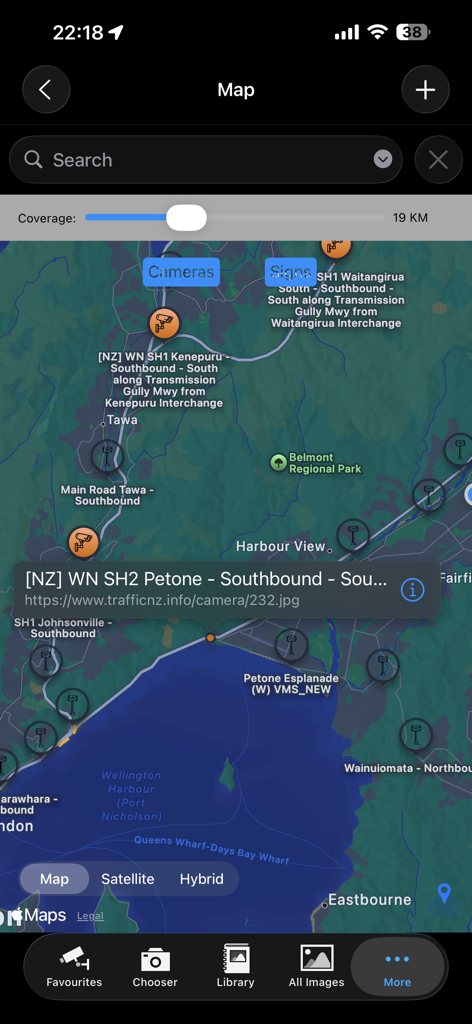
TrafficCamNZ 앱의 지도 보기에 교통 카메라 위치와 선택된 카메라 세부 정보 팝업이 표시됩니다.

TrafficCamNZ 앱의 지도 보기에 교통 카메라 위치와 선택된 카메라 세부 정보 팝업이 표시됩니다.

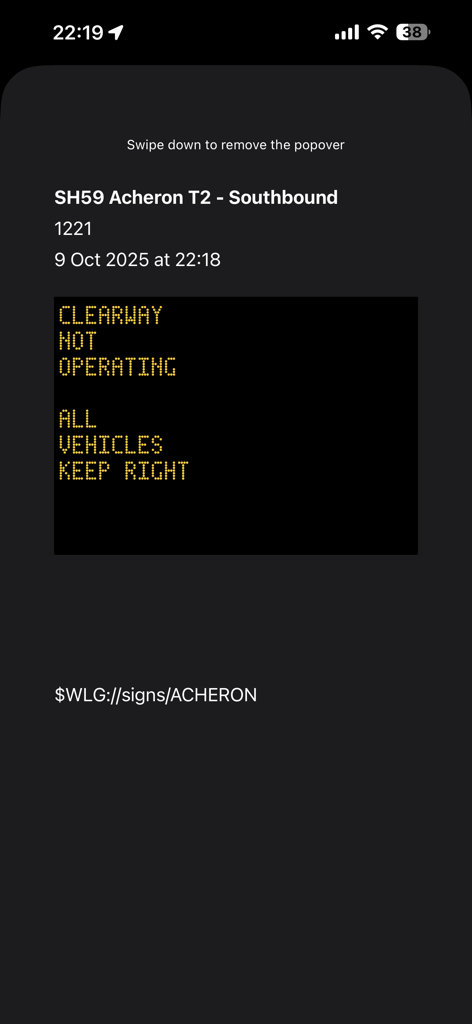
TrafficCamNZ 앱에서 SH59 남행 방향의 실시간 디지털 교통 표지 업데이트.

TrafficCamNZ 앱에서 SH59 남행 방향의 실시간 디지털 교통 표지 업데이트.

가로등이 있는 다차선 고속도로의 야간 교통 카메라 보기.

가로등이 있는 다차선 고속도로의 야간 교통 카메라 보기.

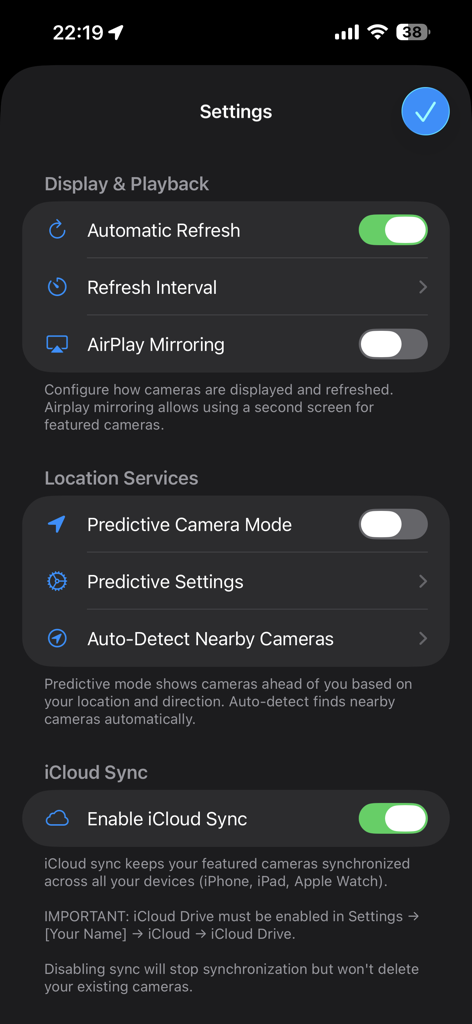
TrafficCamNZ 앱의 설정 화면에 표시, 재생, 위치 서비스 및 iCloud 동기화 옵션이 표시됩니다.

TrafficCamNZ 앱의 설정 화면에 표시, 재생, 위치 서비스 및 iCloud 동기화 옵션이 표시됩니다.

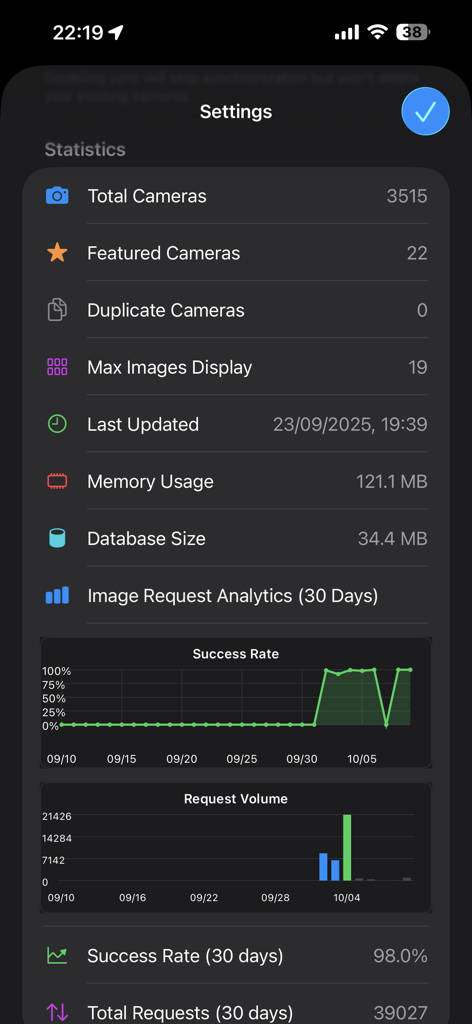
앱 설정 화면에 전체 카메라, 추천 카메라, 이미지 요청 분석 통계와 성공률 및 볼륨 차트가 표시됩니다.

앱 설정 화면에 전체 카메라, 추천 카메라, 이미지 요청 분석 통계와 성공률 및 볼륨 차트가 표시됩니다.

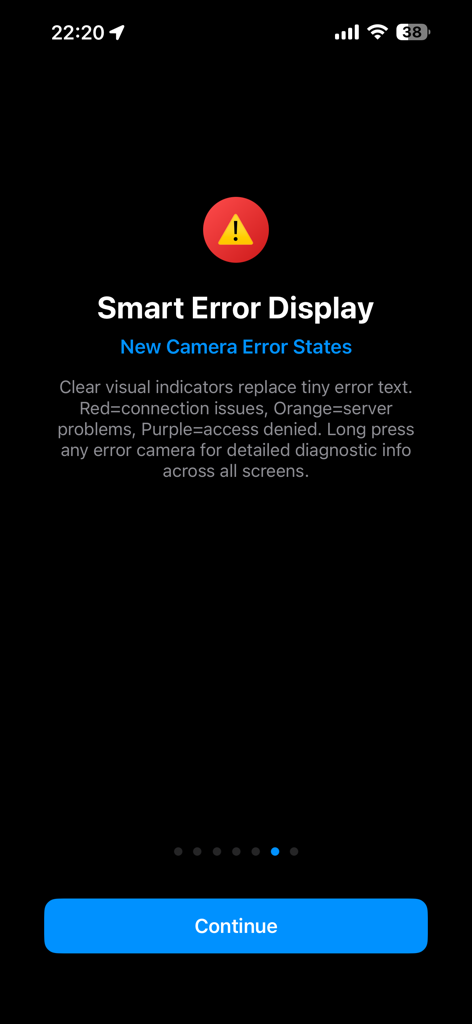
TrafficCamNZ 앱 화면에 카메라 오류 상태에 대한 시각적 색상 표시기가 설명되어 있습니다.

TrafficCamNZ 앱 화면에 카메라 오류 상태에 대한 시각적 색상 표시기가 설명되어 있습니다.

운전 전에 도로를 확인하세요

이 앱을 돋보이게 하는 도구, 250K+ 명의 사용자가 선택.

🛠️

나만의 대시보드 구축

모든 웹 카메라 URL을 추가하여 완전한 제어권을 확보하세요. 매일 출퇴근길에 중요한 교차로와 출구에 대한 개인화된 피드를 만드세요.

몇 초 만에 교통 정보 확인

특징적인 스와이프 보기 인터페이스로 시간을 절약하세요. 출발하기 전에 하나의 빠른 동작으로 기능 카메라를 쉽게 넘겨 전체 경로를 평가하세요.

🛰️

스마트 예측 GPS 모드

여행을 예측하는 기술을 사용하여 자신 있게 운전하세요. 예측 모드는 이동 중에 경로상의 다음 카메라를 자동으로 표시합니다.

앱 소개

에 대해 알아야 할 모든 것 TrafficCamNZ.

설명

TrafficCamNZ displays internet accessible pictures of Traffic Cameras all over the world. Use it for any image with a fixed URL (web address). Images you choose as "Featured" are downloaded and setup side by side so that you can swipe across the screen to view multiple images quickly. TrafficCamNZ works over the cellular network though it works best with WiFi because, usually, it's faster! TrafficCamNZ can also use the GPS features in your device to show cameras around you. Try the predictive mode that predicts where you are travelling to display the next cameras (with known GPS coordinates) on your journey. TrafficCamNZ now contains details of more than 7000 cameras from around the world. You choose which cameras are the "featured" ones. Featured cameras are easily identified in the Library; they have a Green dot next to them. Managing your own personal list of cameras is easy too. This can be done in two ways: 1. Enter a new camera directly on the iPhone and key in the entire URL (http://mywebsite/image.jpg) or 2. Create your own XML file for importing into the application. Instructions on how to do this are available at the support web site or by contacting the developer. Usage Notes: * Pictures are displayed in the order they are received unless you set the image sequence number, you can then order the images how you want them * Check your network usage when downloading over the cellular network * Images are not cached, if you receive an image that isn't right (i.e. daylight when you know it is night time, that camera may not be functioning) * Sometimes the traffic camera pictures are not up-to-date. You may see night pictures when it is supposed to be daylight or perhaps pictures don't change. TrafficCamNZ has no control over that * You receive updates to the camera list automatically; a check is performed every 7 days when the application starts * Tap the image on the main window to display it full screen Features: * Easily flick through the loaded images with your finger - this was the original idea behind the application * Load your own web images * Free version available, loads up to 3 images * Full version available, loads up to 19 images on iPhone and 32 images on iPad * Allows XML import of camera list * Camera list (XML Import file) can be updated from a web site - doesn't require the release of a new application * No advertising Many great comments from around the world have been made about TrafficCamNZ: * Great little app, what a time saver. I would often leave work to find the traffic all congested, now I can check before I leave and even if it gets busy I can check on the road and take a different route. I have set my own cameras and can quickly check what's what. A real must for driving commuters, couriers or even taxi's. * This app works very well and is awesome if you travel a lot. Going on a road trip for work or vacation? Google the cameras for your cities, insert the URL into the app, and cameras appear * I set it up for all the traffic cameras from Douglas County down through El Paso County (Colorado) and it works great! So well in fact, that I sprung for the paid version * Make sure you enter in the URL's correctly - that's where some people mess up. What you see is basically what the traffic/weather cam sees wherever they are. They have to be viewable on the Internet first. Awesome app! * App is very easy to use and I use it for going to work every day * I put 2 of the most important traffic cams on the way to work and it works perfect

최신 버전

1.15.0

크기

39.6 MB

출시일

2008년 12월 13일

실시간 영상으로 출퇴근길을 제어하세요

추측 대신 직접 확인하는 250,000명 이상의 전략적인 운전자와 함께하세요. 오늘 TrafficCamNZ를 다운로드하여 나만의 교통 대시보드를 구축하고 실제 도로 상황을 확인하세요.

다운로드: App Store

App information, icons, screenshots, and descriptions displayed on this page are sourced from the Apple App Store and are the property of their respective developers. Download estimates and rankings are based on MWM's proprietary models and may not reflect actual figures. This page is provided for informational and analytical purposes only.

Believe this page infringes your intellectual property? File a dispute