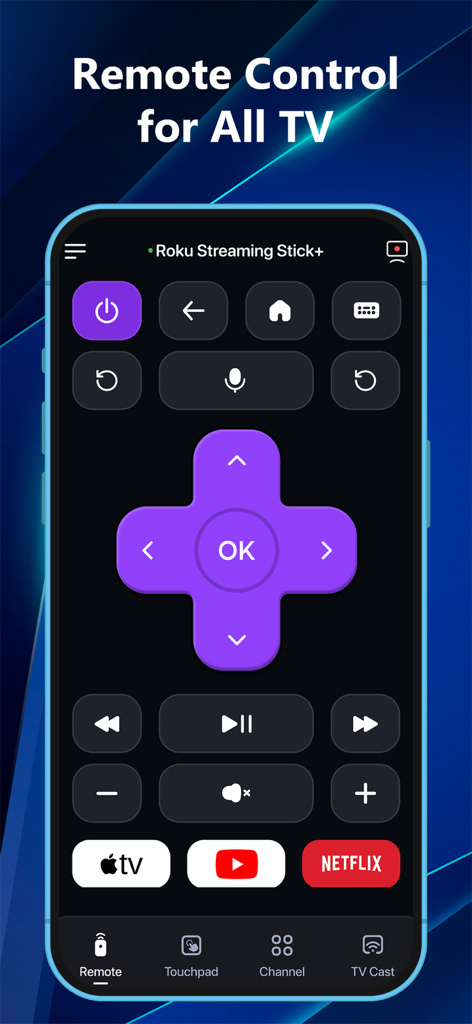
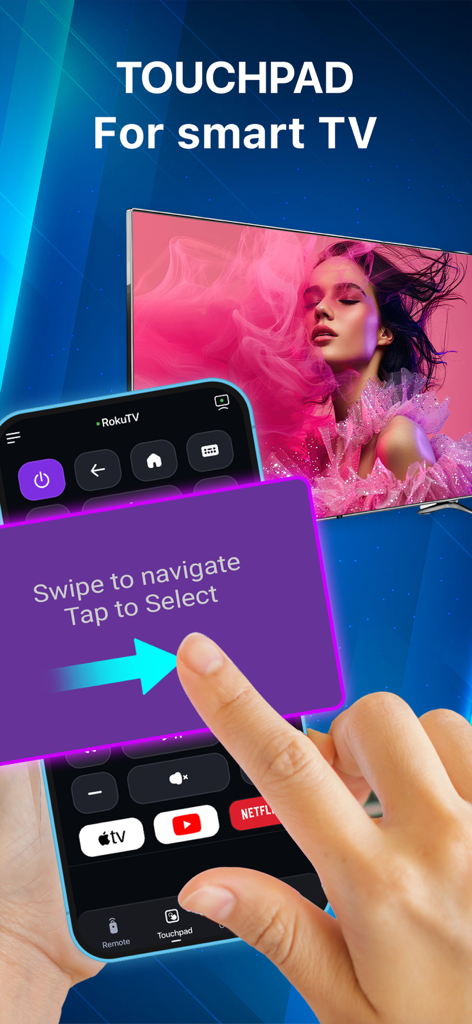
만능 리모컨 앱을 사용하여 스마트 TV를 제어하기 위해 스마트폰에서 터치패드 탐색 기능을 사용하는 손
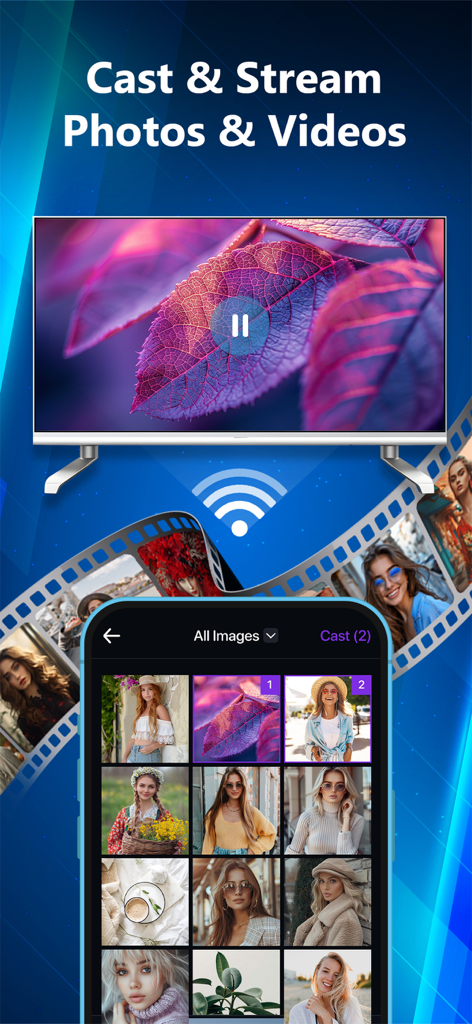
만능 리모컨 앱을 사용하여 스마트 TV로 사진 갤러리를 전송하고 동영상을 스트리밍하는 iPhone
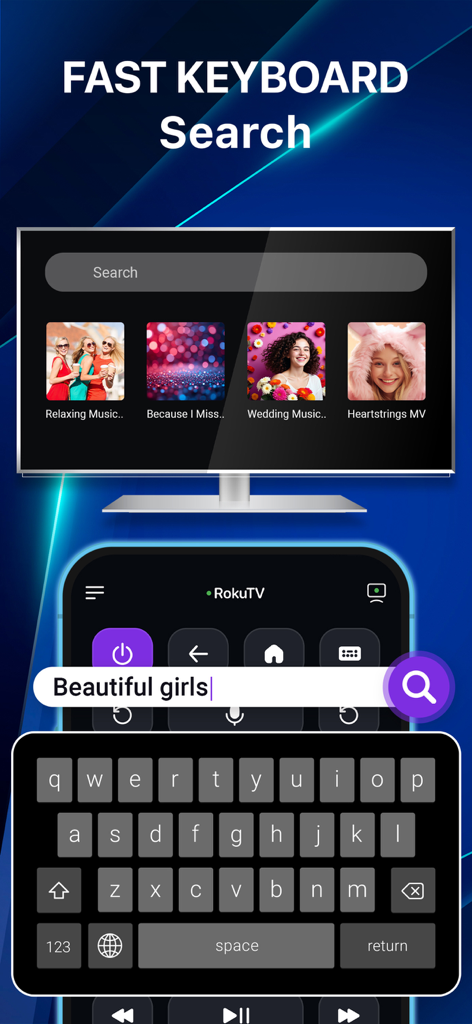
만능 리모컨 앱을 통해 스마트 TV 화면에서 콘텐츠를 빠르게 검색하는 데 사용되는 스마트폰 키보드
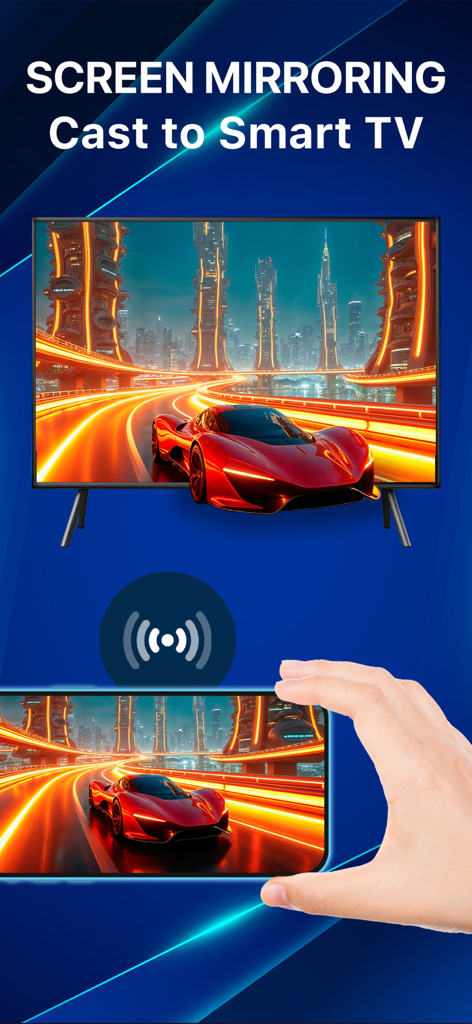
만능 리모컨 앱을 사용하여 대형 스마트 TV로 화면 콘텐츠를 미러링하는 스마트폰을 들고 있는 손
하나의 앱으로 홈 엔터테인먼트를 마스터하세요
이 앱을 돋보이게 하는 도구, 1K+ 명의 사용자가 선택.
📺
만능 브랜드 연결성
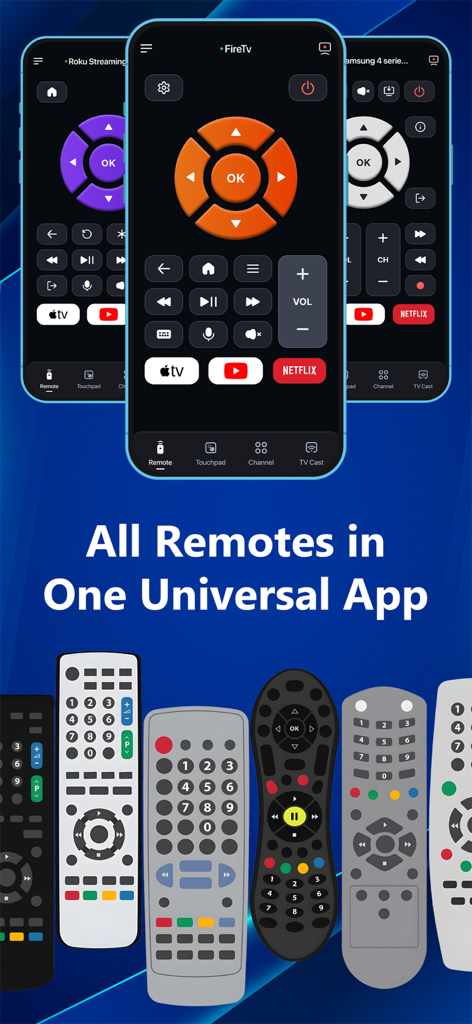
삼성, LG, Roku, Fire TV 등을 원활하게 제어하세요. 물리적 리모컨 없이 집 안의 모든 화면을 관리할 수 있는 하나의 통합 인터페이스.
🖱️
직관적인 터치패드 및 키보드
화살표 키로 입력하는 좌절감을 멈추세요. iPhone 키보드로 빠르게 검색하고 부드러운 터치패드로 정밀하게 탐색하세요.
📲
즉각적인 무선 전송
추억을 큰 화면으로 가져오세요. 케이블 없이 몇 초 만에 카메라 롤에서 TV로 사진과 동영상을 쉽게 스트리밍하세요.
앱 소개
에 대해 알아야 할 모든 것 TV Control – Universal Remote.
설명
TV Remote – Smart Control for All TVs.
Turn your iPhone or iPad into a powerful universal TV remote!
Control Samsung, LG, Roku, Fire TV, Android TV, Hisense, Sony, TCL & more — all from one smart app.
No more juggling remotes. Cast, control, and mirror – effortlessly.
Key Features
• Universal Remote for Smart TVs
Control power, volume, channels, input, and settings on Samsung, LG, Roku, Fire TV, and Android TVs.
• Quick App Access
Launch Netflix, YouTube, Prime Video, Hulu, TED, and CNN instantly with one tap.
• Smart Touchpad Navigation
Swipe and tap like a laptop trackpad — intuitive and fast.
• Cast Photos & Videos
Stream photos and videos from your iPhone/iPad camera roll to your TV. No cables. No setup.
• Voice Control
Use voice commands to search, play, pause, adjust volume, and more — hands-free.
• Stable WiFi Remote
Control TVs via WiFi — no line-of-sight needed. Instant response & ultra-reliable connection.
• All-in-One Convenience
Consolidate all your remotes into one smart app available on both iPhone and iPad.
• Screen Mirroring (Coming Soon)
Mirror your iPhone/iPad screen to any compatible smart TV — great for presentations, videos, or mobile games.
* Works Great With:
Smart TVs, streaming devices, and more. Perfect for home entertainment, travel, and presentations.
* How to connect to TV Control – Universal Remote :
1. Make sure your Smart TV and your iPhone/iPad are connected to the same Wi-Fi network.
2. Open the TV Control – Universal Remote app.
3. Tap the “Tap to Connect” button at the top of the screen.
4. Choose your TV from the list of available devices.
5. Once connected, explore the available features: Remote, Touchpad, Cast, Channel, Setting
Why Choose TV Remote – Smart Control?
• Works with almost smart TVs & streaming devices
• Seamless connection setup in seconds
• All-in-one remote for your home, travel, or office
• Clean, simple interface that anyone can use
Download TV Control – Universal Remote now on your iPhone or iPad and take control of your viewing experience!
*This app is not affiliated with or endorsed by Samsung, Roku, or any of the mentioned brands.
Links to our Terms of Service and Privacy Policy can be found below:
Privacy Policy: https://sites.google.com/view/btb-ios-group/
Terms of Service: https://sites.google.com/view/btb-ios-group-tos/
최신 버전
1.1.9
크기
116.0 MB
출시일
2025년 7월 10일
오늘, 리모컨 혼란에서 벗어나세요
수천 명의 사용자들이 복잡한 커피 테이블을 하나의 스마트 앱으로 바꿨습니다. 지금 바로 iPhone에서 삼성, LG, Roku, Fire TV를 즉시 제어하세요.
FAQ
자주 묻는 질문
에 대해 알아야 할 모든 것 TV Control – Universal Remote
TV Control – Universal Remote는 무엇인가요?
TV Control – Universal Remote는 iPhone 또는 iPad를 다양한 TV용 스마트 리모컨으로 바꿔줍니다. 삼성, LG, Roku, Fire TV, Android TV, Hisense, Sony, TCL TV를 제어하며, 여러 개의 물리적 리모컨을 하나의 앱으로 통합합니다.
TV Control – Universal Remote 앱을 TV에 어떻게 연결하나요?
iPhone/iPad와 TV를 동일한 Wi-Fi 네트워크에 연결하세요. 앱을 열고 “Tap to Connect”를 탭한 다음, 사용 가능한 기기 목록에서 TV를 선택하세요. 연결은 몇 초 안에 이루어집니다.
TV Control – Universal Remote 앱과 호환되는 TV 브랜드는 무엇인가요?
TV Control – Universal Remote 앱은 삼성, LG, Roku, Fire TV, Android TV, Hisense, Sony, TCL을 지원합니다. 거의 모든 스마트 TV 및 스트리밍 기기와 작동합니다.
TV Control – Universal Remote 앱에 음성 제어 기능이 있나요?
네, TV Control – Universal Remote에는 음성 제어 기능이 포함되어 있습니다. 사용자는 음성 명령을 사용하여 앱을 통해 직접 손을 대지 않고도 검색, 재생, 일시 중지, 볼륨 조절을 할 수 있습니다.
TV Control – Universal Remote 앱에 탐색을 위한 터치패드 기능이 있나요?
네, TV Control – Universal Remote 앱에는 스마트 터치패드 탐색 기능이 있습니다. 이를 통해 사용자는 노트북 트랙패드처럼 스와이프하고 탭하여 직관적이고 빠르게 제어할 수 있습니다.
TV Control – Universal Remote 앱으로 내 기기에서 TV로 사진과 동영상을 캐스트할 수 있나요?
네, TV Control – Universal Remote를 사용하면 iPhone/iPad 카메라 롤에서 TV로 사진과 동영상을 스트리밍할 수 있습니다. 이 기능은 케이블이나 특별한 설정이 필요하지 않습니다.
TV Control – Universal Remote 앱이 화면 미러링을 지원하나요?
화면 미러링은 TV Control – Universal Remote에 곧 추가될 기능입니다. 이를 통해 다양한 용도로 iPhone/iPad 화면을 호환되는 모든 스마트 TV로 미러링할 수 있습니다.
TV Control – Universal Remote 앱이 Wi-Fi 연결을 사용하여 작동하나요?
네, TV Control – Universal Remote는 안정적인 WiFi 리모컨으로 작동합니다. Wi-Fi를 통해 TV를 제어하므로 시야각이 필요 없으며 매우 안정적인 연결을 제공합니다.
TV Control – Universal Remote 앱을 사용하여 어떤 애플리케이션에 빠르게 액세스할 수 있나요?
TV Control – Universal Remote 앱은 Netflix, YouTube, Prime Video, Hulu, TED, CNN에 빠르게 액세스할 수 있습니다. 원탭으로 즉시 실행할 수 있습니다.
TV Control – Universal Remote는 삼성이나 Roku와 같은 브랜드의 공식 애플리케이션인가요?
아니요, TV Control – Universal Remote는 삼성, Roku 또는 언급된 다른 브랜드와 제휴하거나 보증하지 않습니다. 타사 범용 리모컨 애플리케이션입니다.
App information, icons, screenshots, and descriptions displayed on this page are sourced from the Apple App Store and are the property of their respective developers. Download estimates and rankings are based on MWM's proprietary models and may not reflect actual figures. This page is provided for informational and analytical purposes only.
Believe this page infringes your intellectual property? File a dispute