TV Plus: Smart TV Remote

TV Plus: Smart TV Remote

다운로드: App Store
로고: TV Plus: Smart TV Remote

TV Plus: 스마트 TV 리모컨 — 절대 잃어버리지 않을 유일한 리모컨

홈 엔터테인먼트 경험을 업그레이드한 2백만 명 이상의 사용자와 함께하세요. iPhone에서 바로 원활한 탐색을 위해 설계된 세련된 다크 모드 인터페이스를 즐기며, 스마트 ThinQ TV를 즉시 제어하고 좋아하는 앱을 실행하세요.

개발사

TV Cast Pte. Ltd.

카테고리

Utilities

다운로드

2M+

사용자 평점

4.3/5

총 평가 수

28K+

지원 언어

1

손끝에서 제어

이 인터페이스를 사용하는 2M+ 명의 사용자.

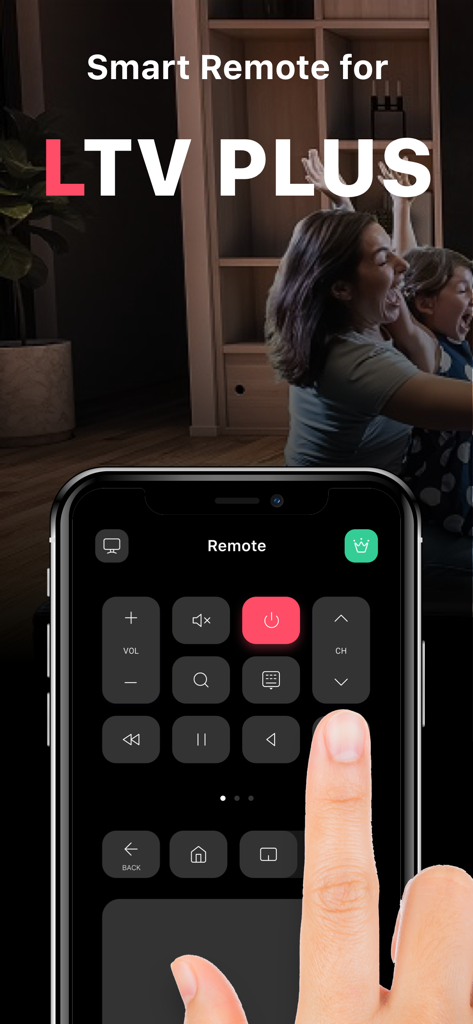
TV를 제어하기 위해 iPhone에서 TV Plus 스마트 리모컨 앱을 사용하는 사람

TV를 제어하기 위해 iPhone에서 TV Plus 스마트 리모컨 앱을 사용하는 사람

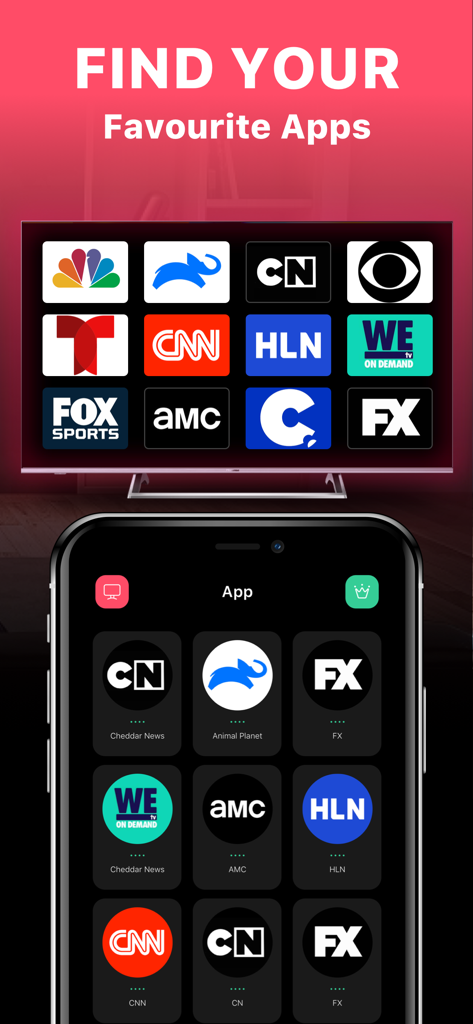
스마트폰과 TV 화면에 스트리밍 채널 아이콘이 선택된 TV Plus 앱의 인터페이스

스마트폰과 TV 화면에 스트리밍 채널 아이콘이 선택된 TV Plus 앱의 인터페이스

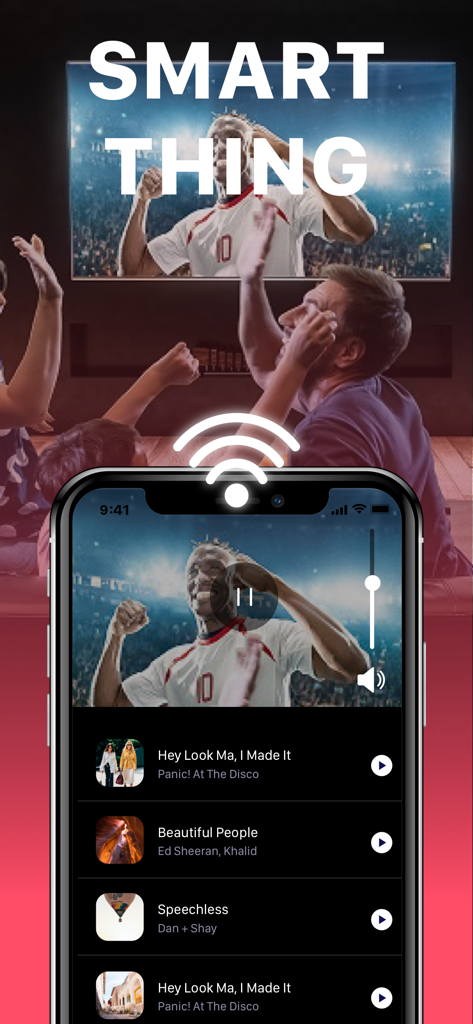
무선 연결을 통해 스마트 TV에서 비디오 콘텐츠를 제어하는 iPhone 앱 인터페이스

무선 연결을 통해 스마트 TV에서 비디오 콘텐츠를 제어하는 iPhone 앱 인터페이스

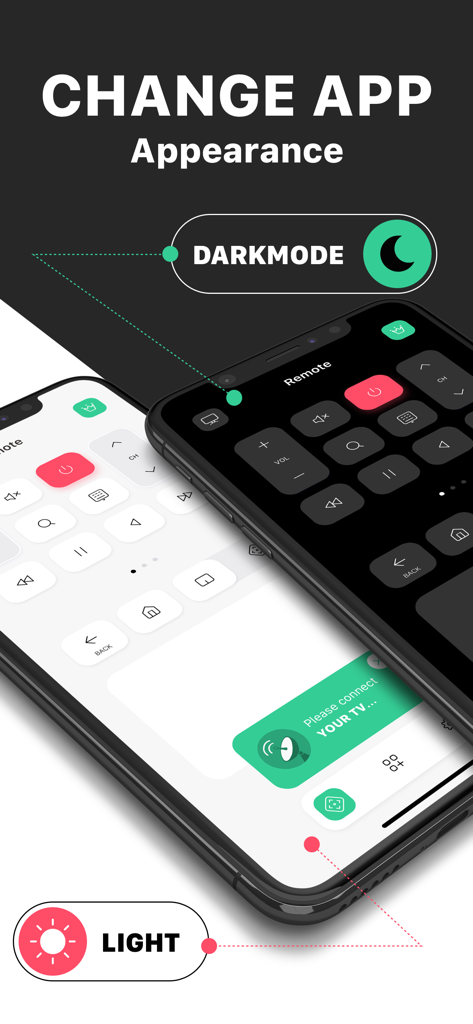
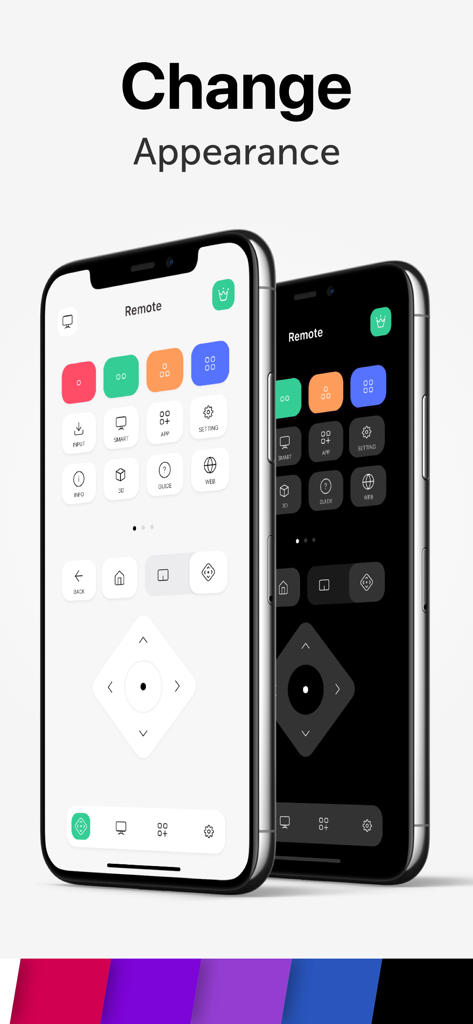
iPhone에서 밝은 모드와 어두운 모드 모양 옵션을 보여주는 TV Plus 앱의 스마트 TV 리모컨 앱 인터페이스

iPhone에서 밝은 모드와 어두운 모드 모양 옵션을 보여주는 TV Plus 앱의 스마트 TV 리모컨 앱 인터페이스

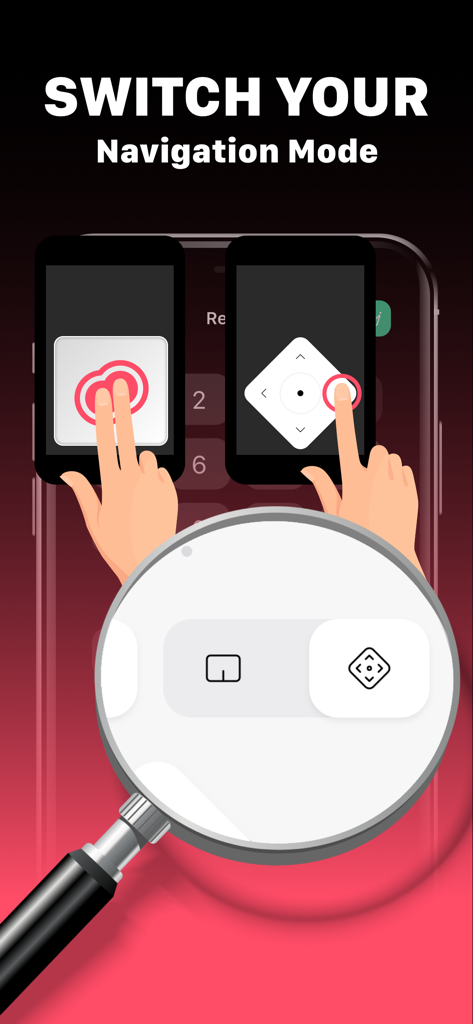
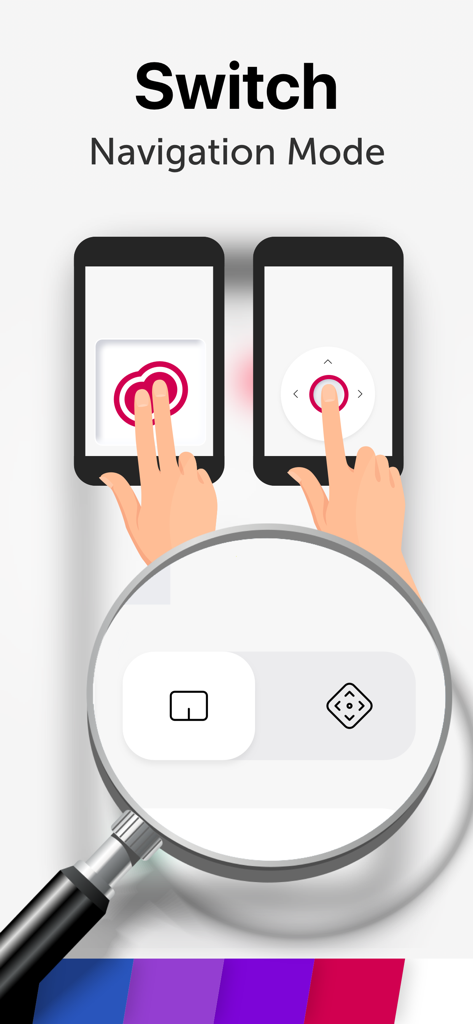
스마트폰에서 터치패드 탐색과 방향 패드 탐색 전환을 보여주는 TV Plus 앱 스크린샷

스마트폰에서 터치패드 탐색과 방향 패드 탐색 전환을 보여주는 TV Plus 앱 스크린샷

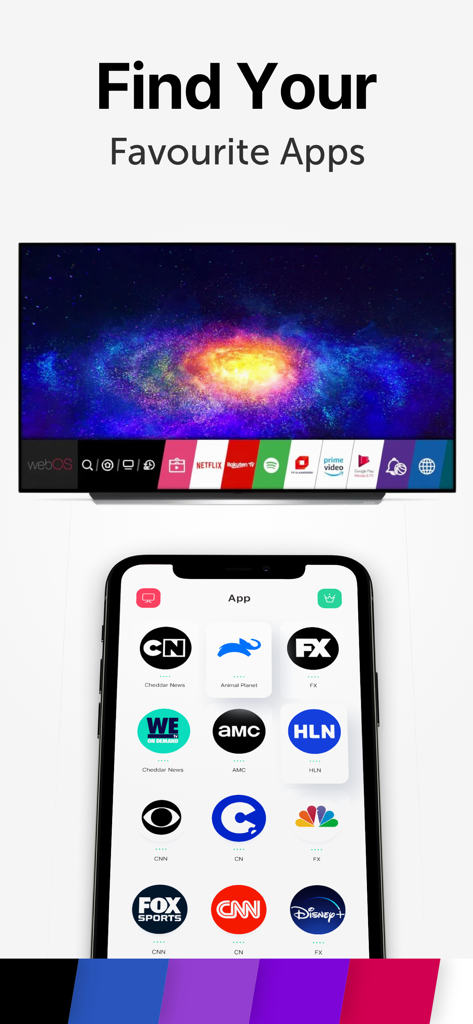
스마트 TV에서 제어할 Disney plus 및 CNN과 같은 스트리밍 앱 그리드를 보여주는 스마트폰 화면

스마트 TV에서 제어할 Disney plus 및 CNN과 같은 스트리밍 앱 그리드를 보여주는 스마트폰 화면

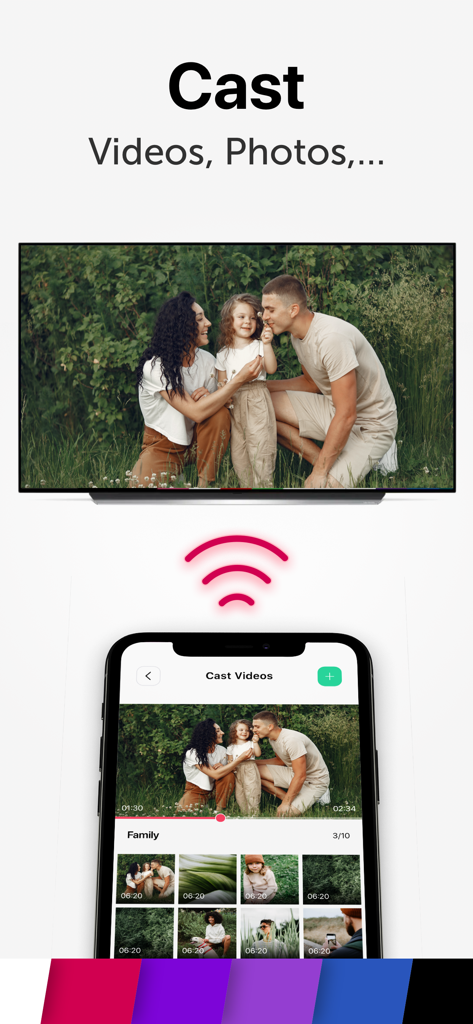
스마트 TV로 가족 사진을 전송하고 사진 갤러리를 표시하는 iPhone 화면

스마트 TV로 가족 사진을 전송하고 사진 갤러리를 표시하는 iPhone 화면

두 개의 iPhone에서 밝은 모드와 어두운 모드 테마를 선보이는 TV Plus 앱 인터페이스

두 개의 iPhone에서 밝은 모드와 어두운 모드 테마를 선보이는 TV Plus 앱 인터페이스

스마트폰에서 트랙패드와 방향 탐색 모드 간 전환

스마트폰에서 트랙패드와 방향 탐색 모드 간 전환

iPhone에서 TV를 마스터하세요

이 앱을 돋보이게 하는 도구, 2M+ 명의 사용자가 선택.

번개처럼 빠른 설정

Wi-Fi를 통해 즉시 연결하고 잃어버린 리모컨이나 배터리 방전의 좌절감을 없애세요.

📺

직접적인 앱 액세스

복잡한 TV 메뉴를 탐색하지 않고도 Netflix 및 YouTube와 같은 좋아하는 스트리밍 플랫폼을 빠르게 찾고 실행하세요.

🌙

최적화된 다크 모드

늦은 밤 몰아보기 세션 중에 멋져 보이고 눈의 피로를 줄여주는 세련된 어두운 인터페이스로 전환하세요.

앱 소개

에 대해 알아야 할 모든 것 TV Plus: Smart TV Remote.

설명

Lost the remote? Control your TV from your smartphone. Remote for Smart ThinQ TV is a remote control app that lets you control your Smart ThinQG TV. Features: - Fast remote for your Smart ThinQ TV - Easily find your favourite apps - Change app appearance with light & dark mode - Flexible navigation Control Panel How to set up: Connect the app and the TV with the same wifi and then enter the PIN code shown on the TV screen into the app Premium Subscription: TV Cast includes an optional auto-renewable subscription to access current and future premium categories (price may vary depending on location): - Subscription starts from USD 2.99. - a 1-week subscription - a 1-month subscription - a 1-year subscription • Check in app for exact pricing in your region • Payment will be charged to your iTunes account at confirmation of purchase and will automatically renew (at the duration/price selected) unless auto-renew is turned off at least 24 hours before the end of the current period. • Account will be charged for renewal within 24-hours prior to the end of the current period, and identify the cost of the renewal. • You can manage your subscription and/or turn off auto-renewal by going to your iTunes Account Settings, but refunds will not be given for any unused portion of the term. Terms of Service: https://www.tvcast.in/policies/#terms Privacy: https://www.tvcast.in/policies/#terms
 Please leave a review on the App Store if you love using the app. We cannot wait to hear from you and we always appreciate your support. Your 5-star rating for each version will keep the updates coming. Thanks in advance. DISCLAIMER: TV Cast’s app is neither an official LG product, nor we are affiliated with the LG company.

최신 버전

2.0

크기

84.2 MB

출시일

2020년 10월 31일

더 이상 리모컨을 찾지 마세요

iPhone을 최고의 스마트 TV 허브로 바꾼 2백만 명 이상의 사용자와 함께하세요. 몇 초 안에 연결하고 손안에서 원활하게 제어하세요.

다운로드: App Store

App information, icons, screenshots, and descriptions displayed on this page are sourced from the Apple App Store and are the property of their respective developers. Download estimates and rankings are based on MWM's proprietary models and may not reflect actual figures. This page is provided for informational and analytical purposes only.

Believe this page infringes your intellectual property? File a dispute